


Business Online Management Quick Start Guide – Social | Help Article:
How To Schedule Social Media Posts Using Boost My Business
29 steps | 3 minutes
01. Click “Social AI”.
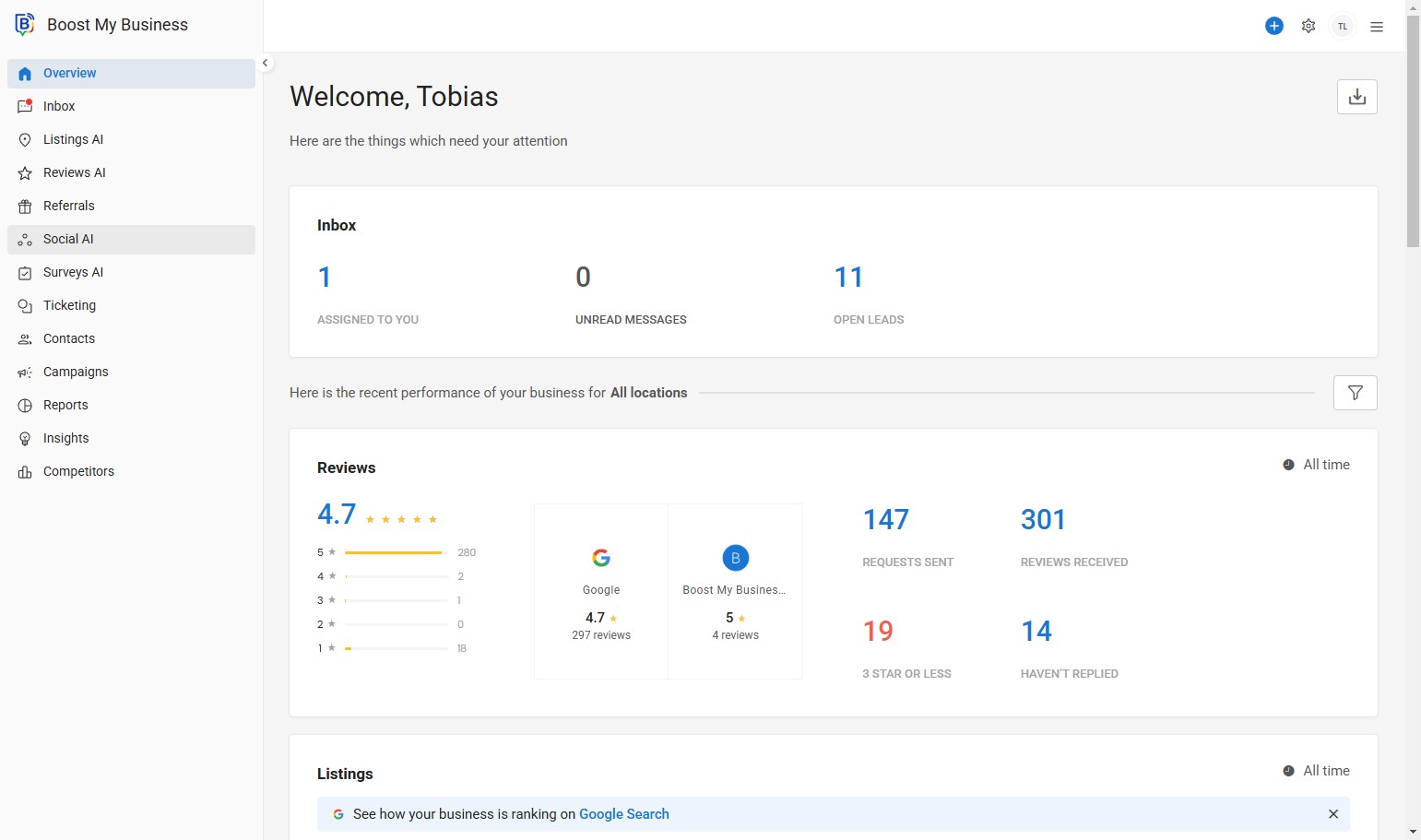
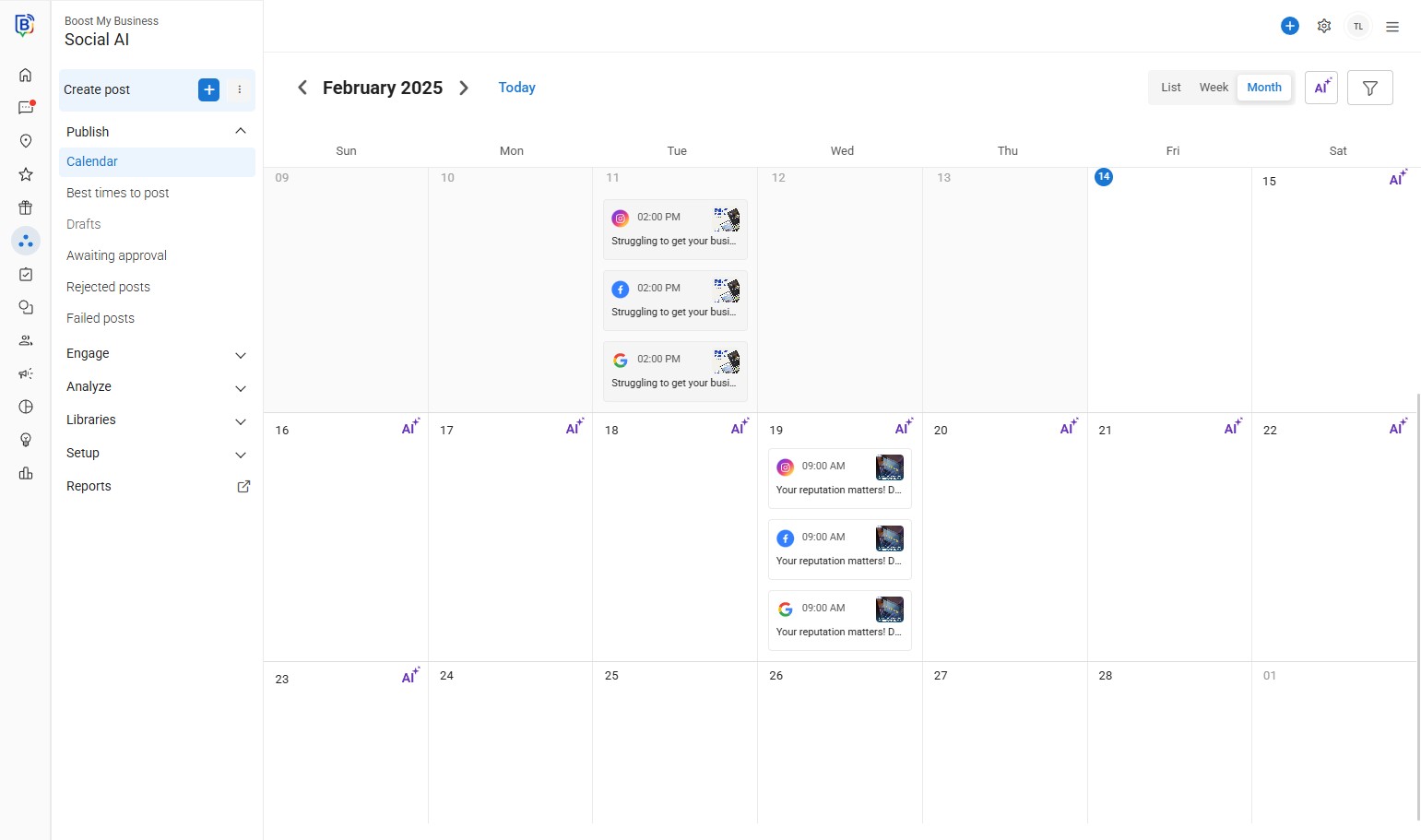
02. Click “Create Posts”.
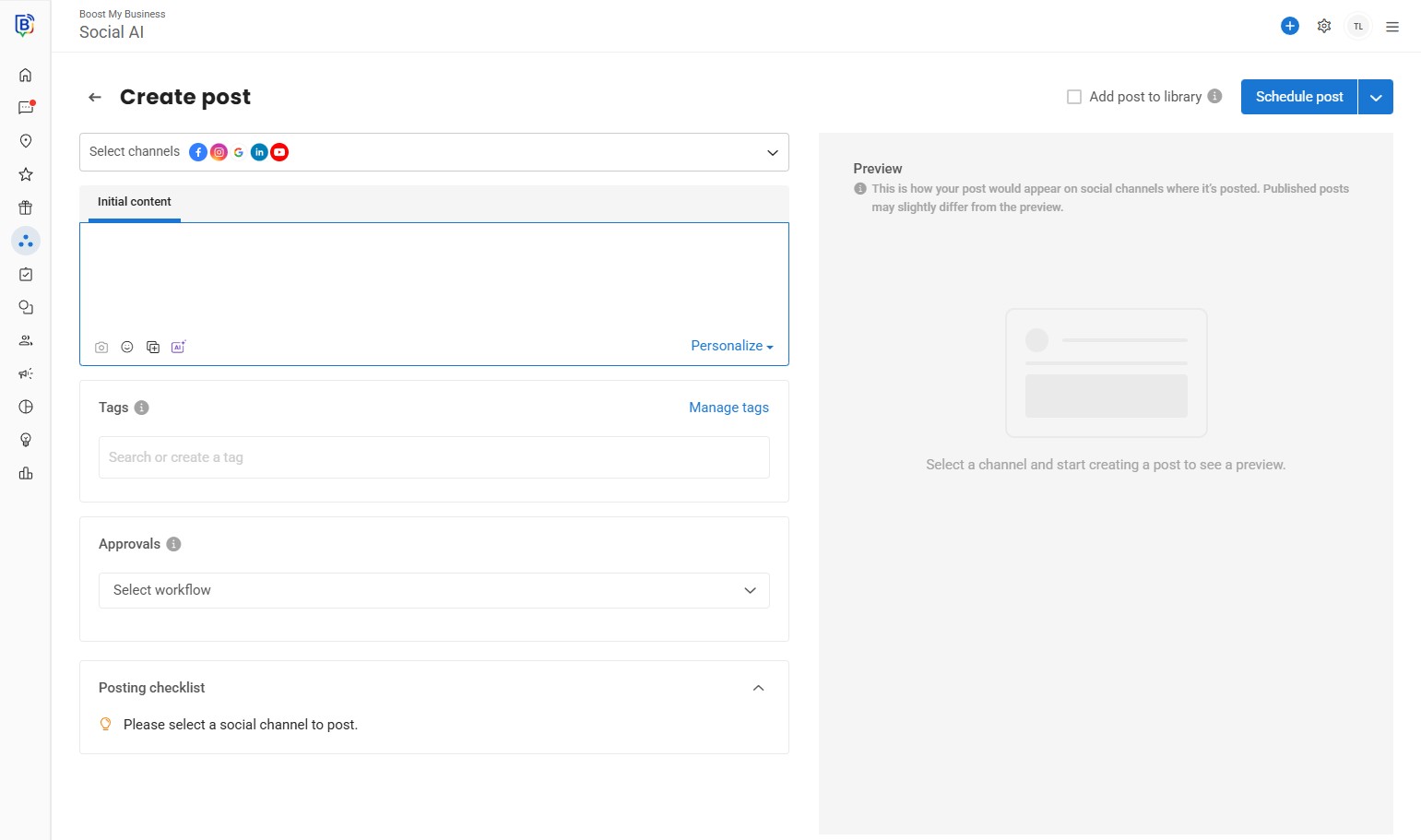
03. Select all the channels you would like to post on form the drop-down.
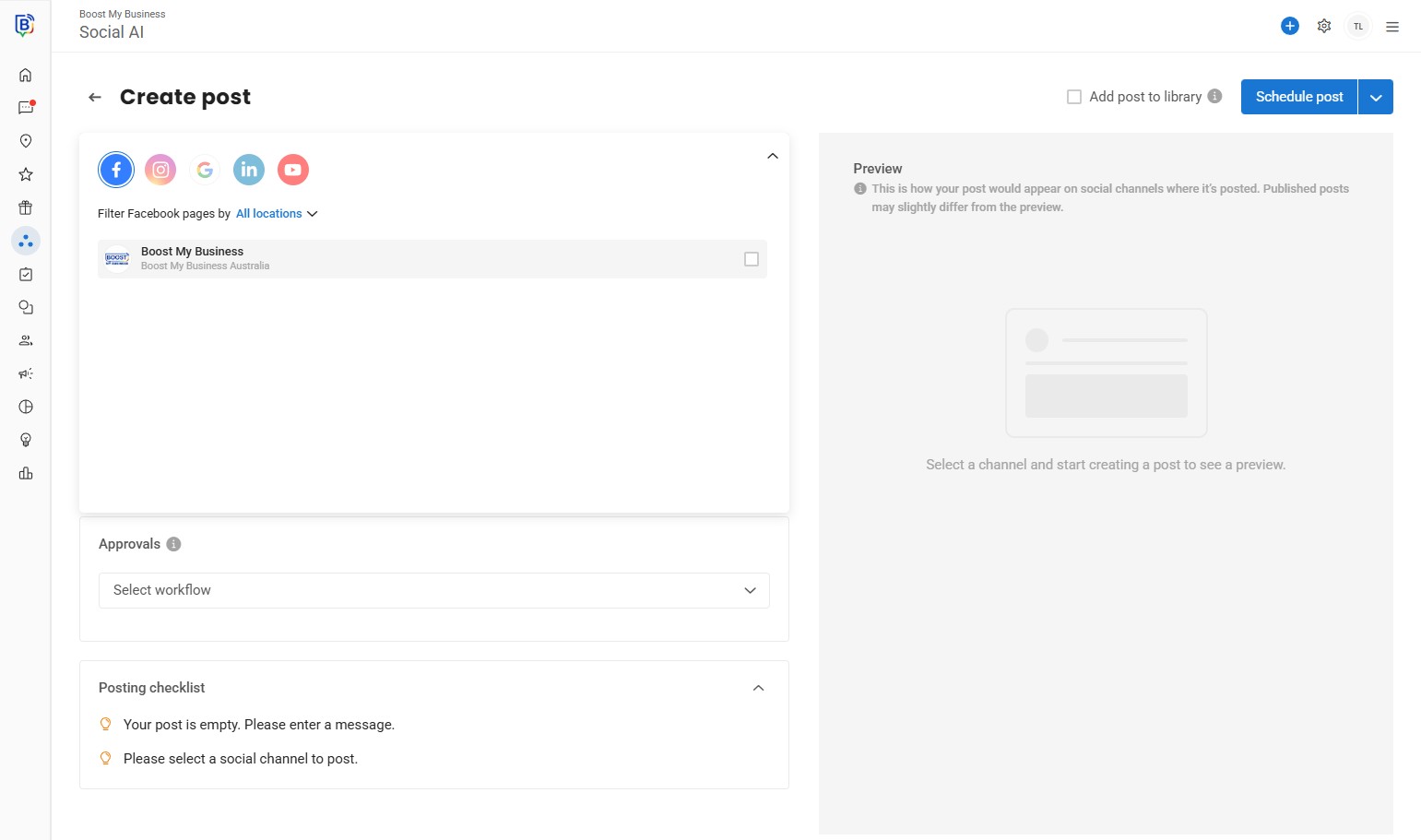
04. Facebook.
05. Instagram.
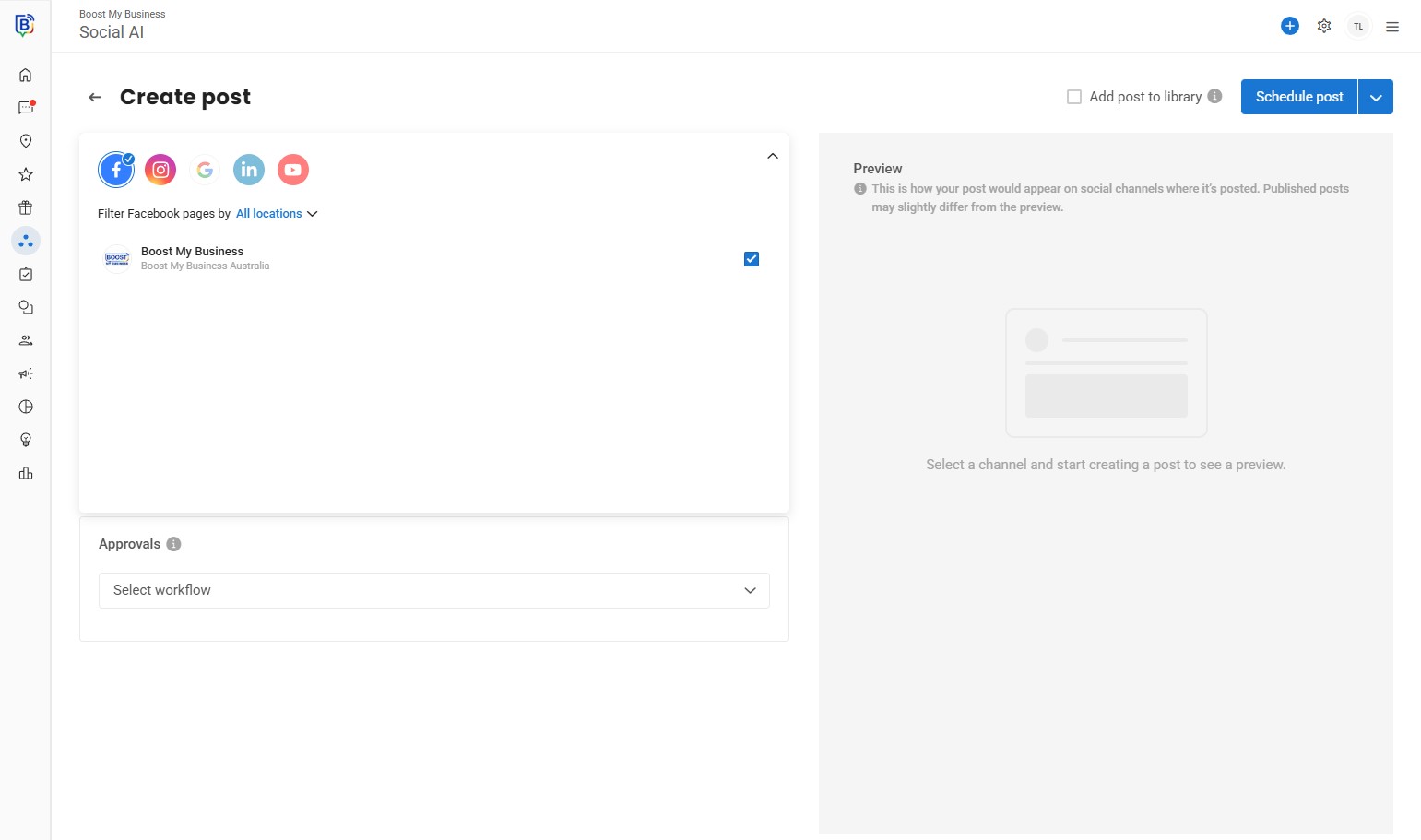
06. Click this checkbox.
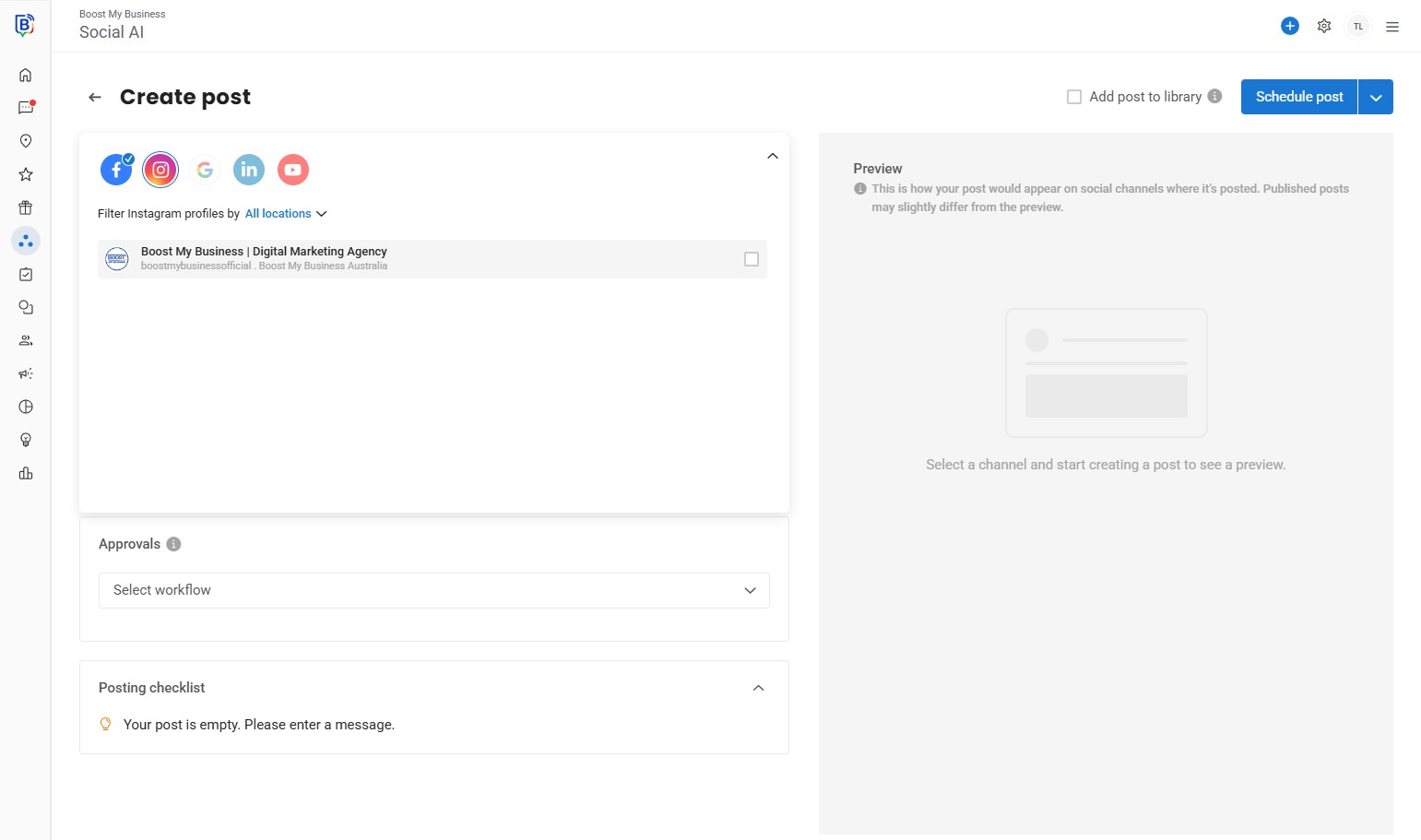
07. Google.
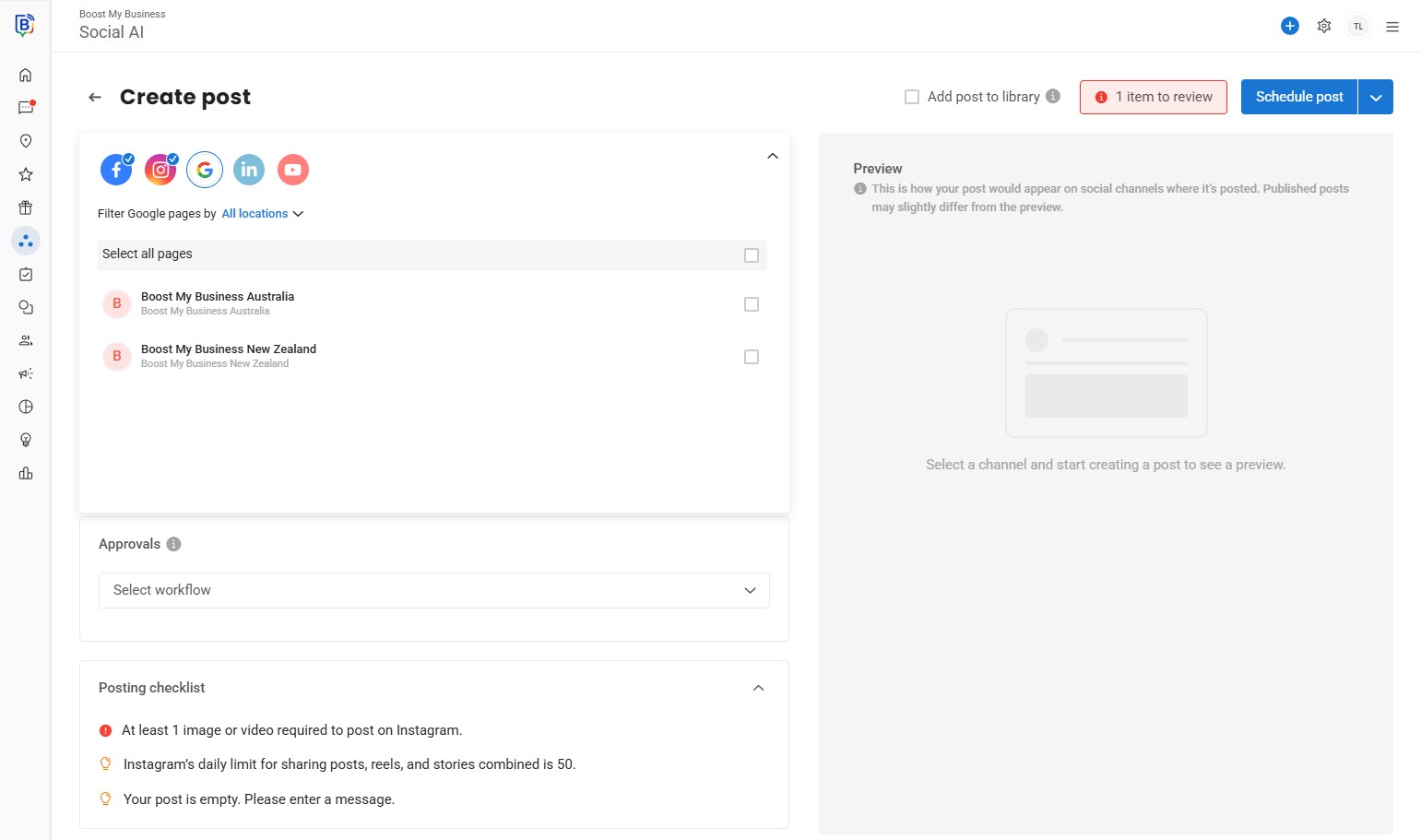
08. Once selected click the arrow up to minimize the window.
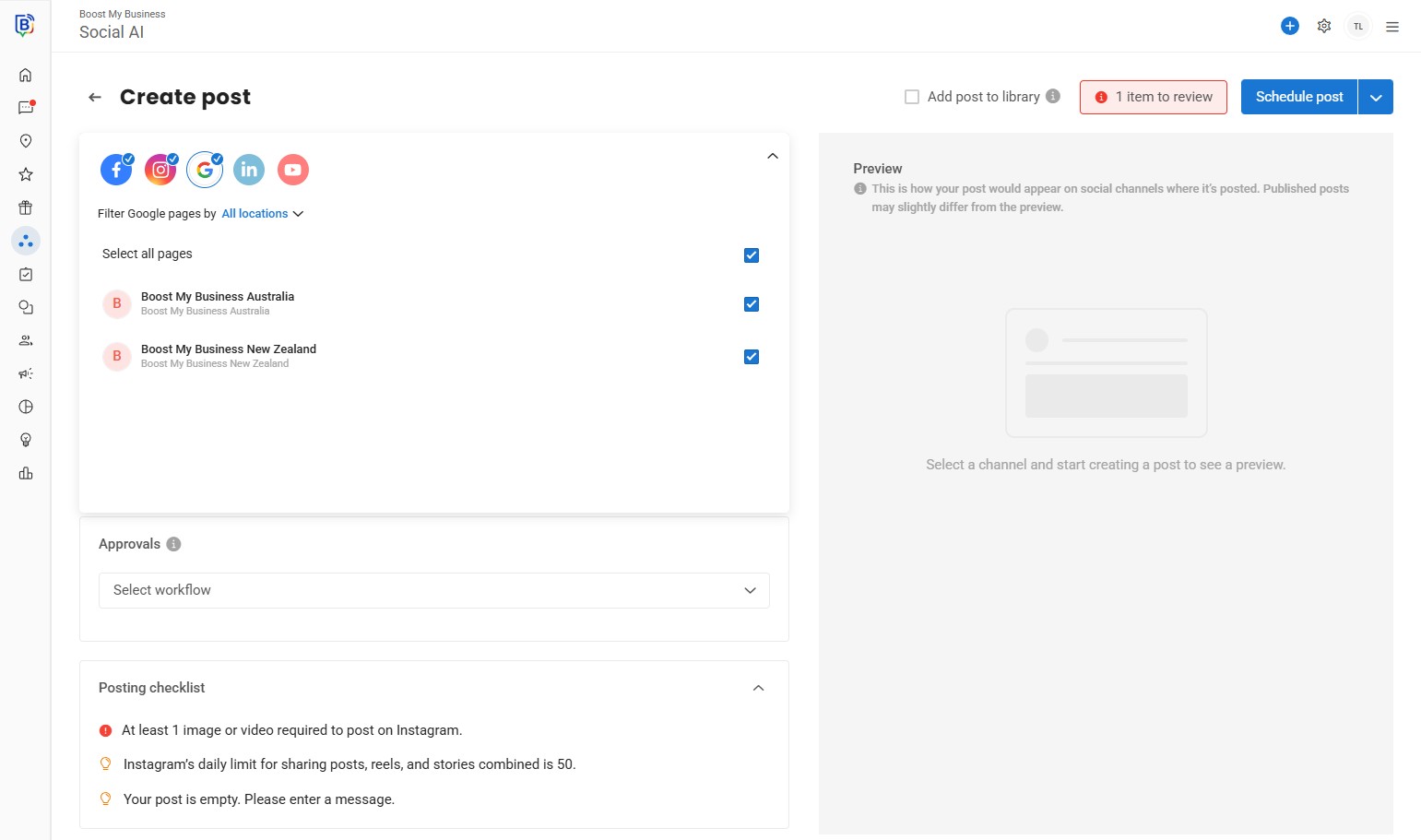
09. Click “AI” or type your post in the textbox.
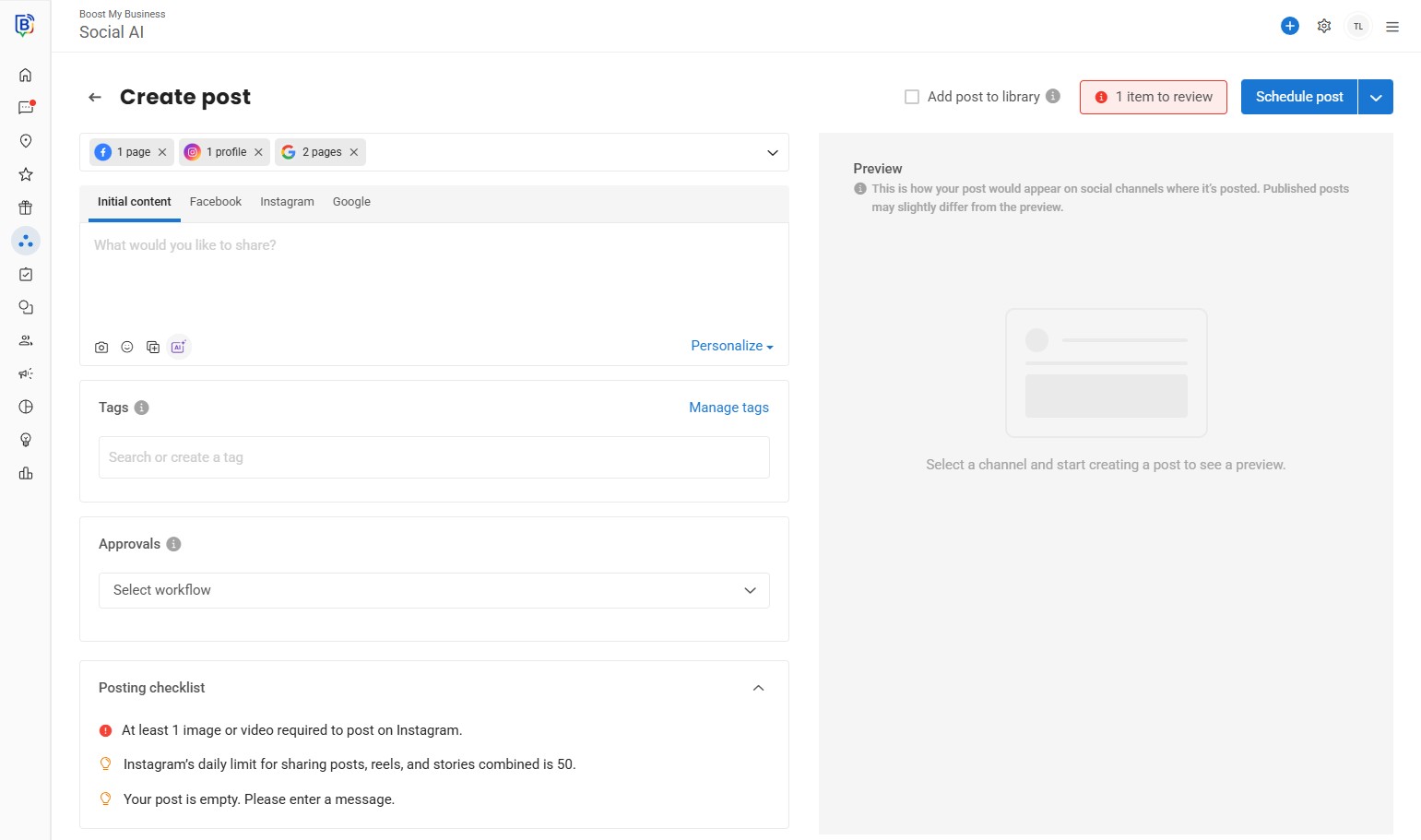
10. Click “Post ideas”.
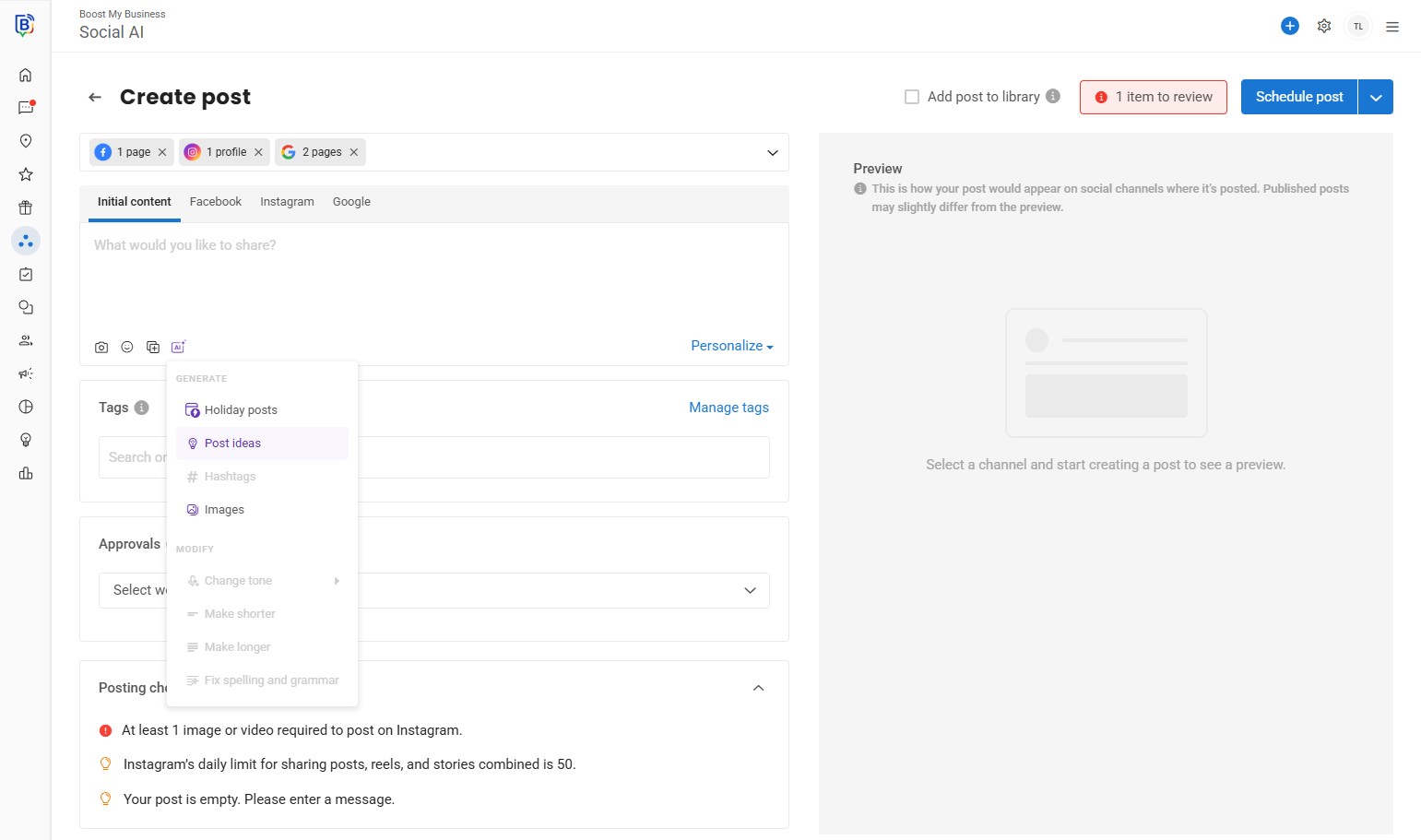
11. Select a post idea or tell AI what to create.
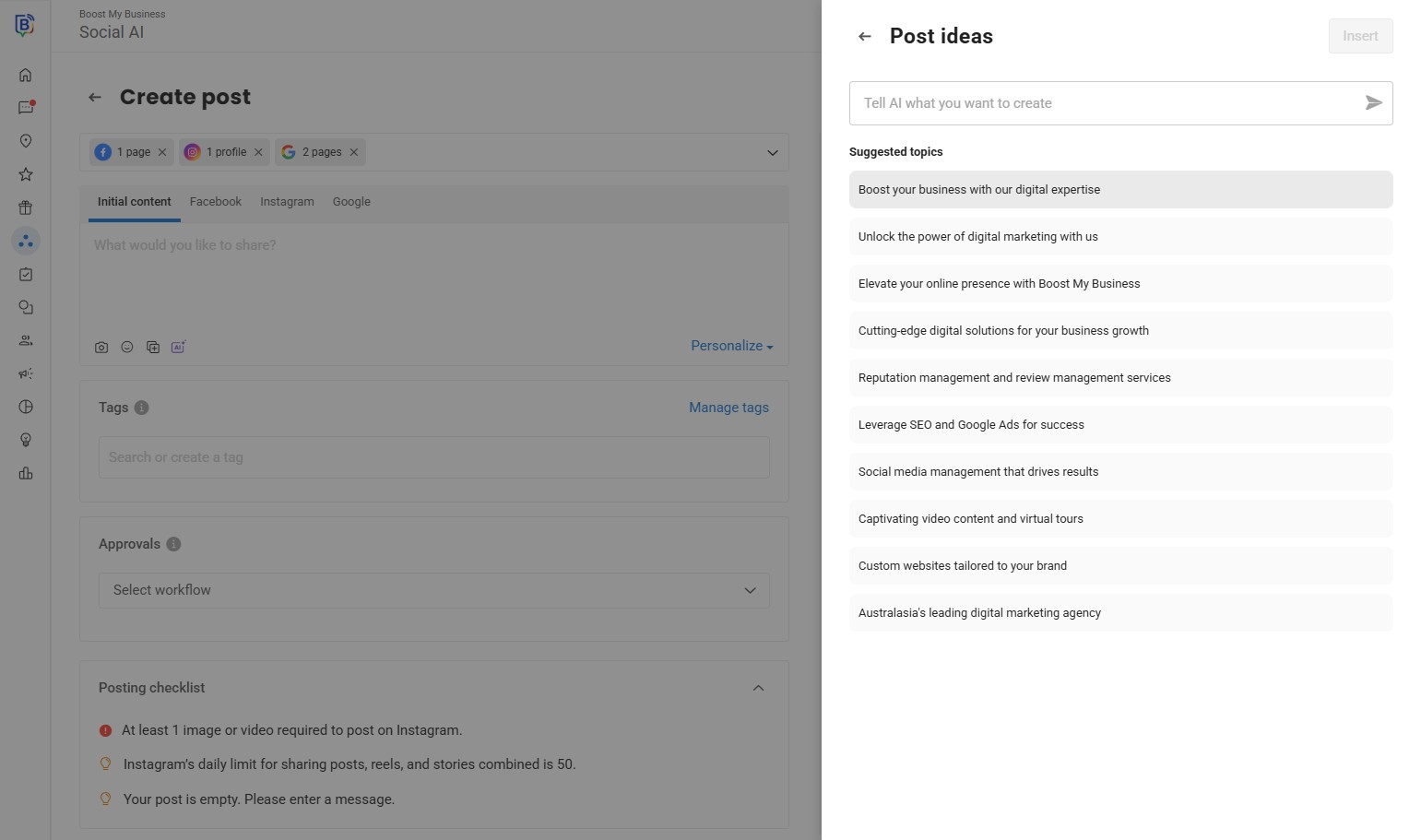
12. Let AI write the post then click “Insert”.
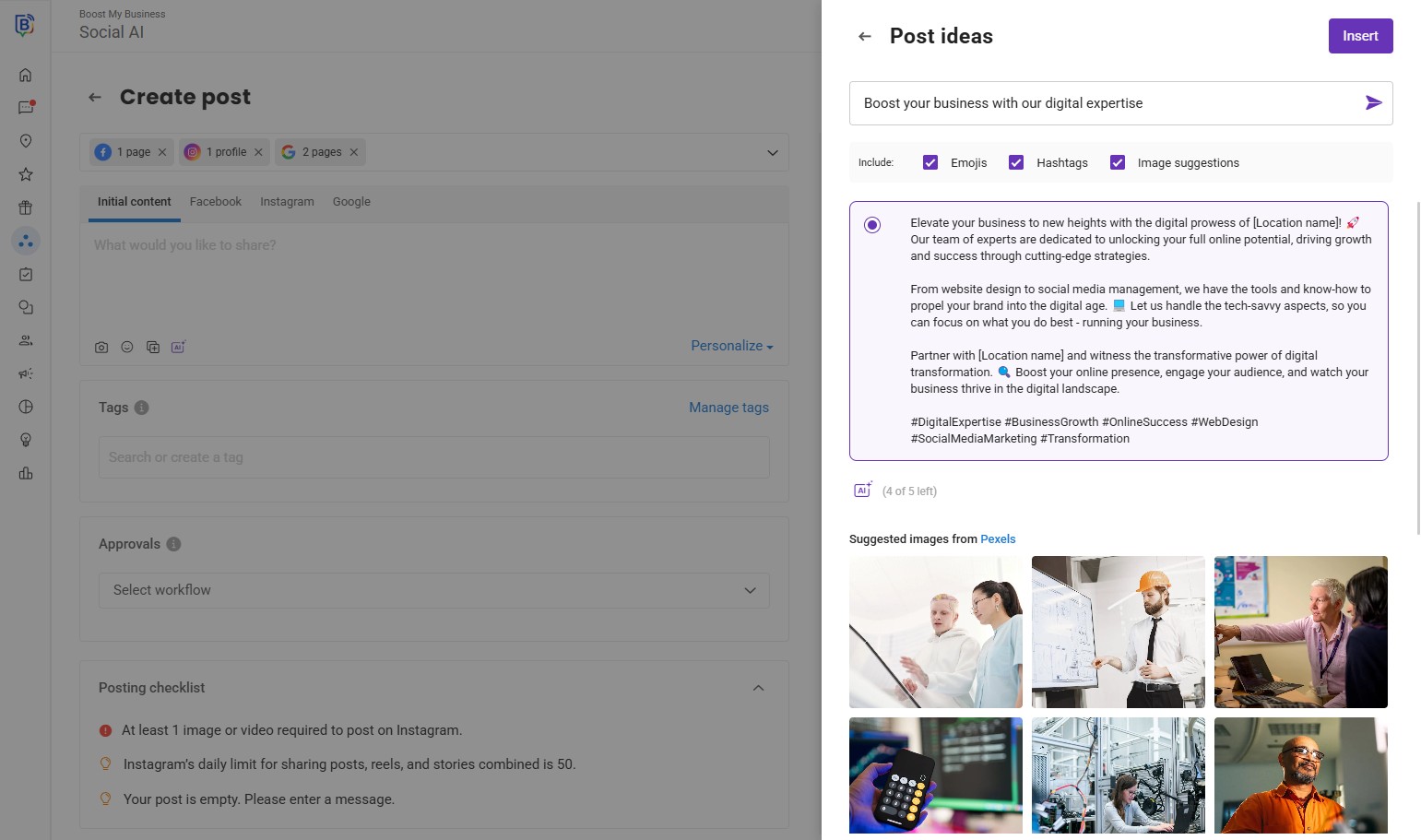
13. We can now edit the post, either for all platforms or for one e.g. “Instagram”.
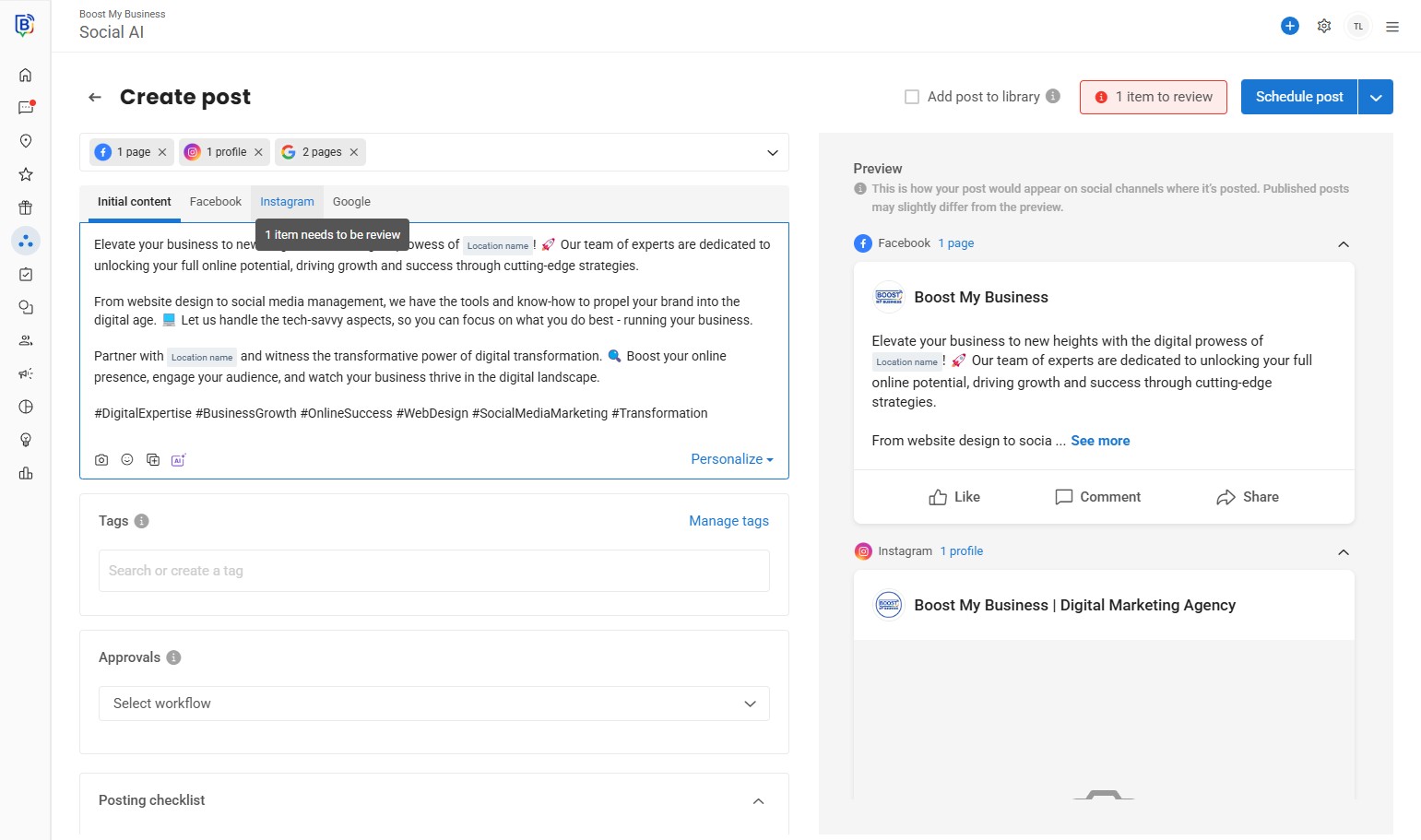
14. Click “AI” to get modify options.
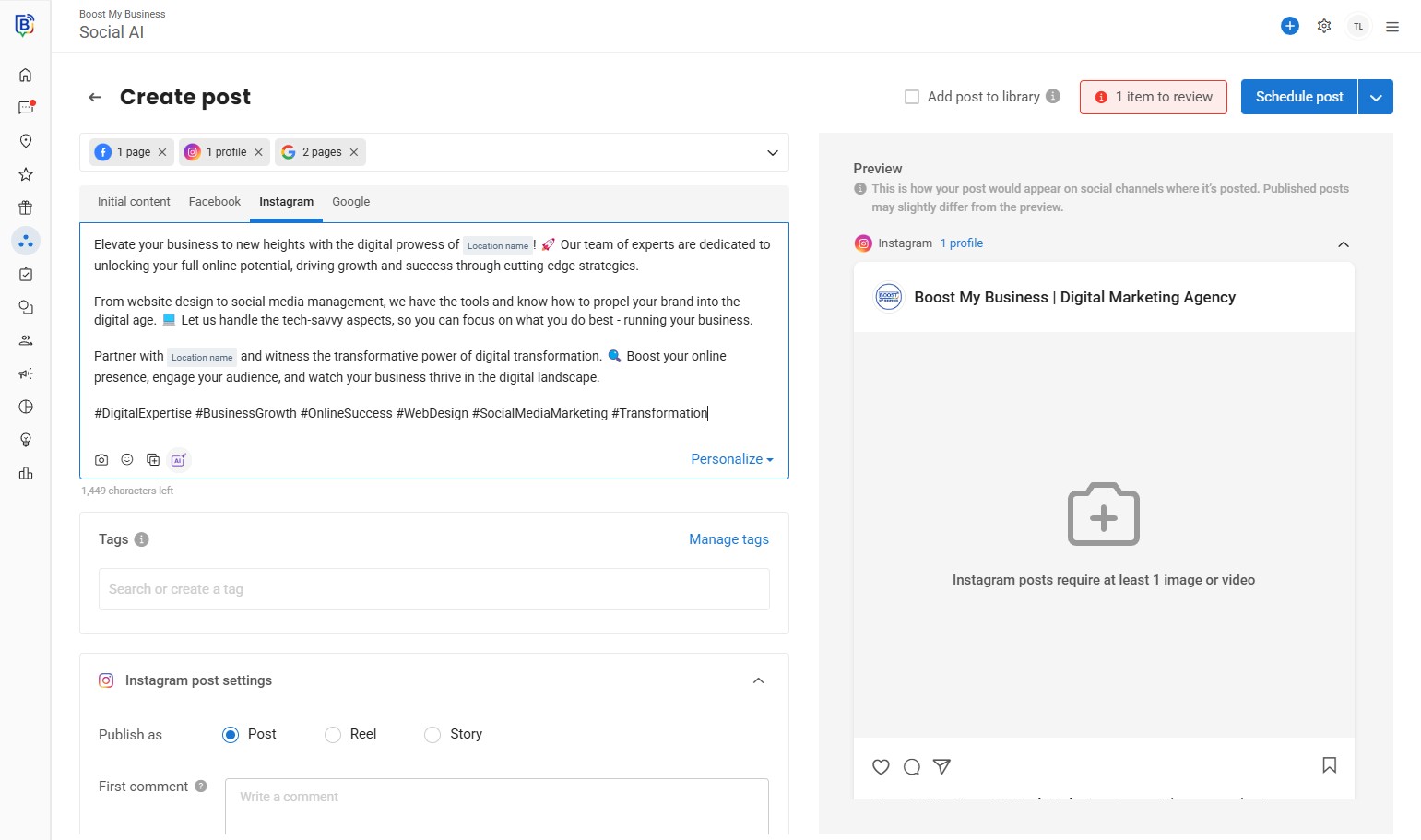
15. e.g. “Make shorter”.
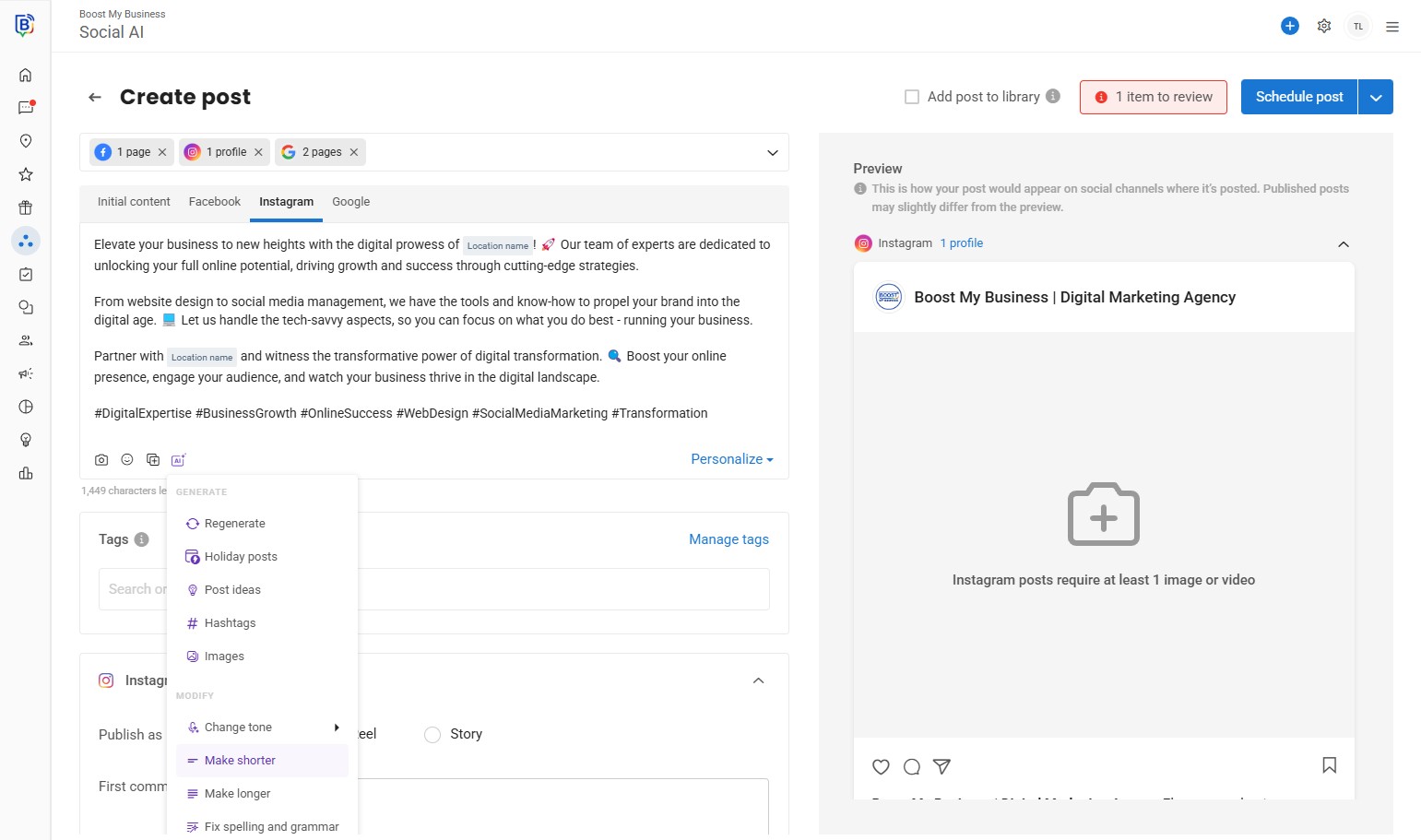
16. or “Change tone”
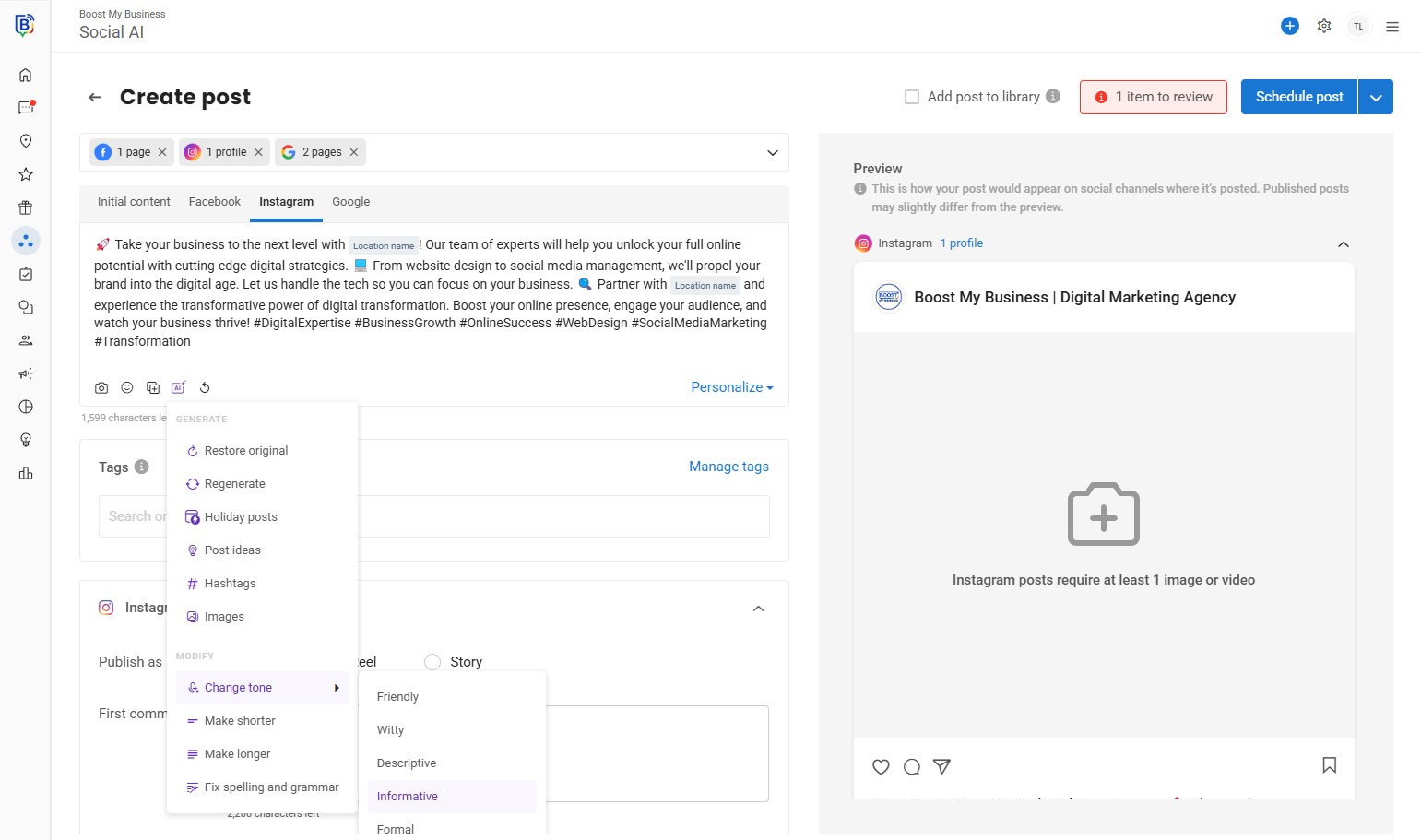
17. You can “Search or create a tag” to filter posts or run reports.
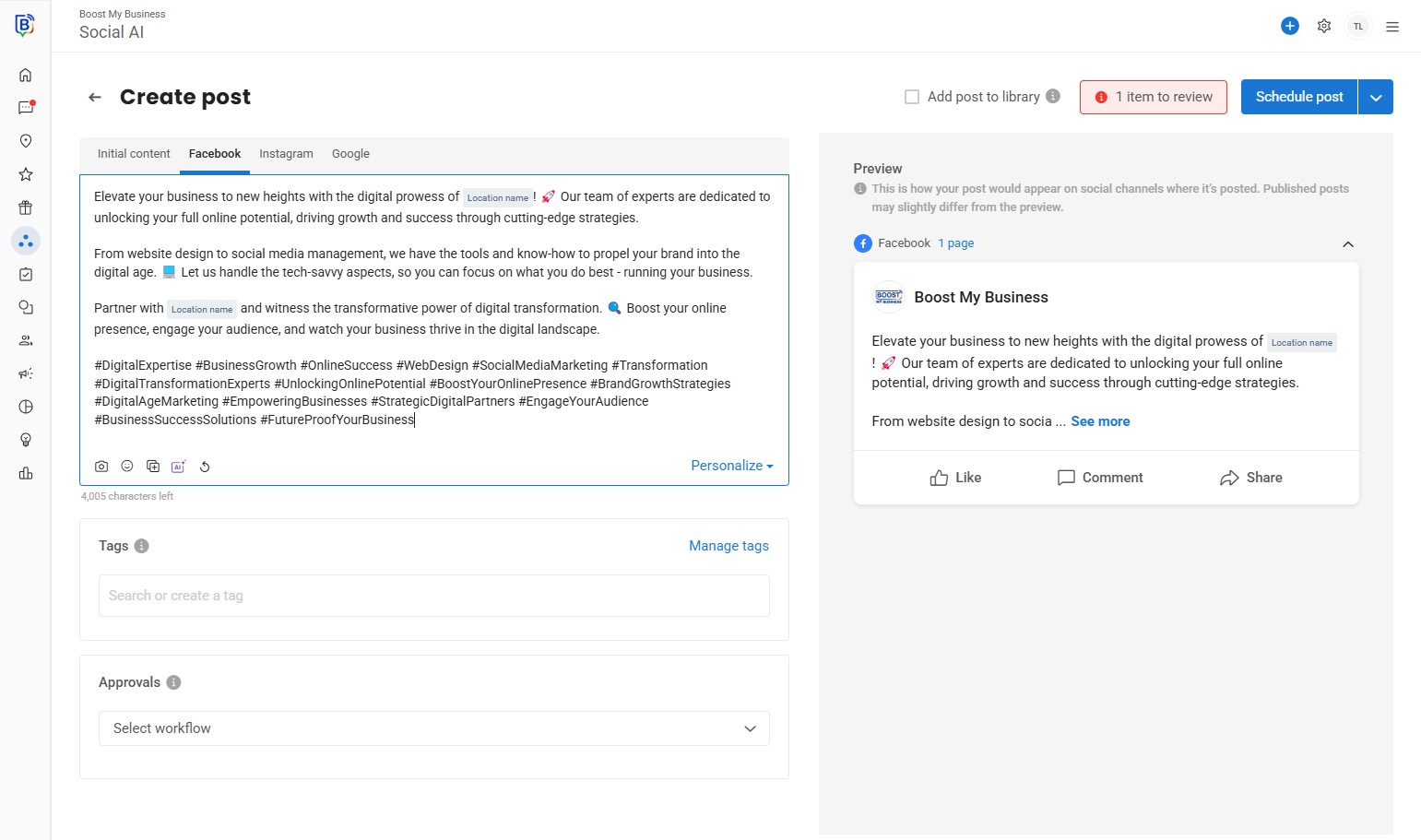
18. e.g. “General Post”, “Sales Promotion” Educational.
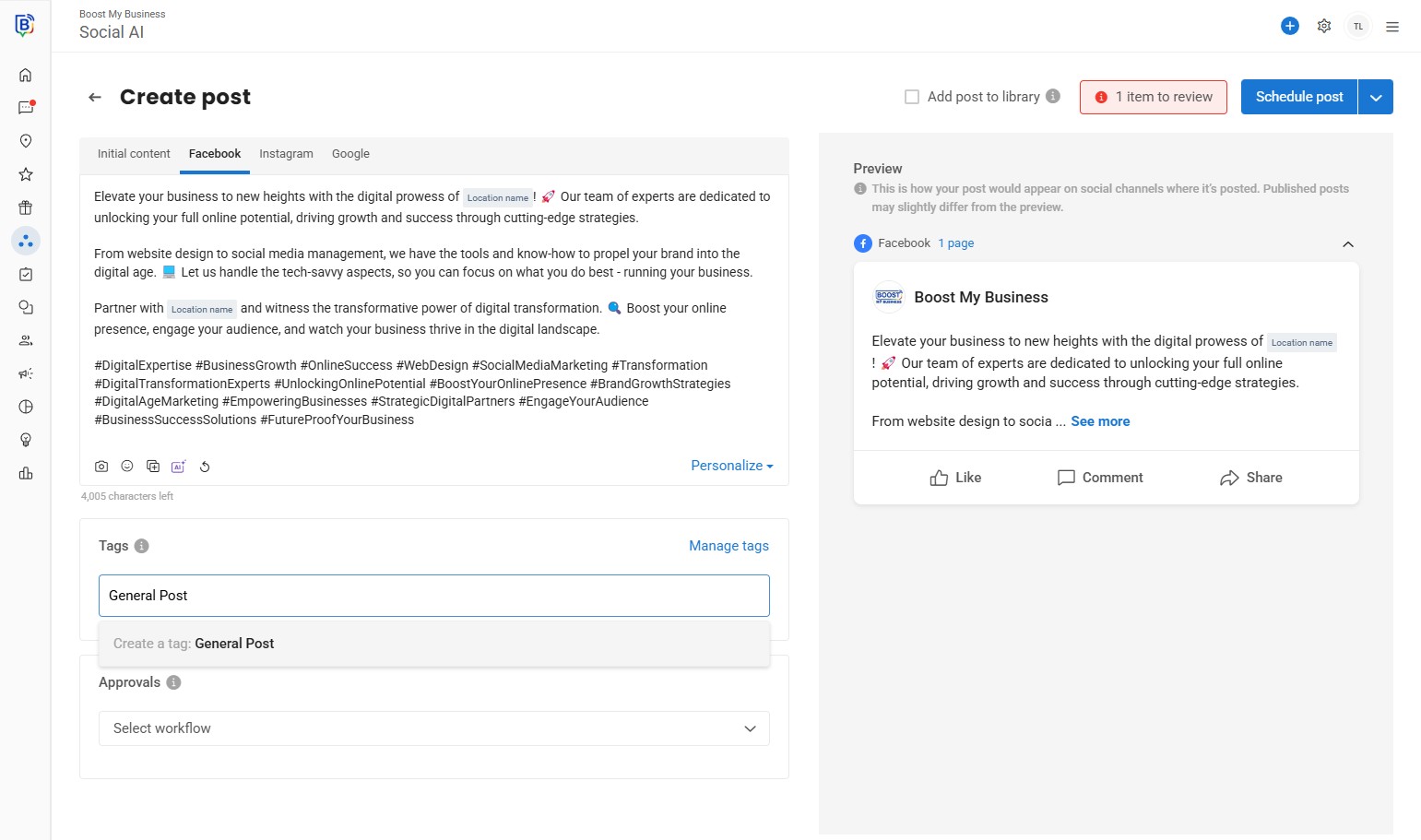
19. Click back to “Initial content” to upload an image for all posts.
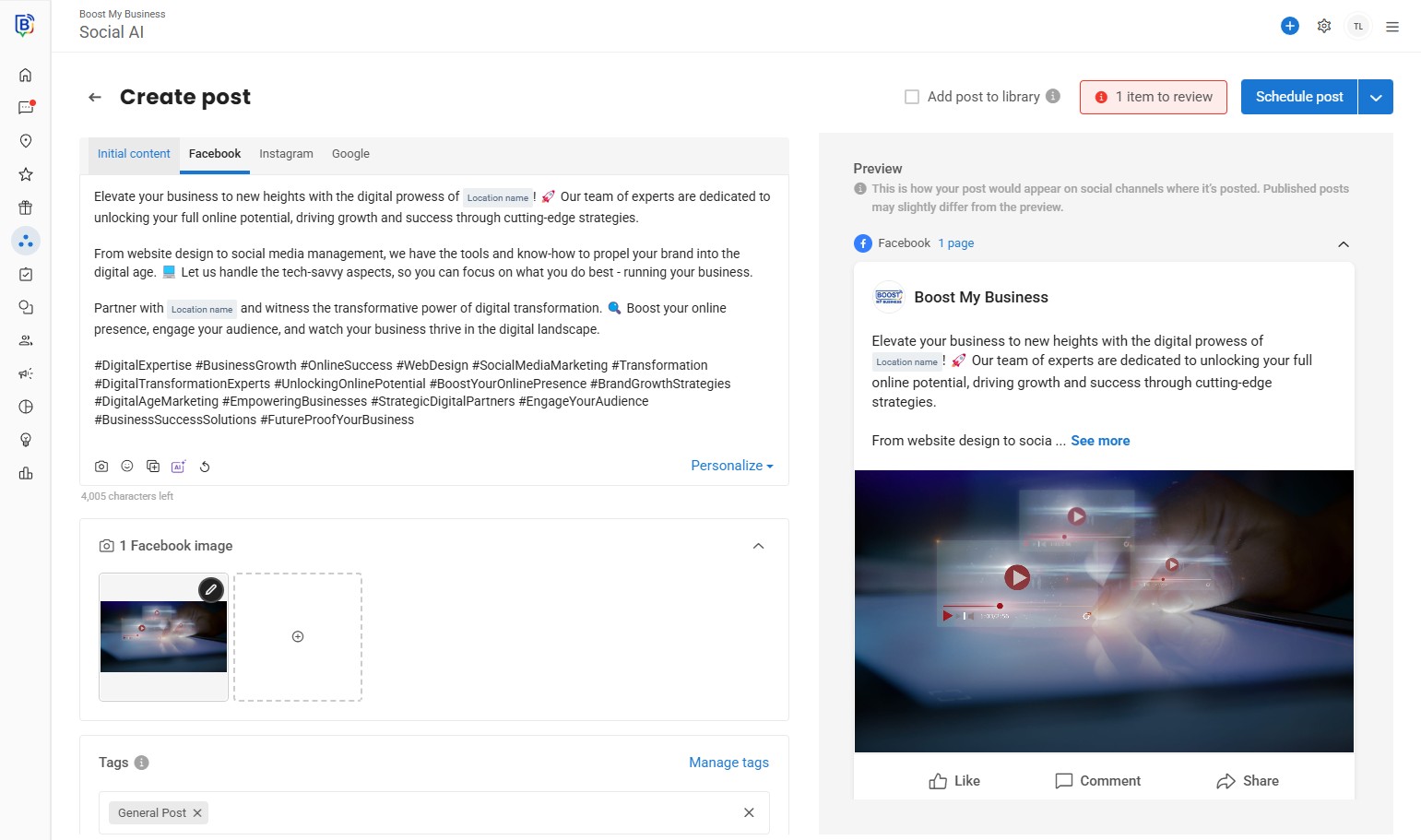
20. Click the camera icon.
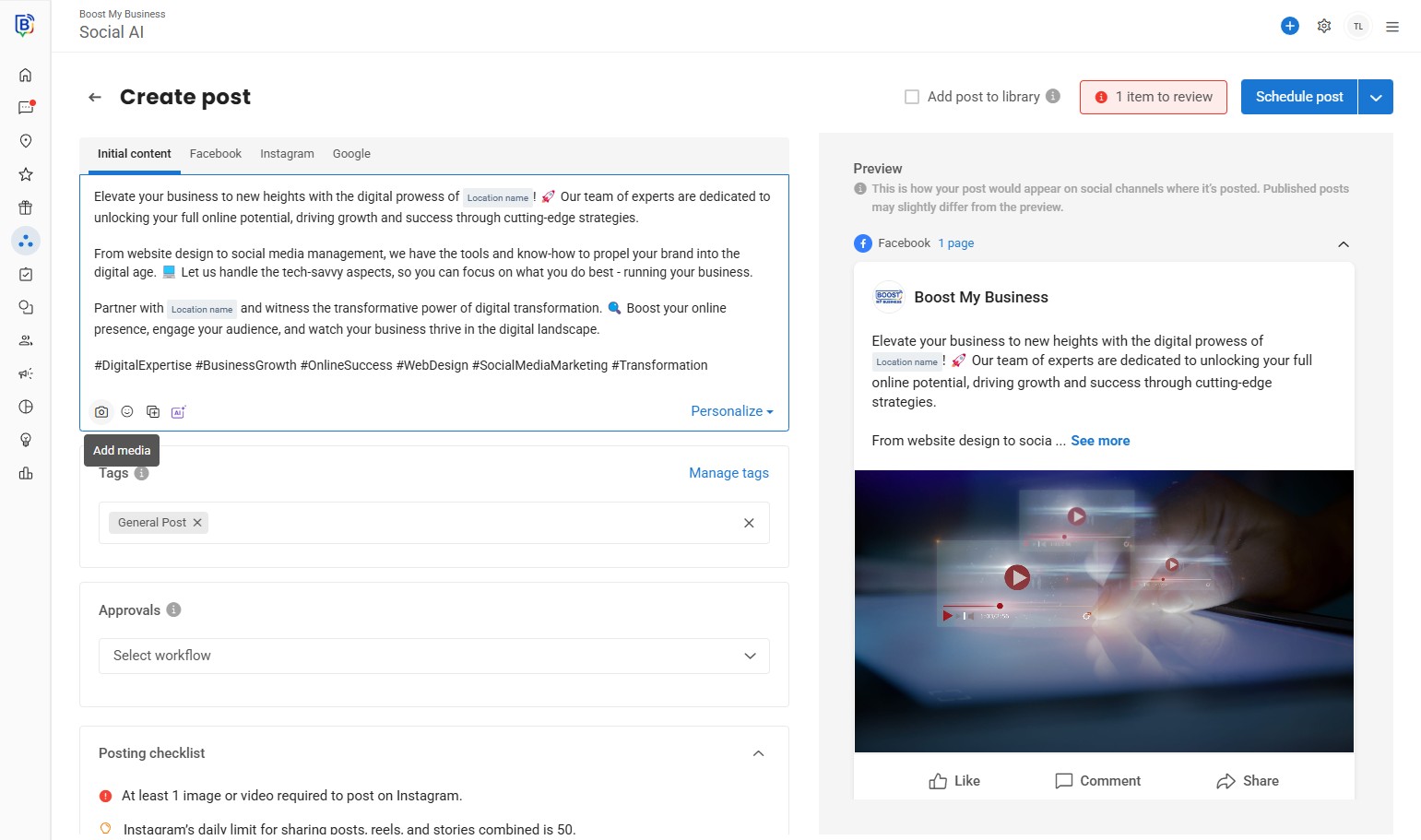
21. You can select different sources to select an image. E.g. “Asset library”.
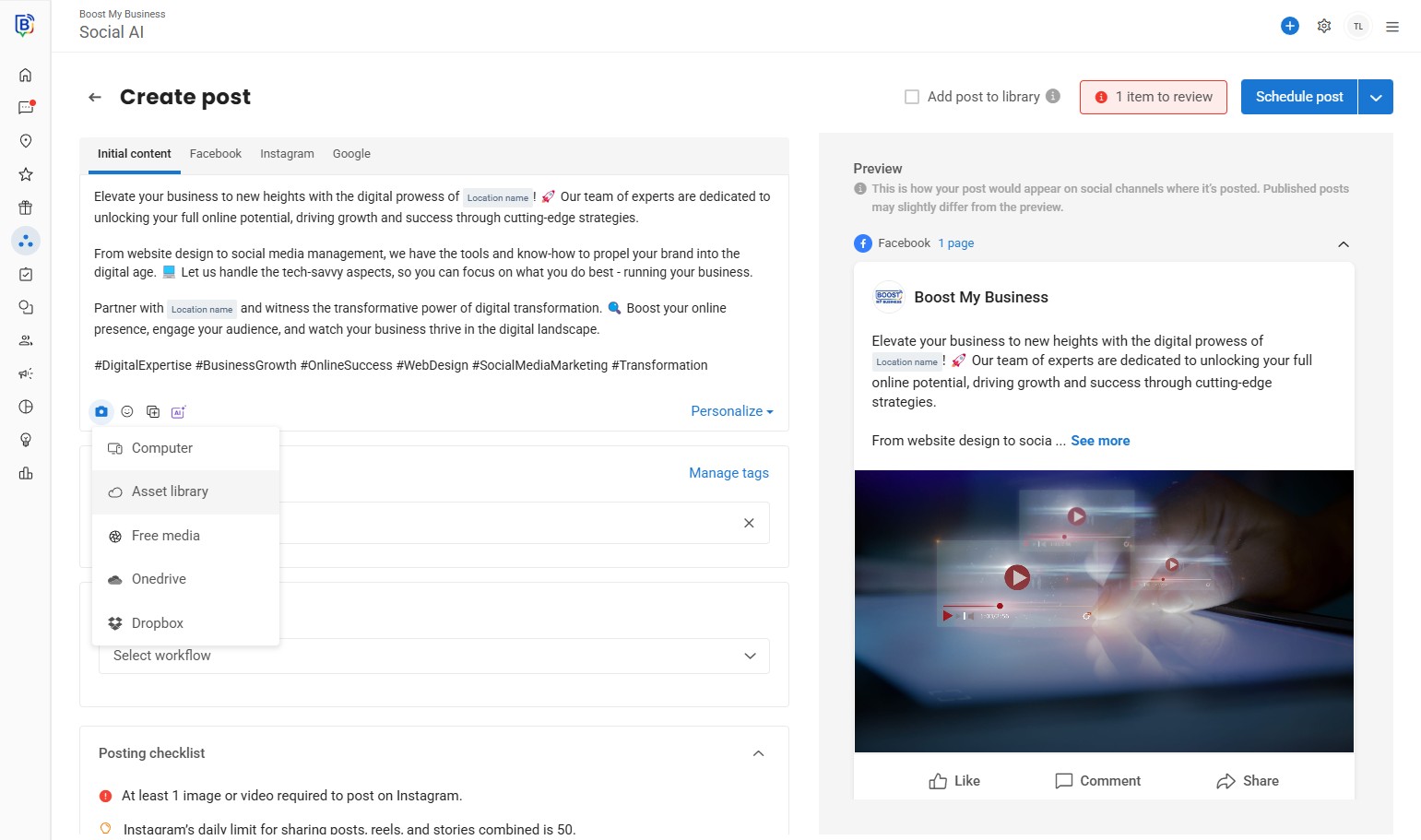
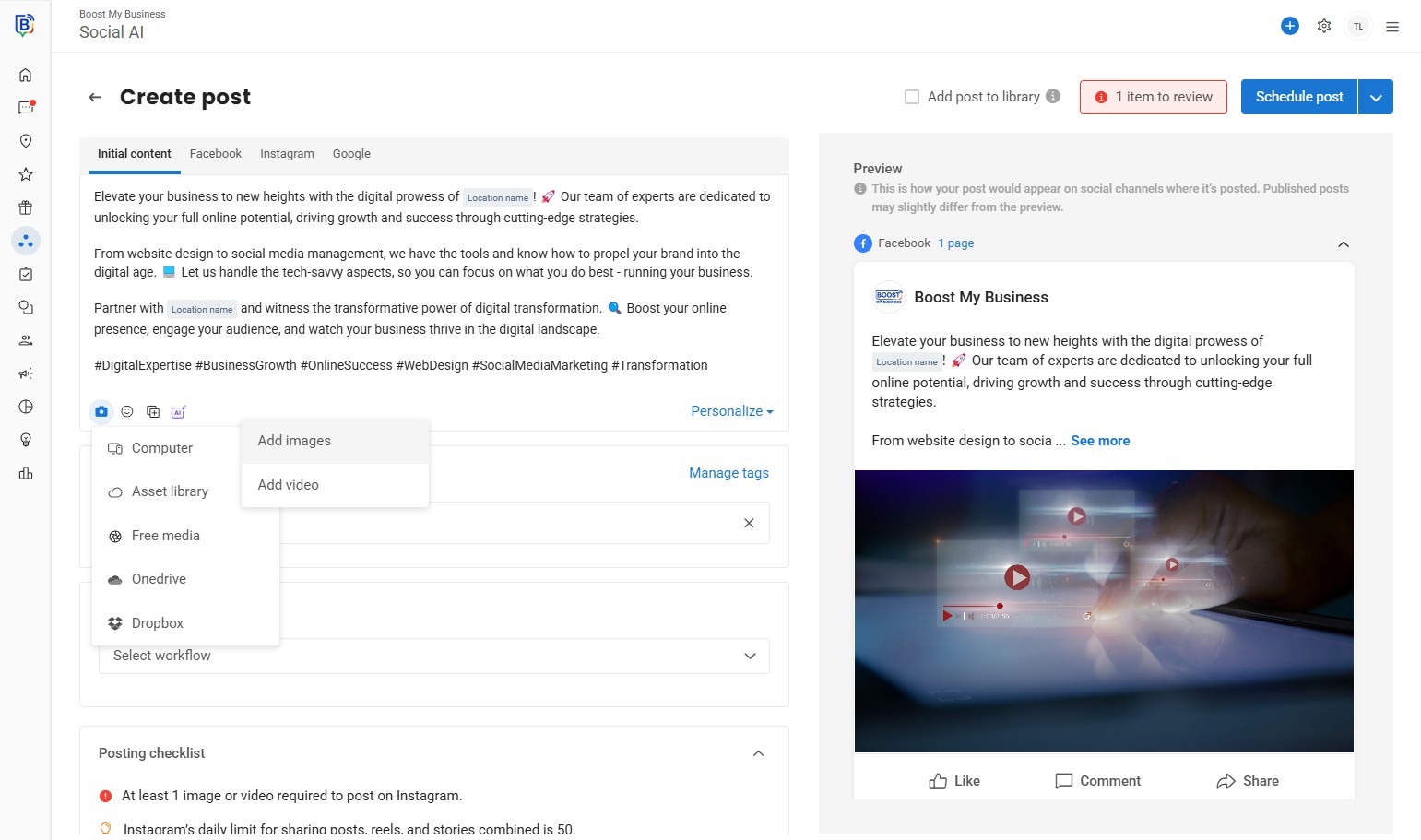
22. Click “Add images” or “Add Video”.
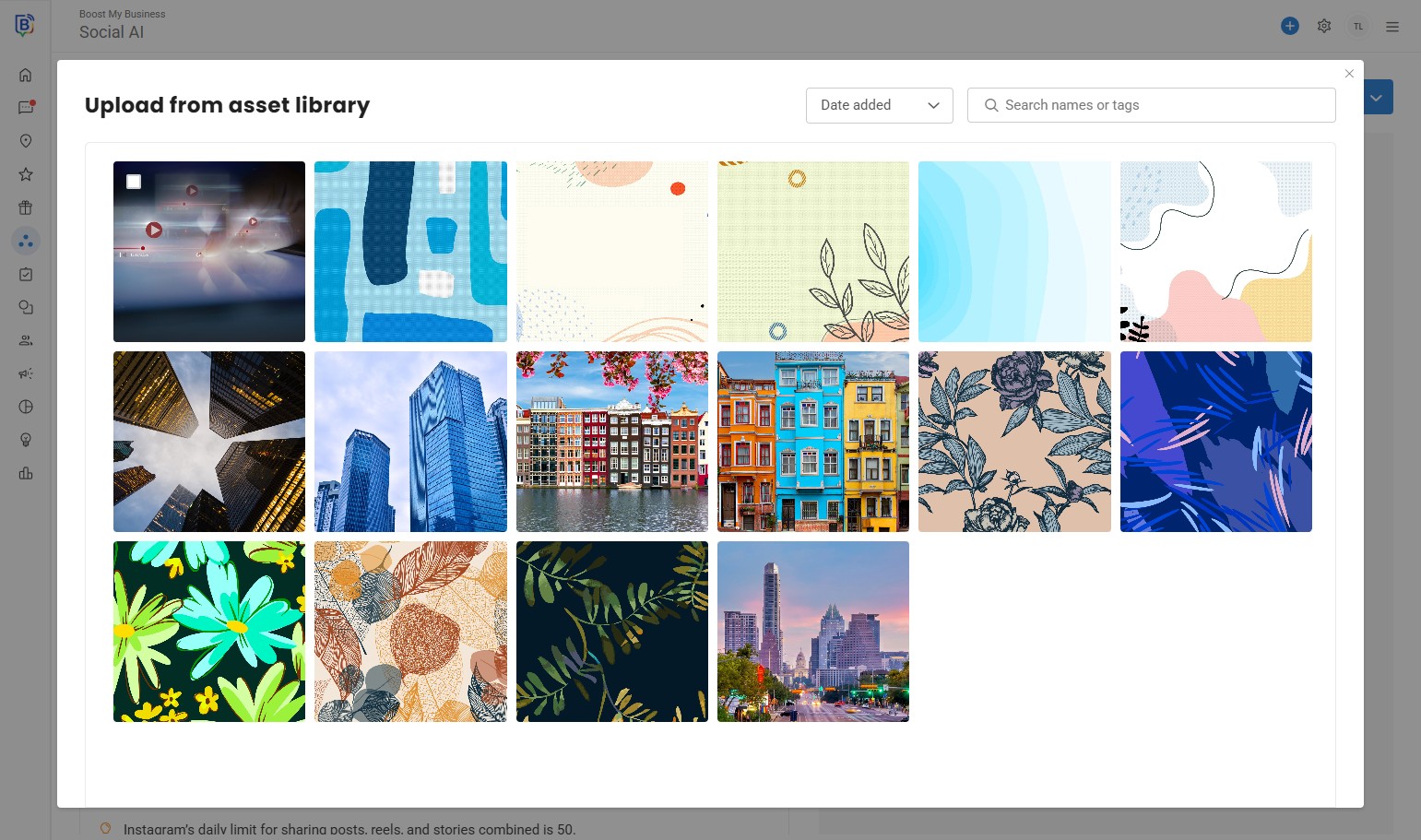
23. Click the images you would like to use for the post.
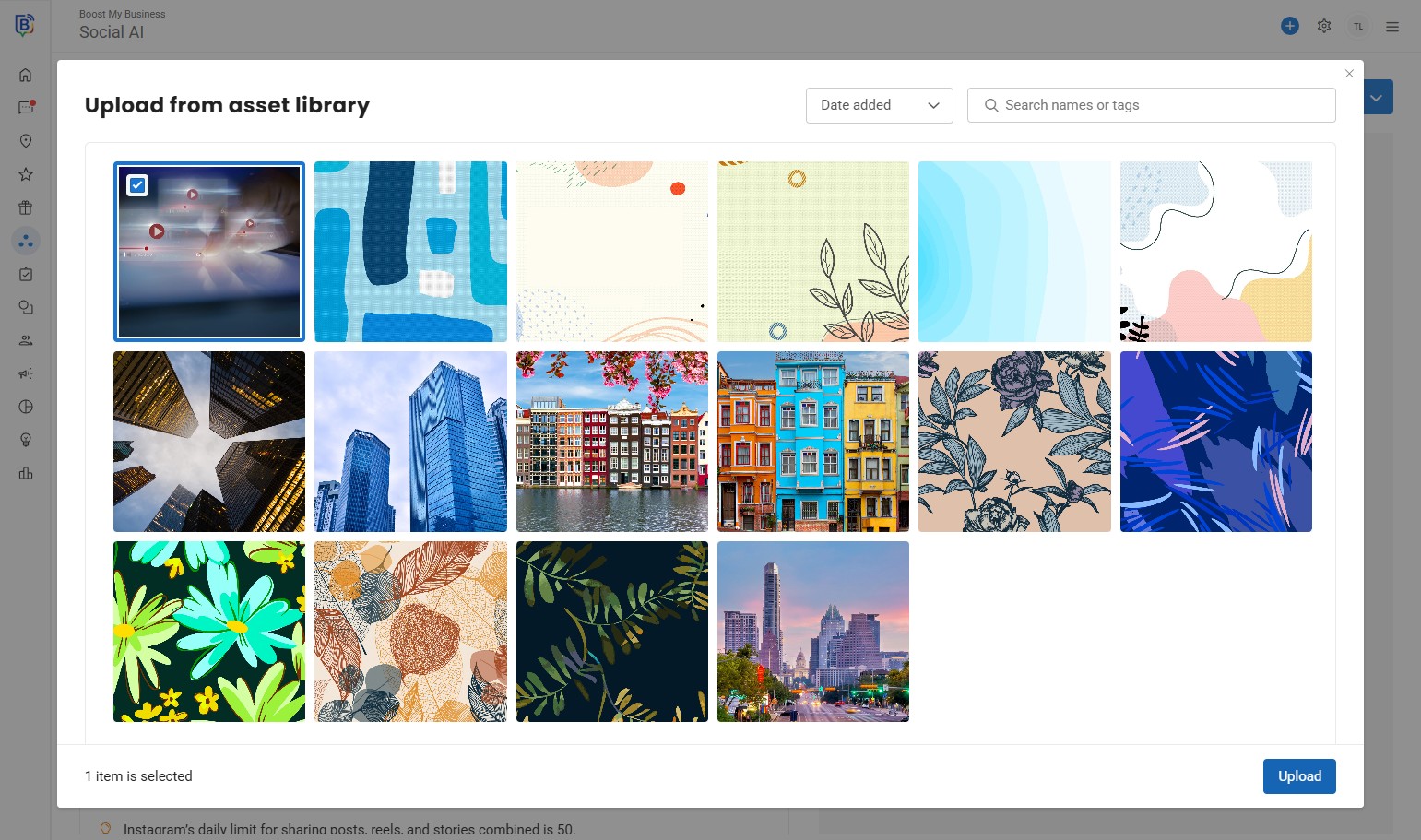
24. Click “Upload”.
25. Click “Schedule post”.
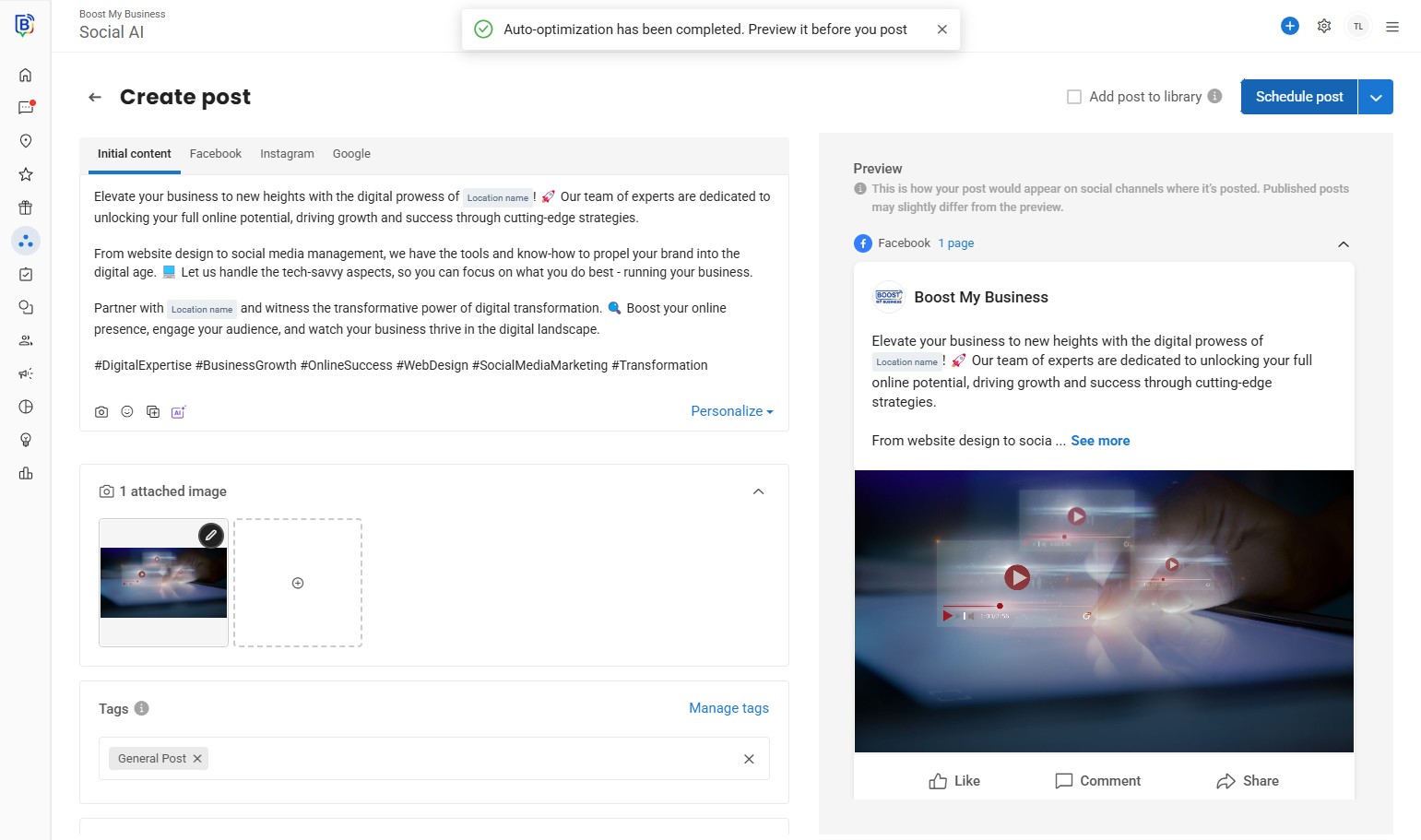
26. Select a date
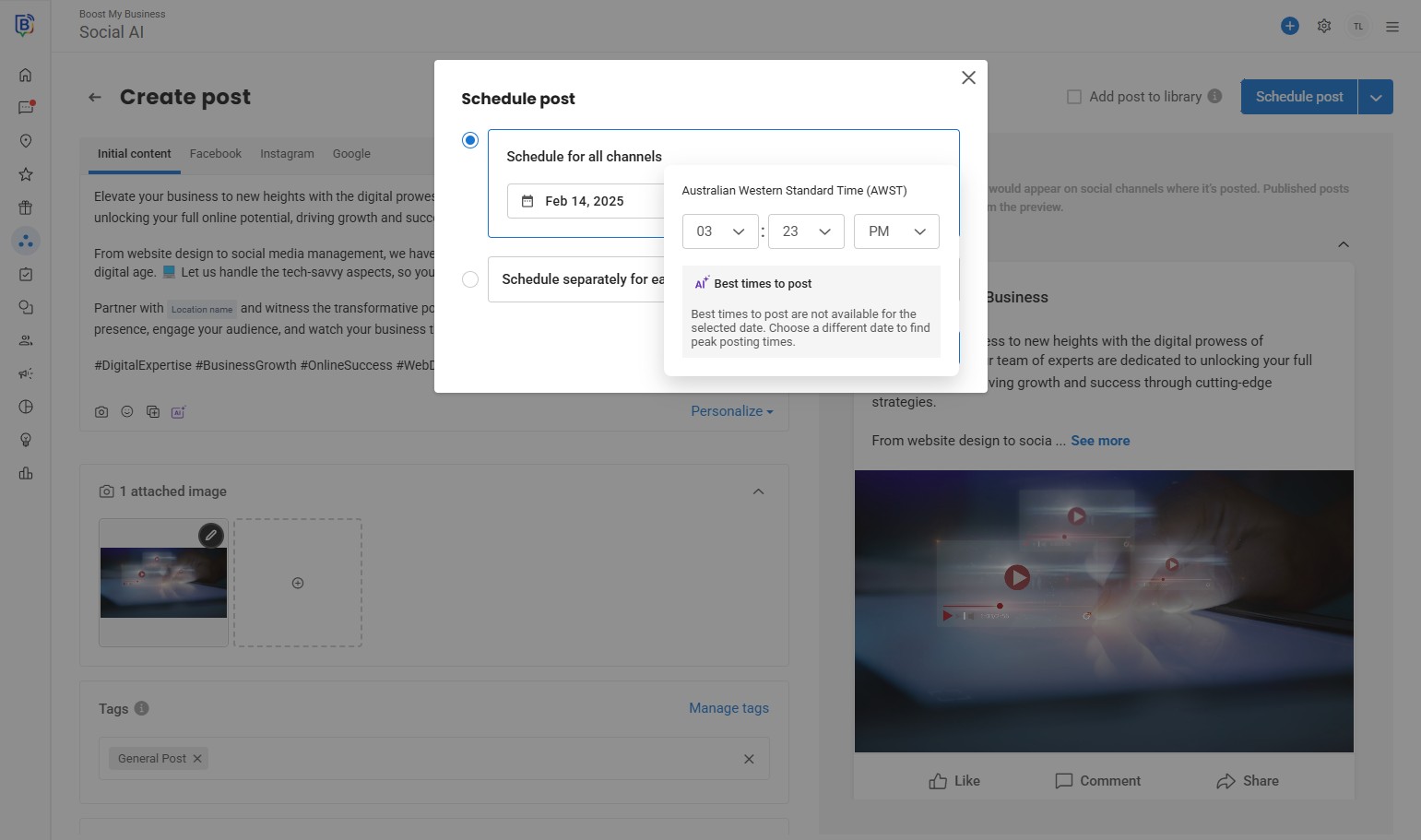
27. and a time.
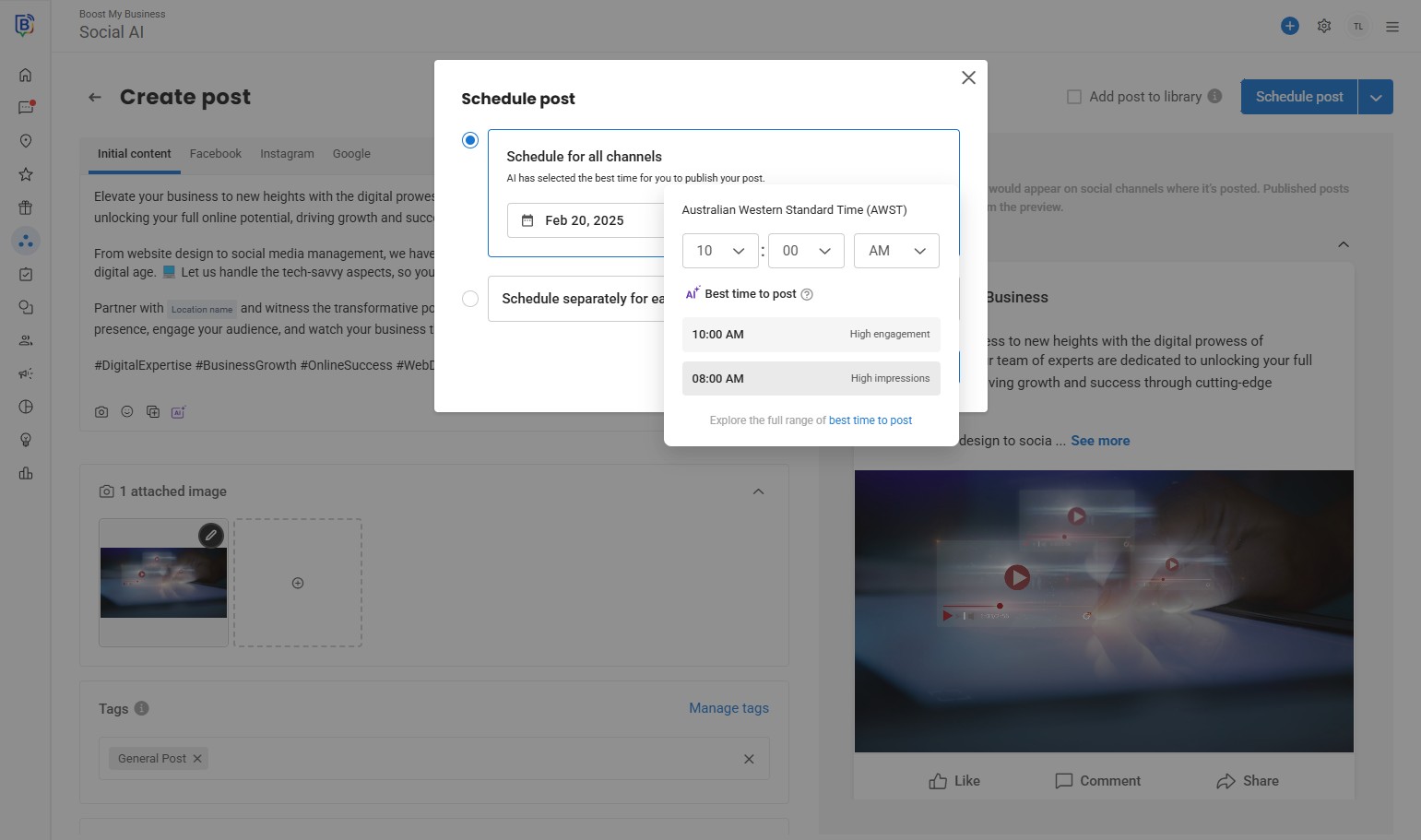
28. Then “Schedule post”.
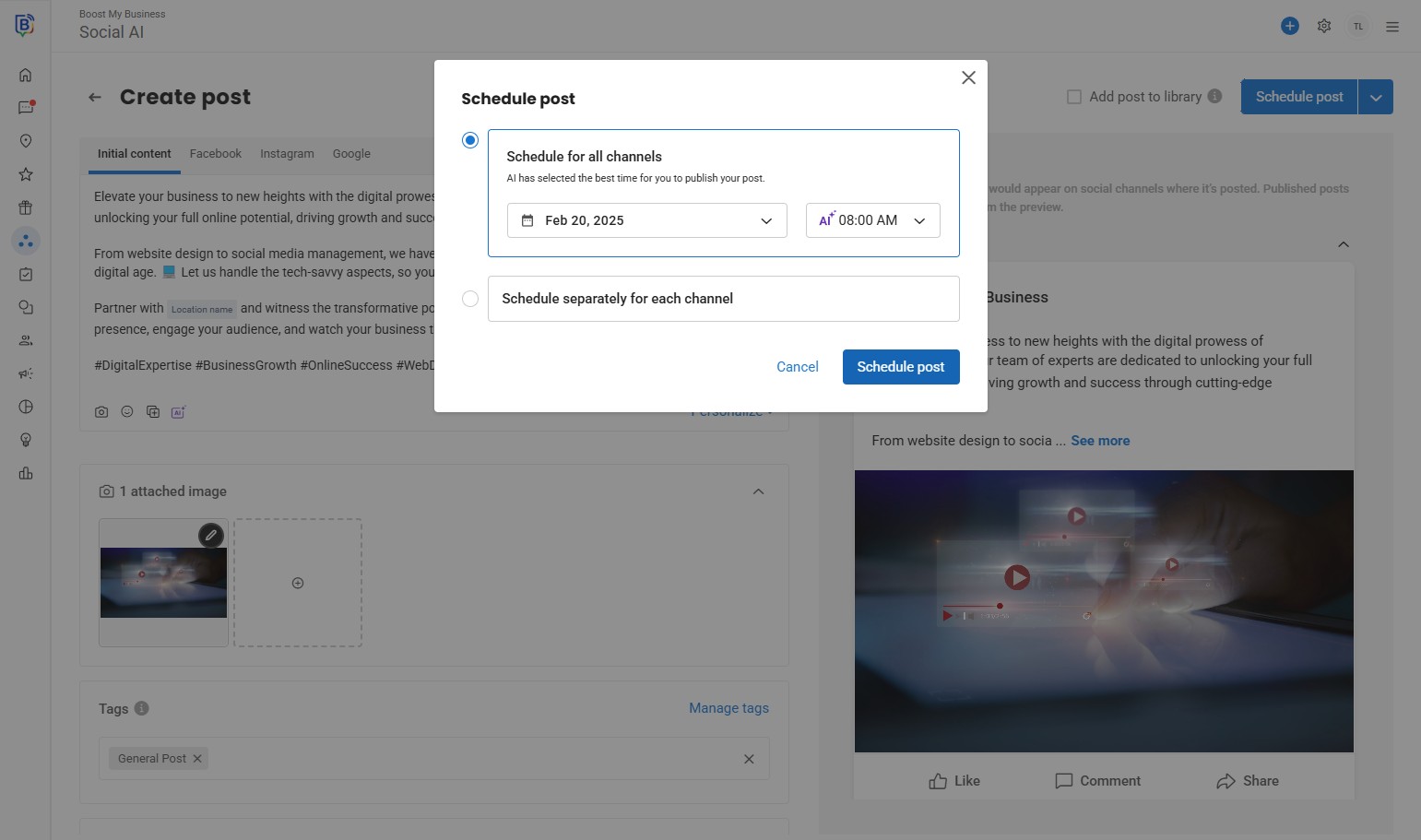
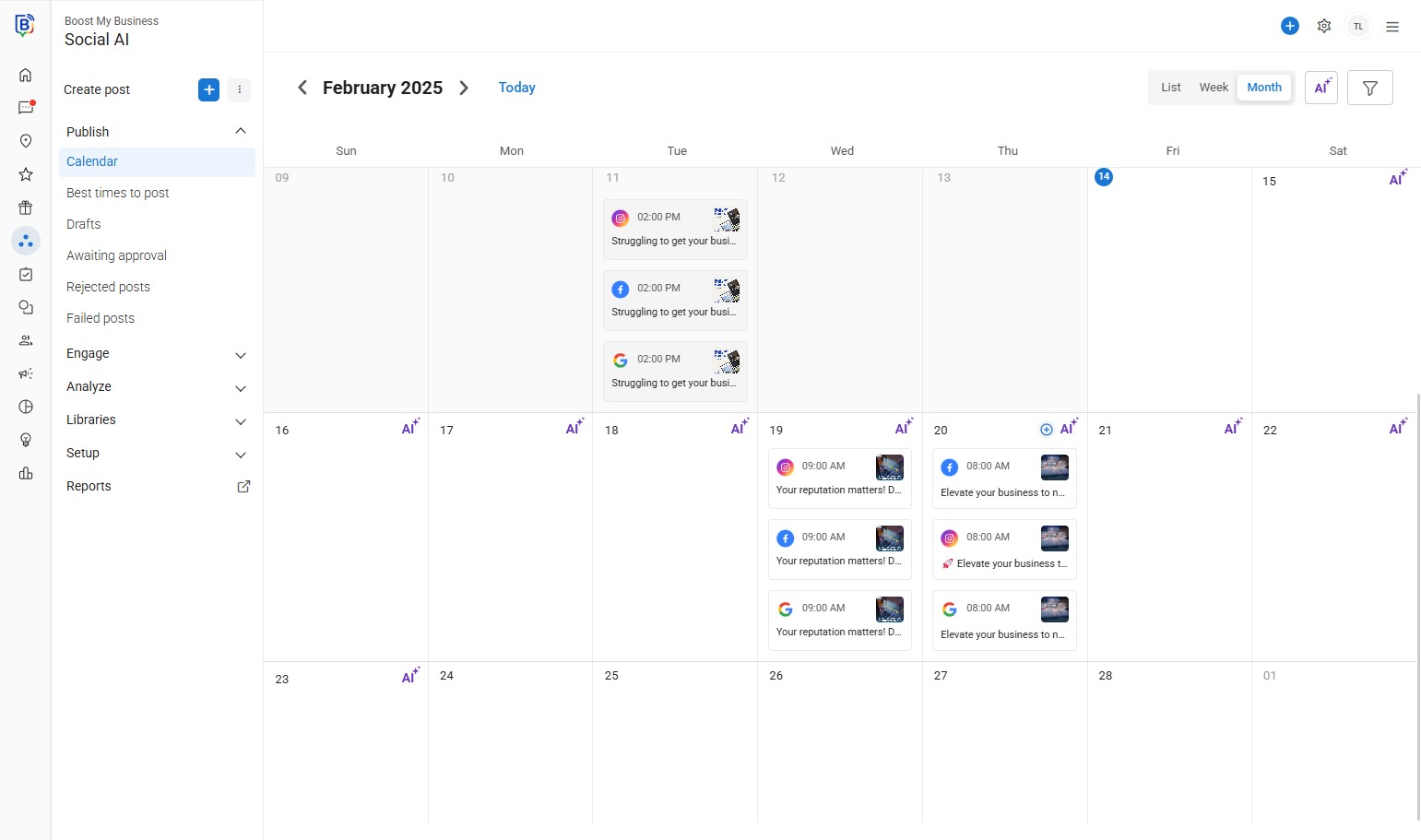
29. You will see the post in your calendar where you can still edit the post if needed.
If you need further assistance, feel free to consult with your account manager or contact support onboarding@boostmybiz.com.au