


Business Online Management Quick Start Guide – Social | Help Article:
Accessing the Asset Library on Boost My Business
4 steps | 12 seconds
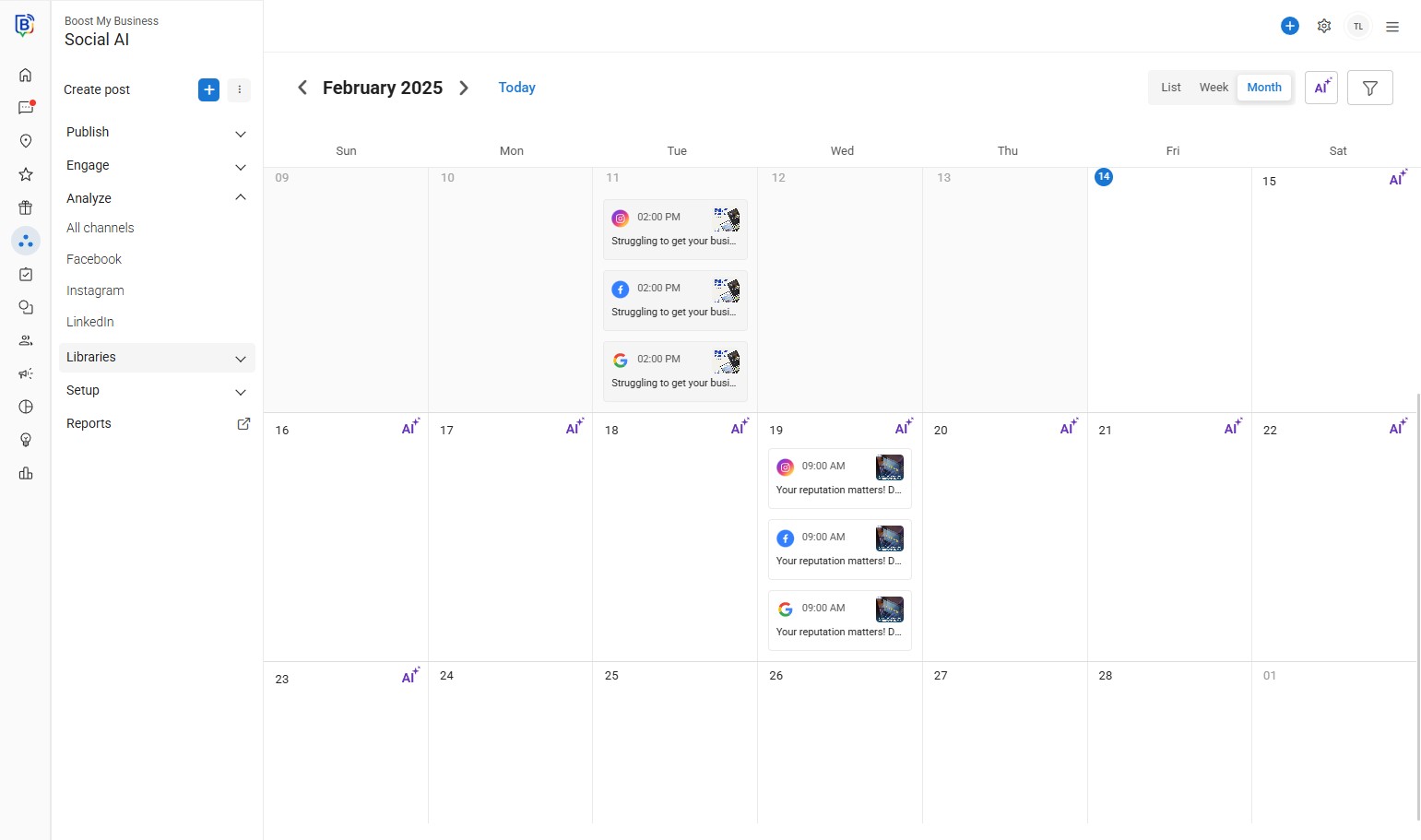
01. Navigate to social AI and click here “Libraries”.
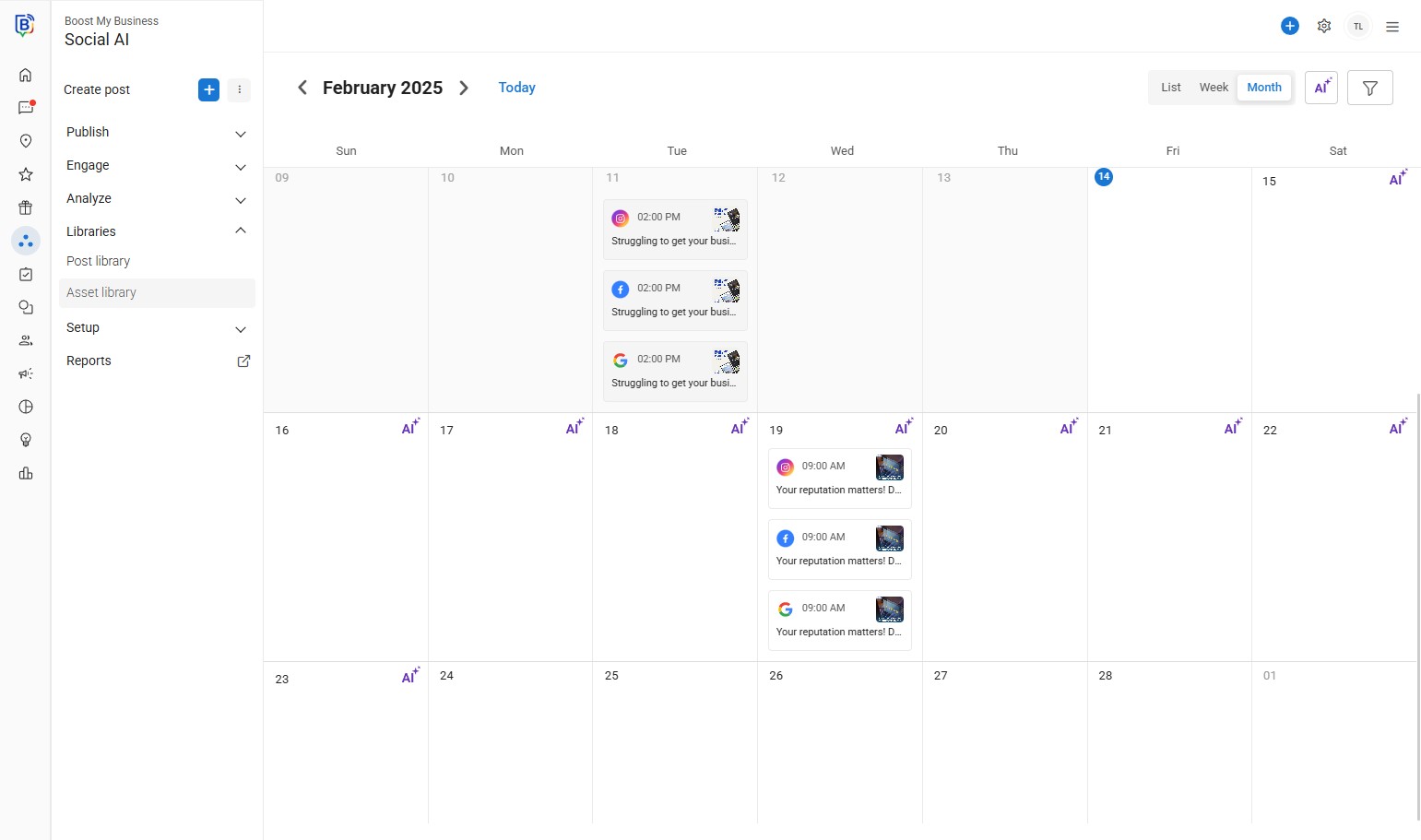
02. Click “Asset library”.
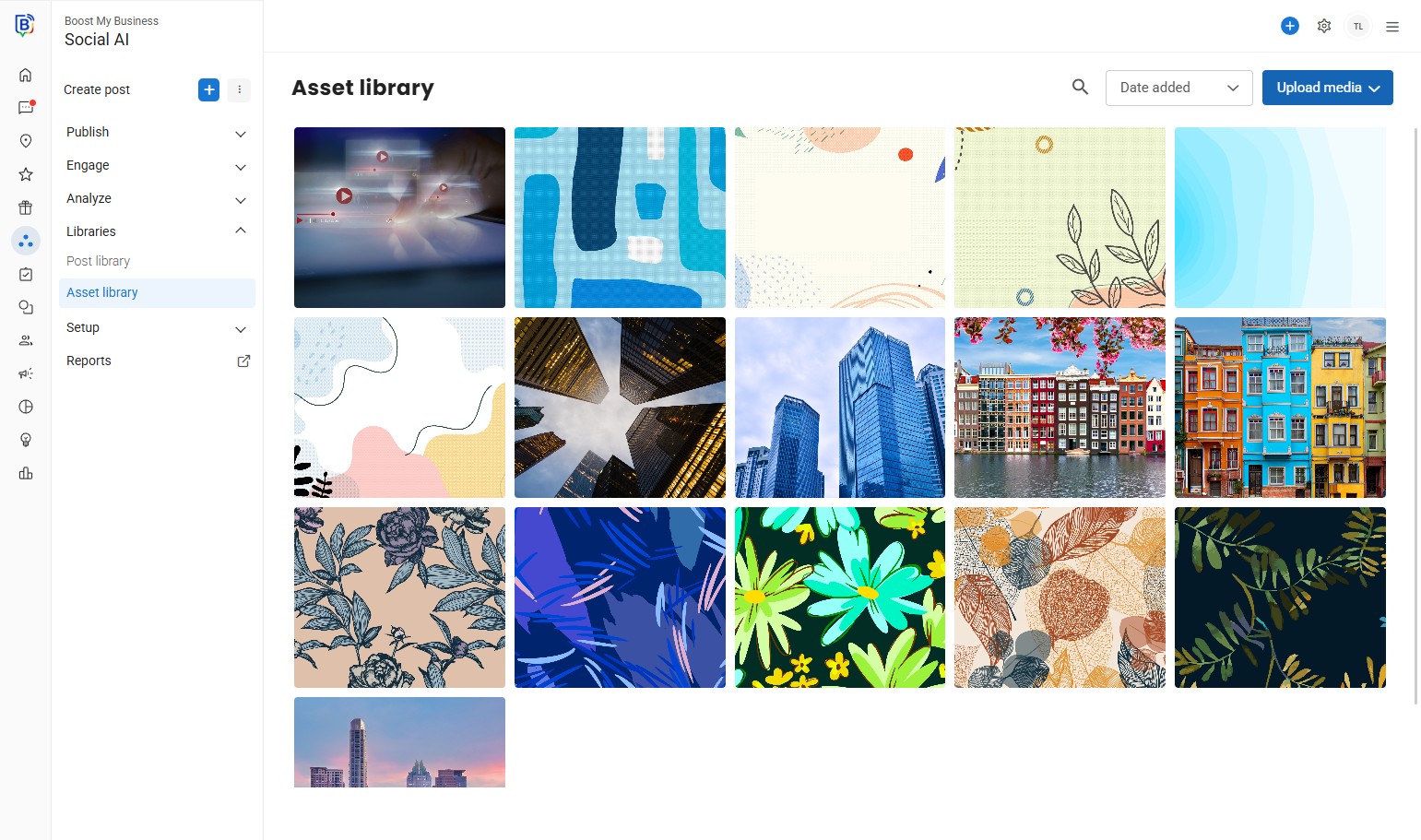
03. Click “Upload media”.
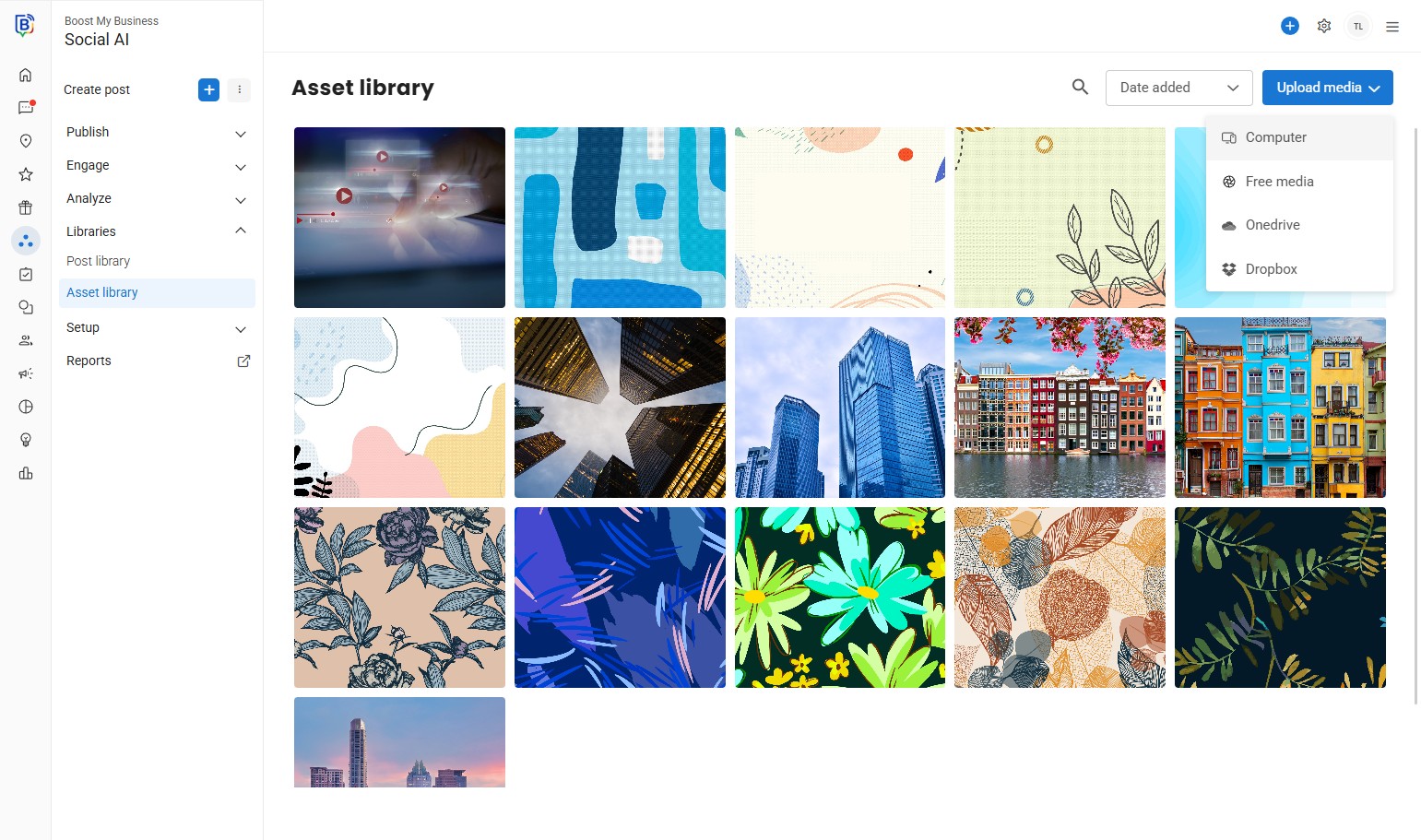
04. E.g. “Computer” or drag and drop the files straight from your file explorer.
If you need further assistance, feel free to consult with your account manager or contact support onboarding@boostmybiz.com.au