


Business Online Management Quick Start Guide – Social | Help Article:
Creating a Management Approval in Boost My Business
15 steps | 40 seconds
01. Navigate to Boost My Business Dashboard
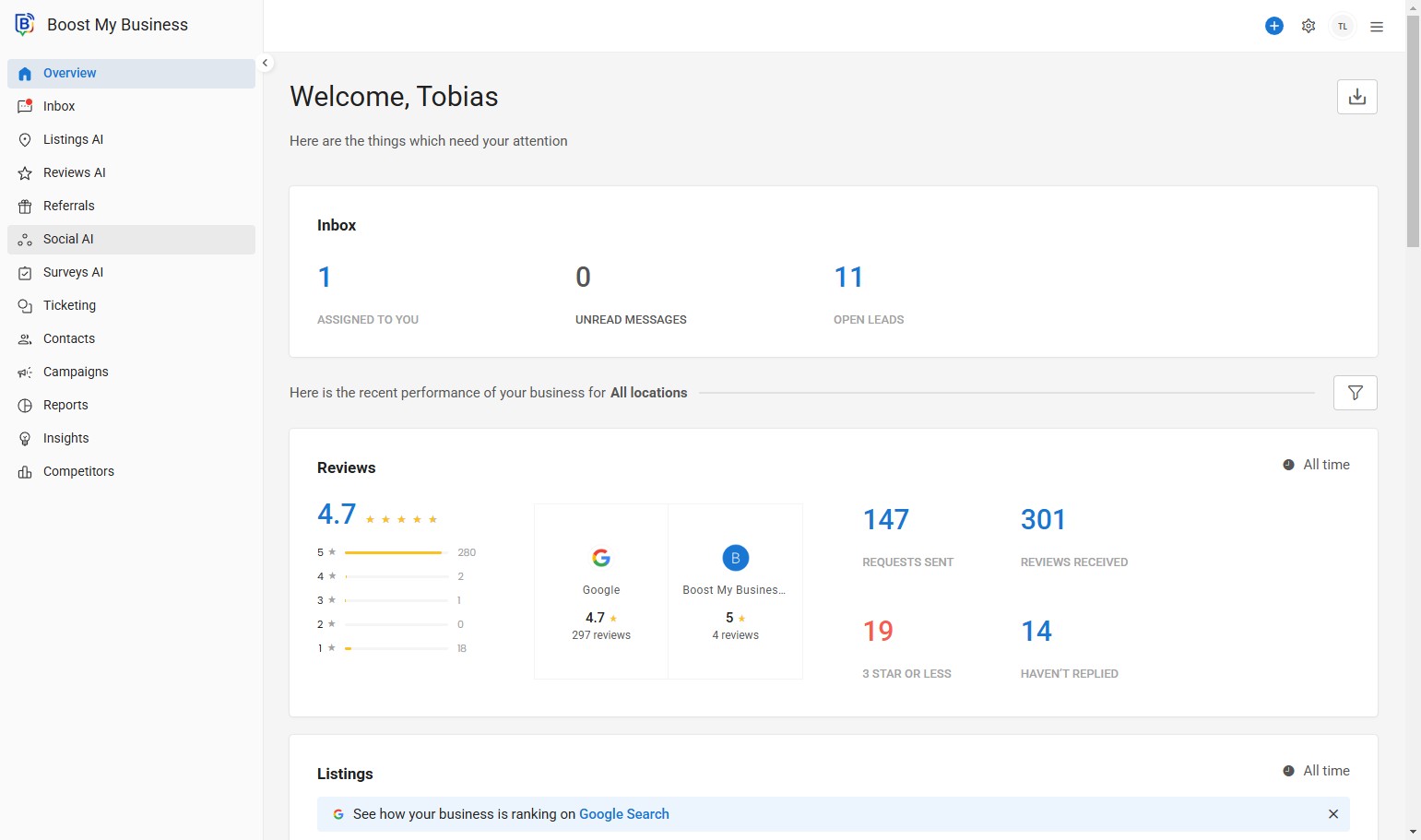
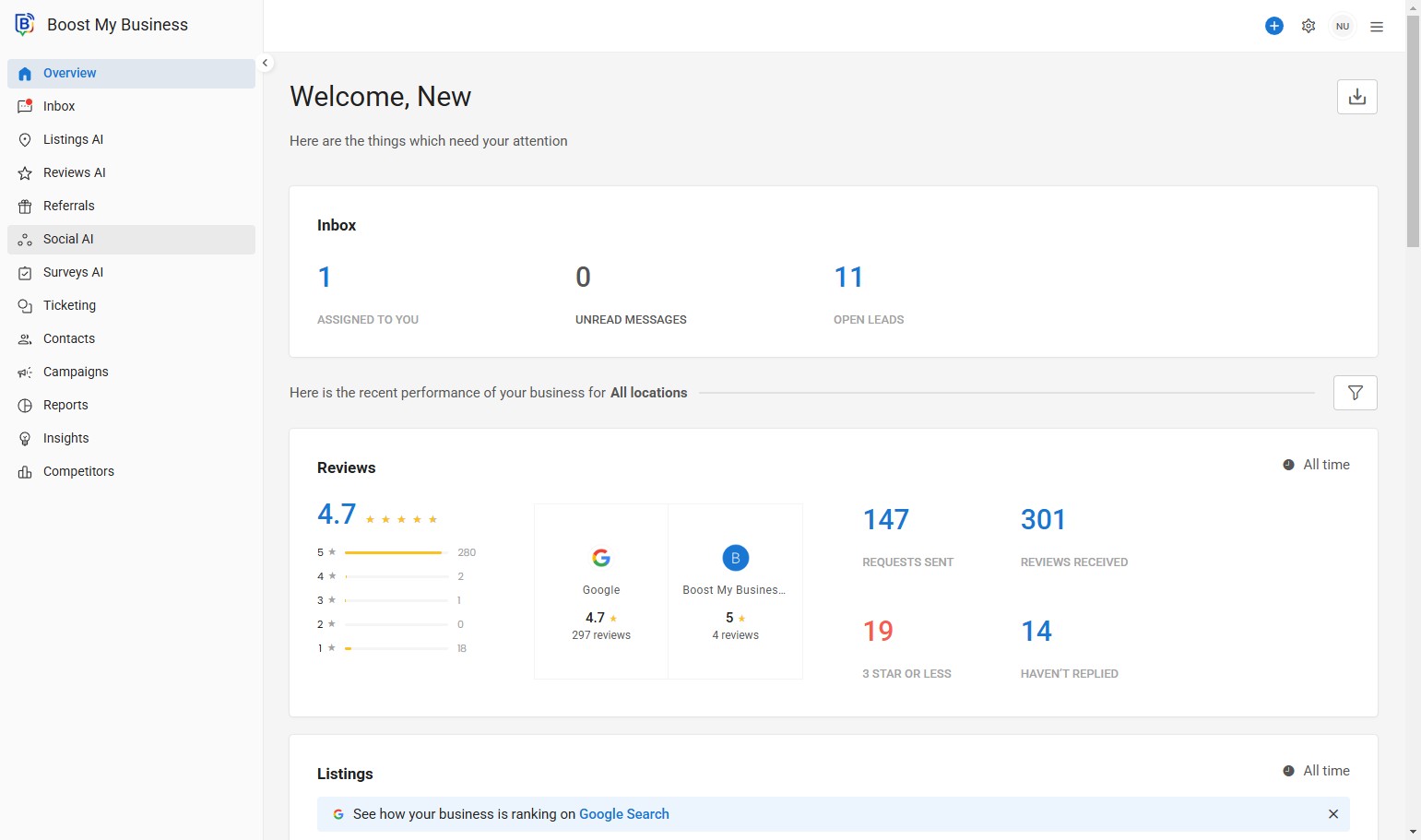
02. Click “Social AI”.
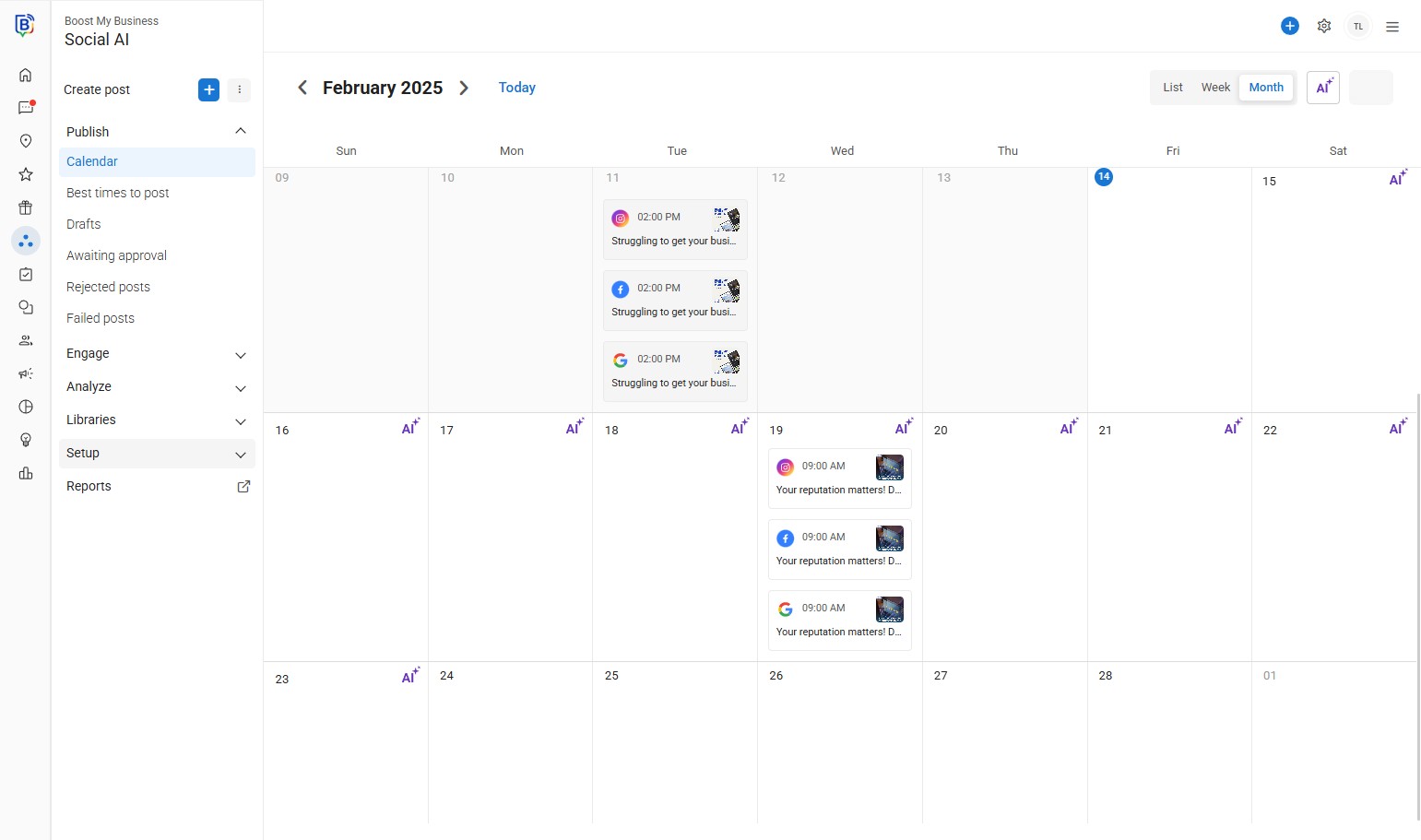
03. Click “Setup”.
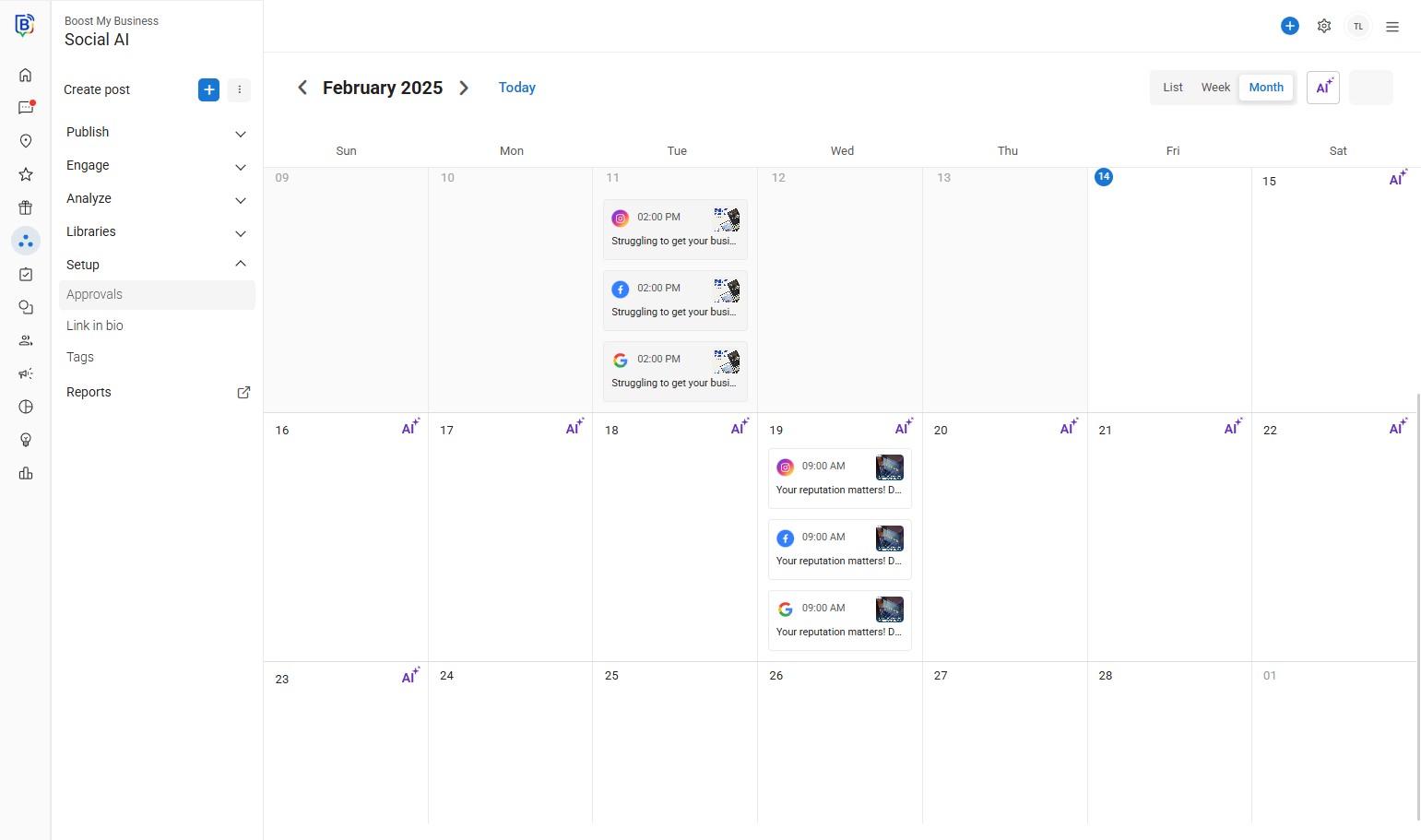
04. Click “Approvals”.
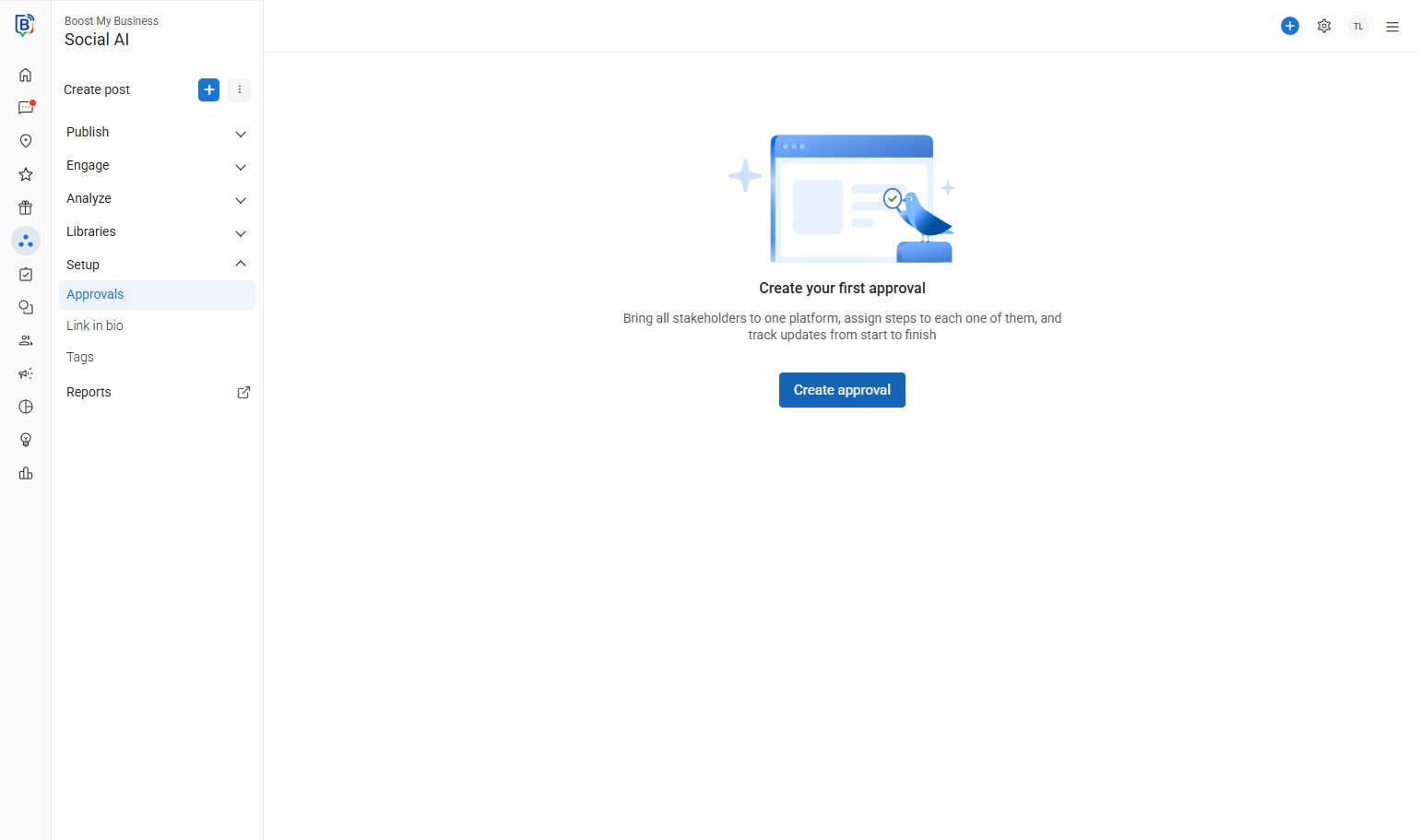
05. Click “Create approval”.
06. You can change the approval name.
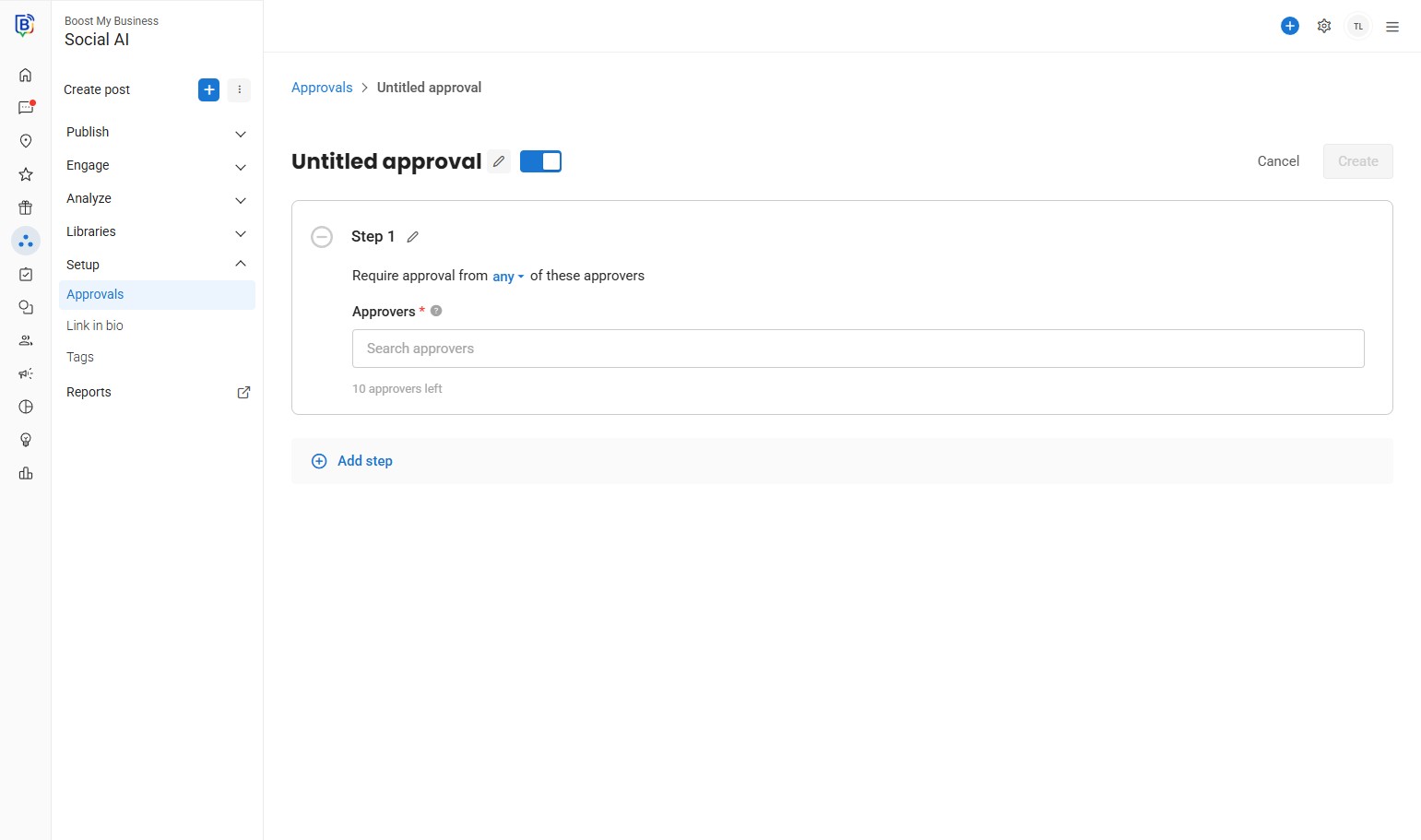
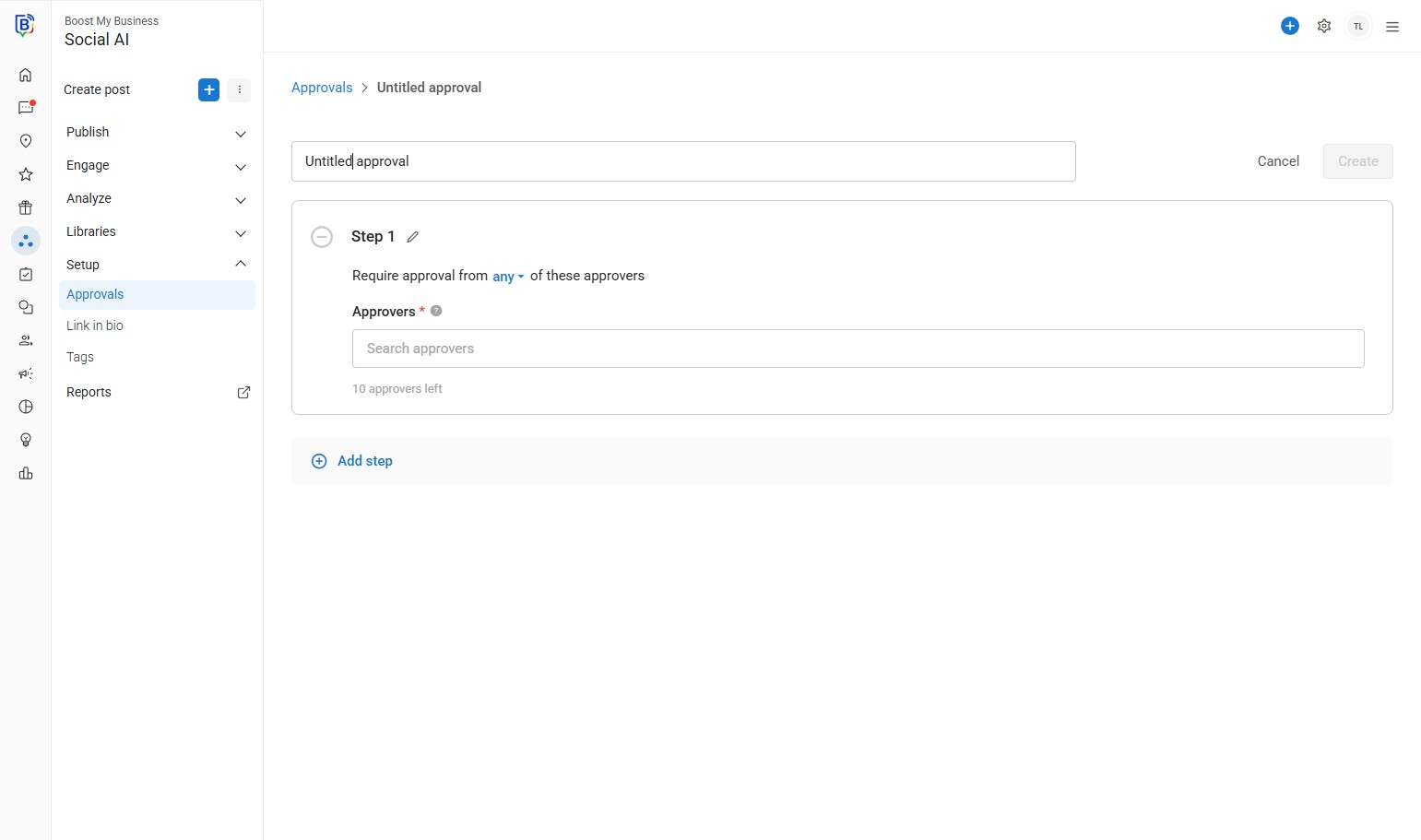
07. Click this text field to change the name..
08. Choose your conditions.
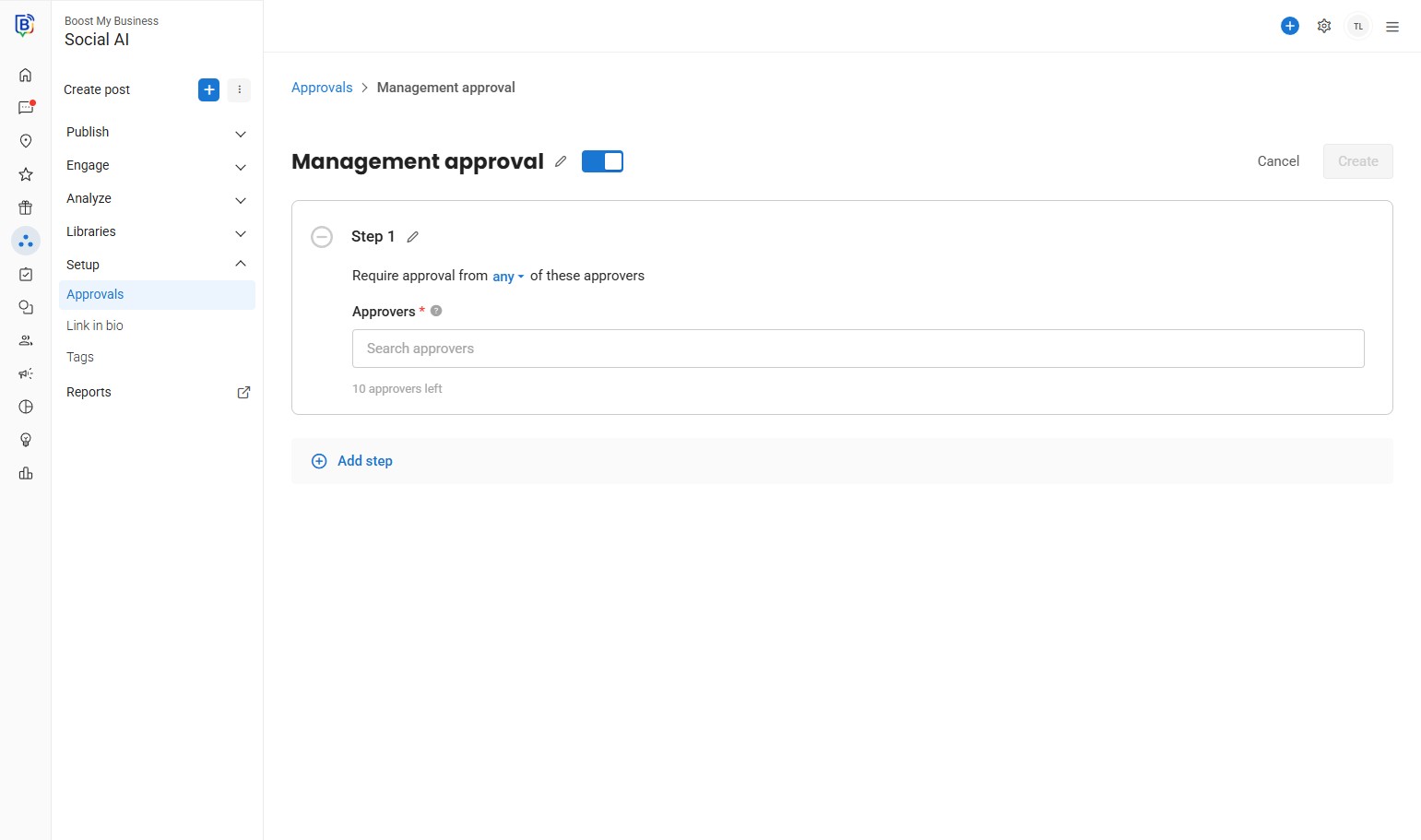
09. Click here.
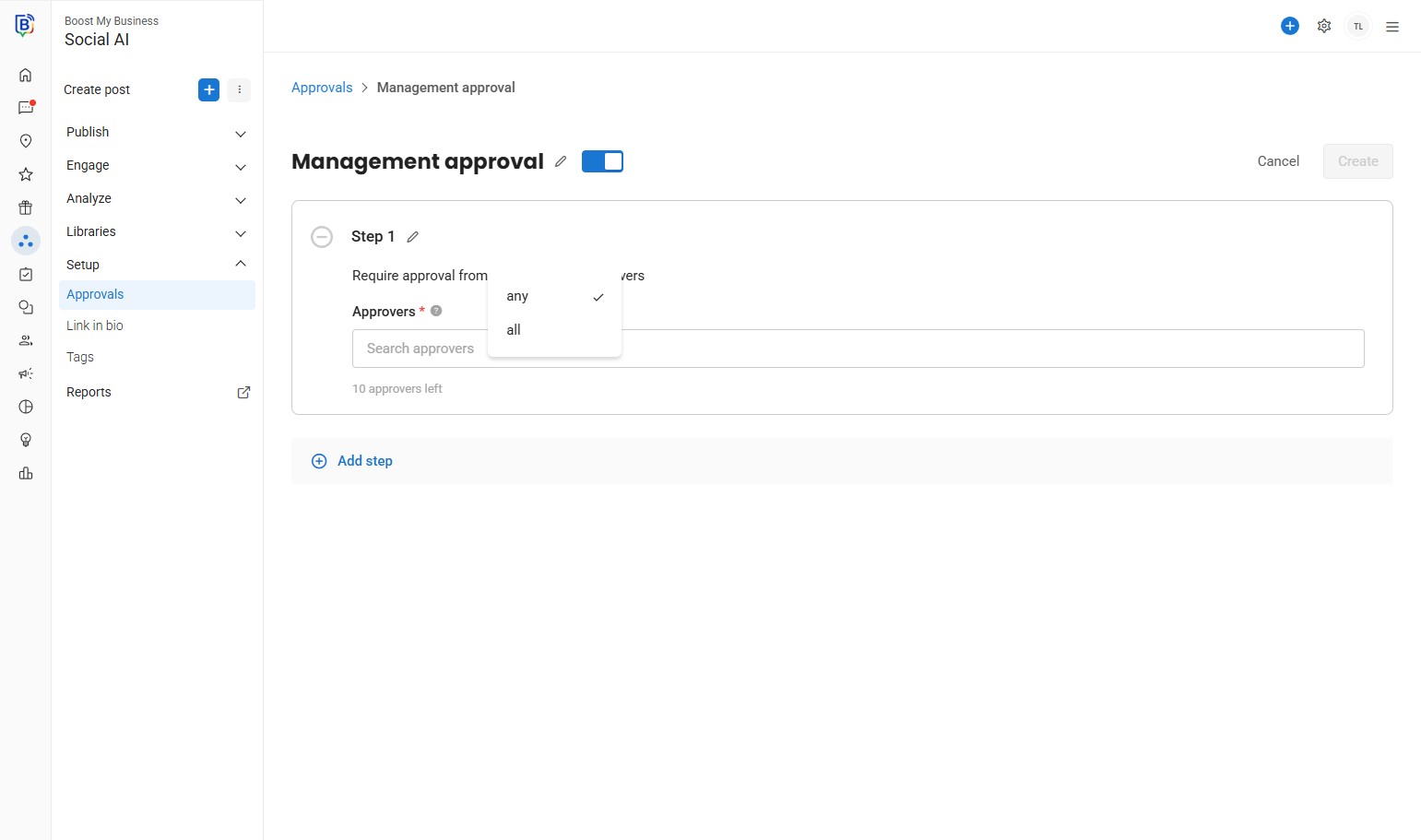
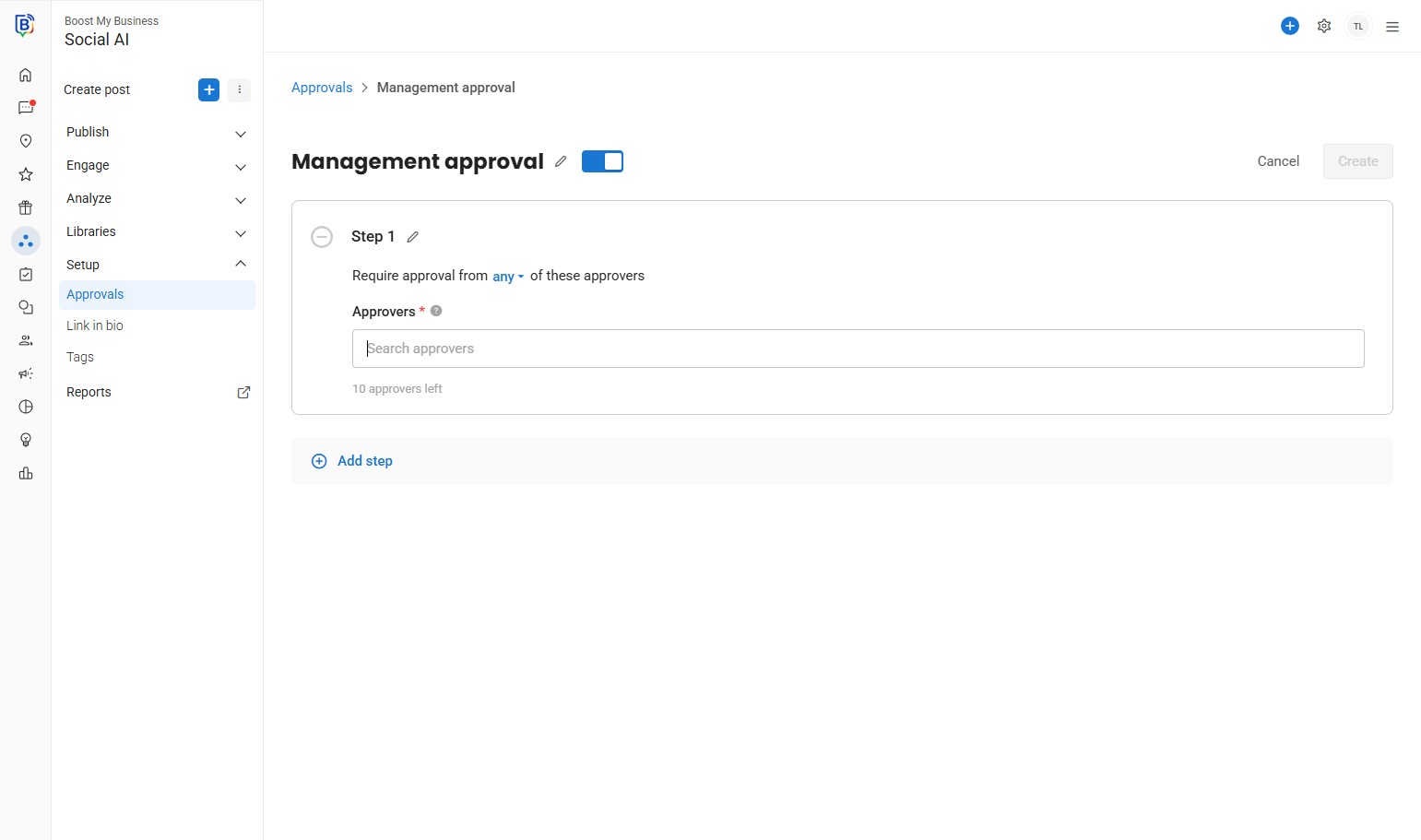
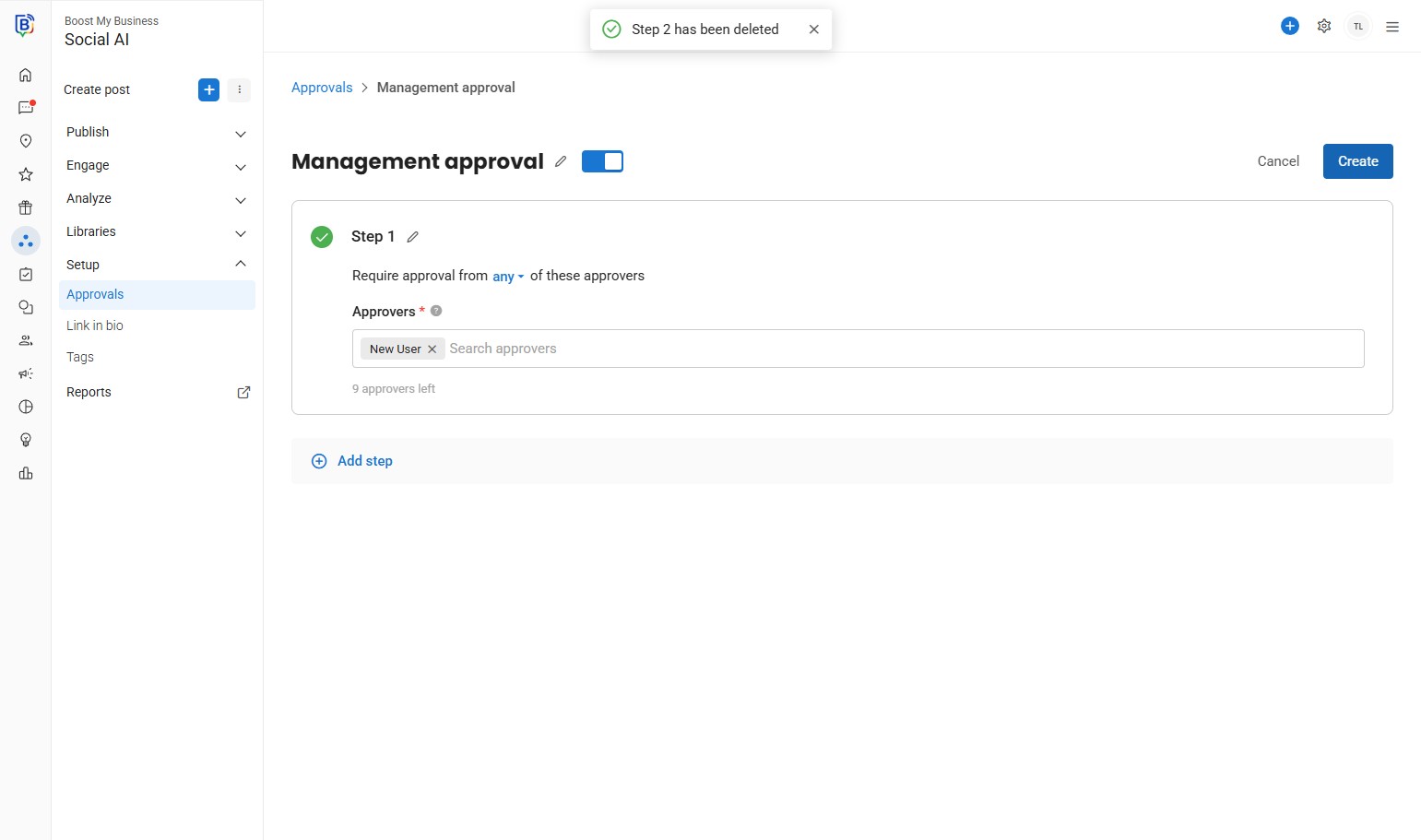
10. Add the approver(s) by clicking “Search approvers” field.
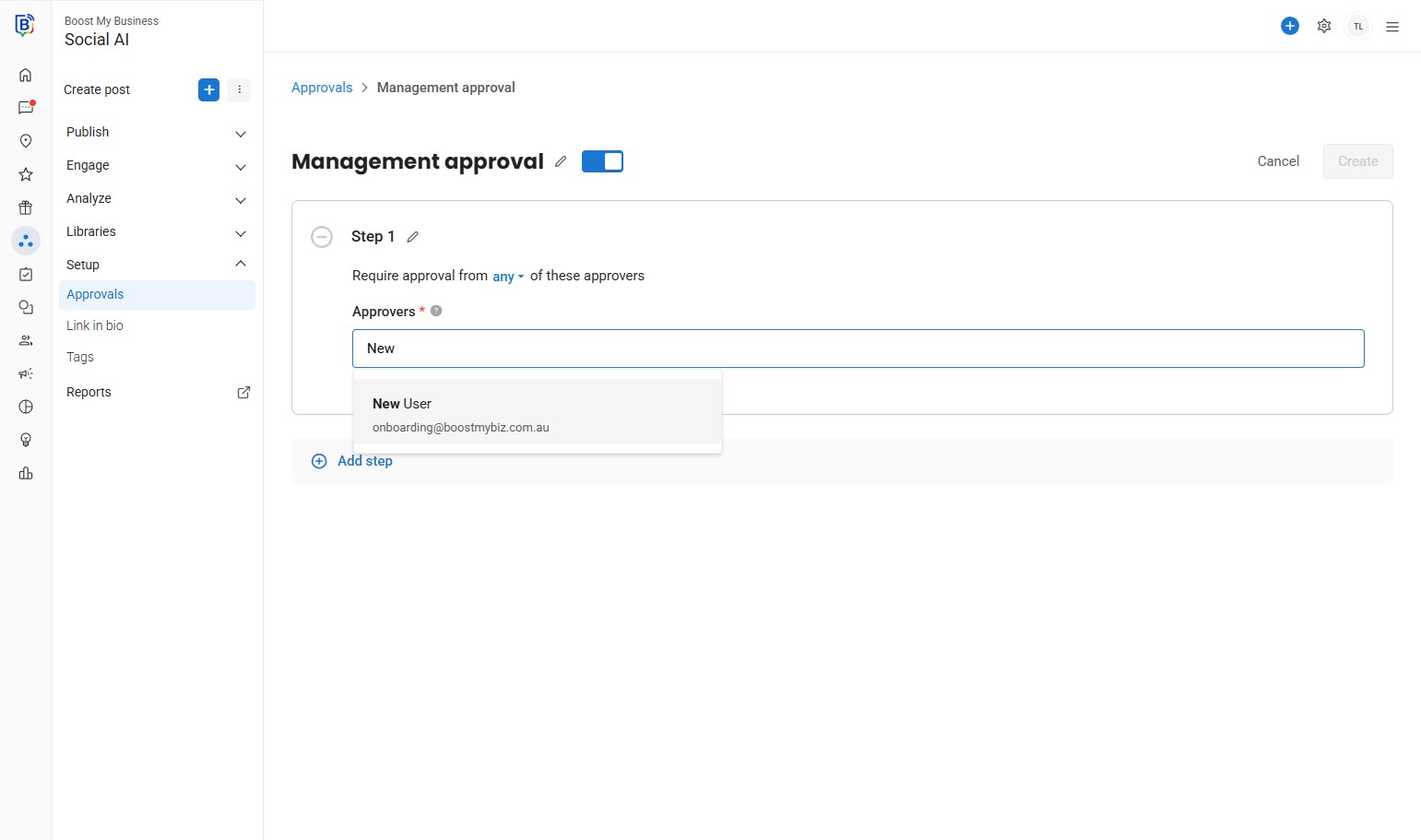
11. Click the user you would like to add as approver.
12. You can add more steps if needed. E.g. “first approver” for Step 1 and add a “Final approver” as Step 2.
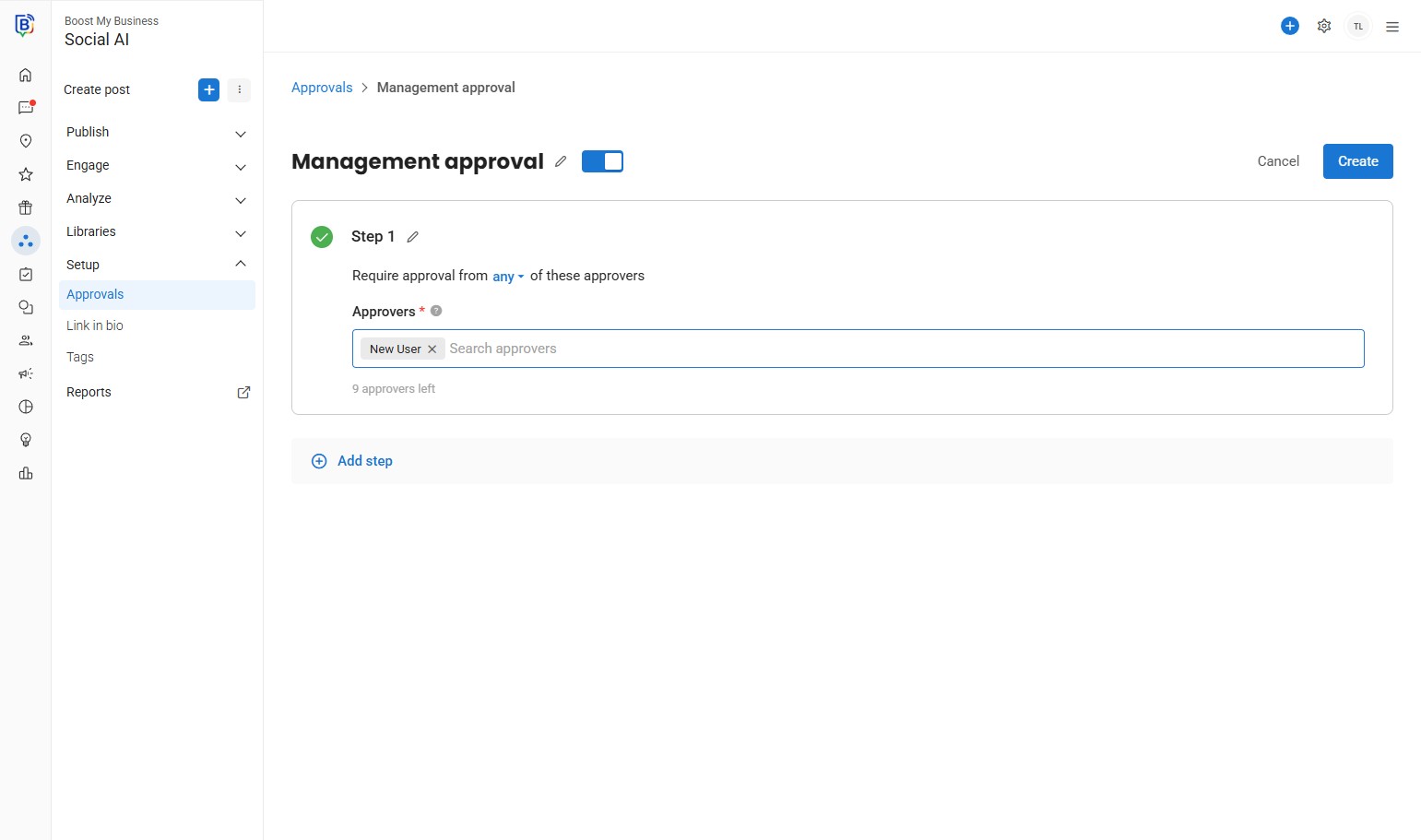
13. Once done click “Create”.
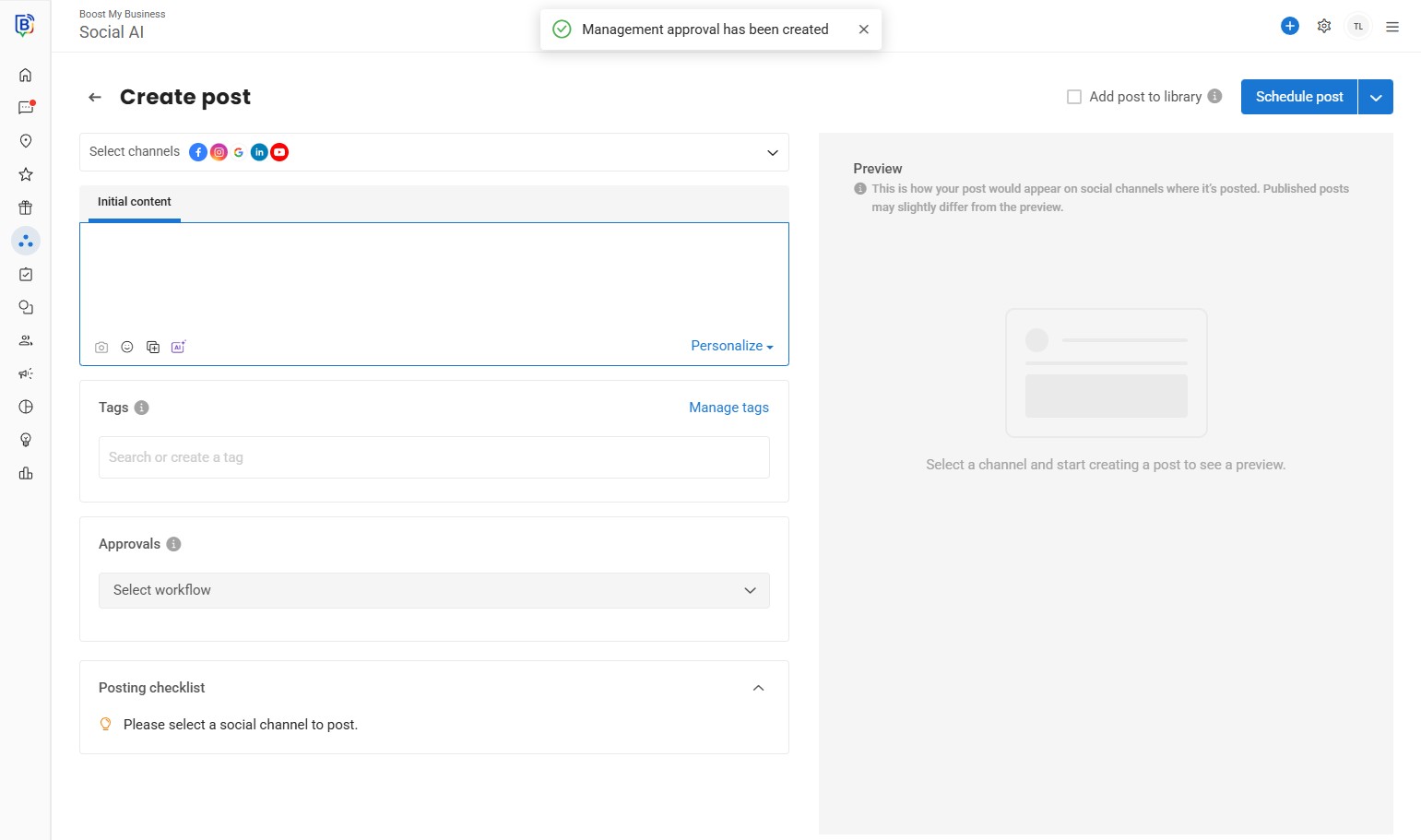
14. When creating a post add the approver rule.
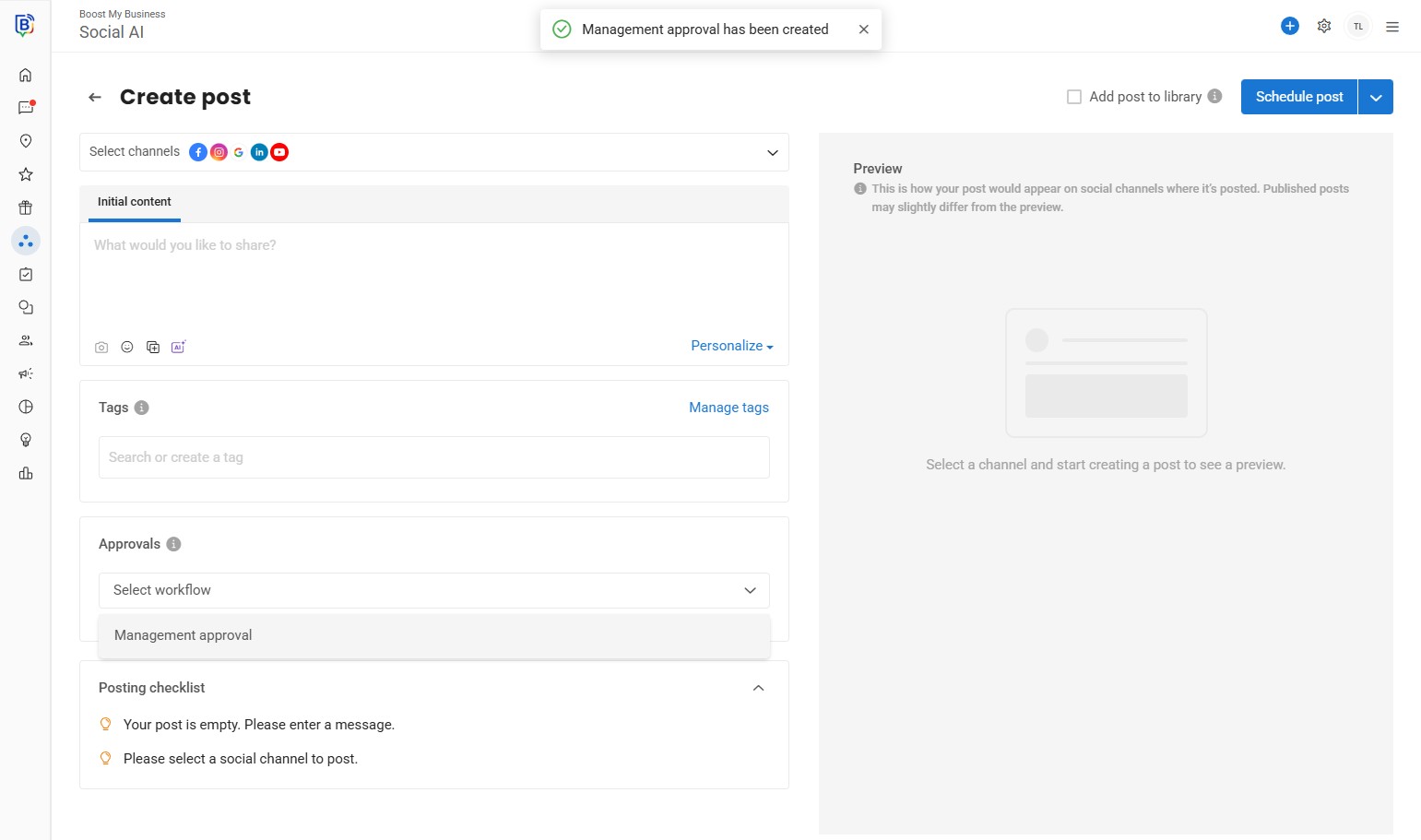
15. Click “Management approval”.
If you need further assistance, feel free to consult with your account manager or contact support onboarding@boostmybiz.com.au