


Business Online Management Quick Start Guide – Reviews | Help Article:
How To Add Airbnb Monitoring In Boost My Business
9 steps | 2 minutes
01. Navigate to your Boost My Business Dashboard
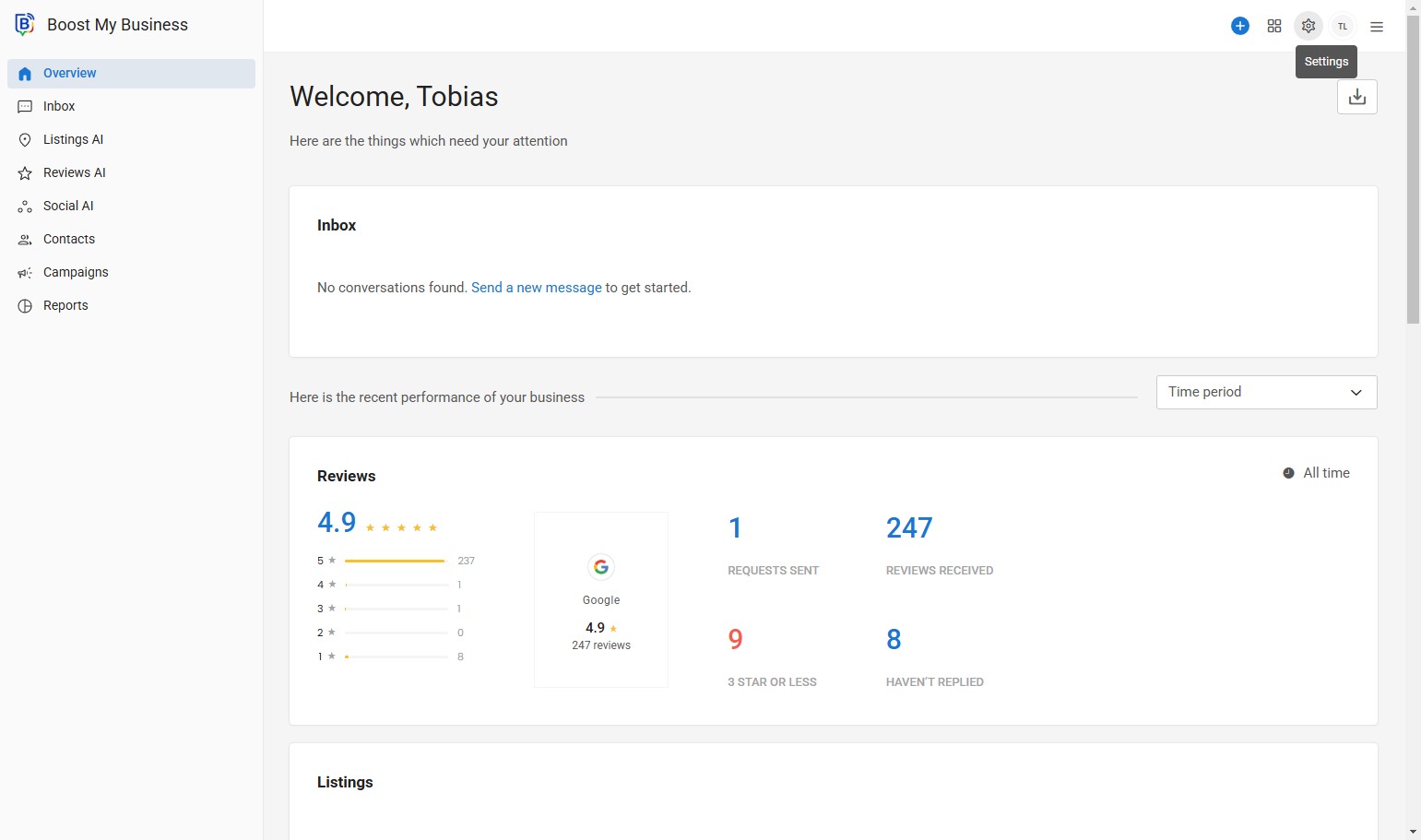
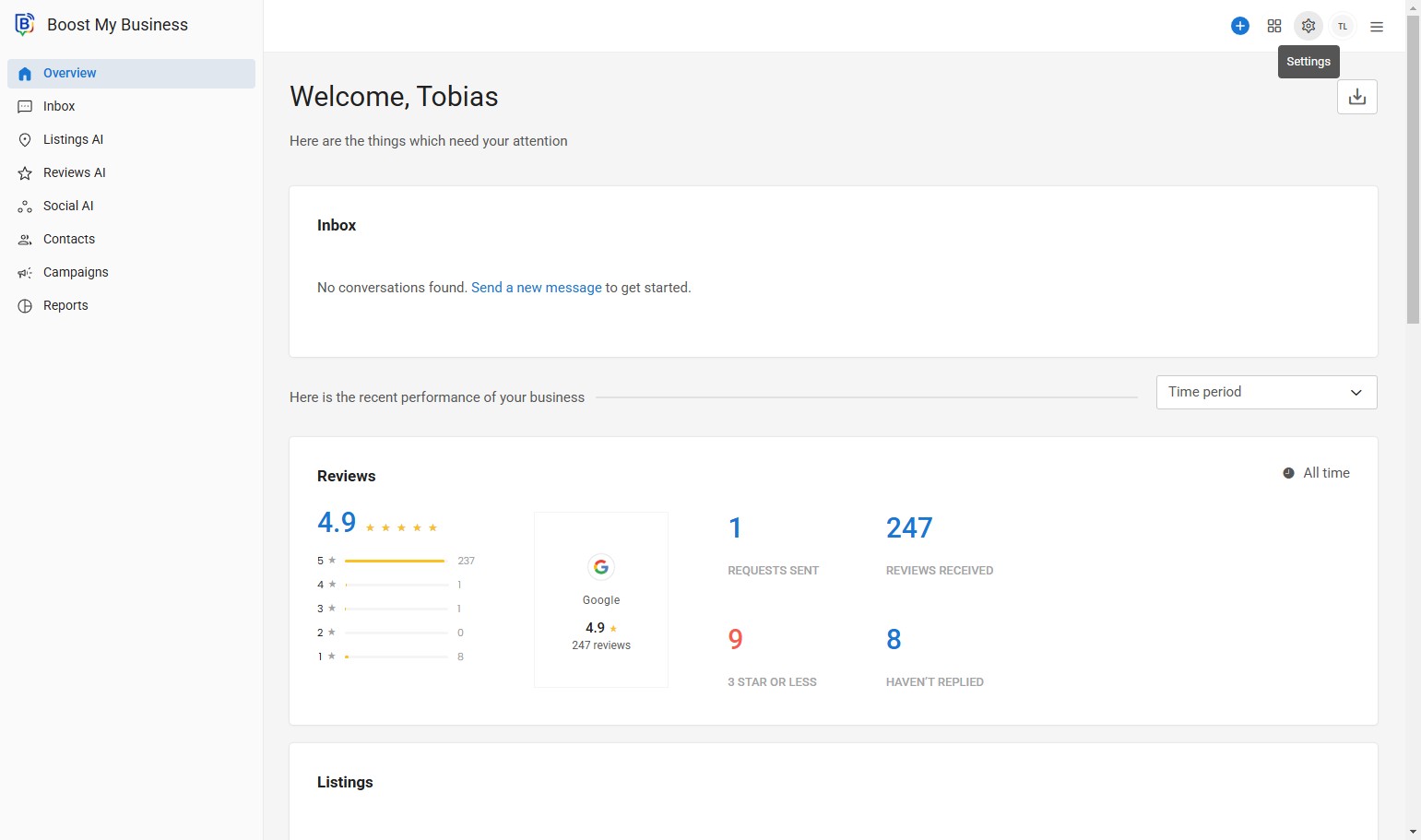
02. Click here.
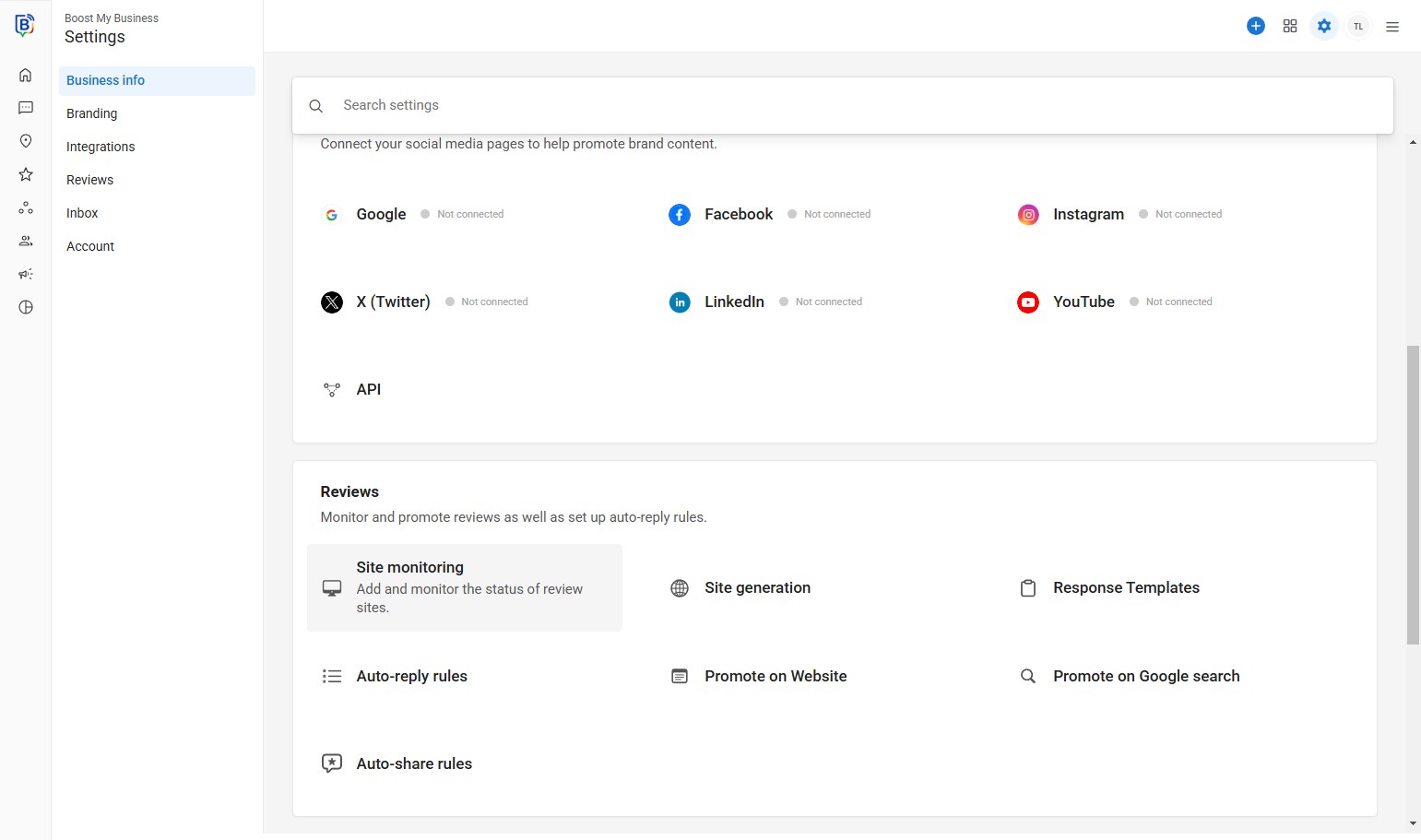
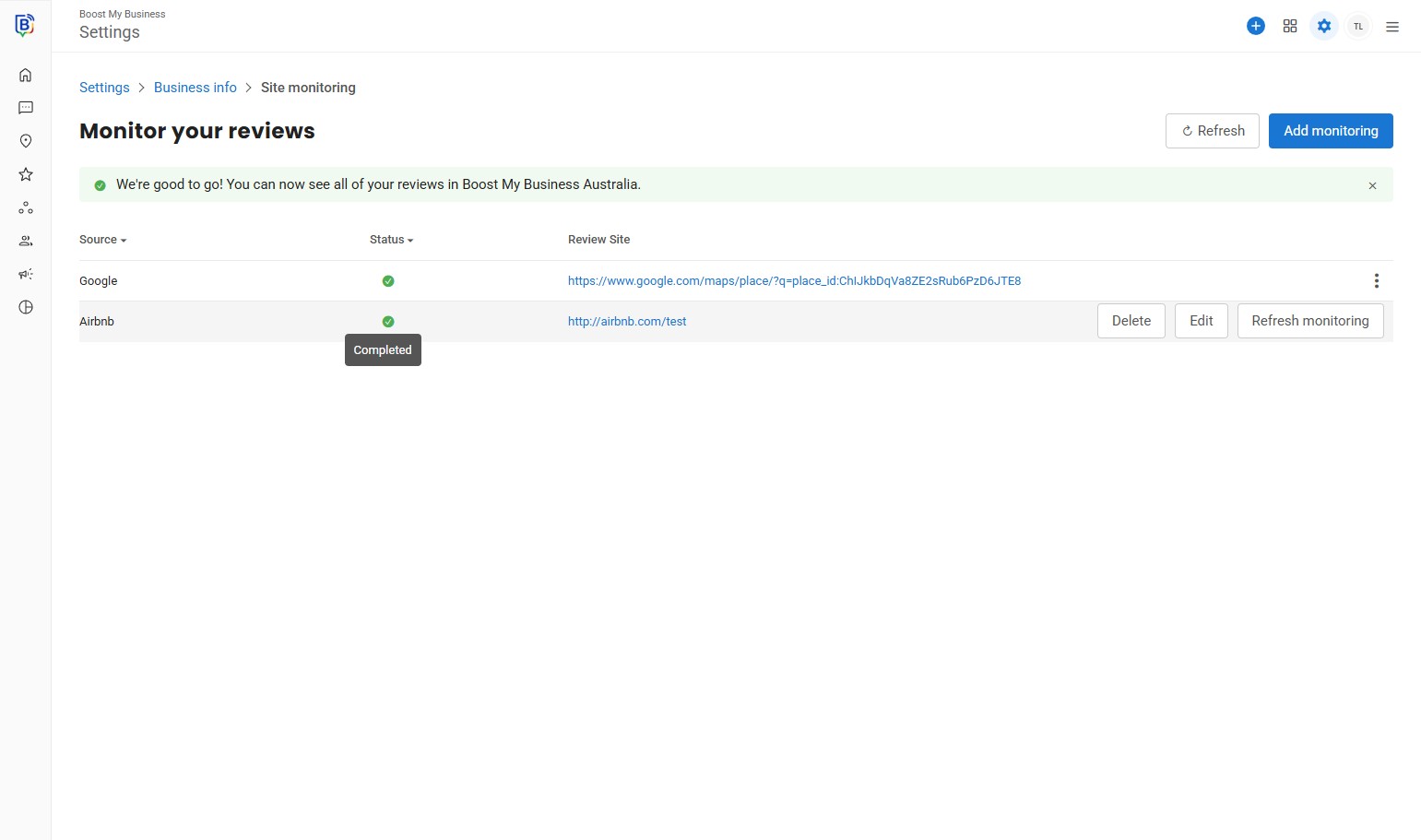
03. Click “Site Monitoring”.
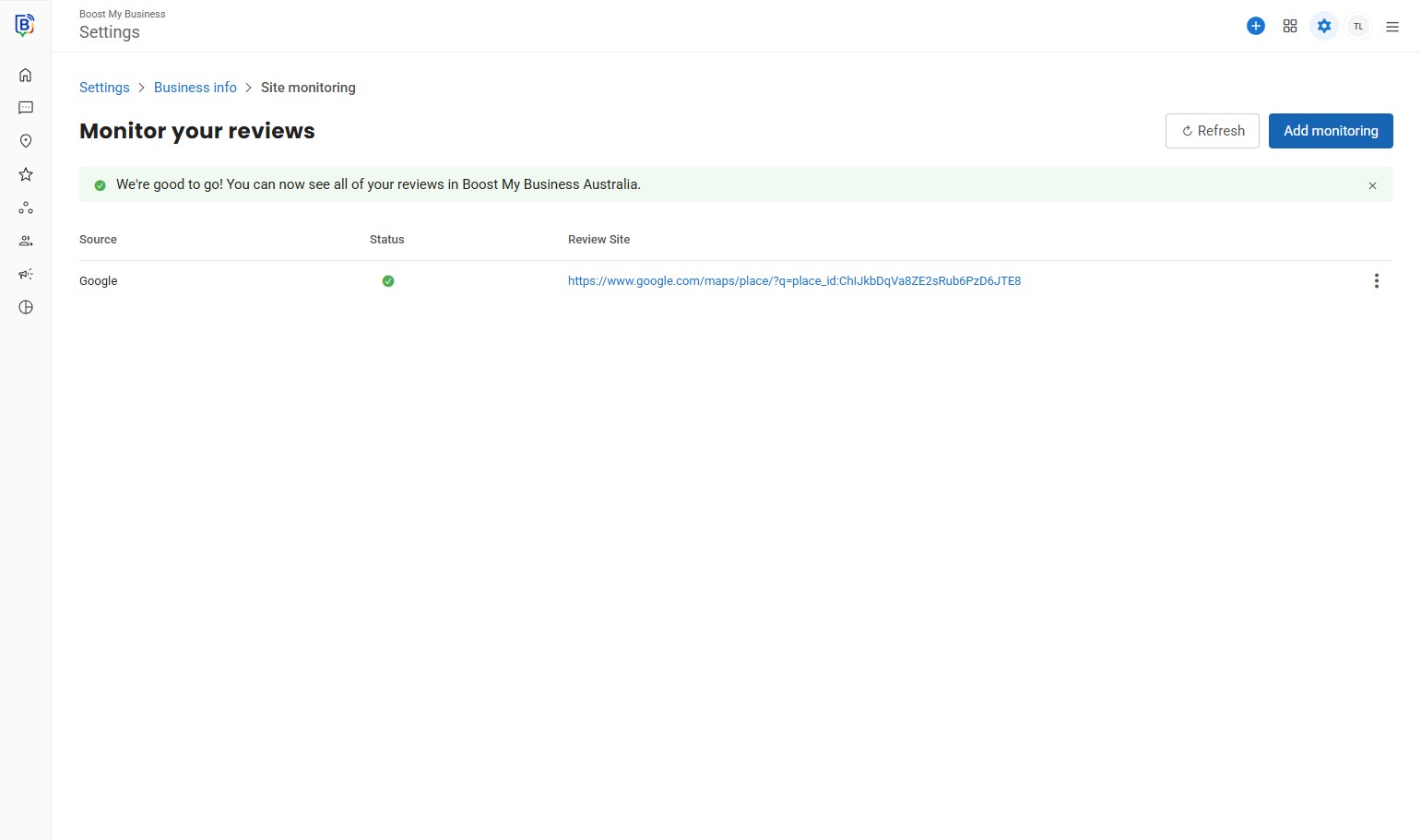
04. Click “Add monitoring”.
05. Click “Select”.
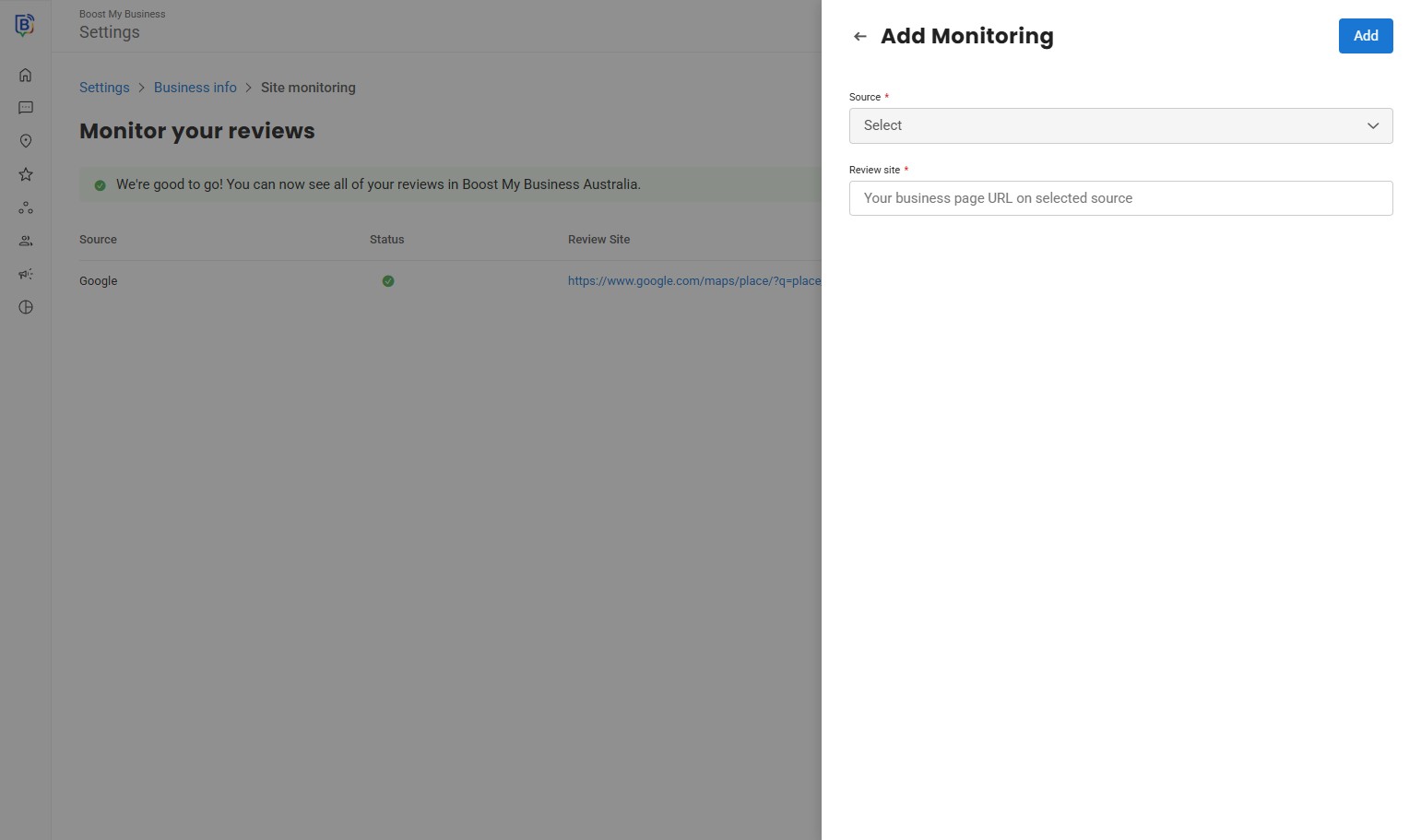
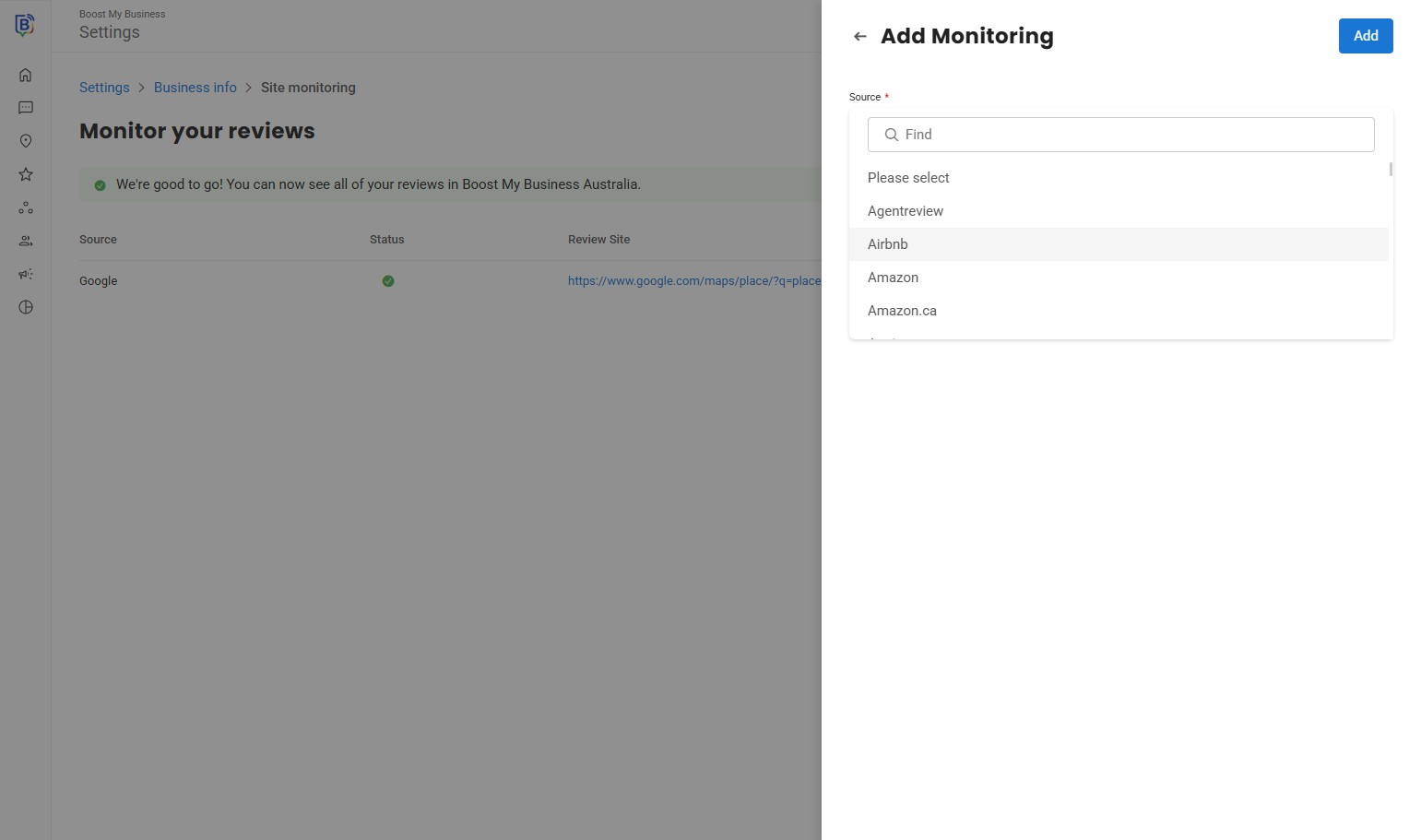
6. Select a review profile.
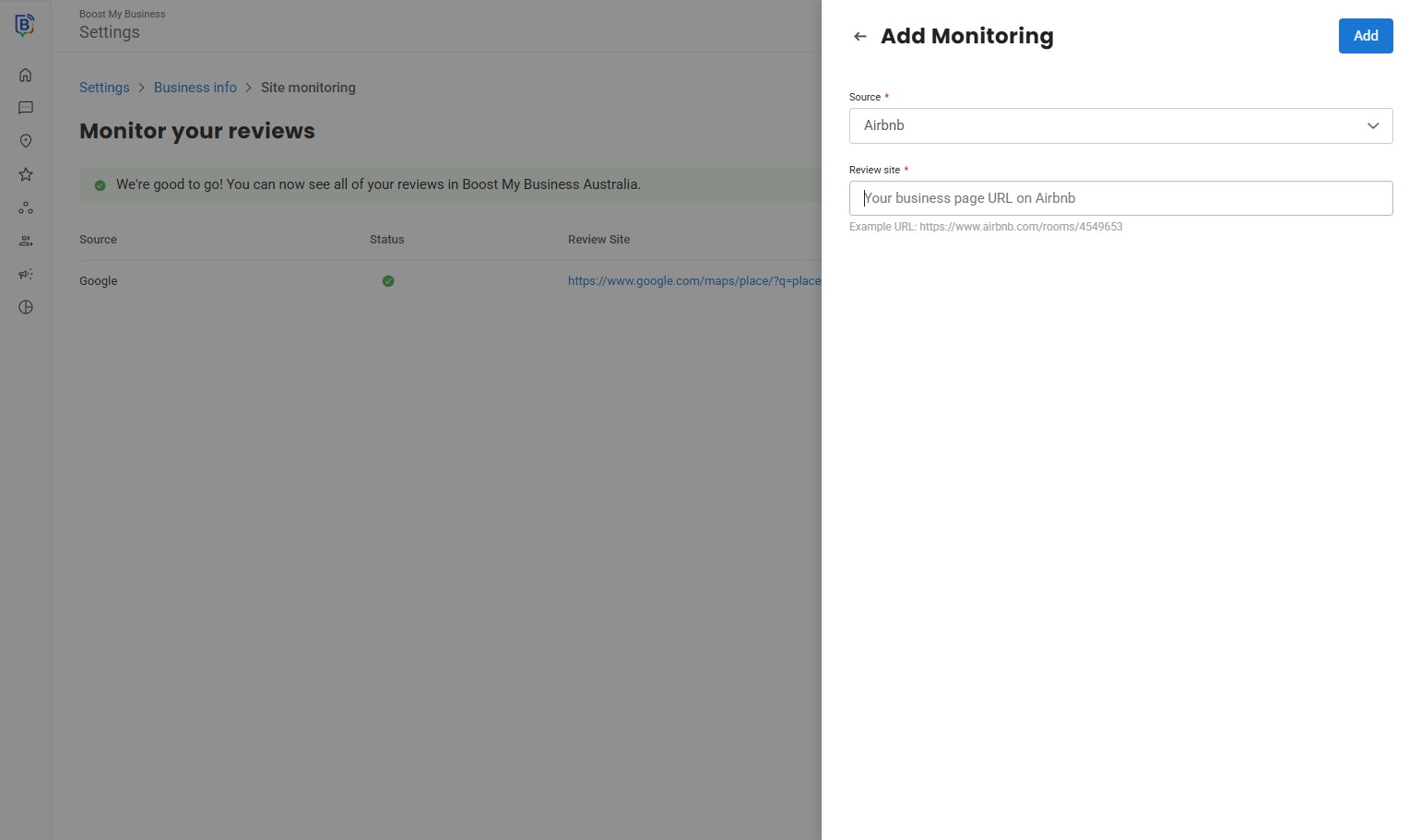
7. Click the “Your business page URL” field.
8. Copy your review profile link and click “Add”.
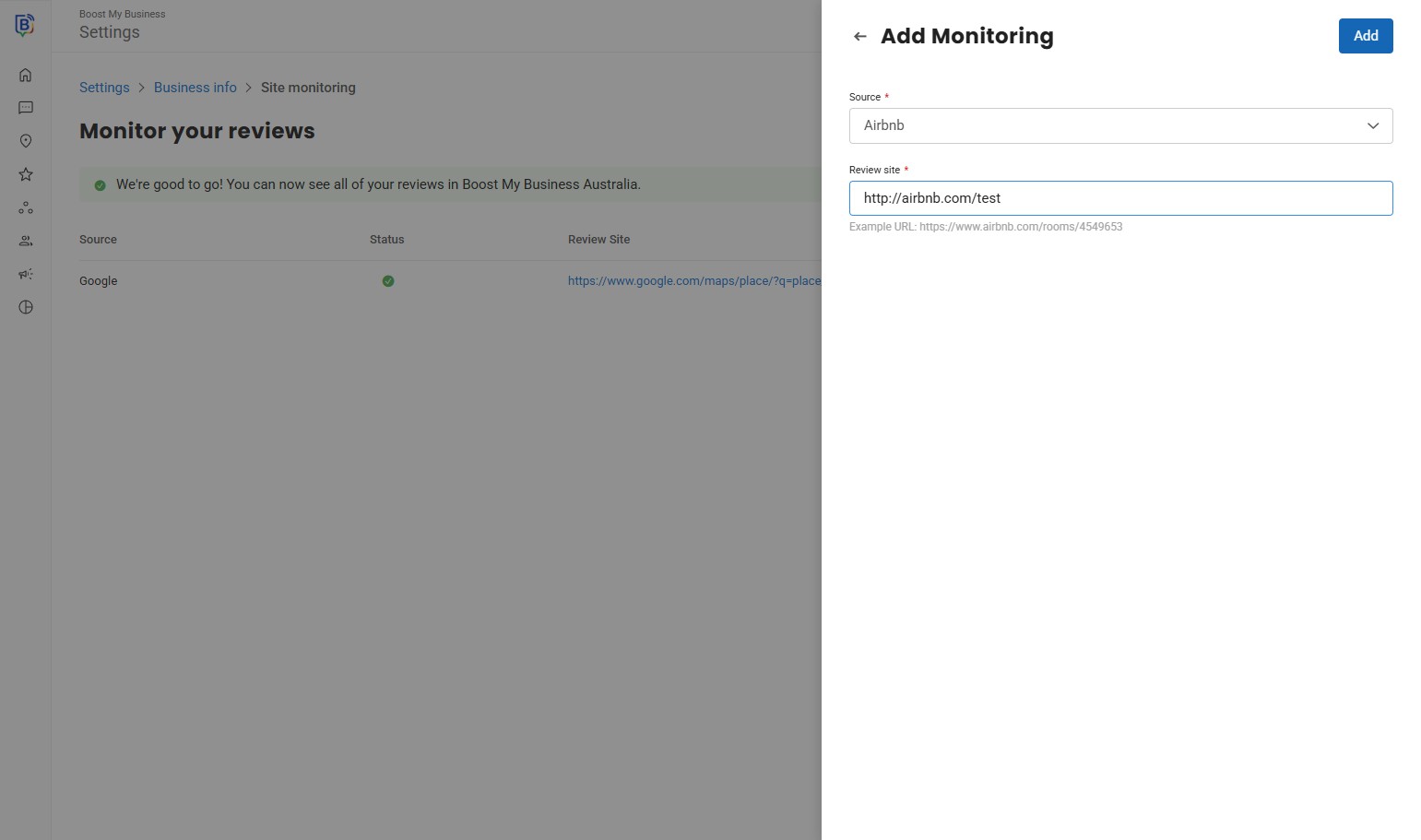
9. Click here.
If you need further assistance, feel free to consult with your account manager or contact support onboarding@boostmybiz.com.au