


Business Online Management Quick Start Guide – Reviews | Help Article:
How to Send a Review Request to your Customer
8 steps | 24 Seconds
01. Navigate to your Boost My Business Dashboard
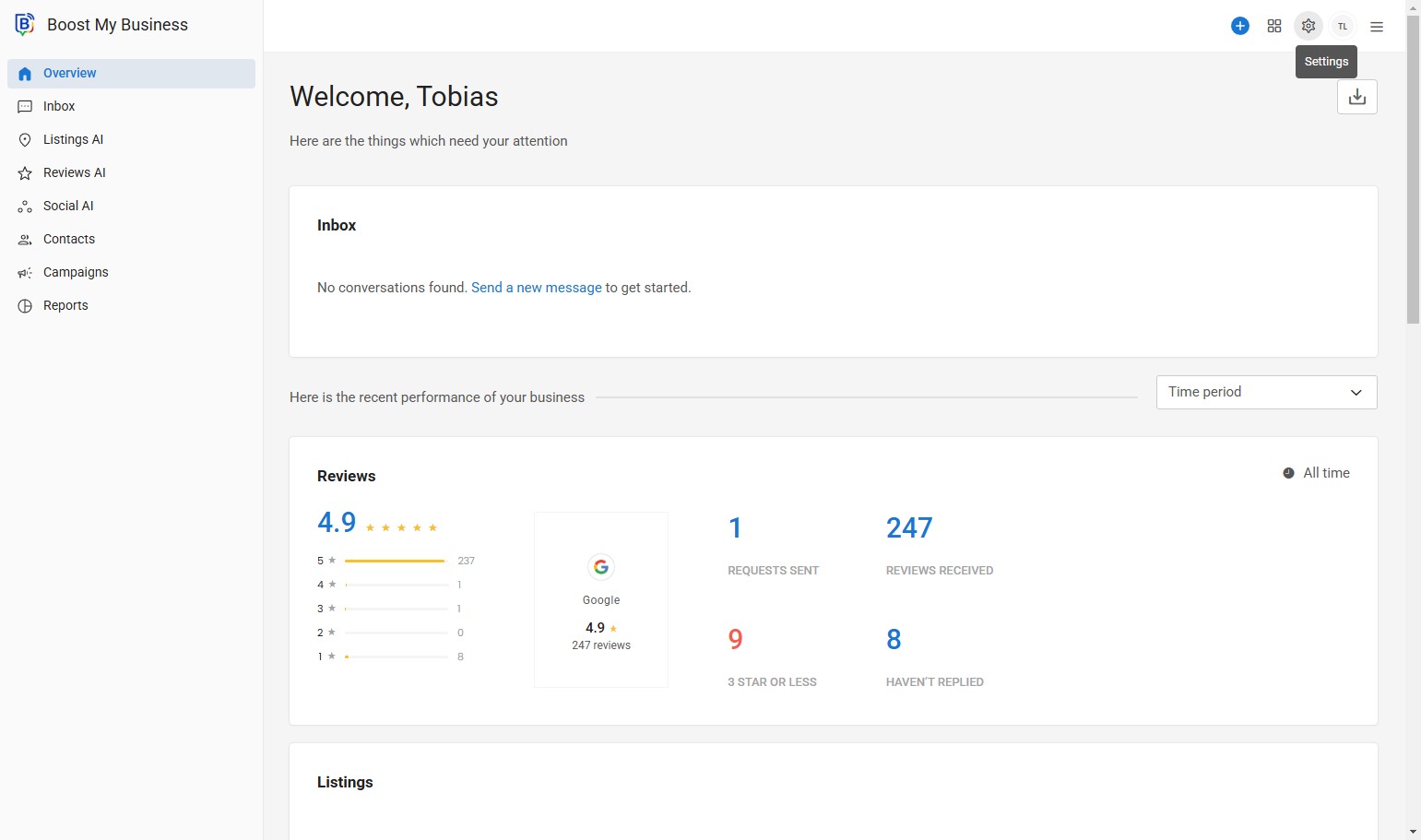
02. Click the plus “+” Symbol. This is the Quick Send Button, where you can easily send out Review Requests and more.
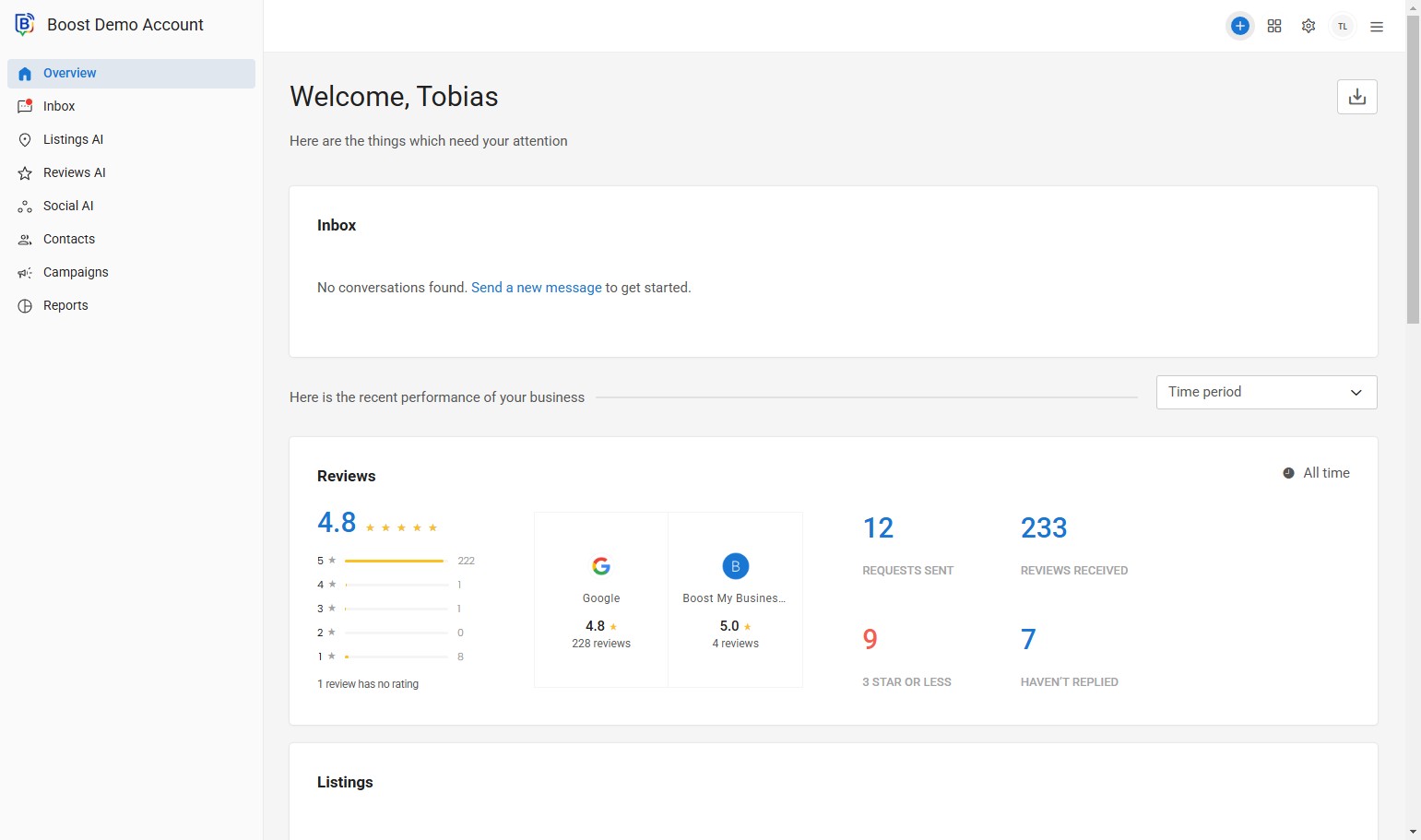
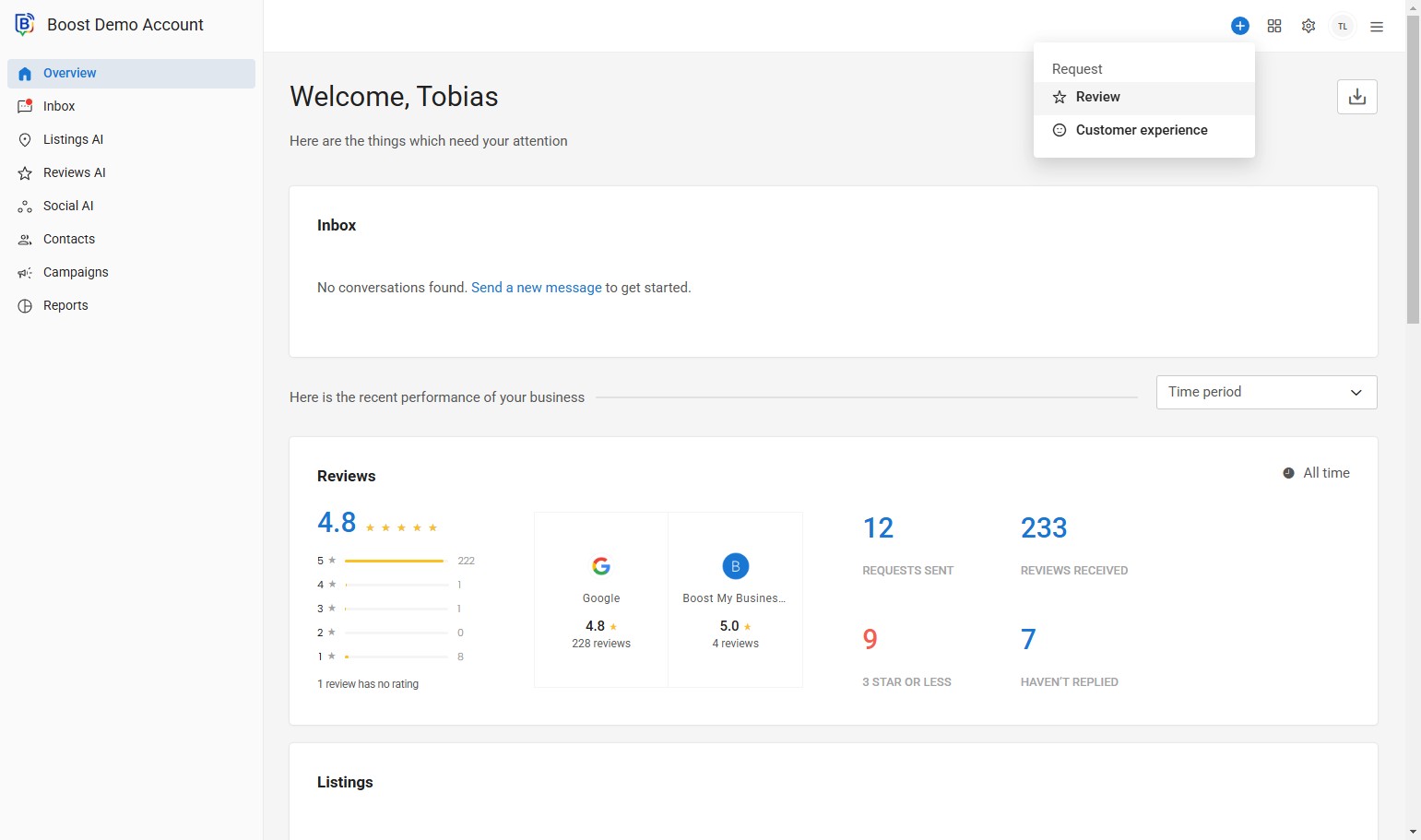
03. Click “Review”.
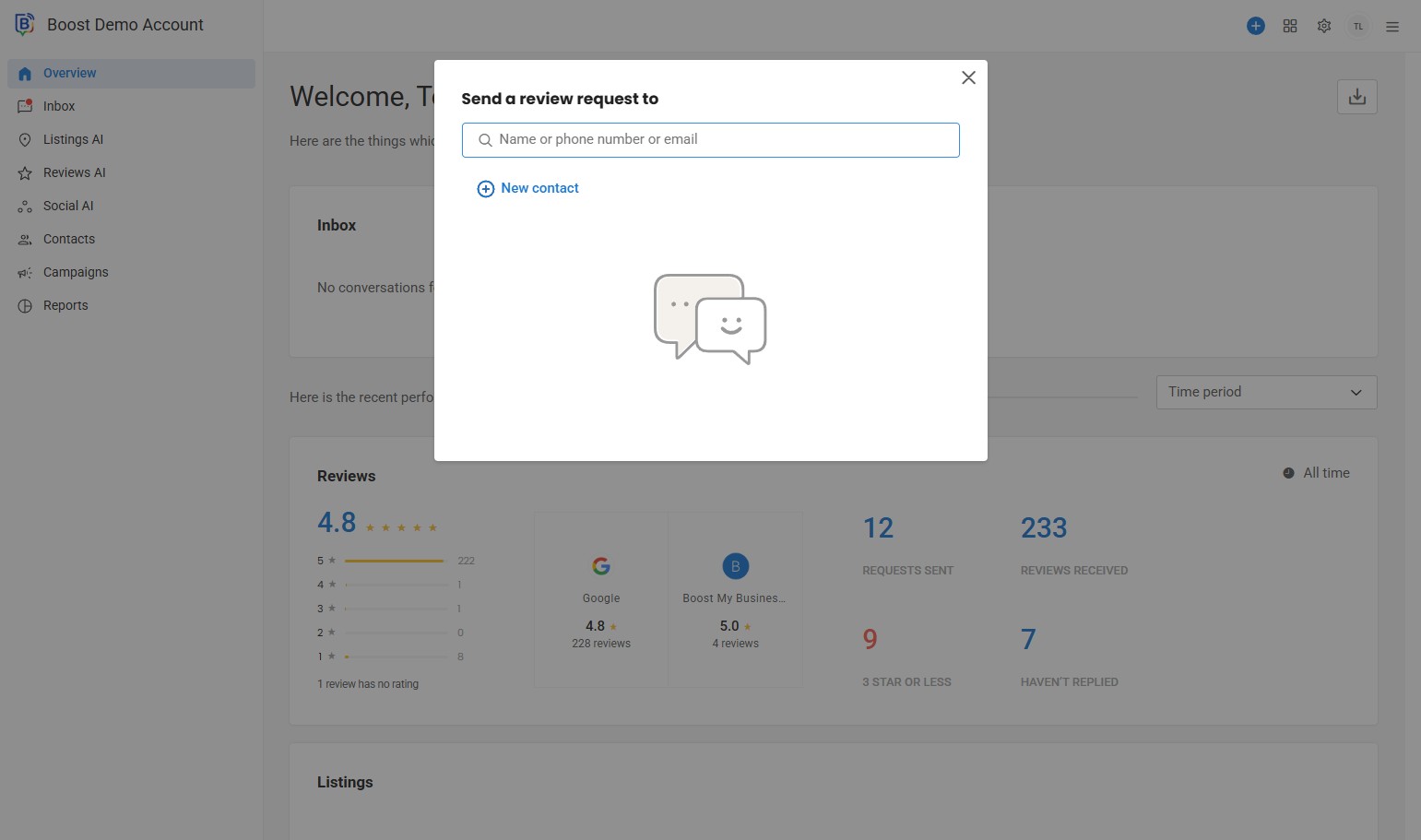
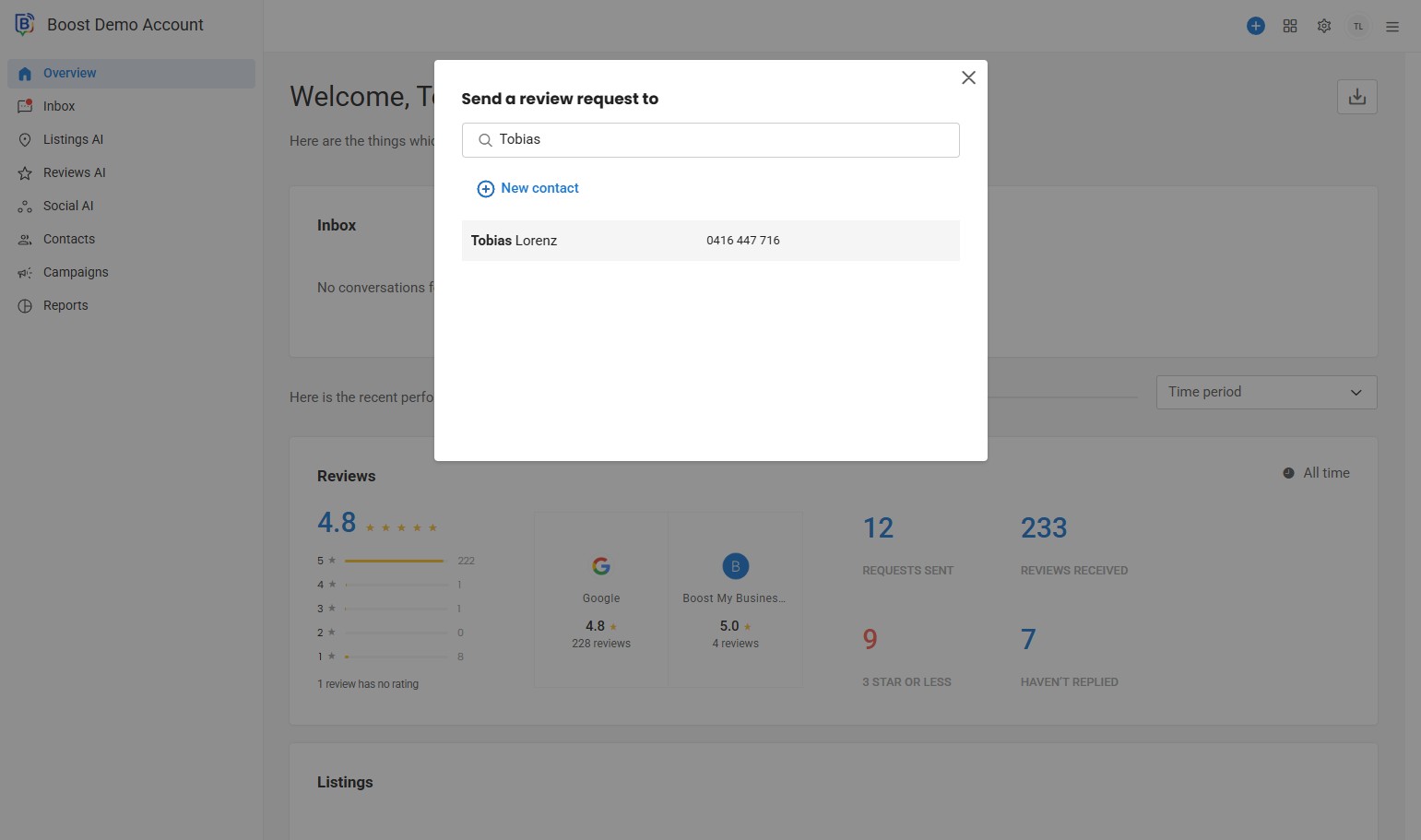
04. Click the “Name or phone number or email” field, or create new contact.
05. Find your Customer, e.g. “Tobias Lorenz”.
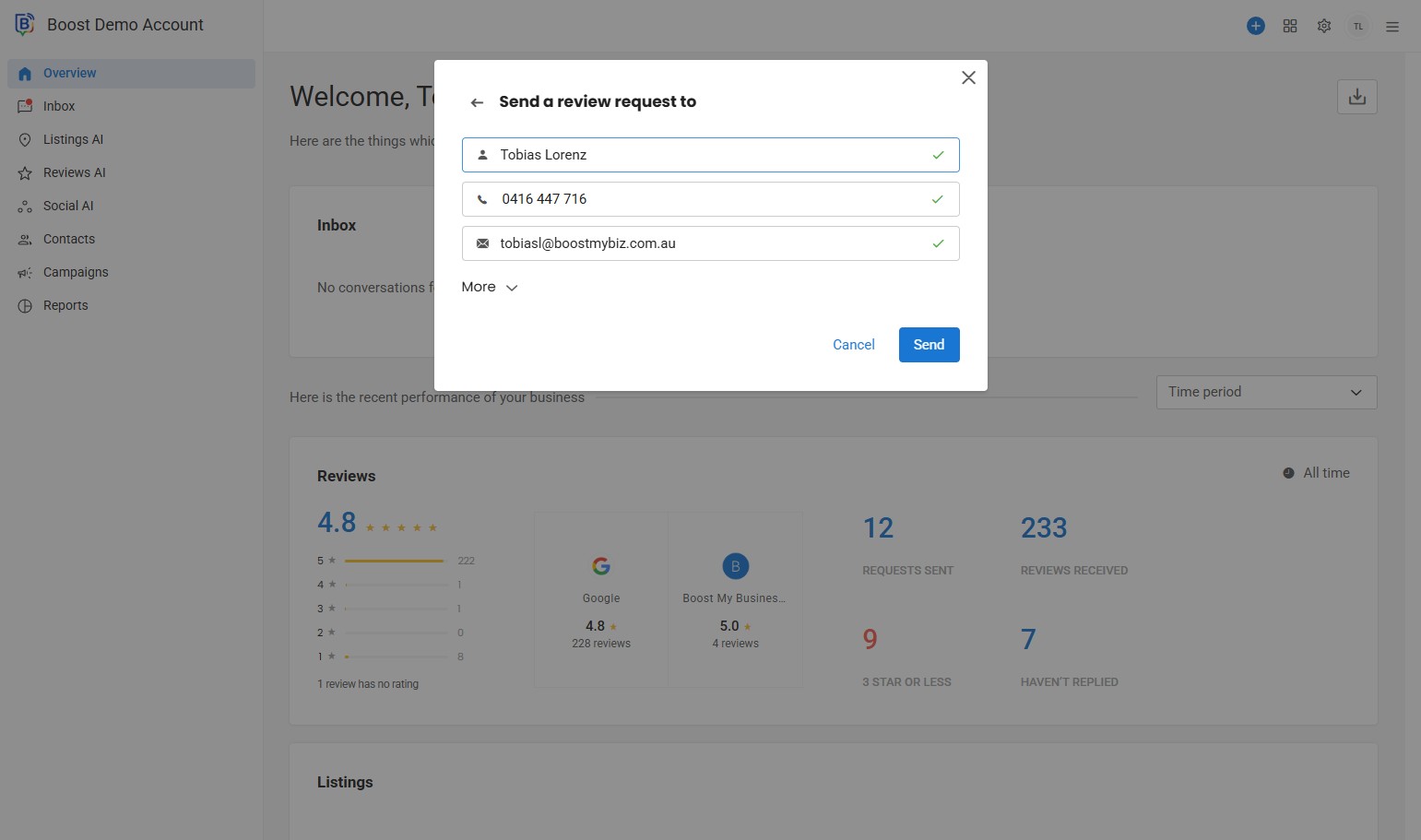
6. Click More for your send options.
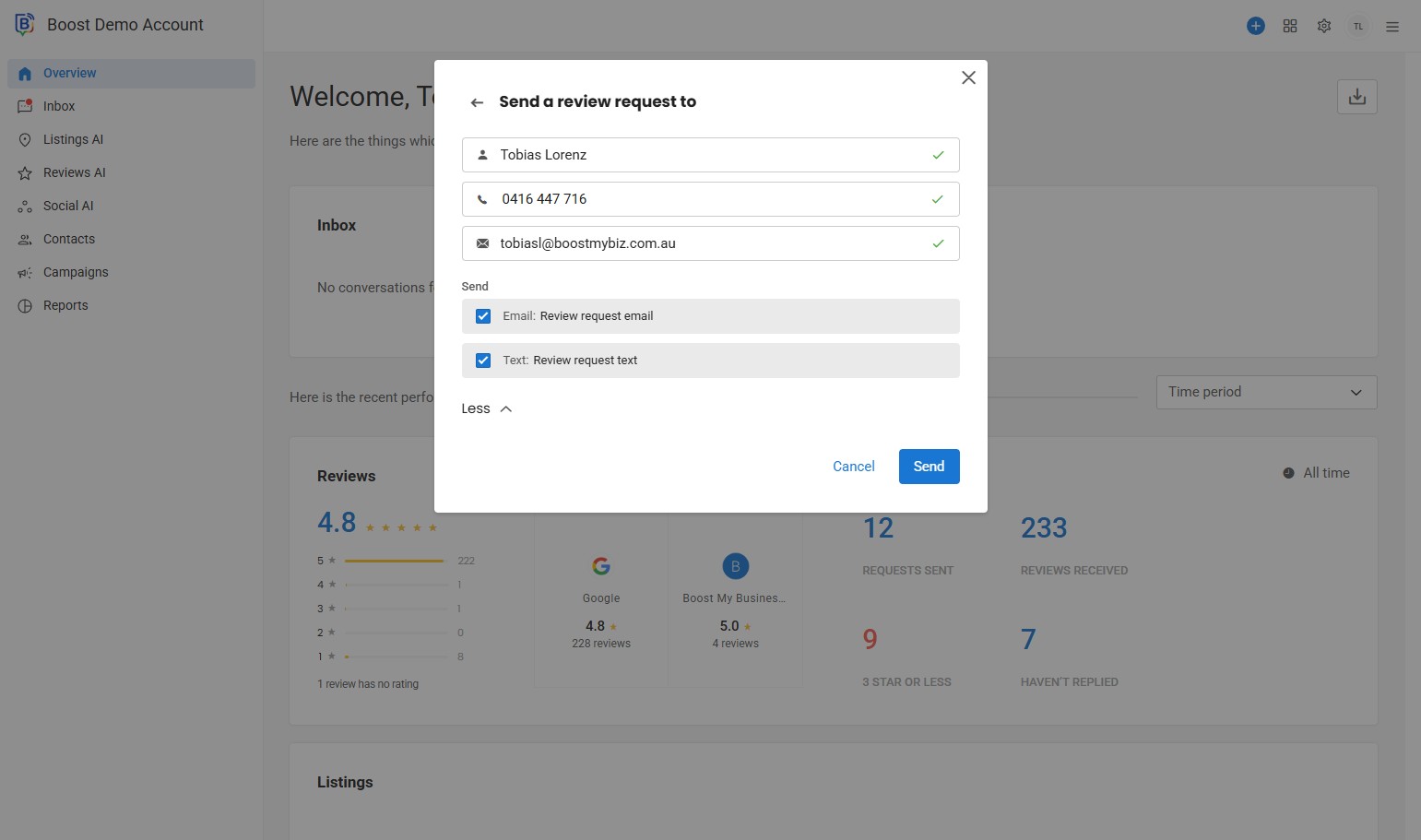
7. Click the checkbox to activate / deactivate.
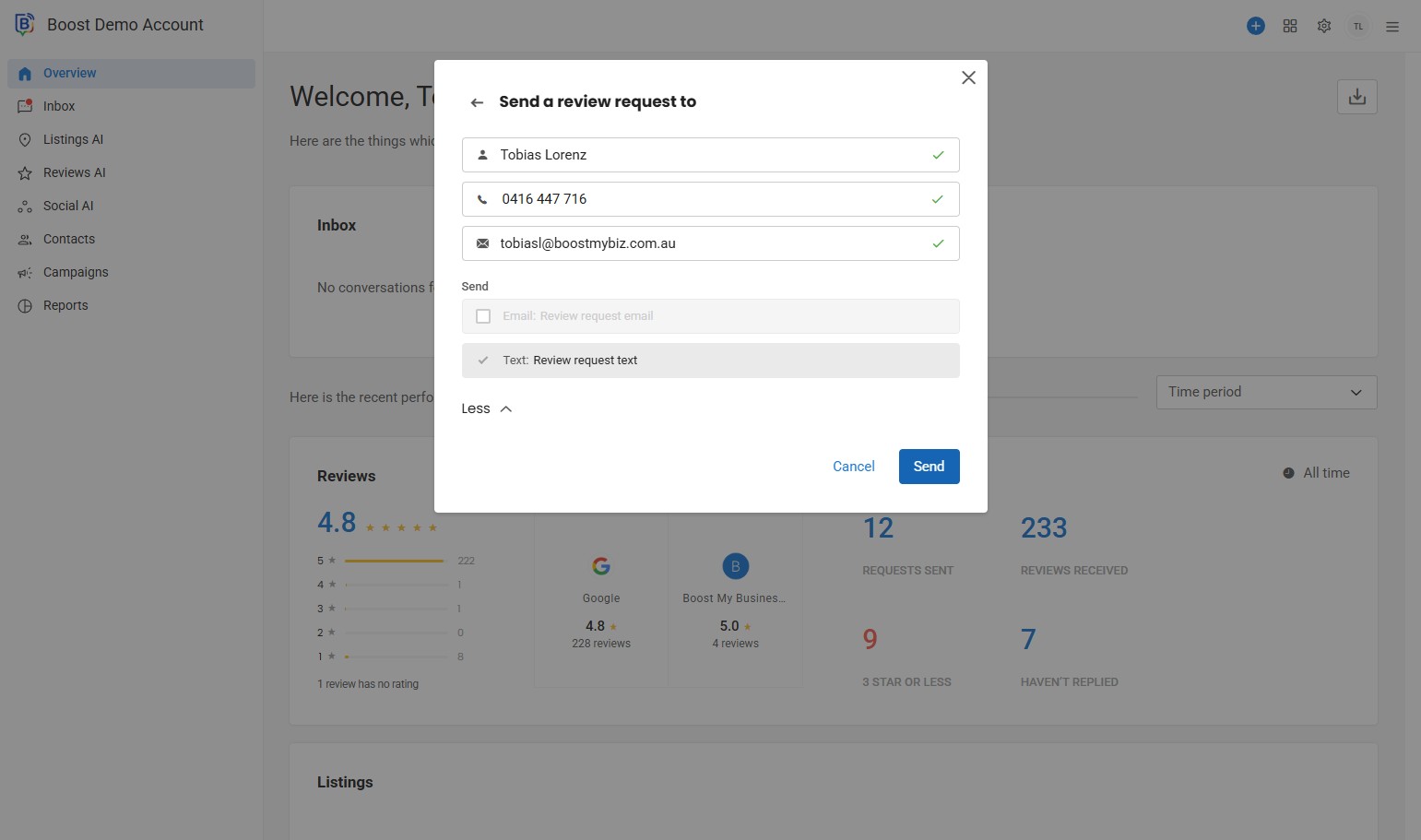
8. Click “Send”.
If you need further assistance, feel free to consult with your account manager or contact support onboarding@boostmybiz.com.au