


Business Online Management Quick Start Guide – Reviews | Help Article:
How To Share Reviews on Social Media
21 steps | 4 minutes
01. Navigate to your Boost My Business Dashboard
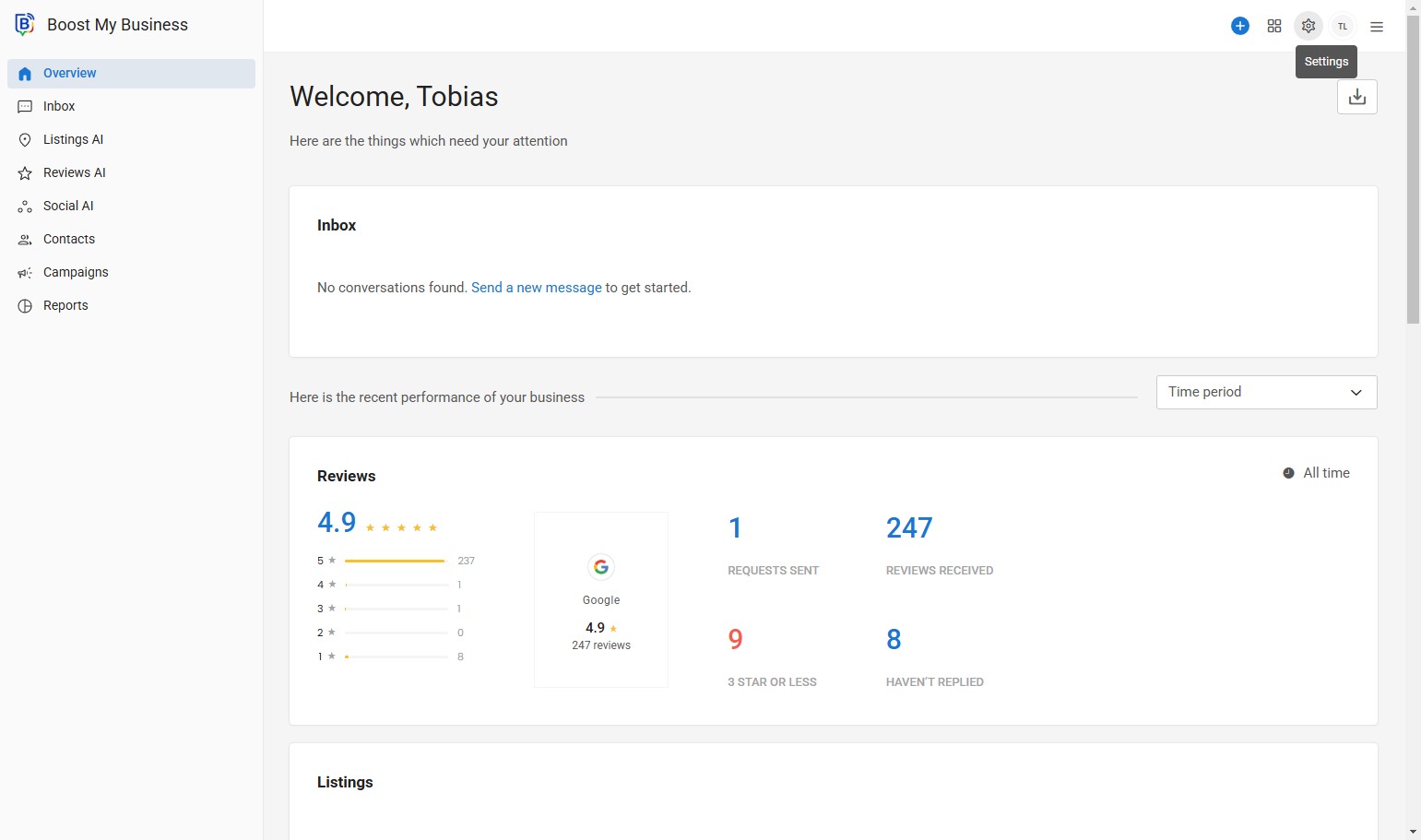
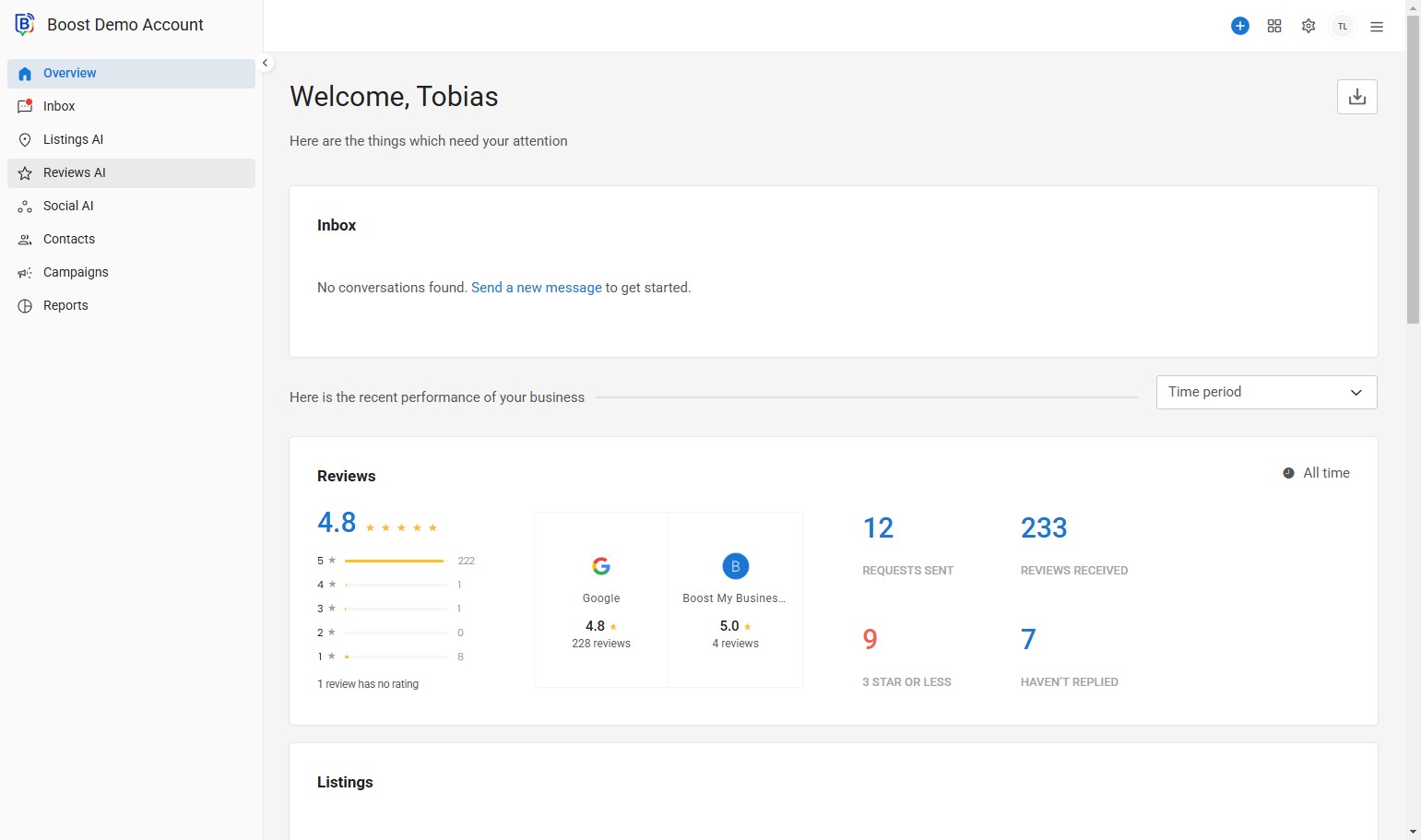
02. Click “Reviews AI”.
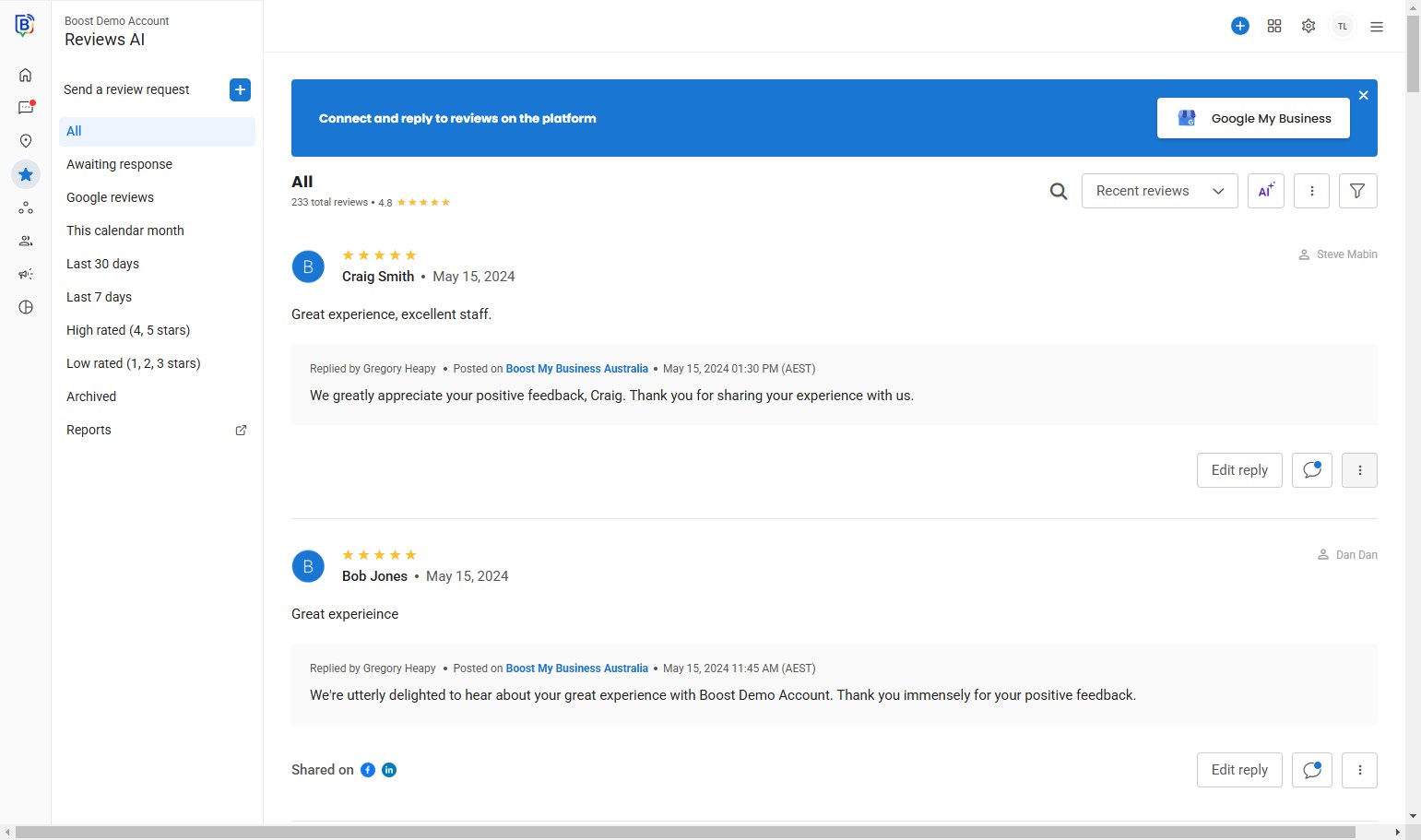
03. Find a review you would like to share and click the three dots.
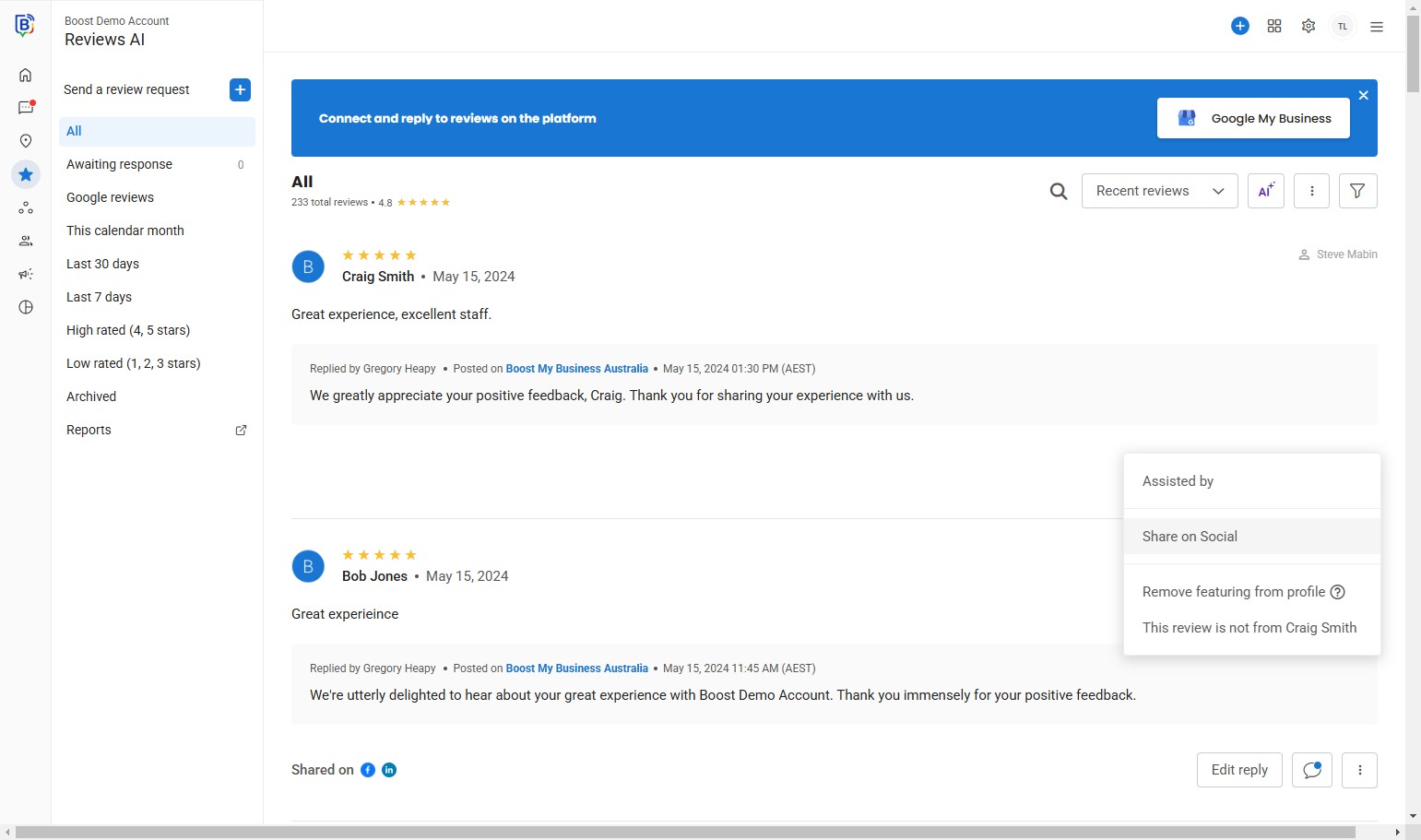
04. Click “Share on Social”.
05. You can change or upload the background image.
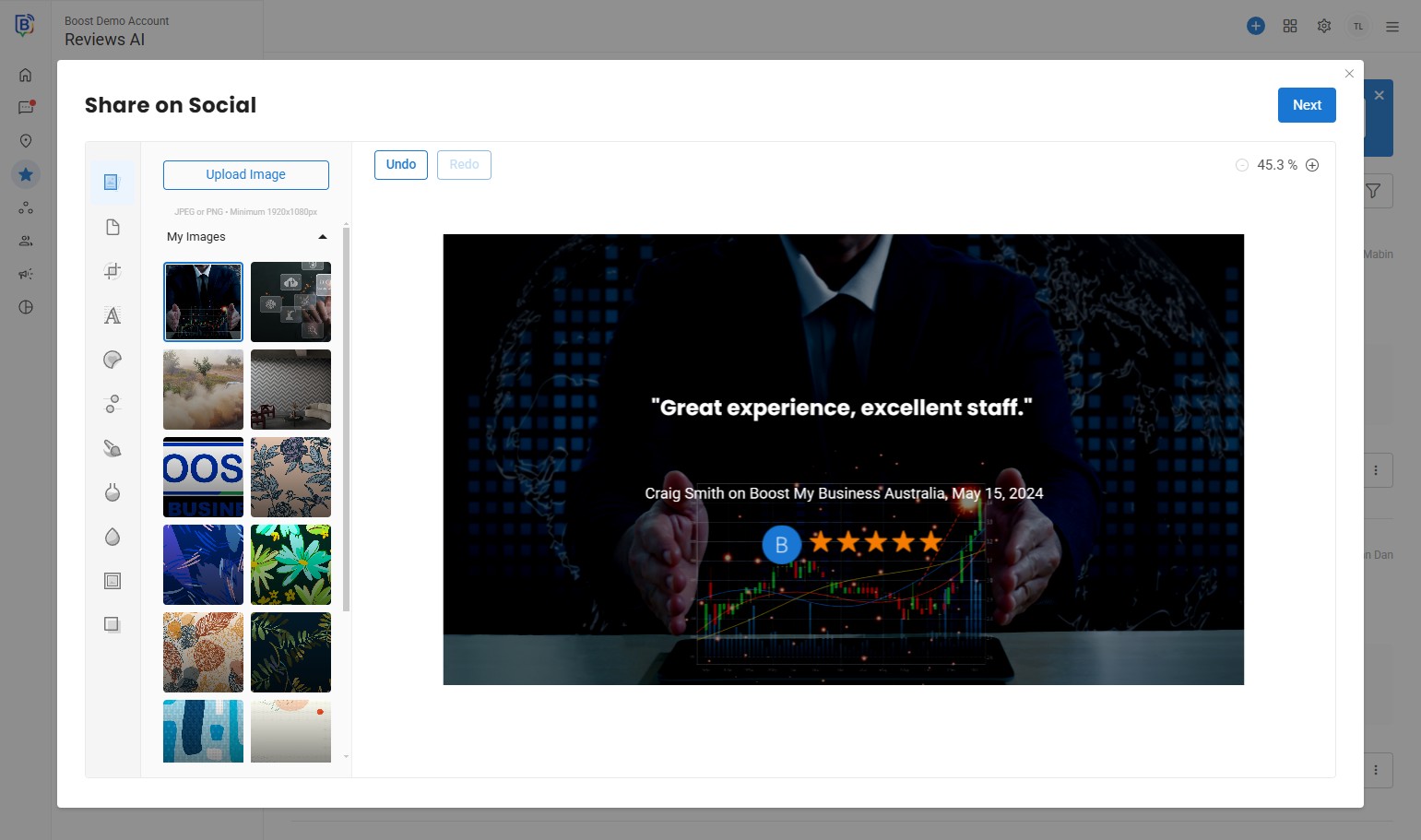
6. or “upload image”
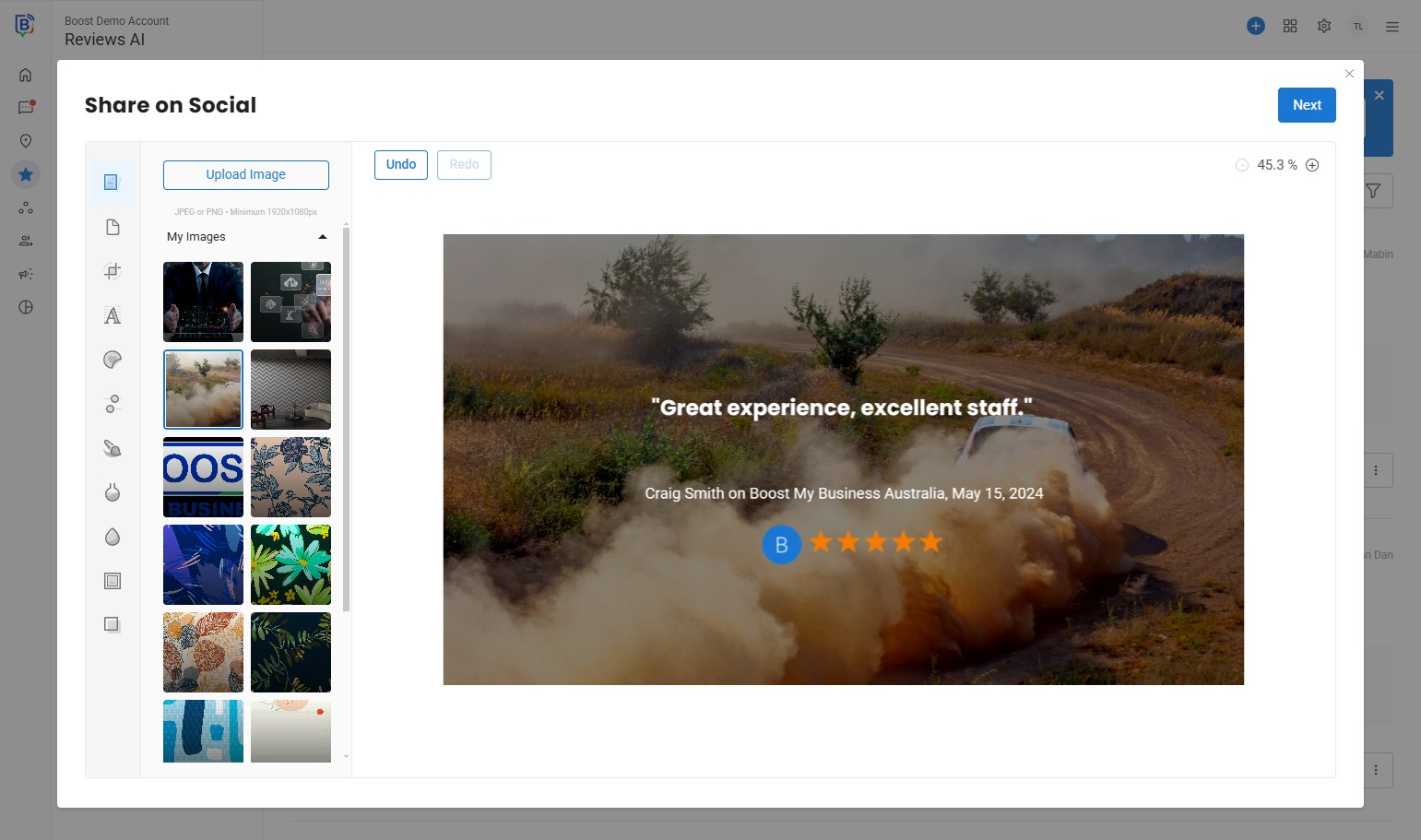
7. You can edit the background, multiple effects to choose from in the left toolbar.
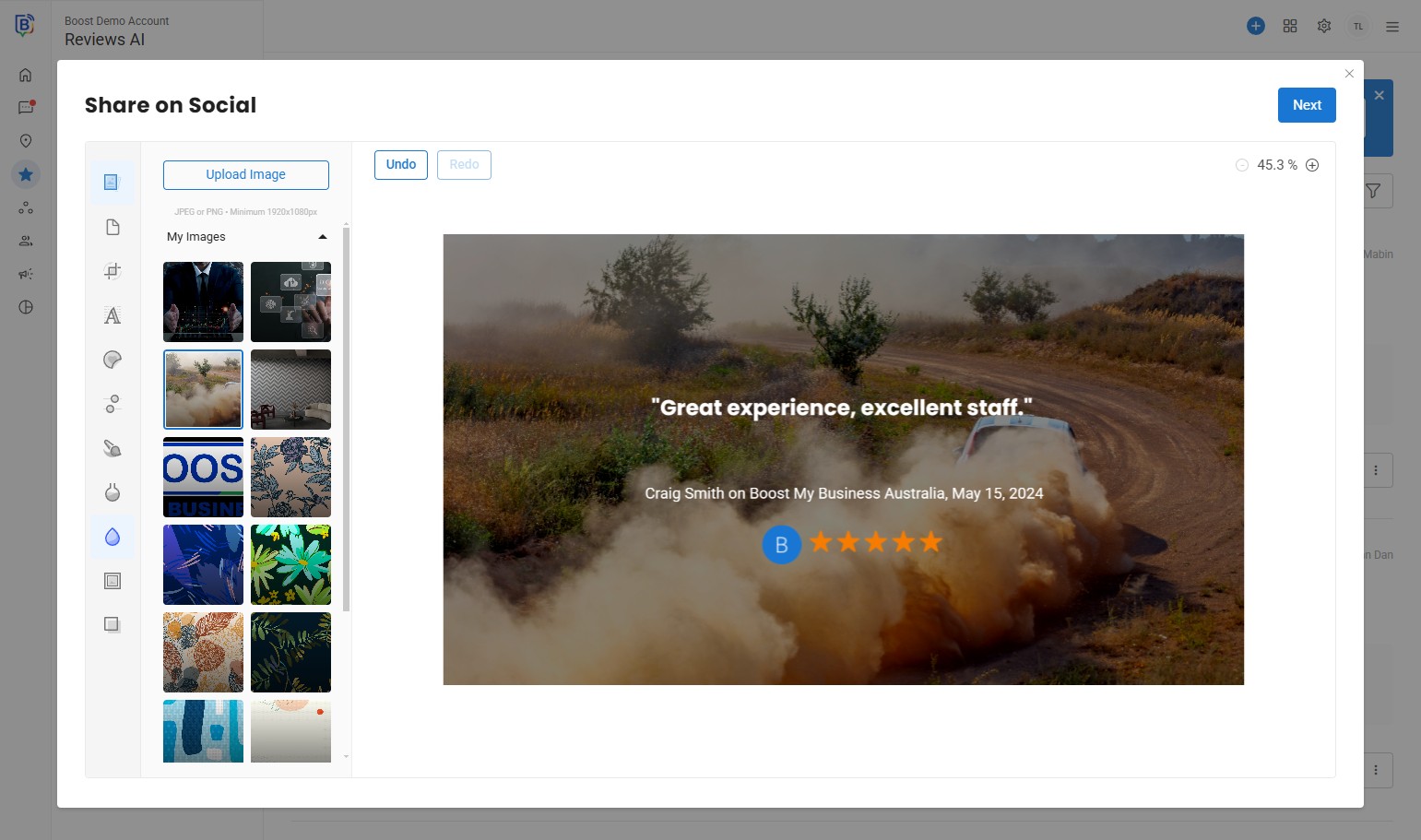
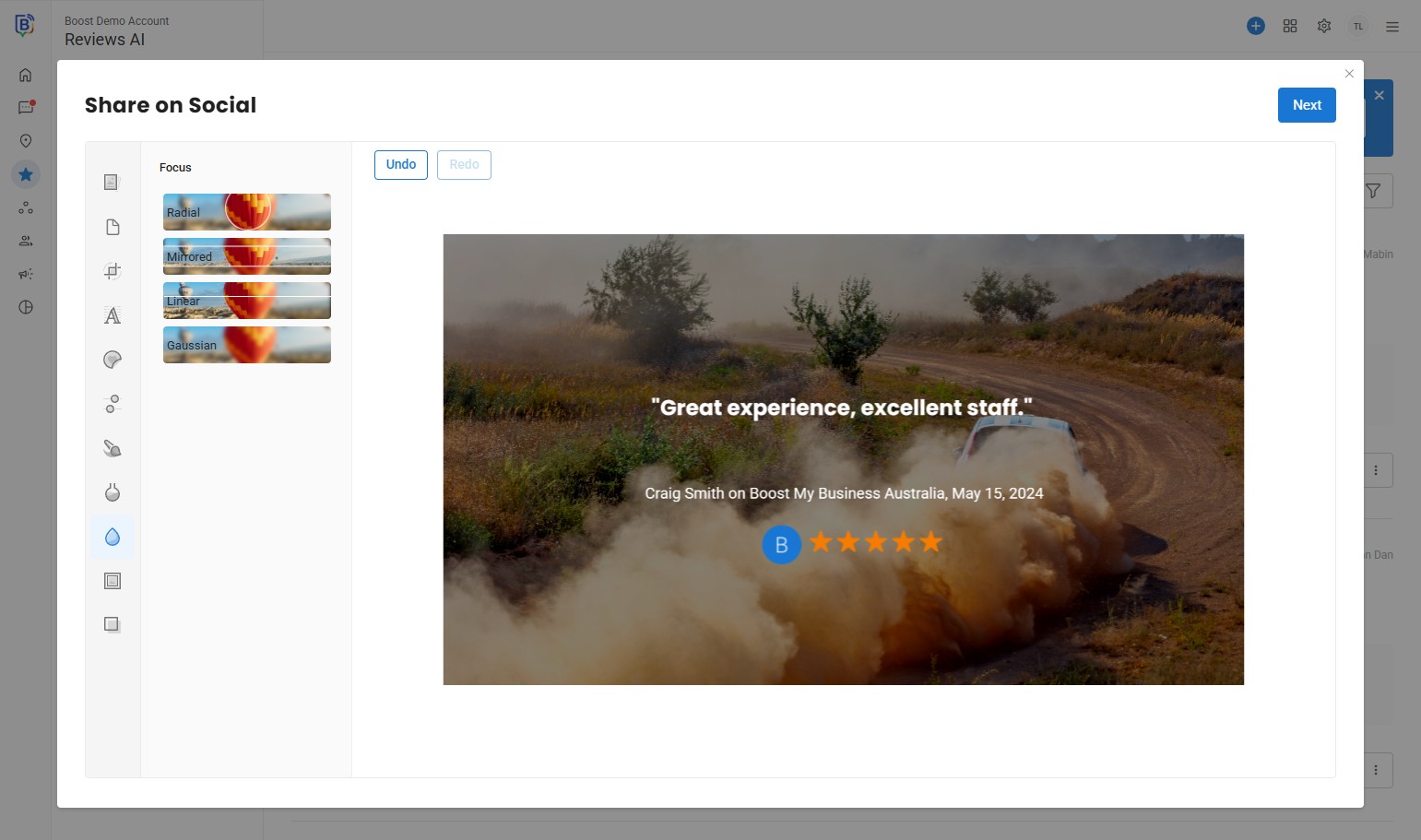
8. Change the focus.
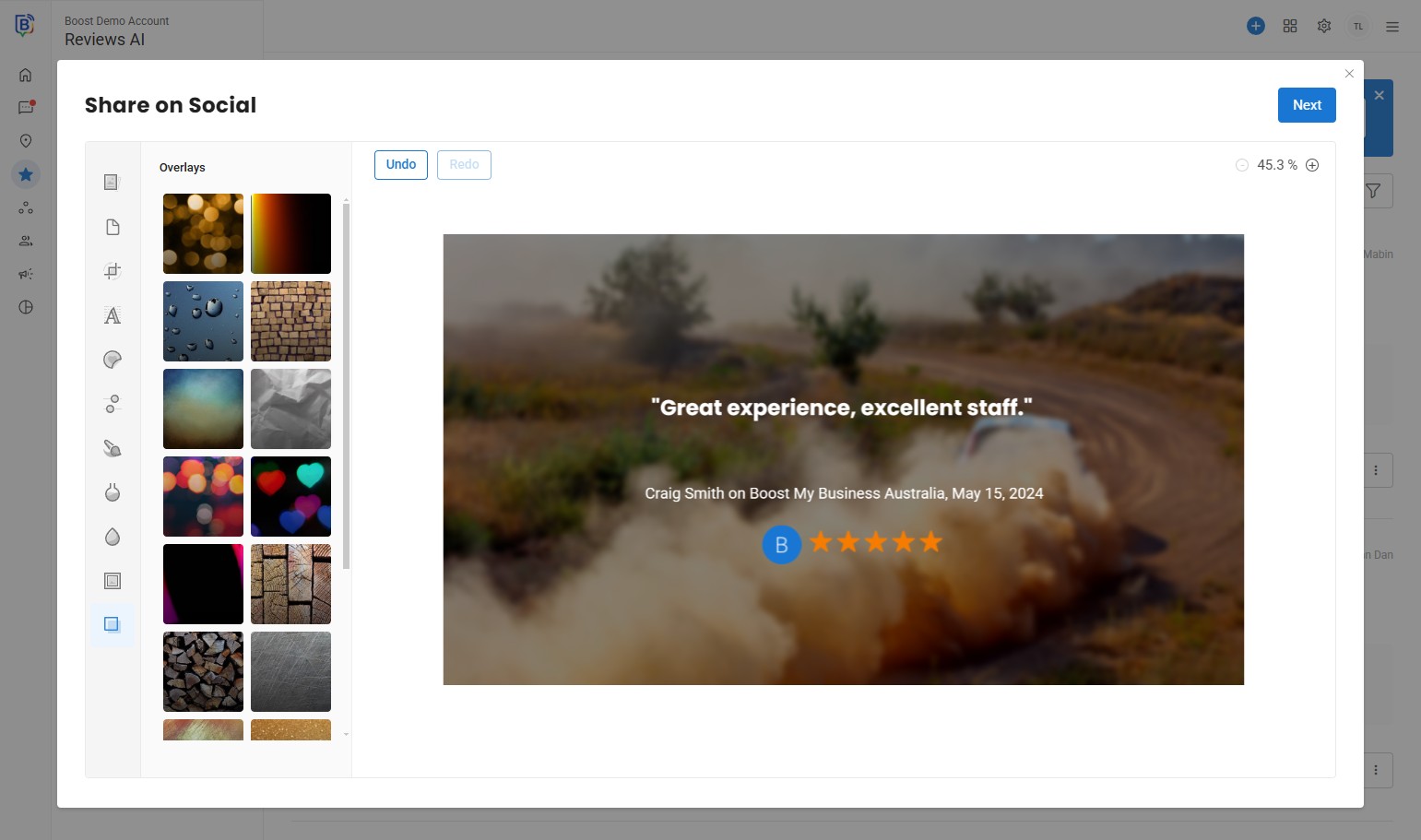
9. Adding Overlays.
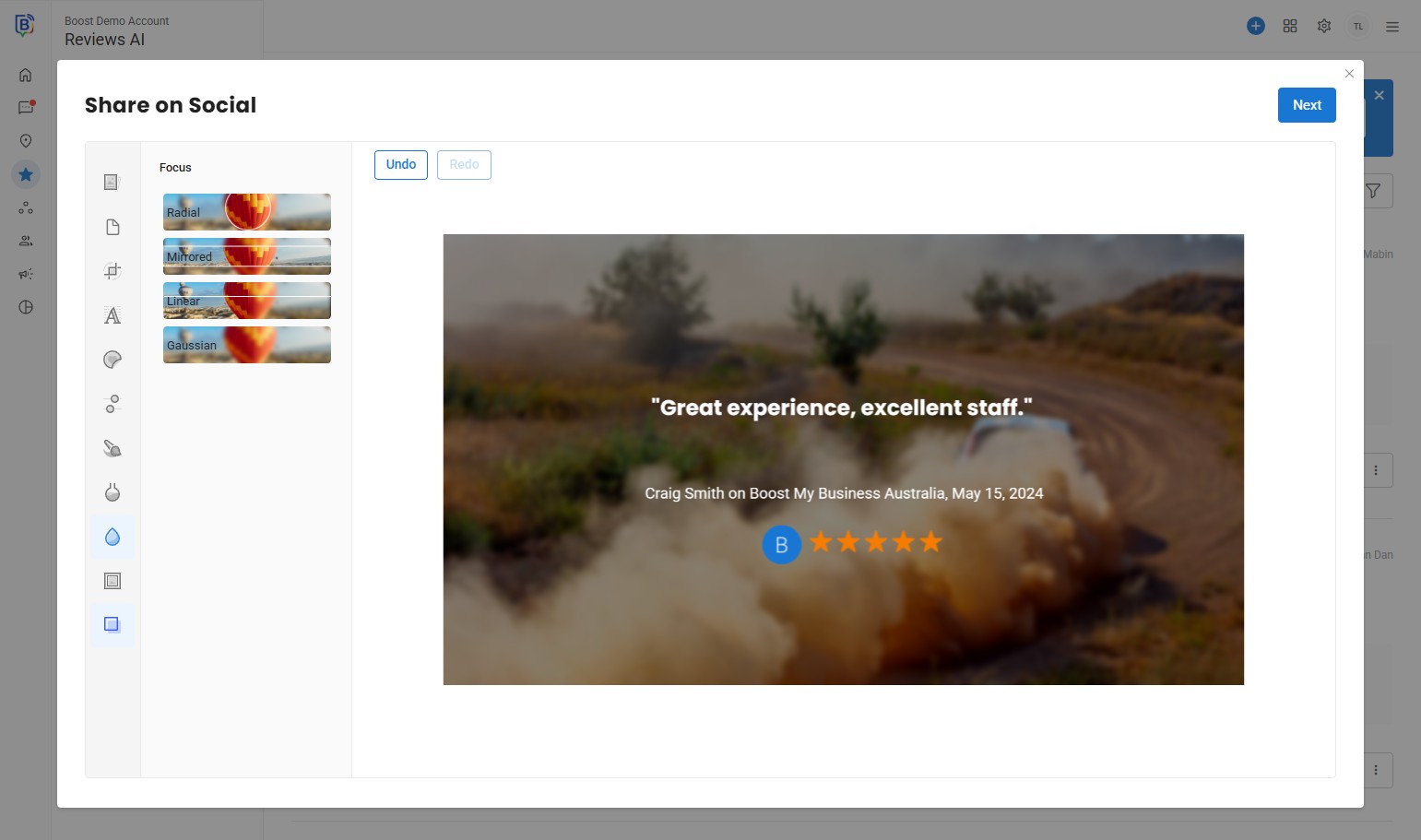
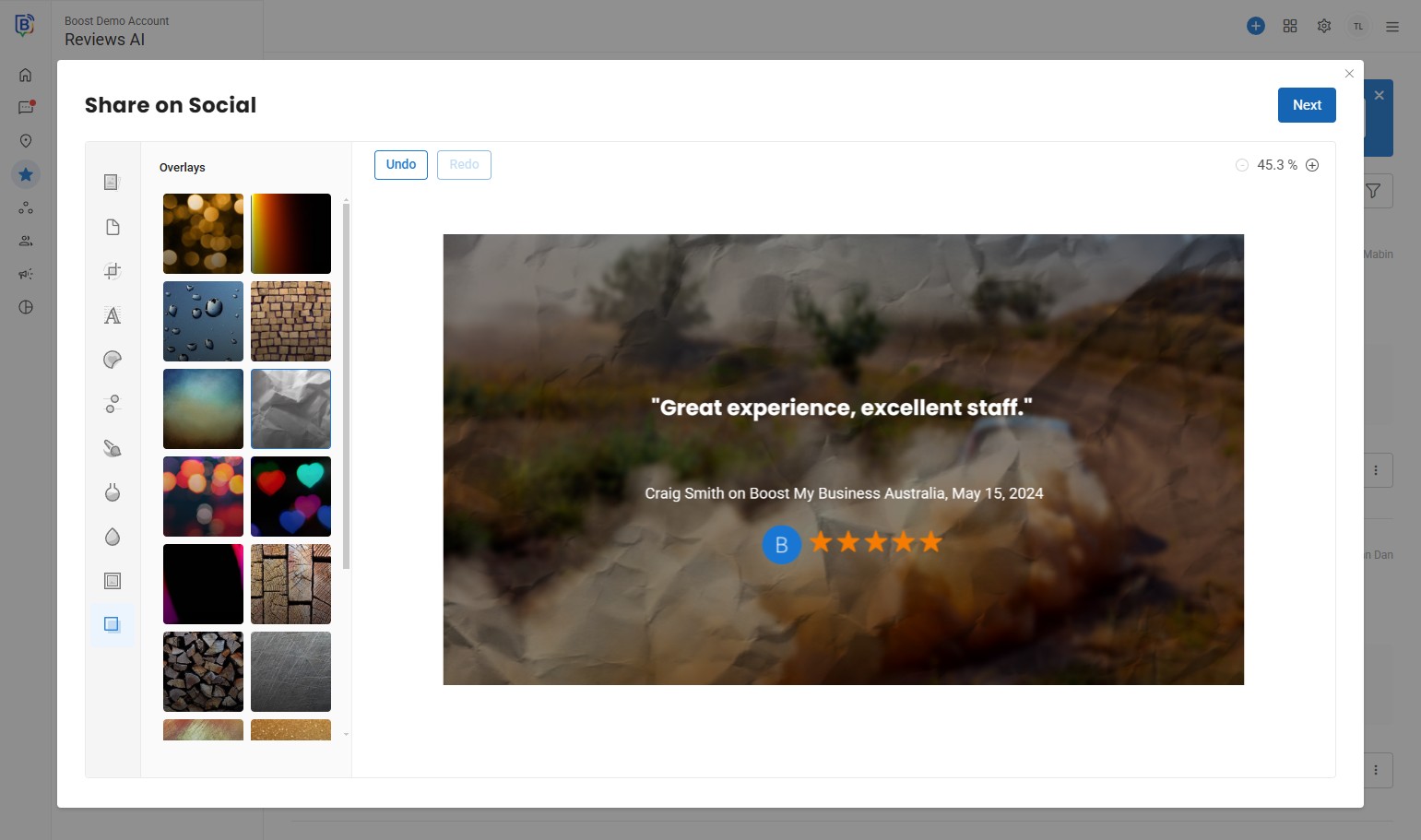
10. Choose an overlay.
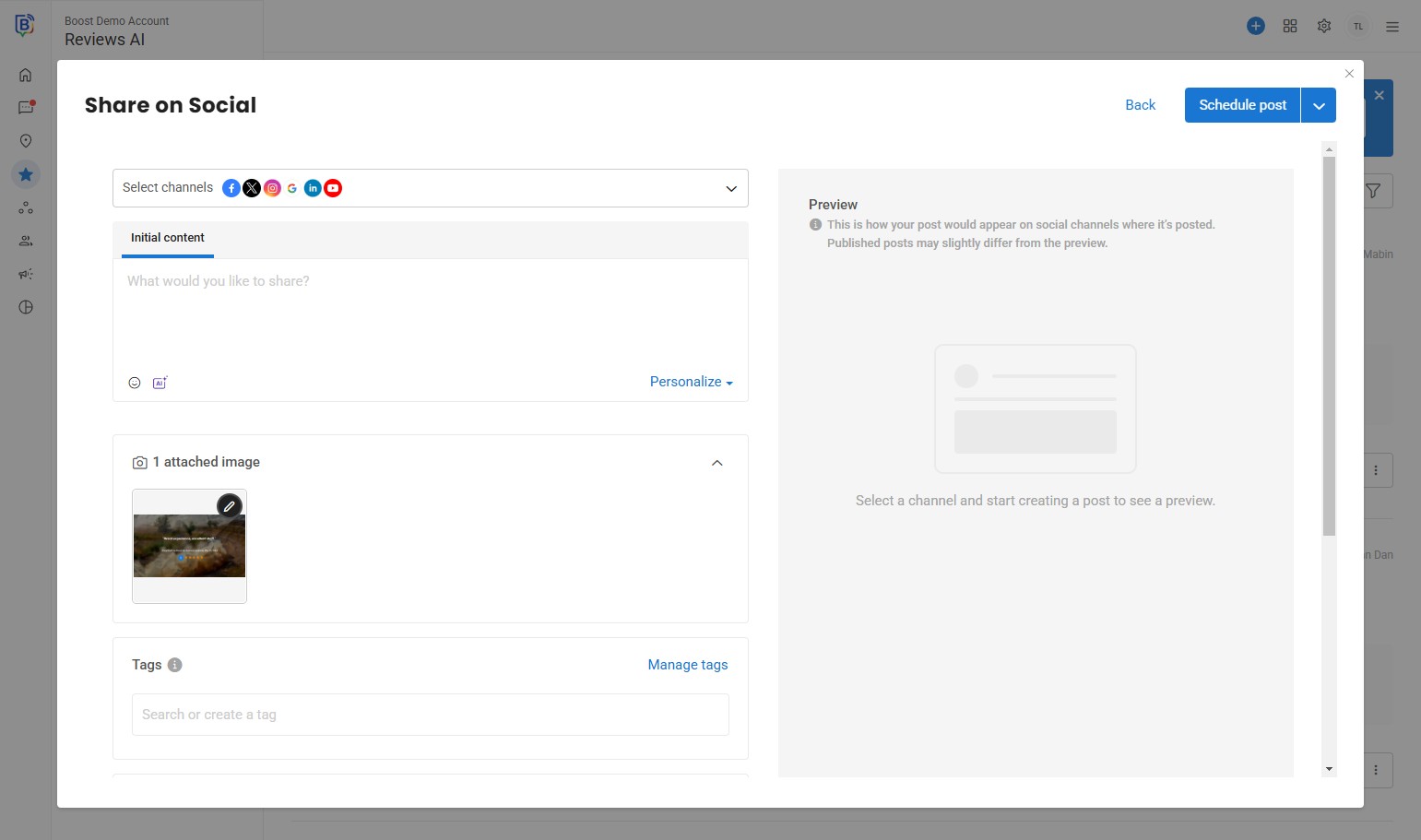
11. Once finished editing, click “Next”.
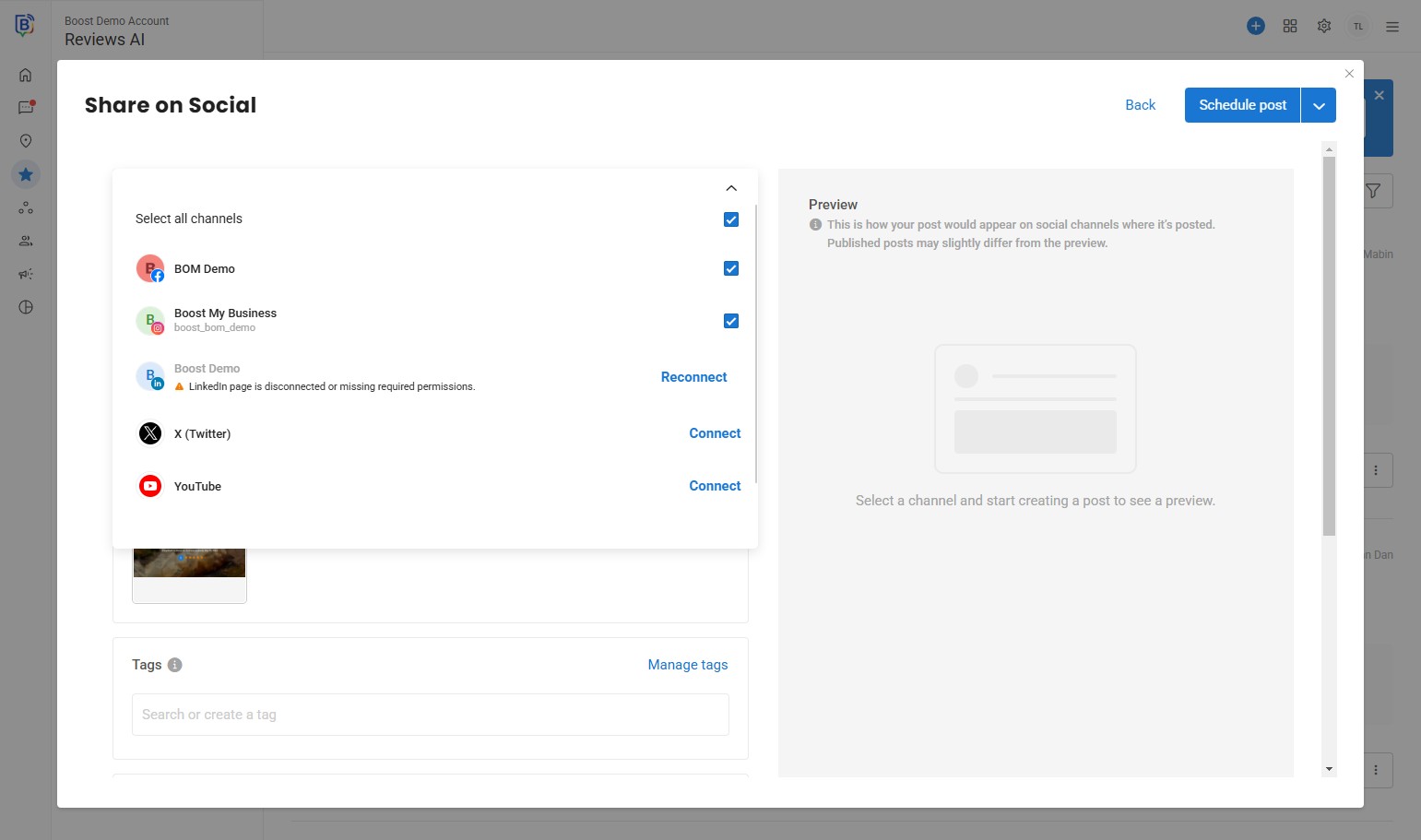
12. Select the channels to share your review.
13. Click this checkbox.
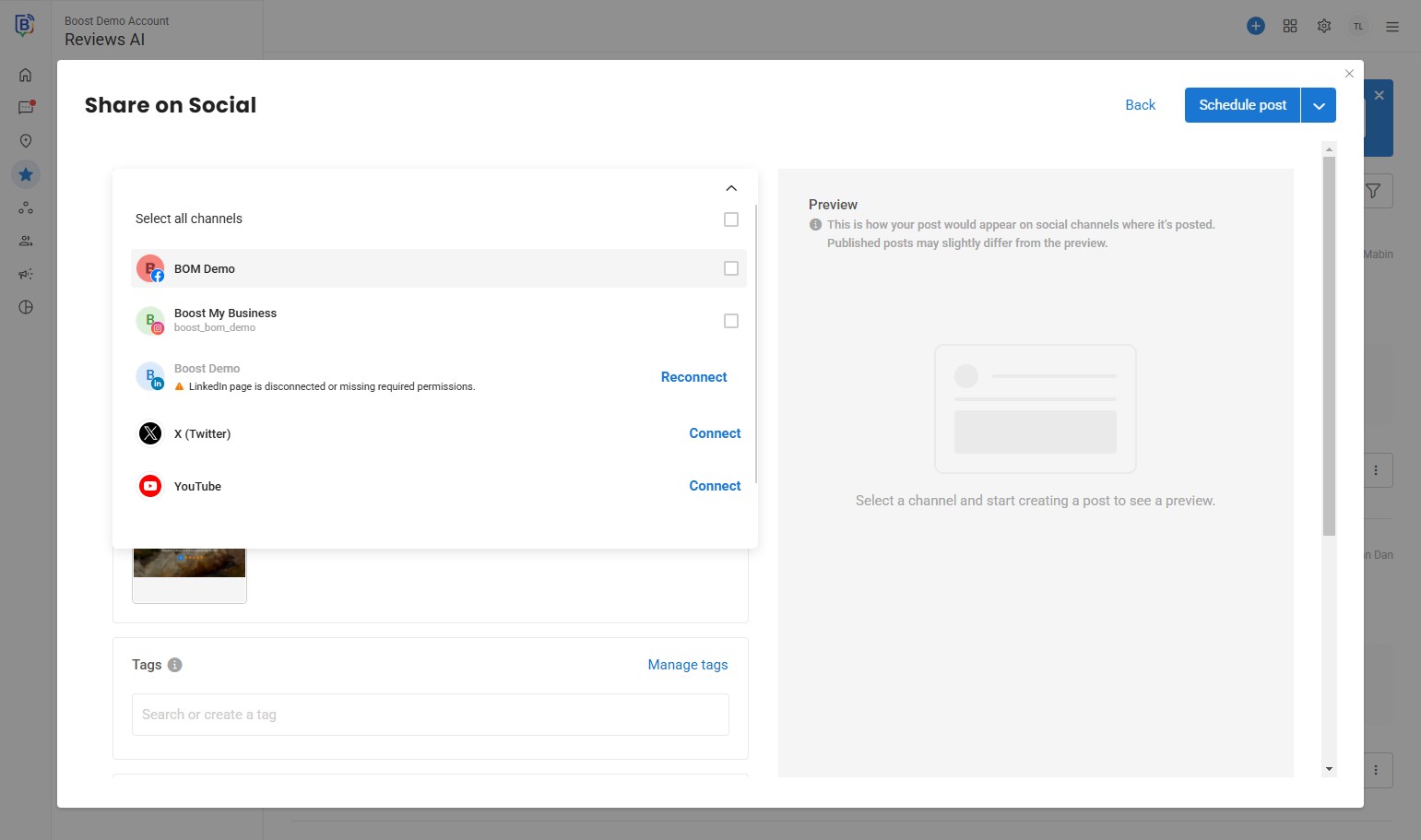
14. Click here when done.
15. You can write a text for the post, e.g. “Thank you”.
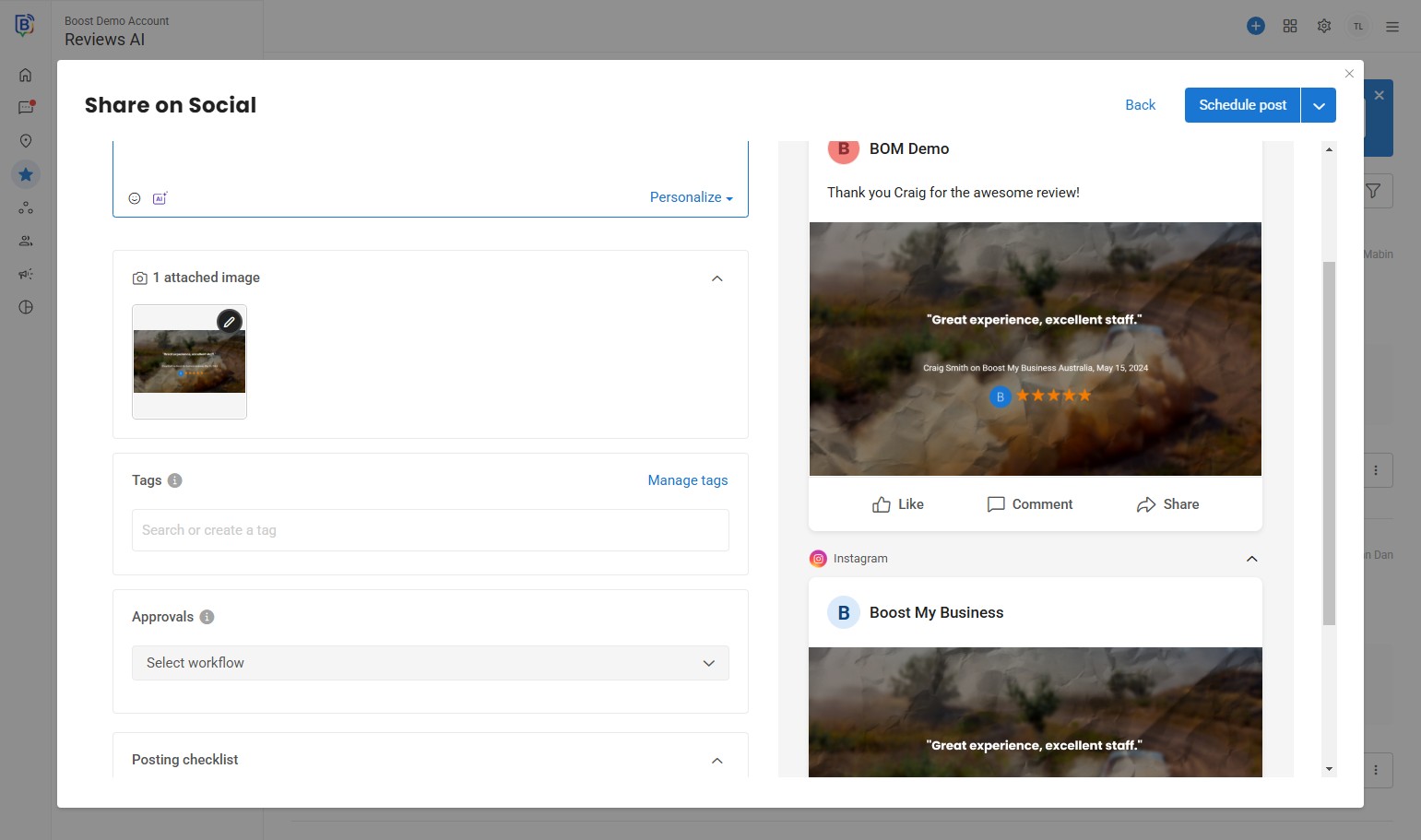
16. Activate an approval rule.
17. Click “Schedule and Submit”.
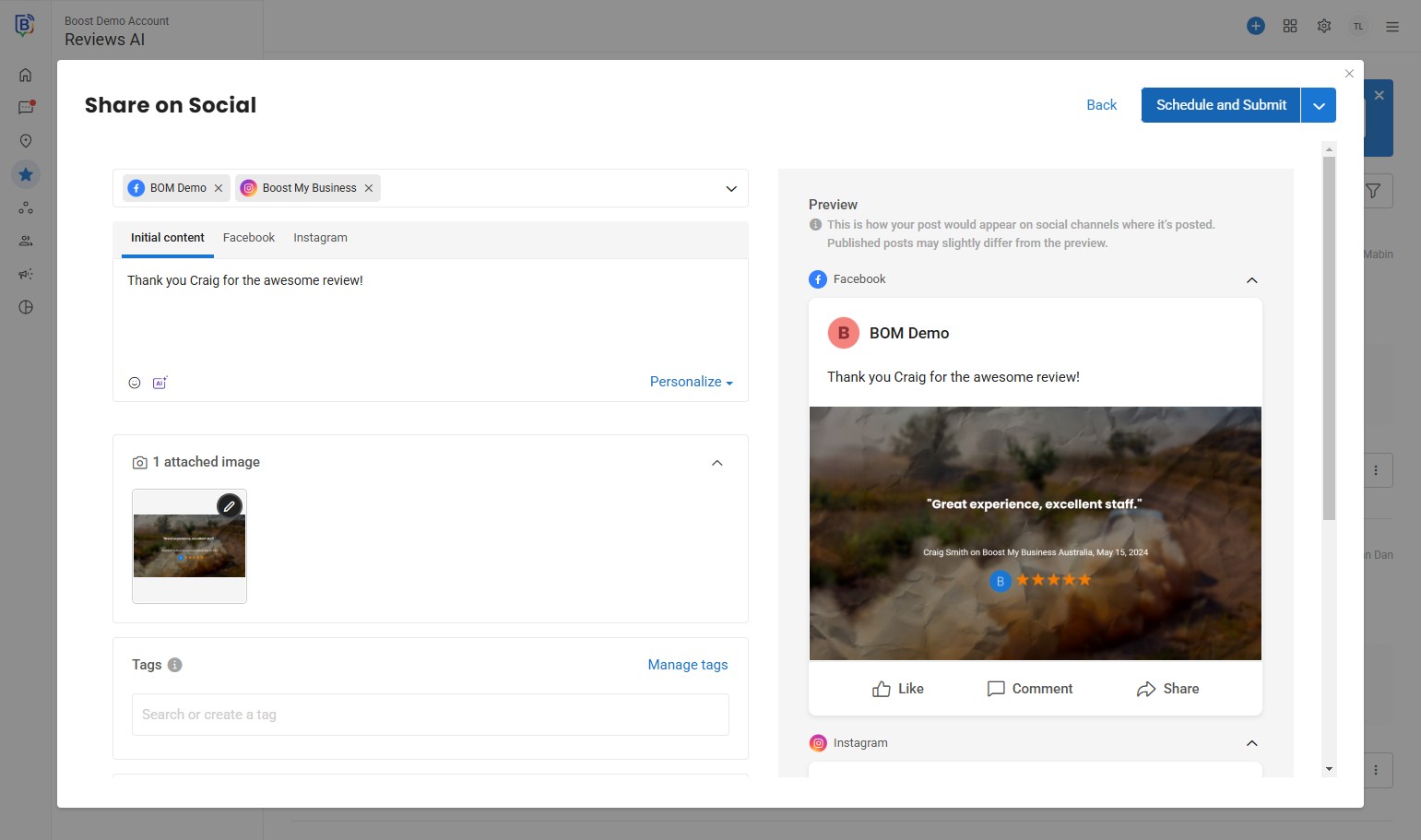
18. Select date and time to schedule your post.
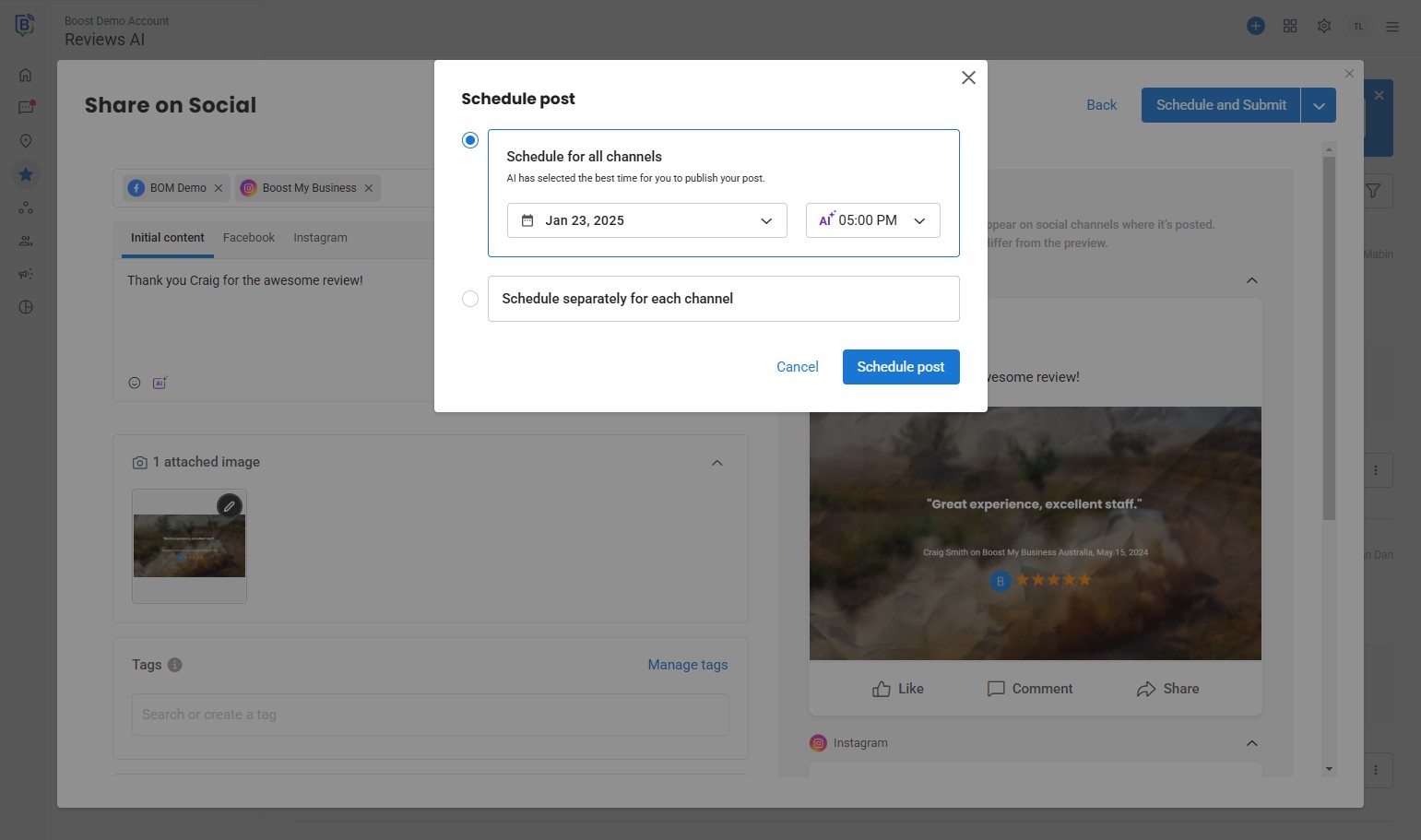
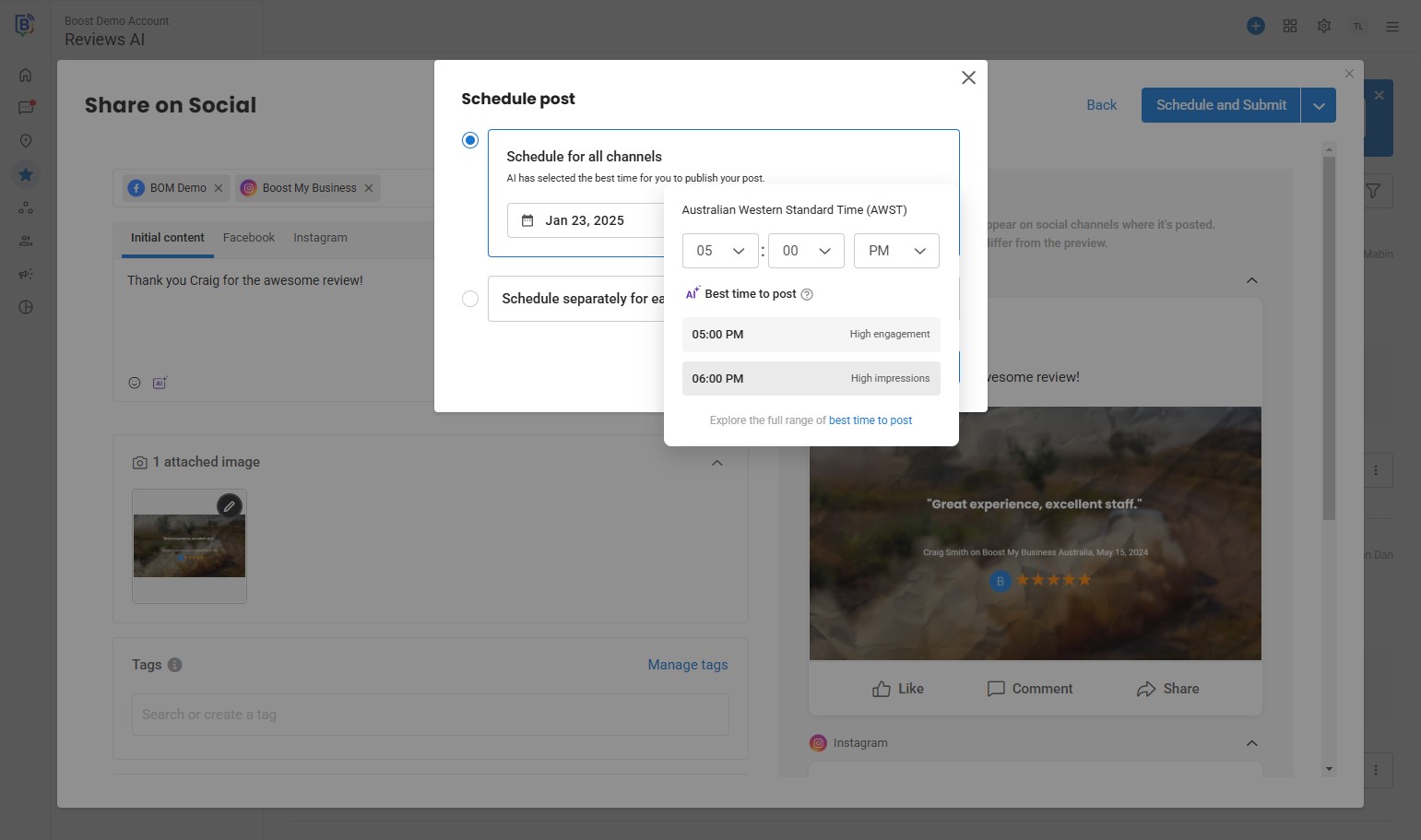
19. Click “High impressions”.
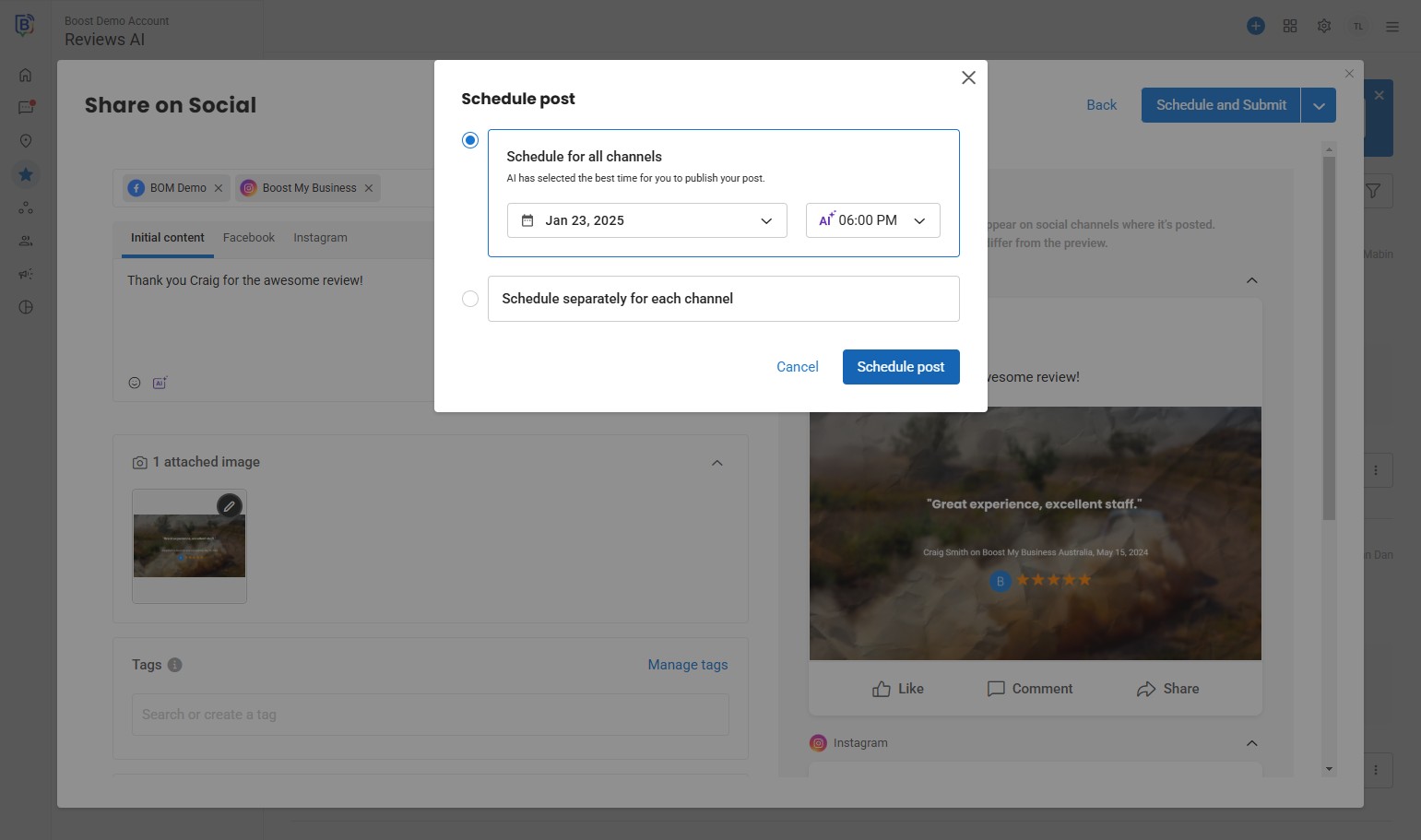
20. Click “Schedule post”.
21. The post will appear in your calendar. Pending approval if “approval rule” has been applied.
If you need further assistance, feel free to consult with your account manager or contact support onboarding@boostmybiz.com.au