


Business Online Management Quick Start Guide – Reviews | Help Article:
Create Auto-Share Rules For Social Media Reviews
25 steps | 3 minutes
01. Navigate to your Boost My Business Dashboard
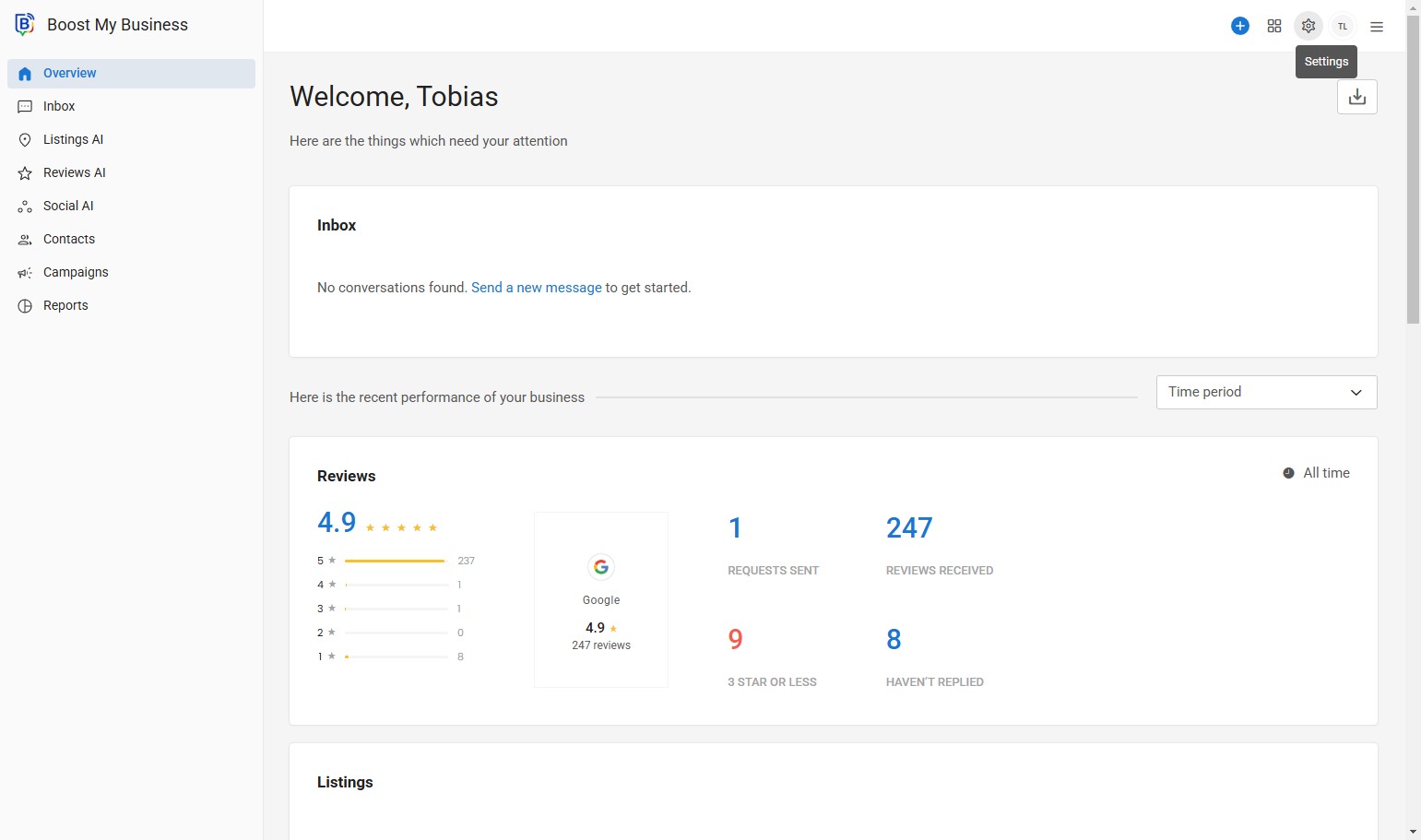
02. Click Settings.
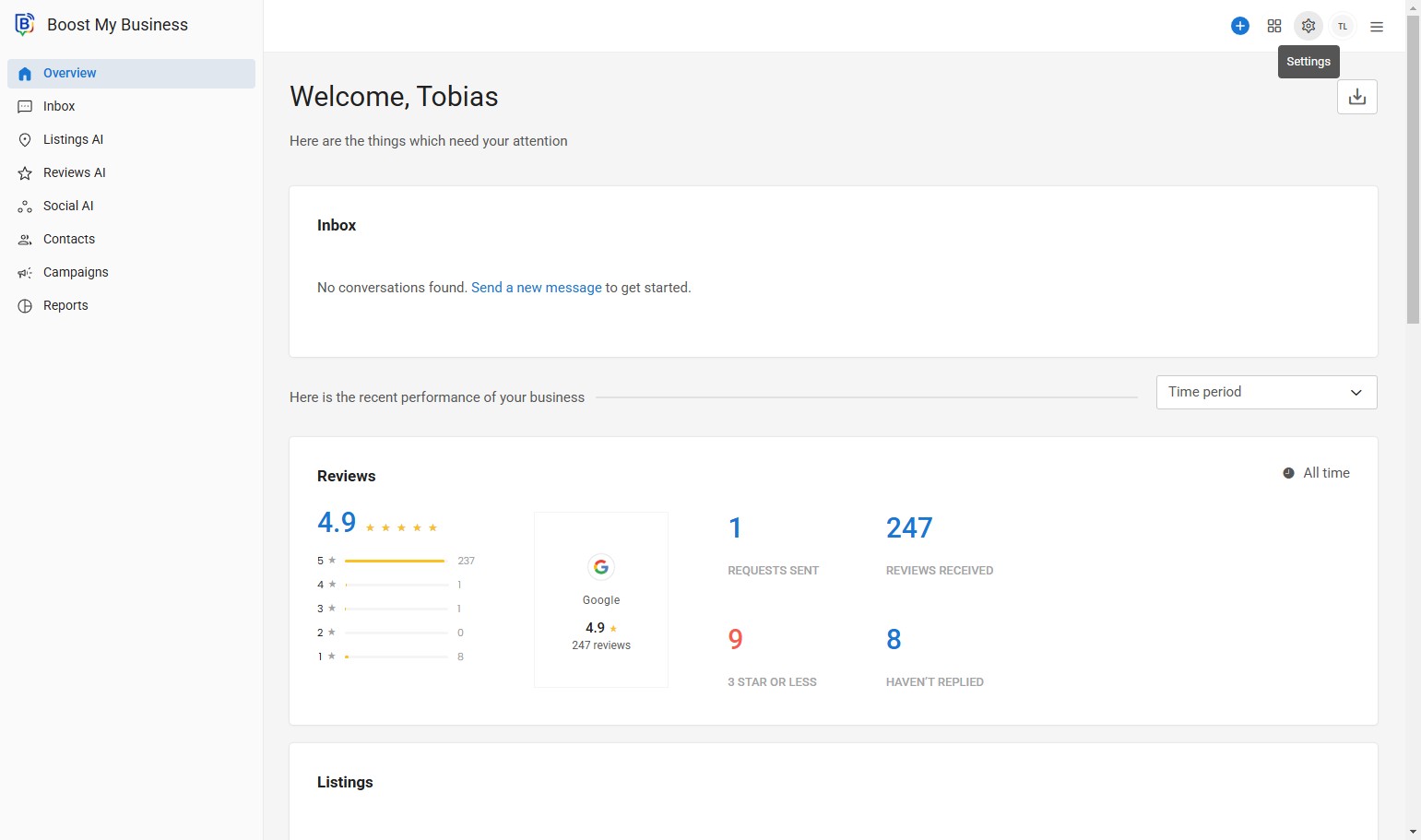
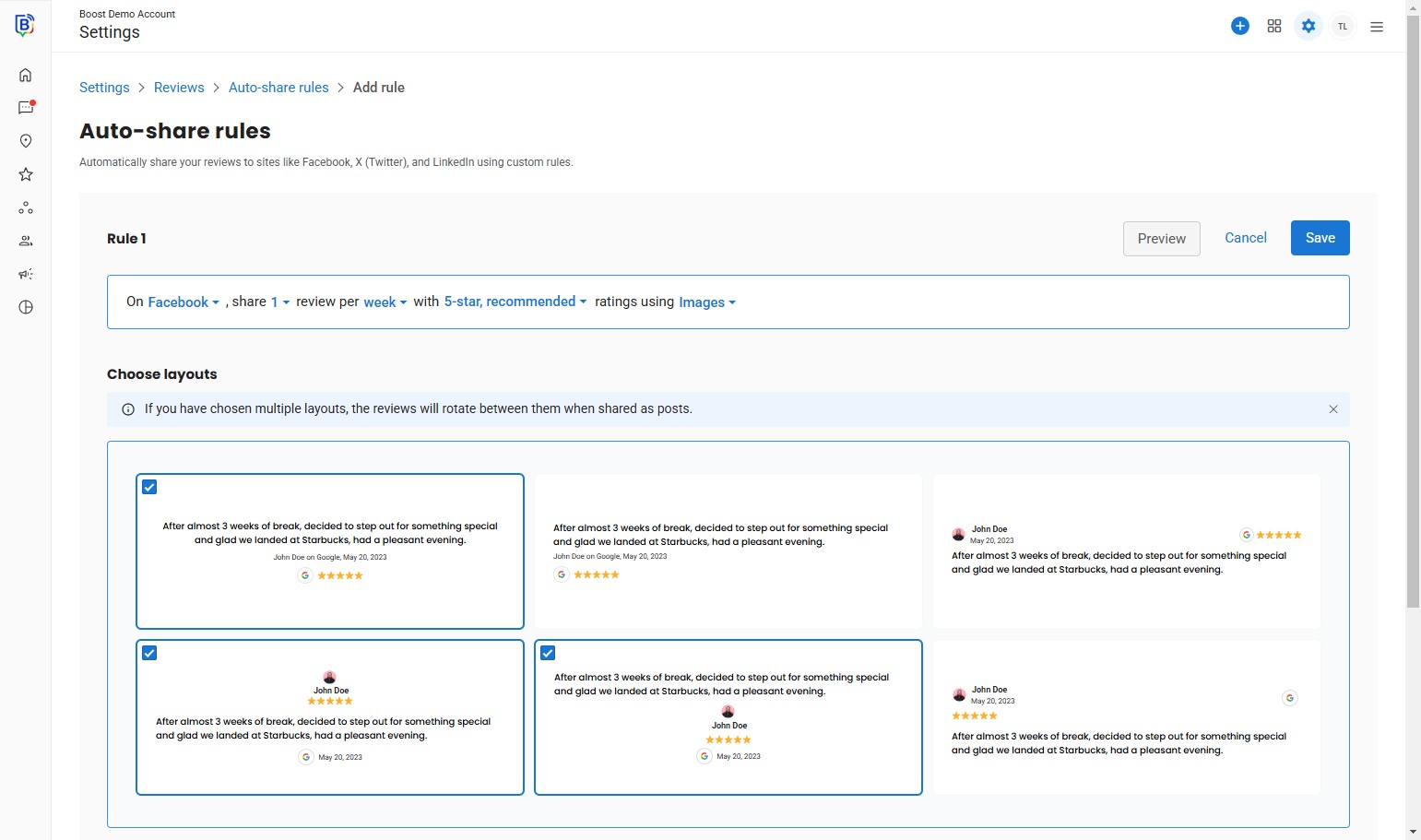
03. Click “Auto-share reviews as posts on your social accounts using custom rules.”
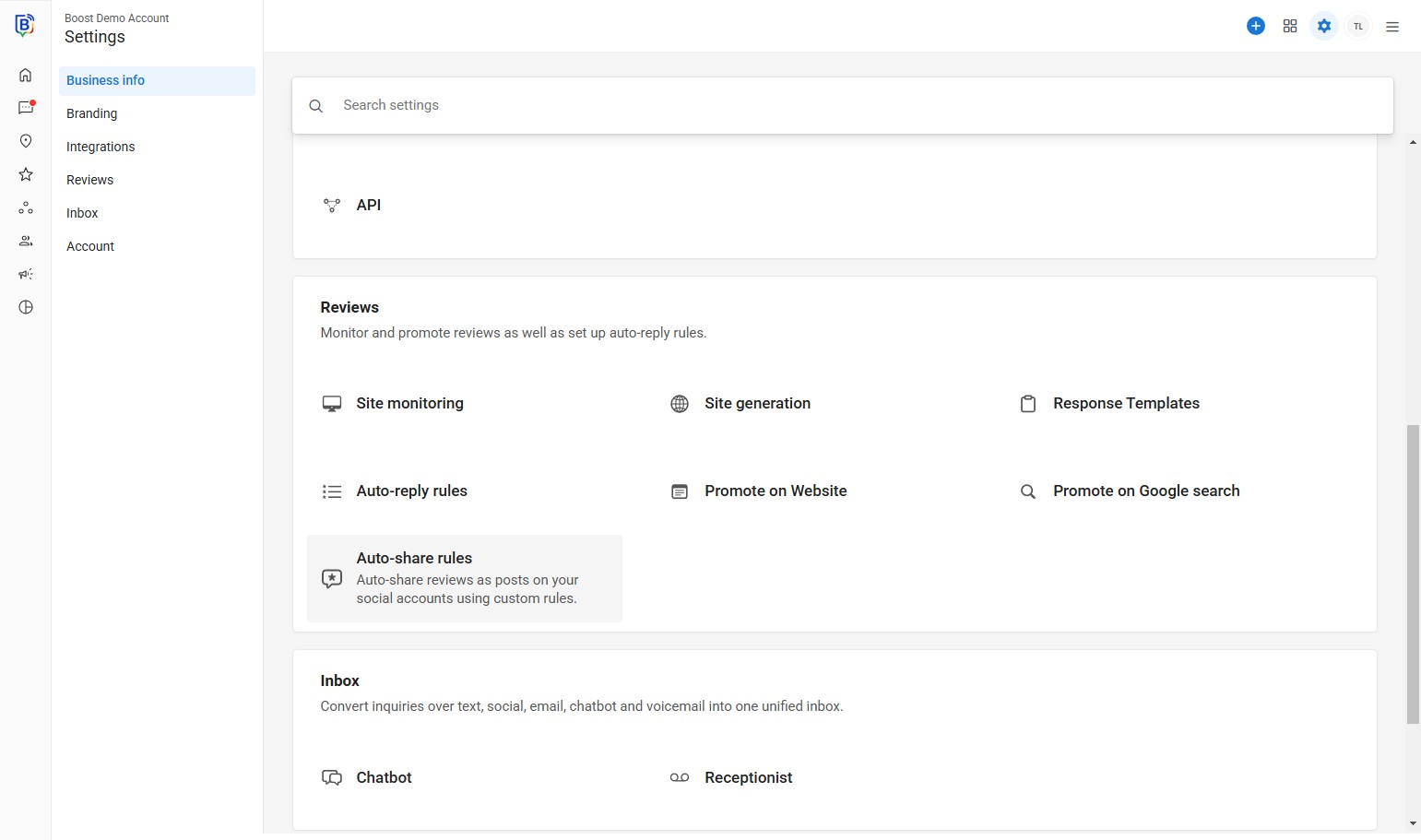
04. Click “Create auto-share rule”.
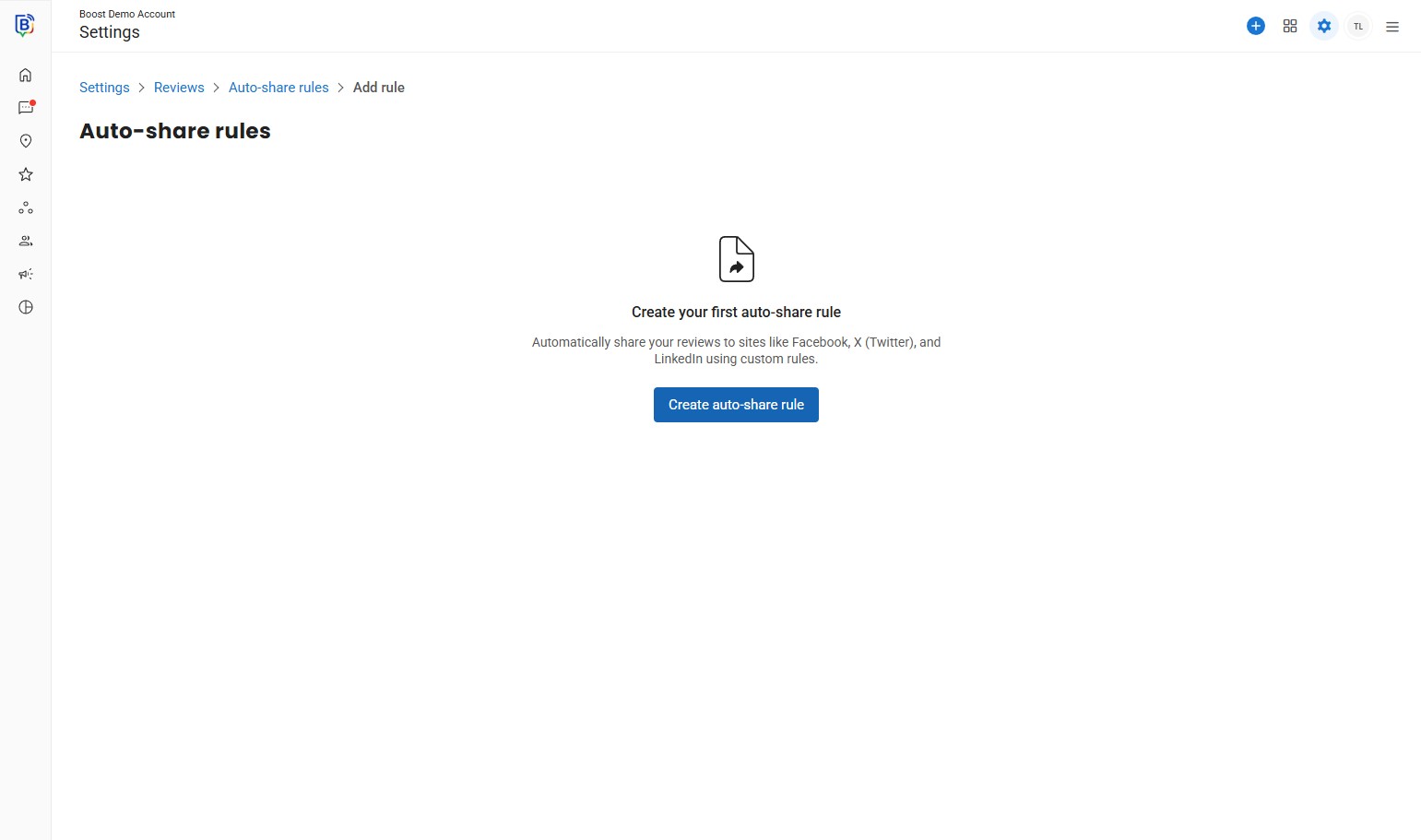
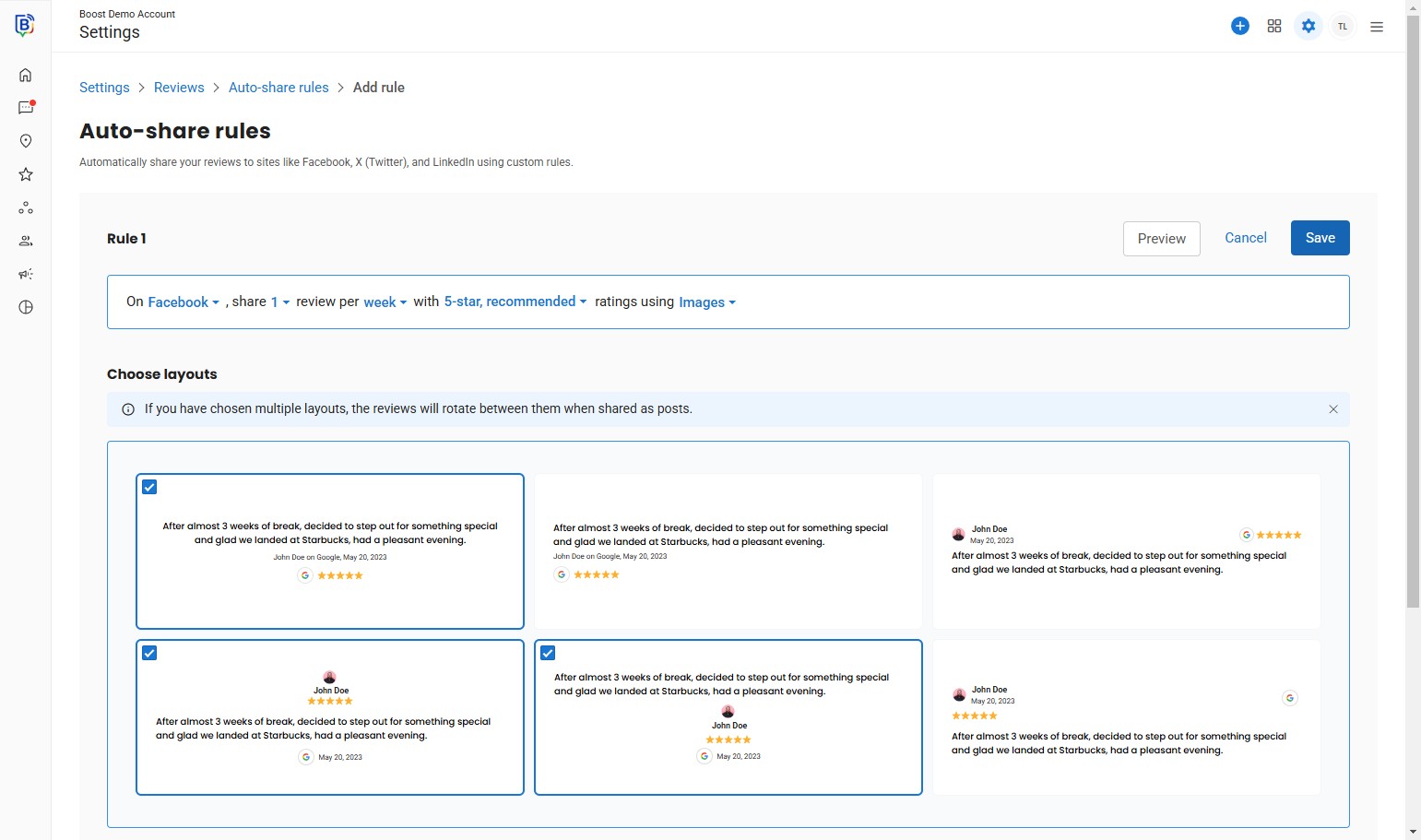
05. Select the platforms “Facebook, LinkedIn and/or X”.
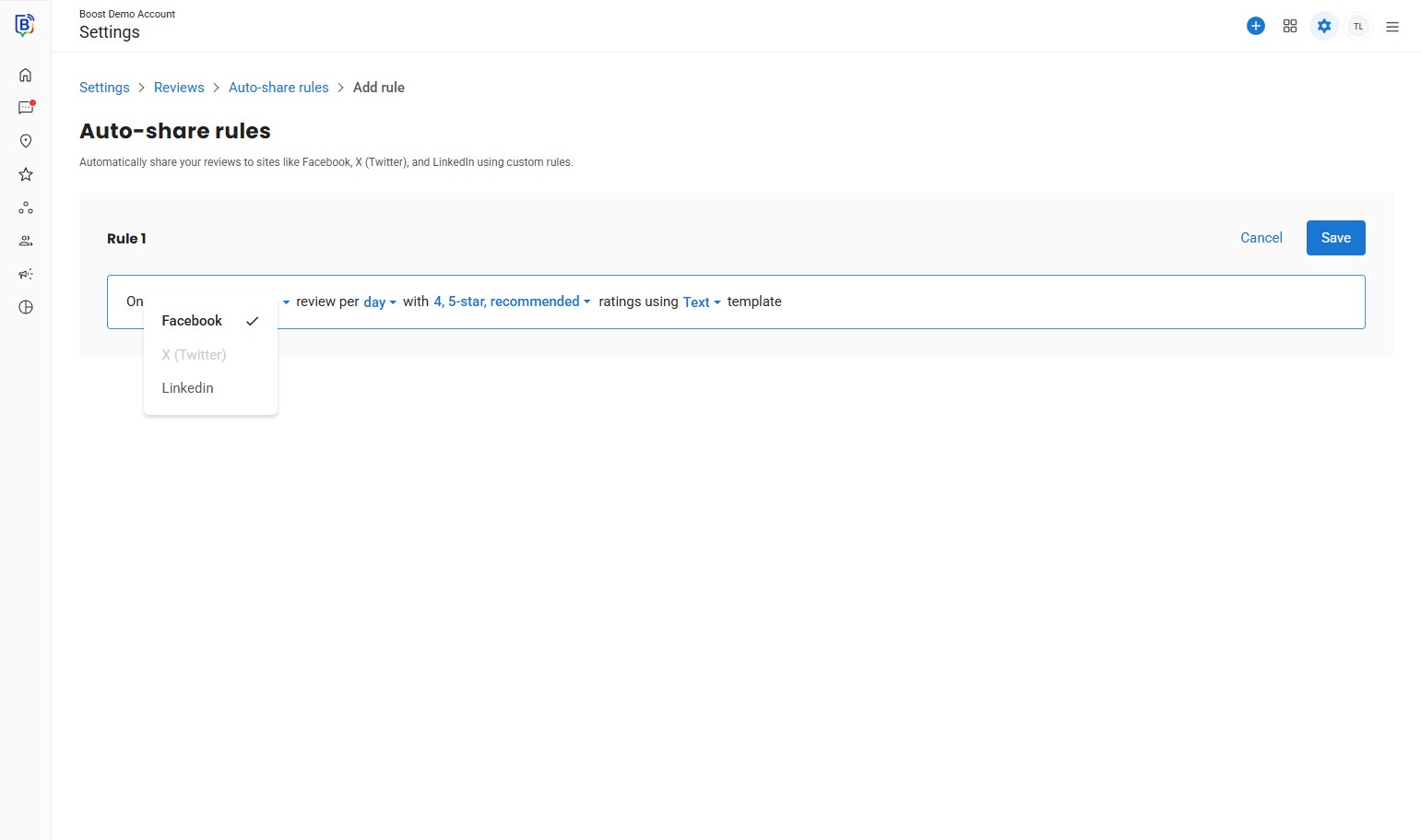
6. Select “day or week” – we recommend “week”.
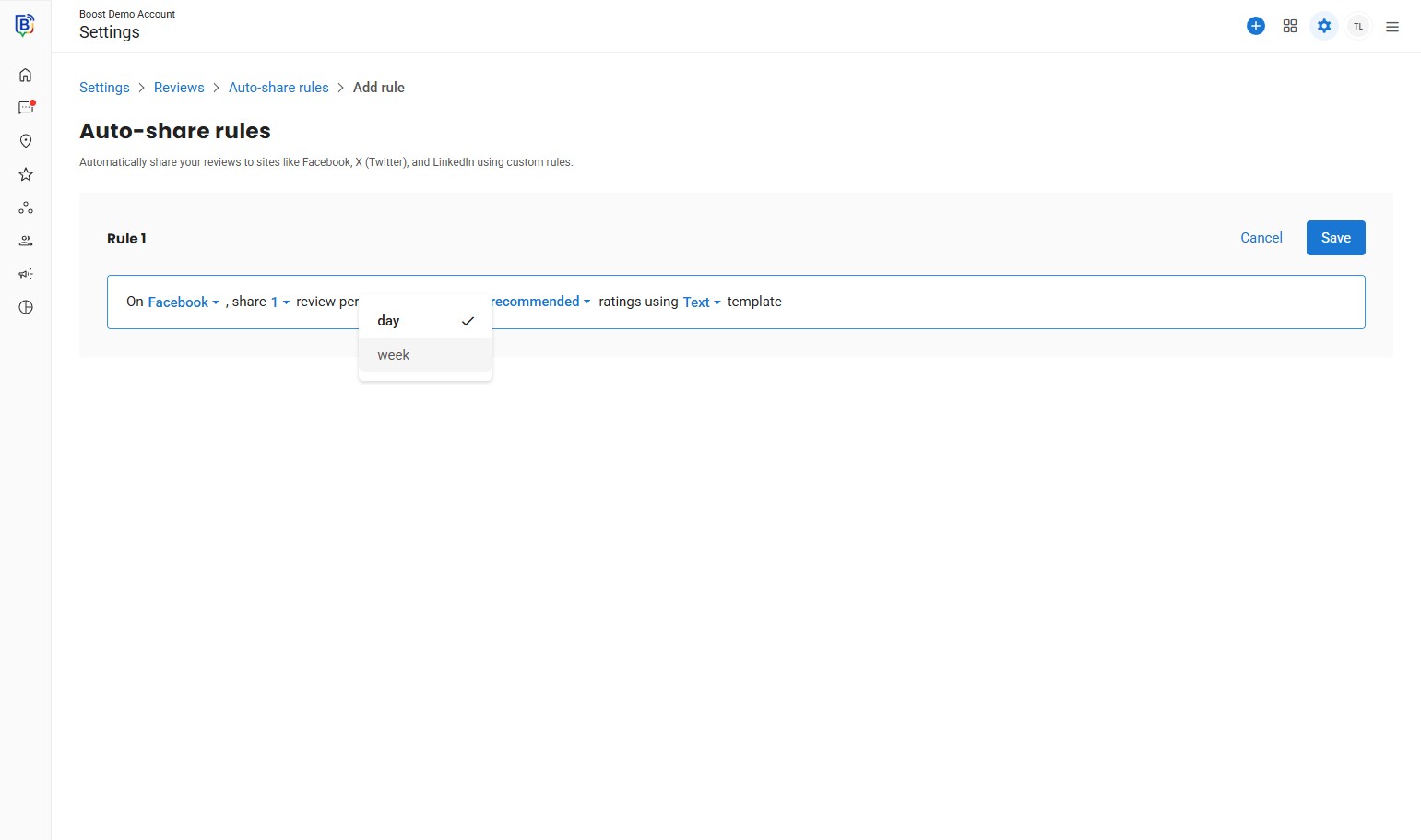
7. Select the star raring you would like to share – “5-star” recommended.
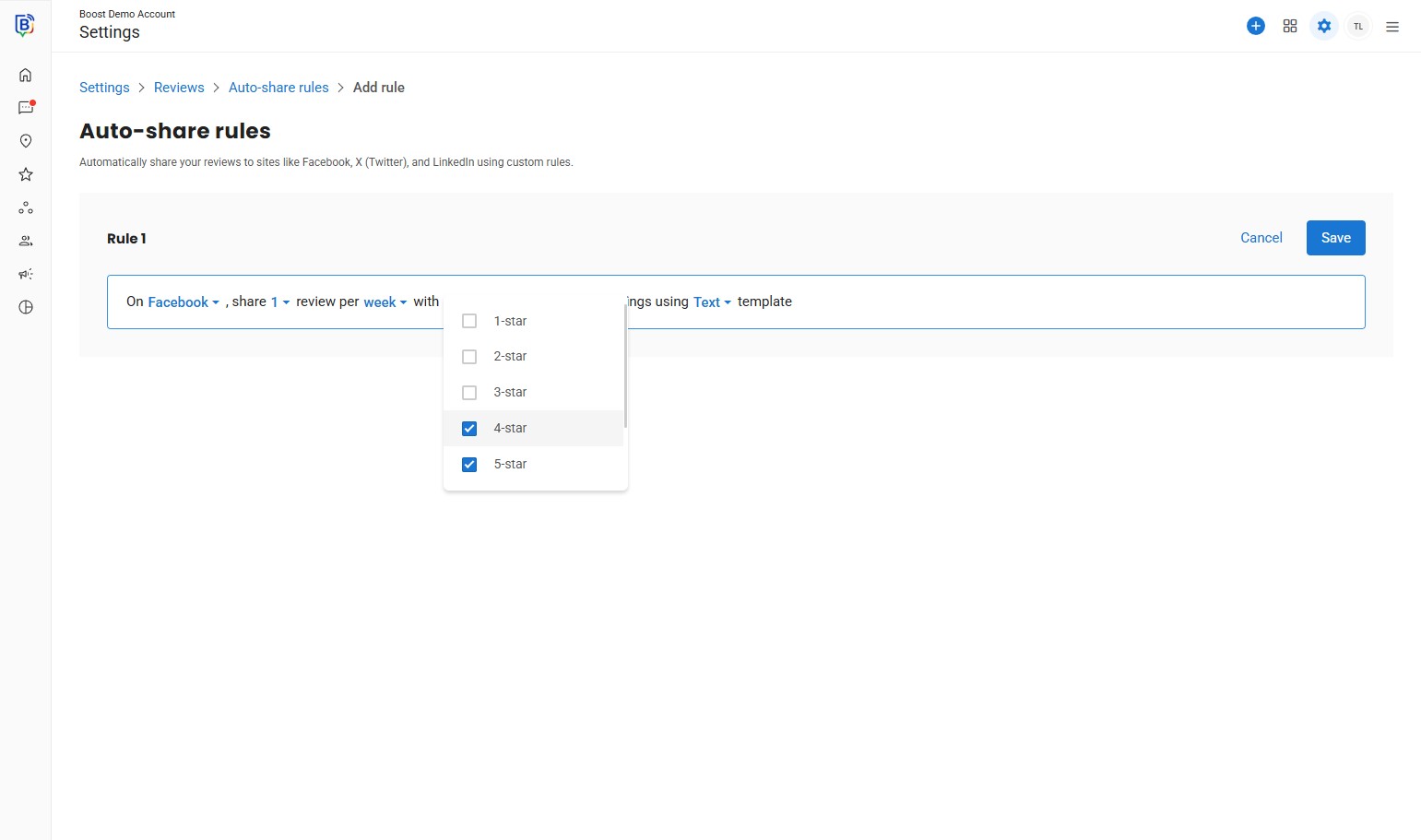
8. Select “Images” for more variations.
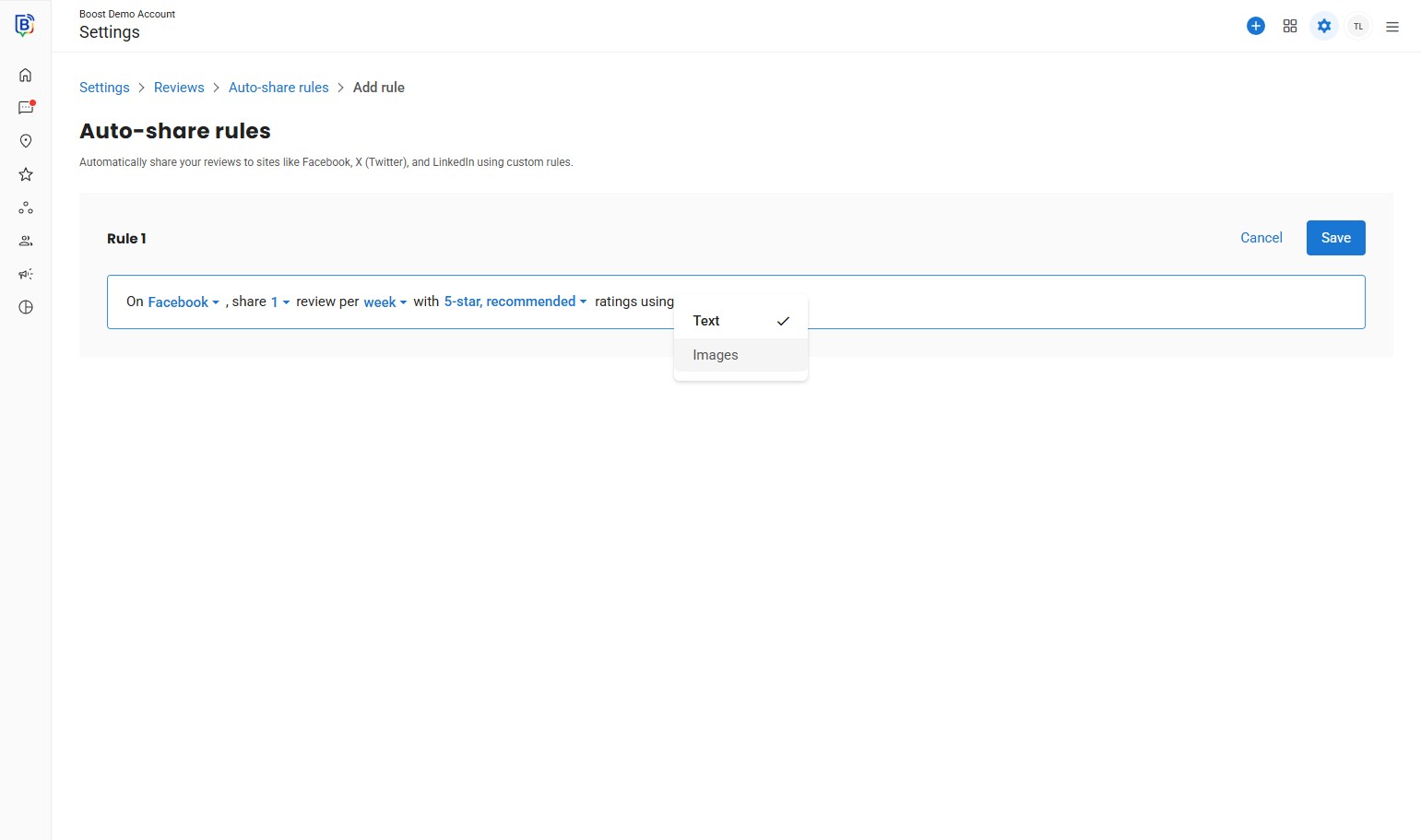
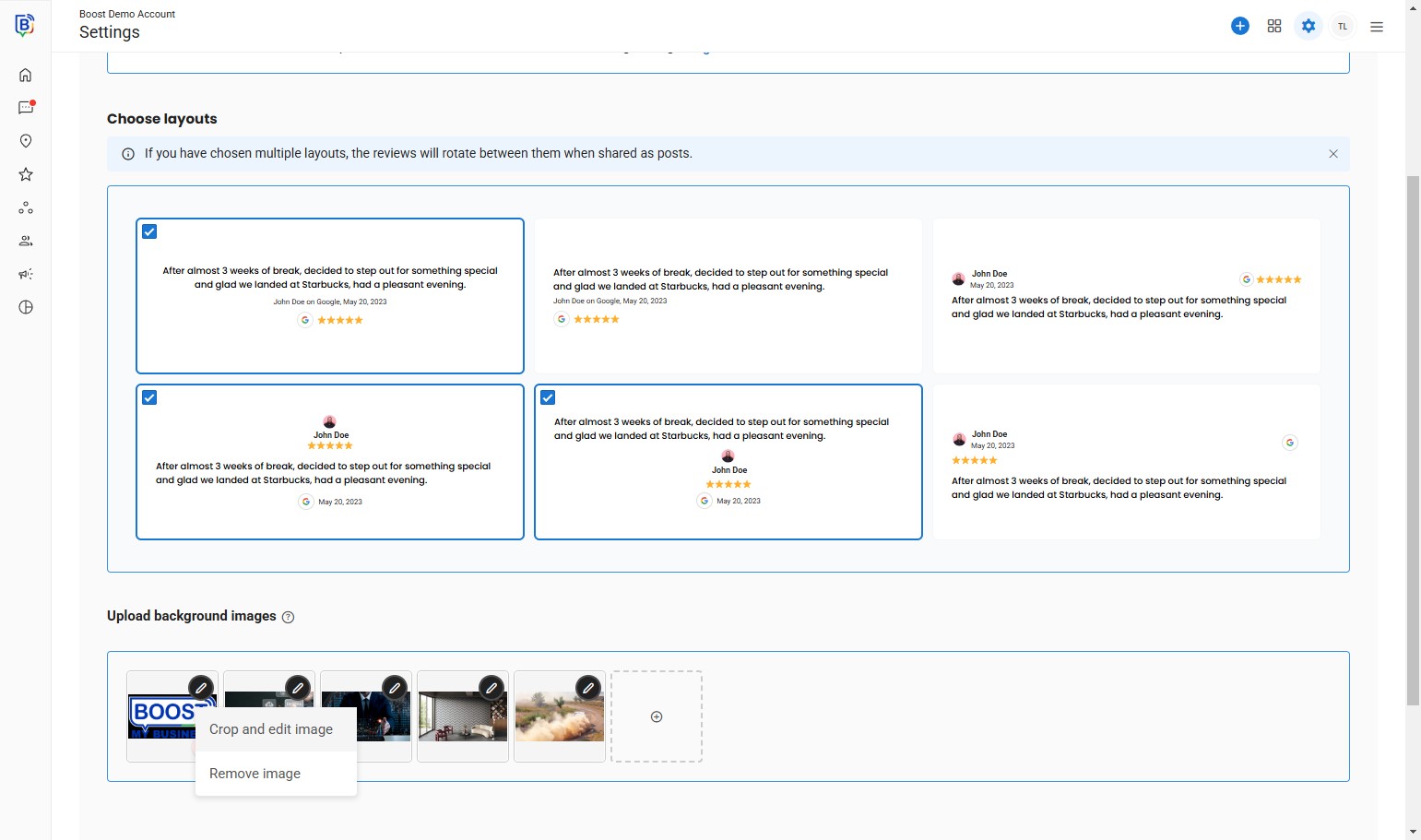
9. Choose layouts.
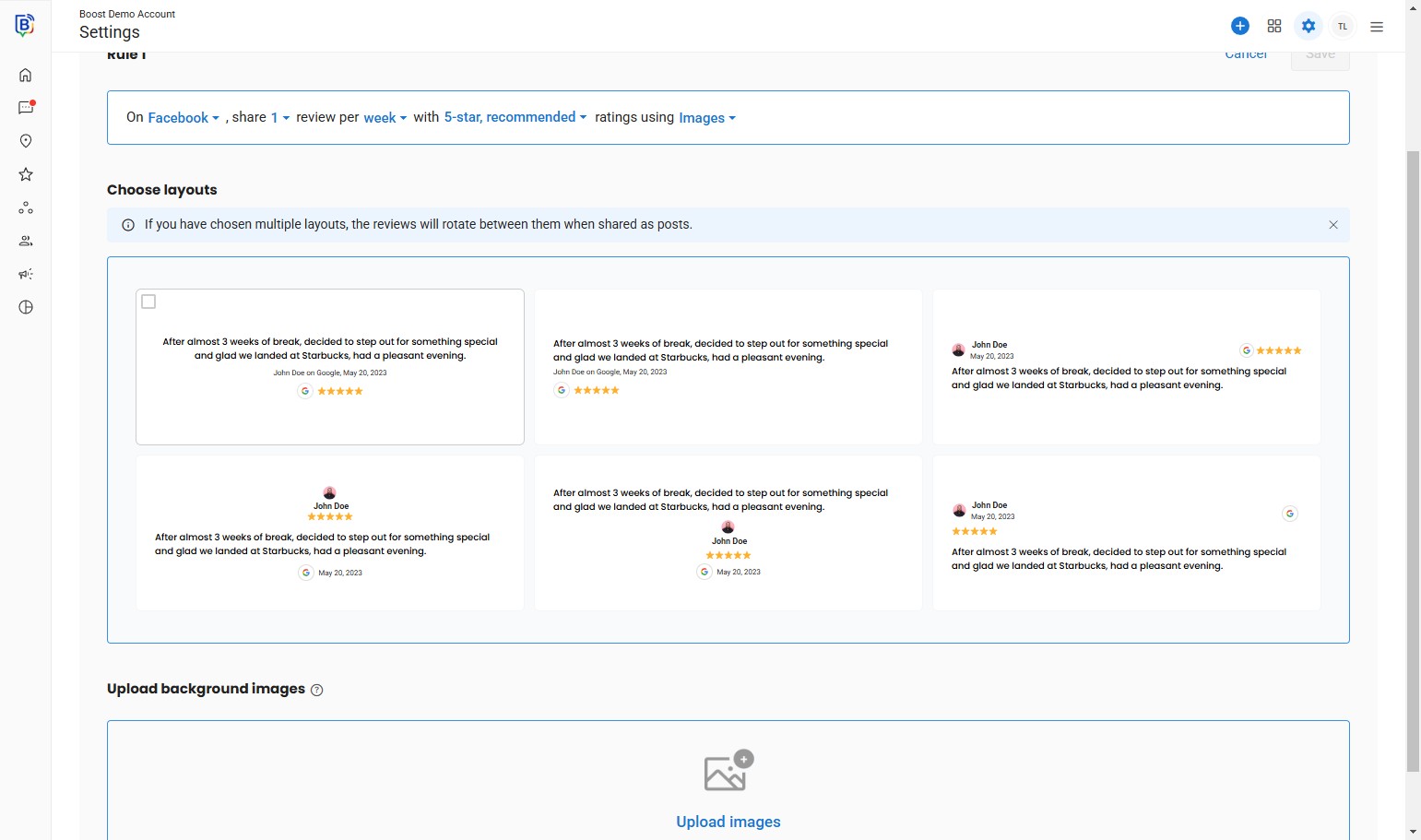
10. Click “Upload images”.
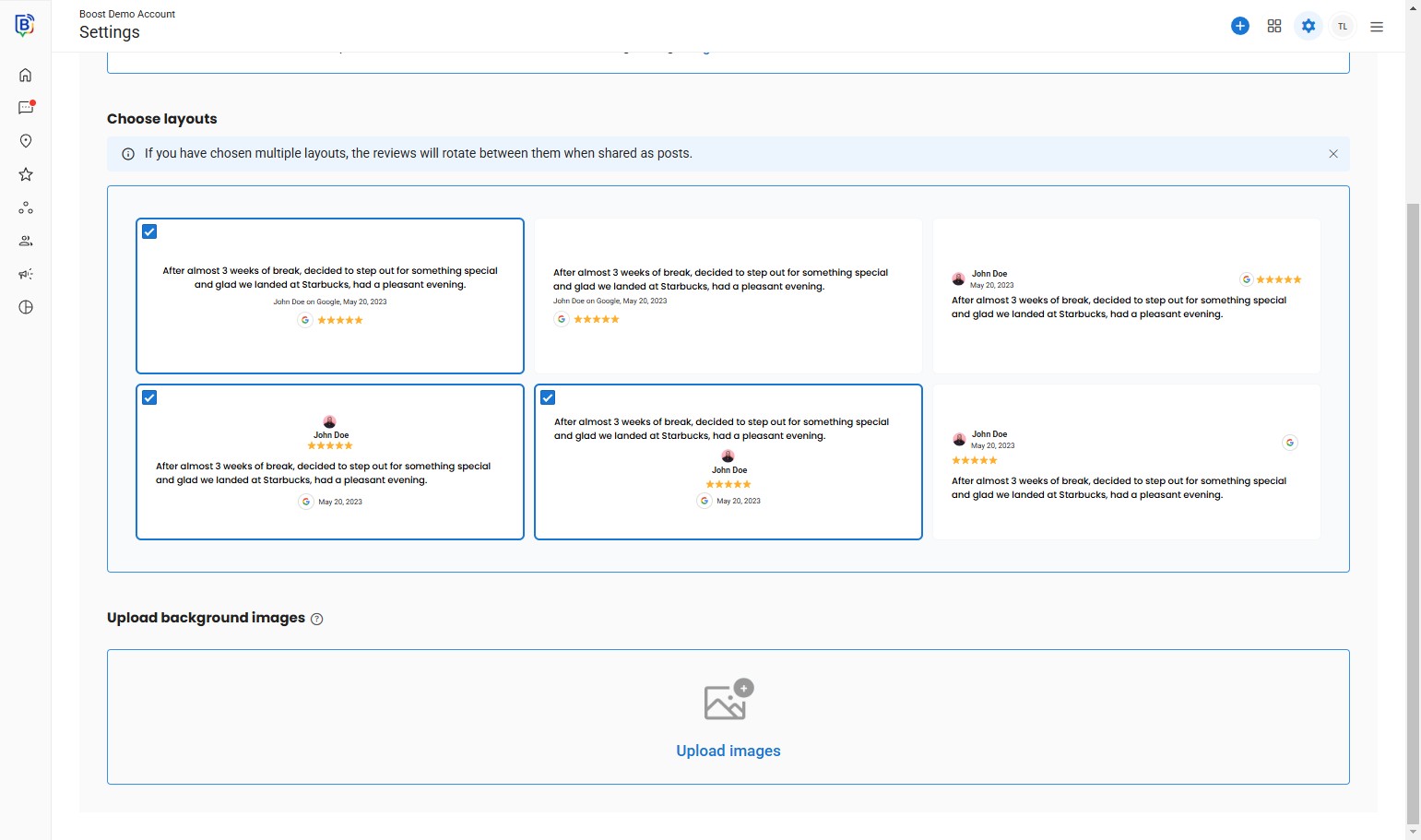
11. Click “Computer” and upload your background.
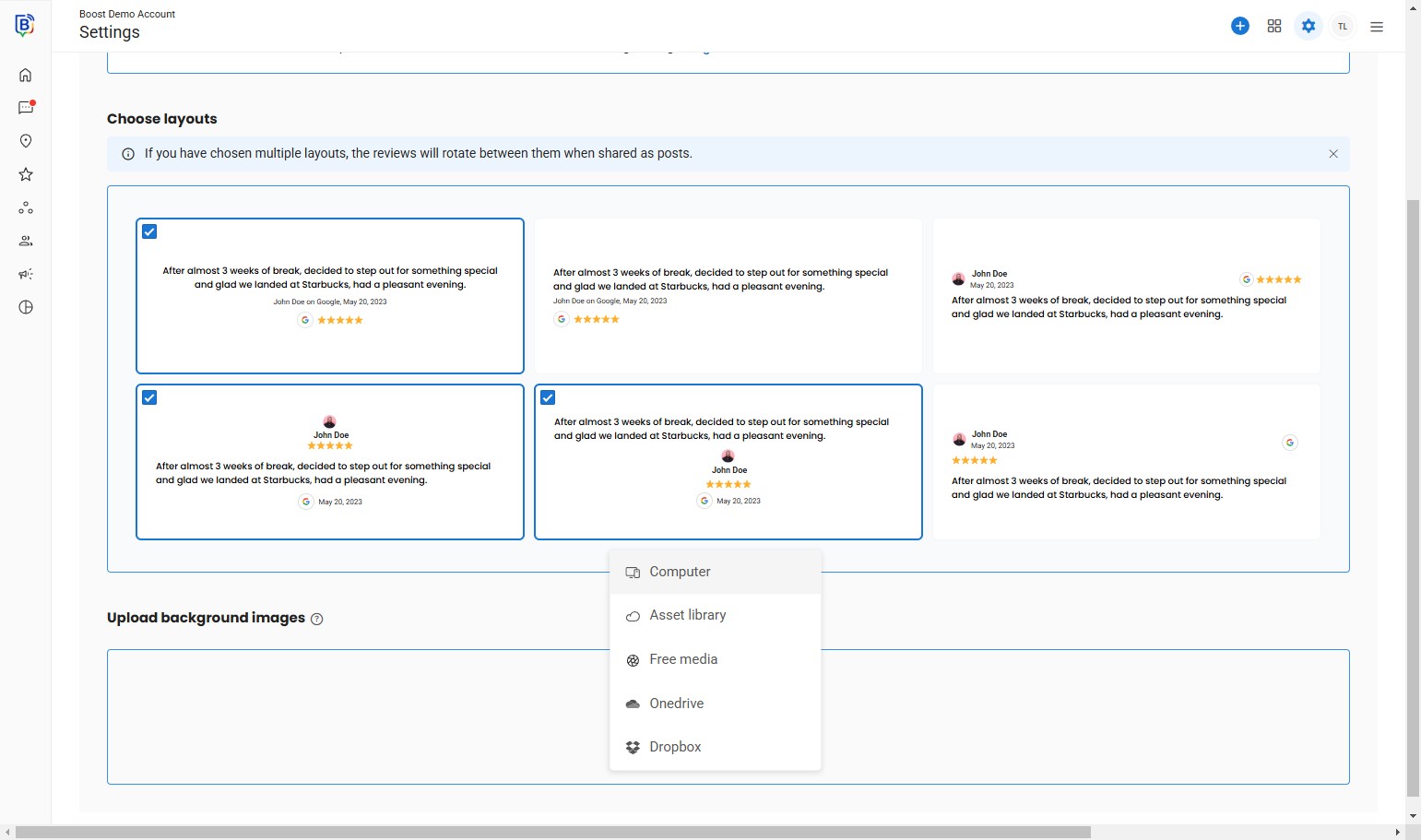
12. If the size is incorrect you can crop and edit.
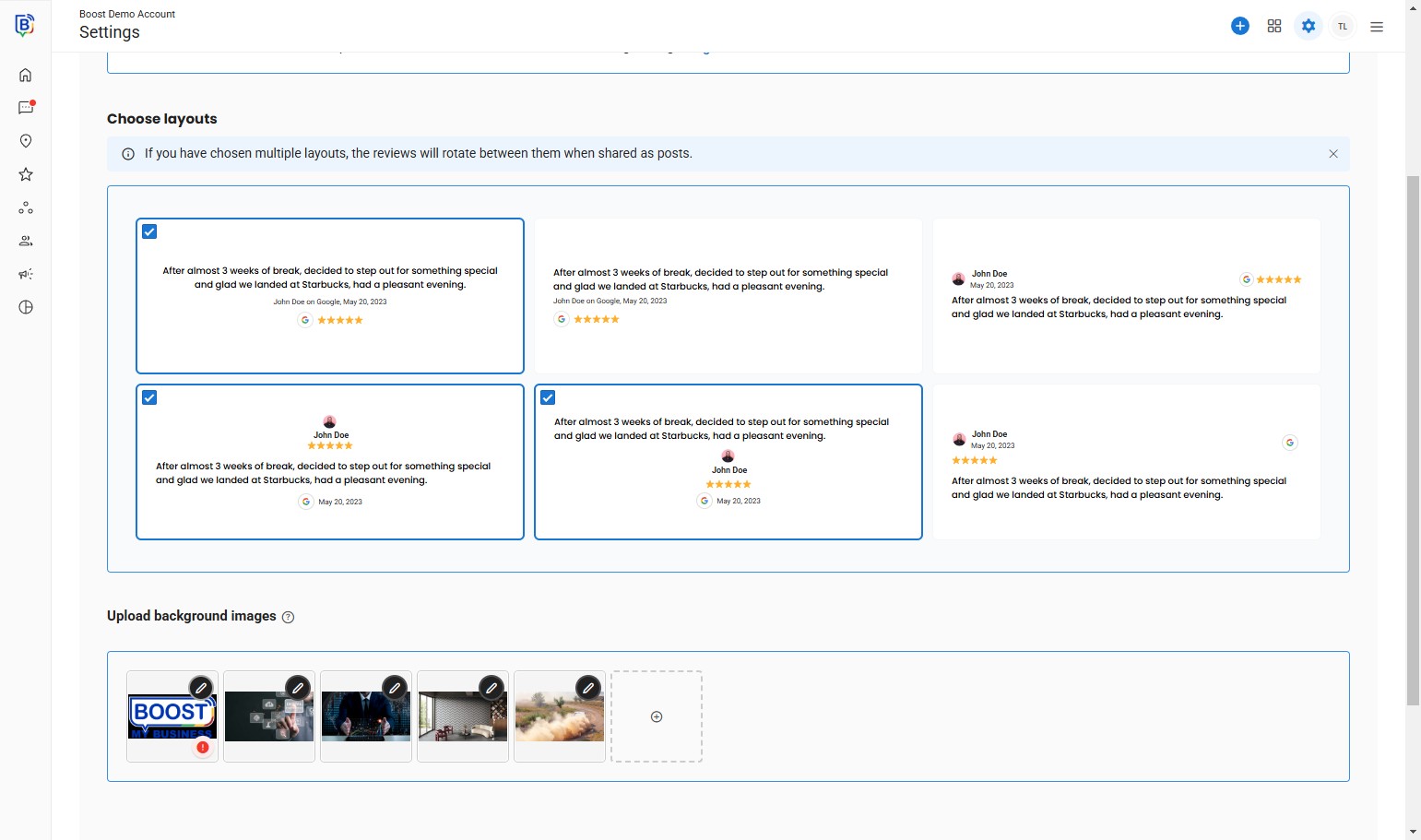
13. Click “Crop and edit image”.
14. Drag to reposition.
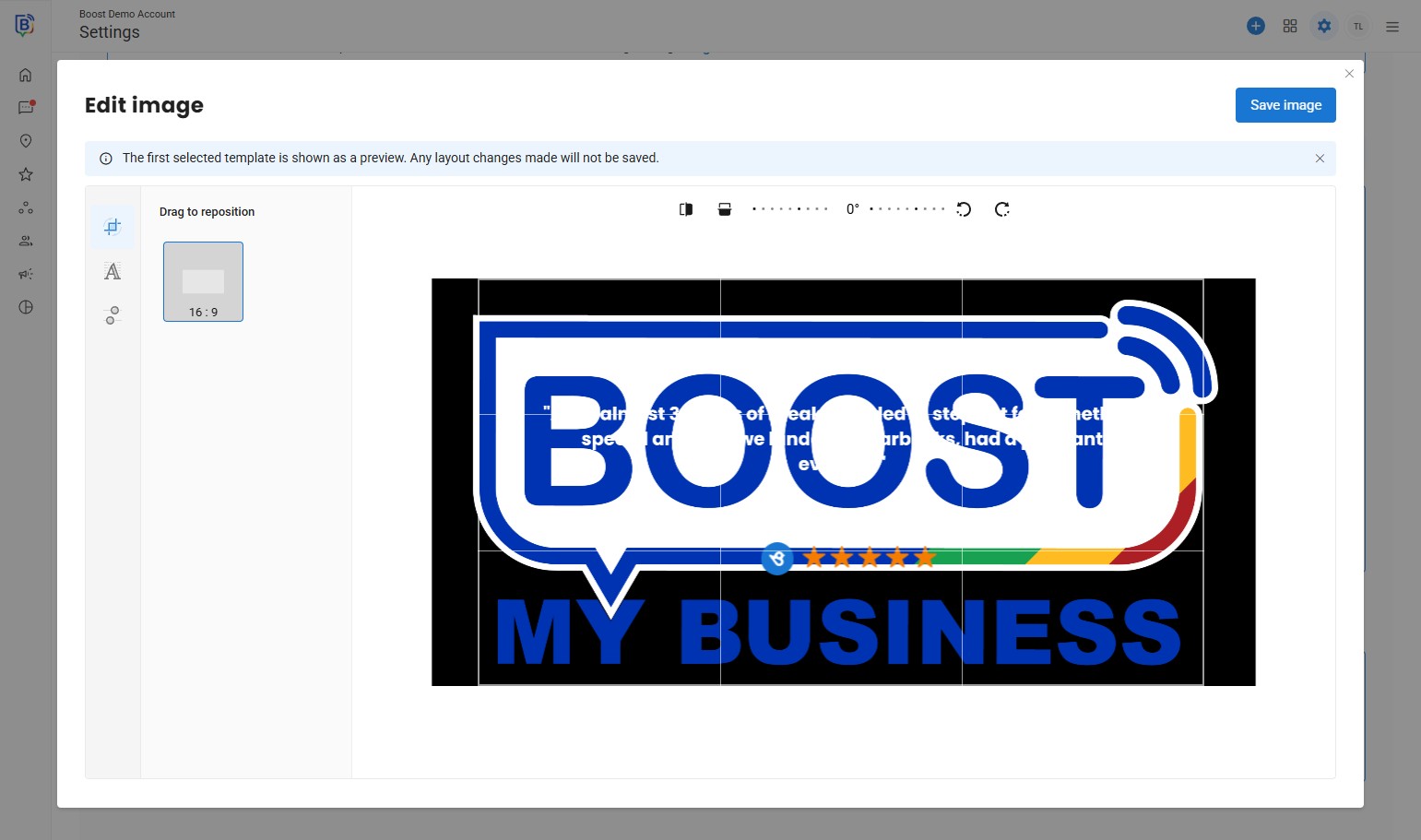
15. Click “Save image”.
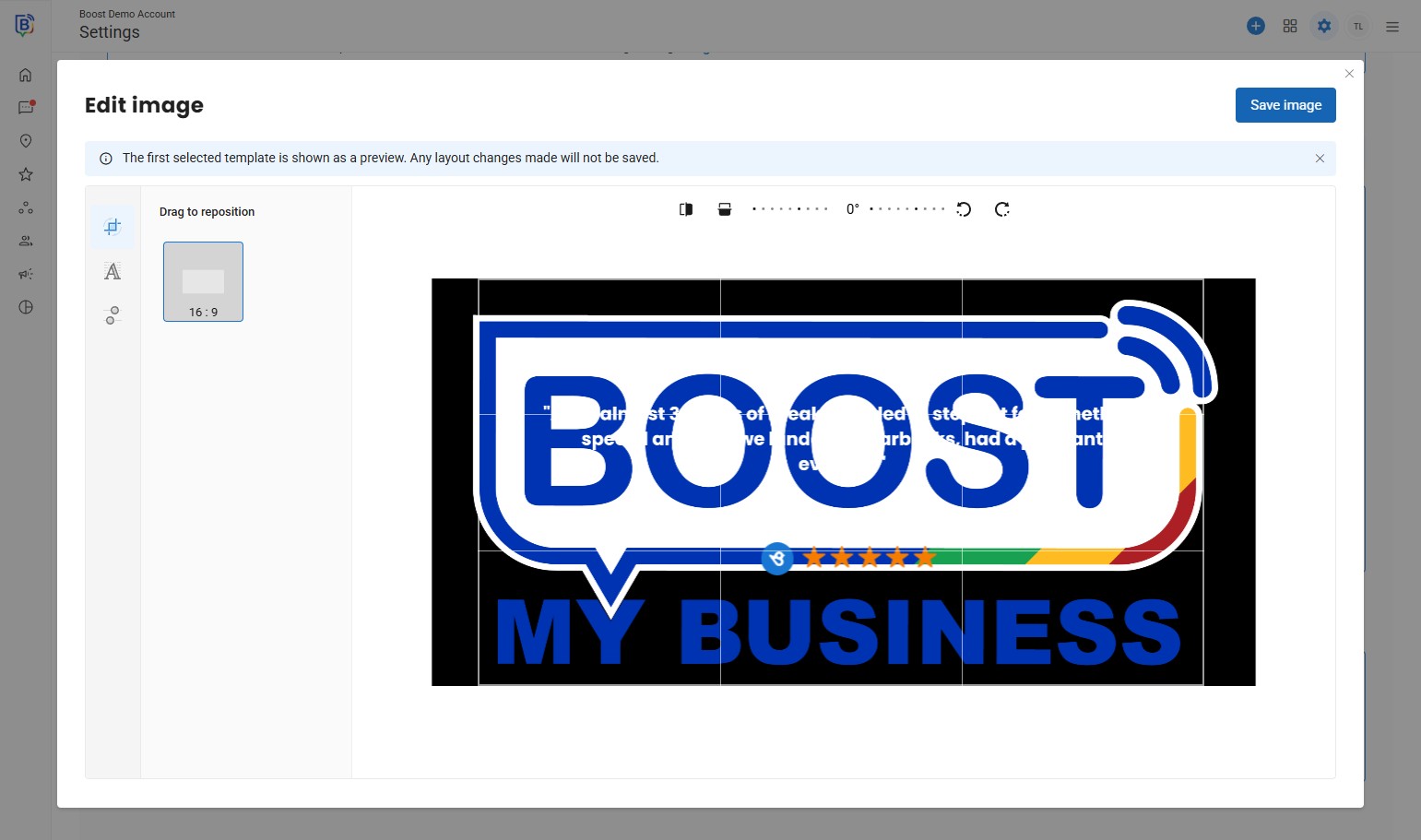
16. You can change settings, like text colour.
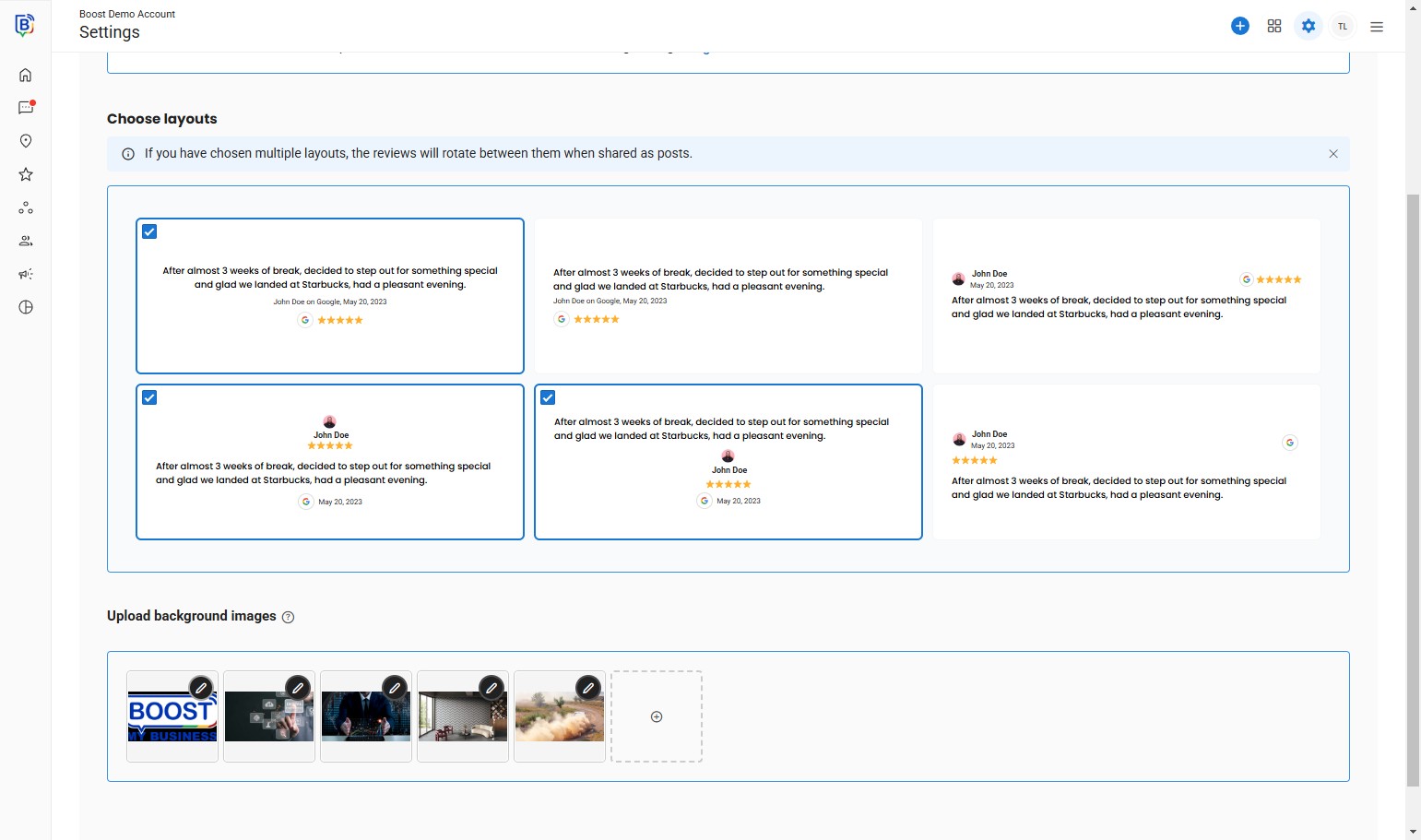
17. Click “Crop and edit image”.
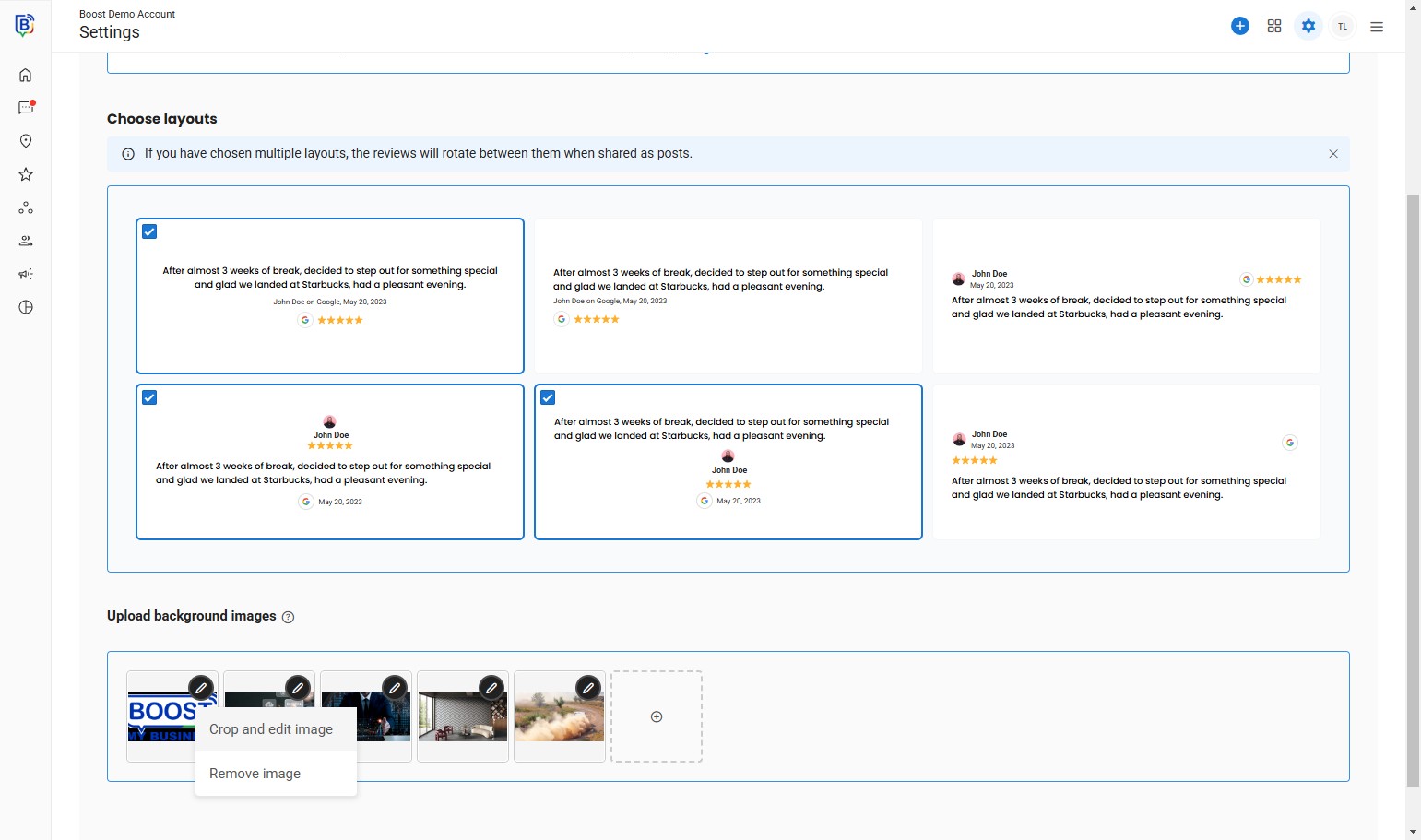
18. Click on the text.
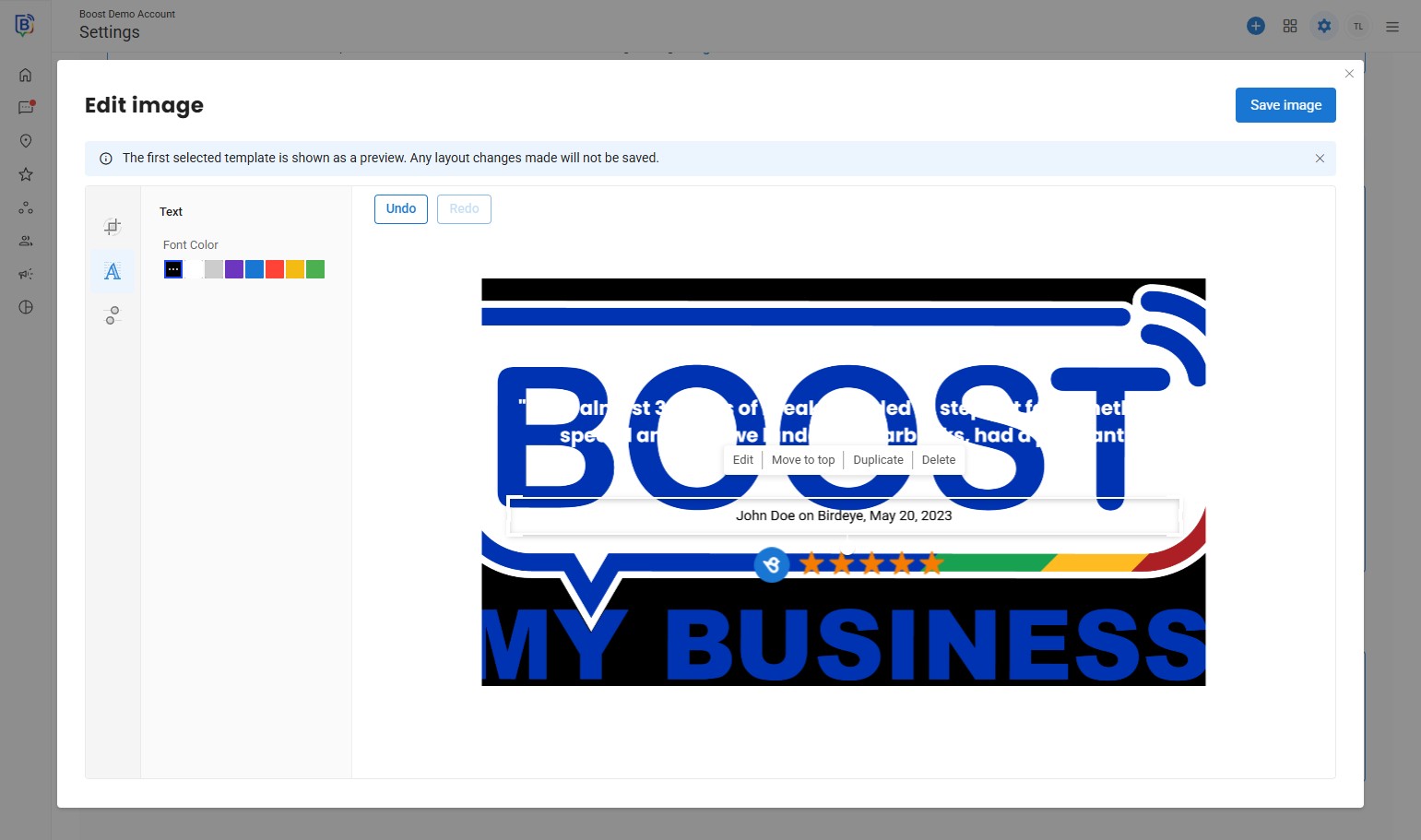
19. Change the font colour.
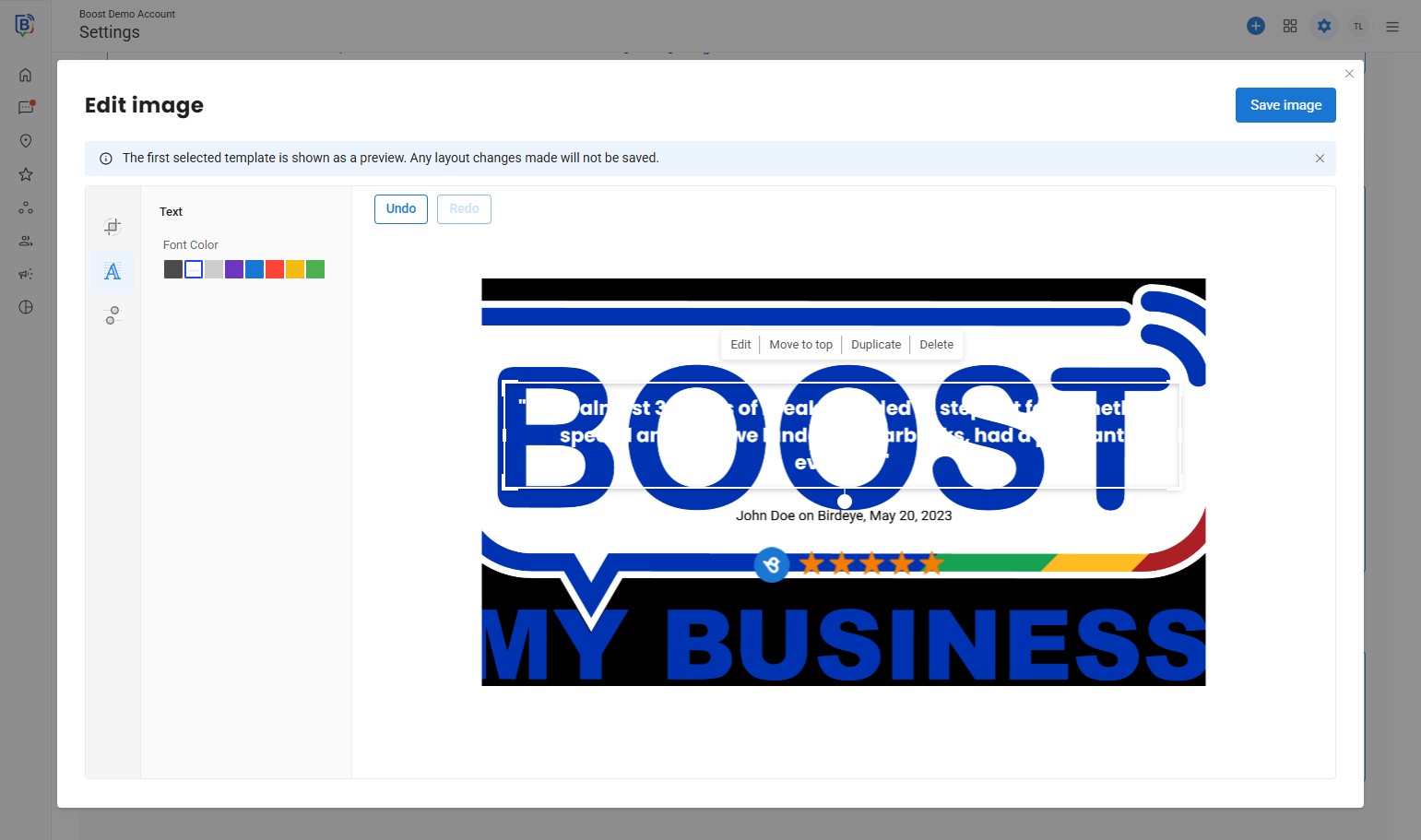
20. Once selected, click “Save image”.
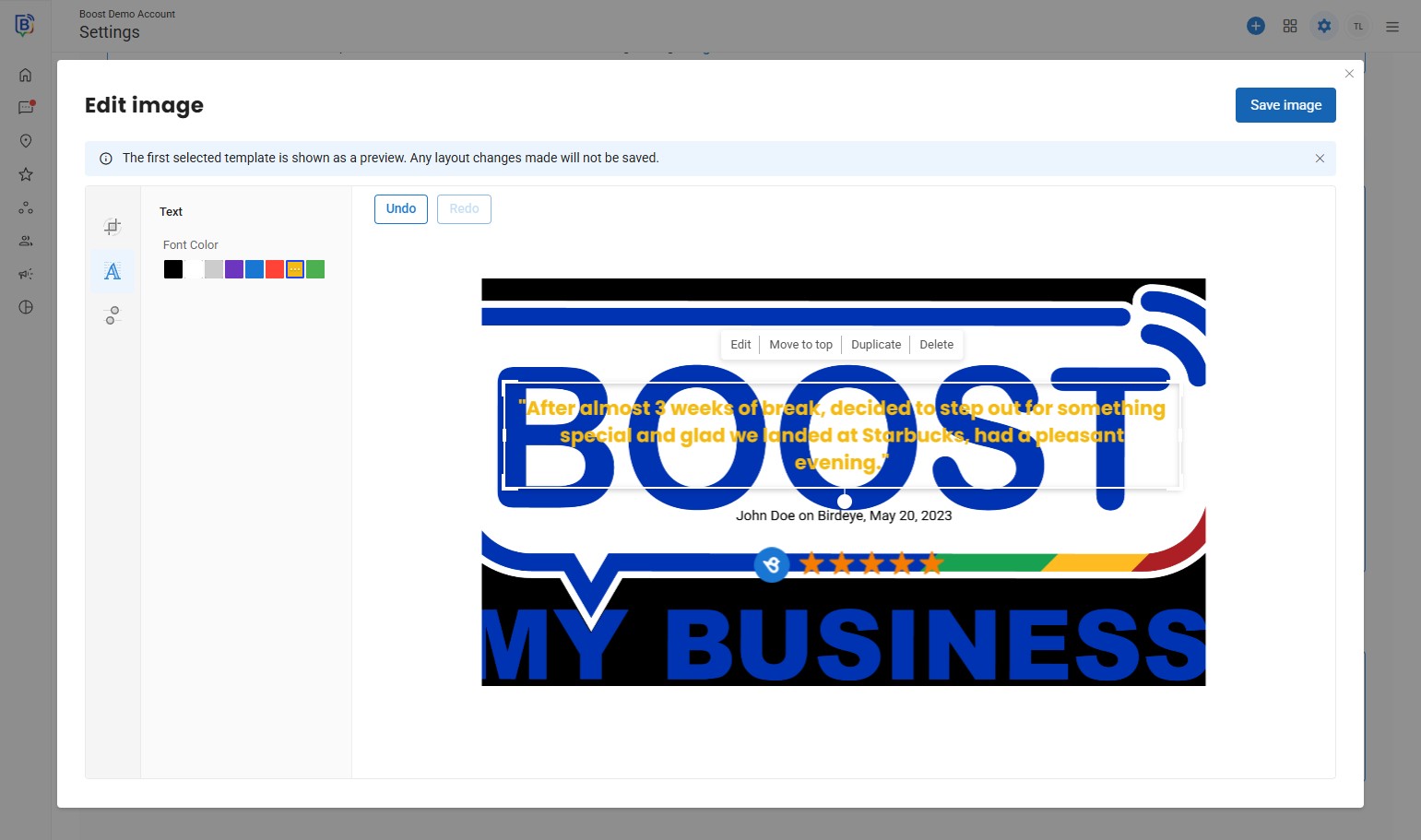
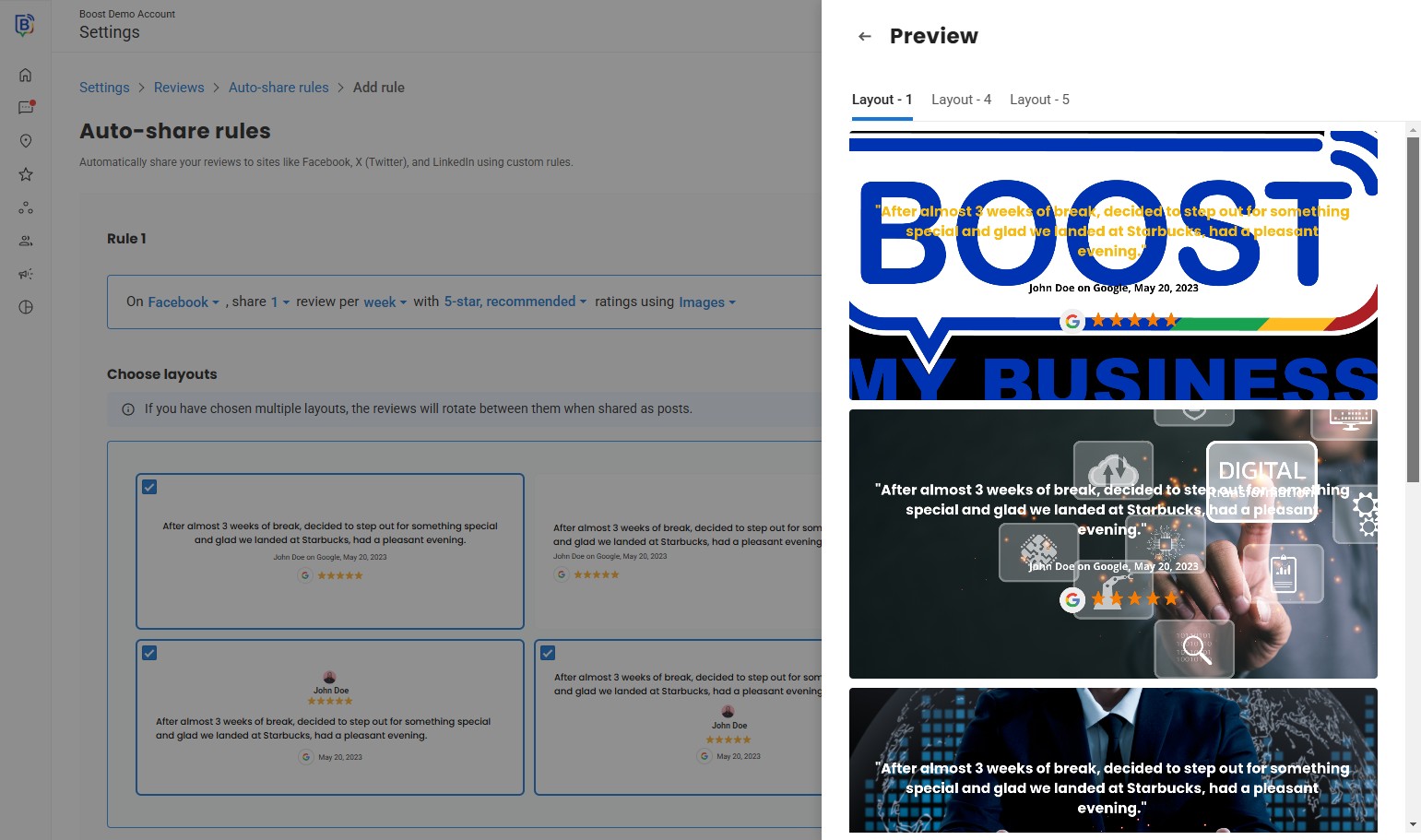
21. Click “Preview” to show the post.
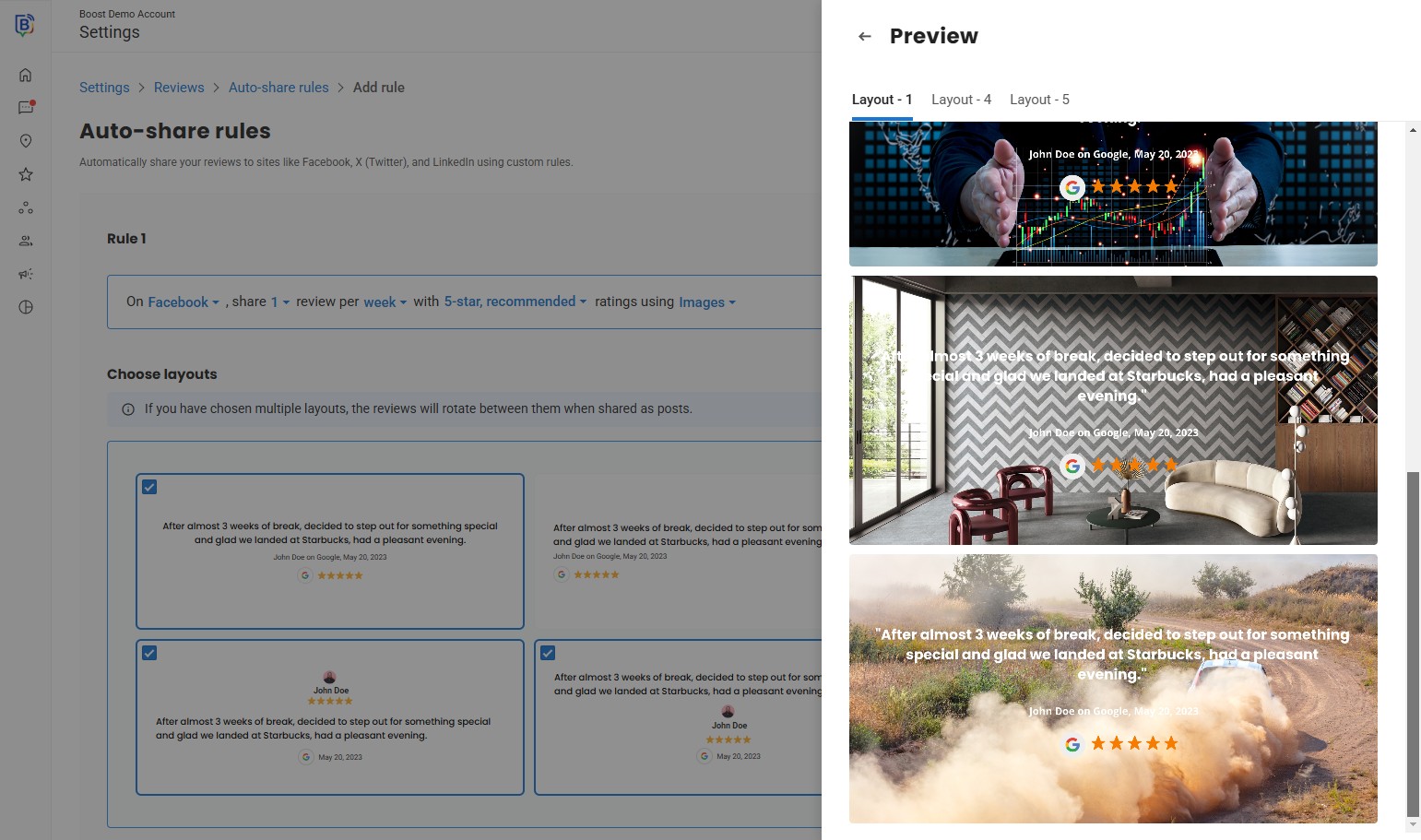
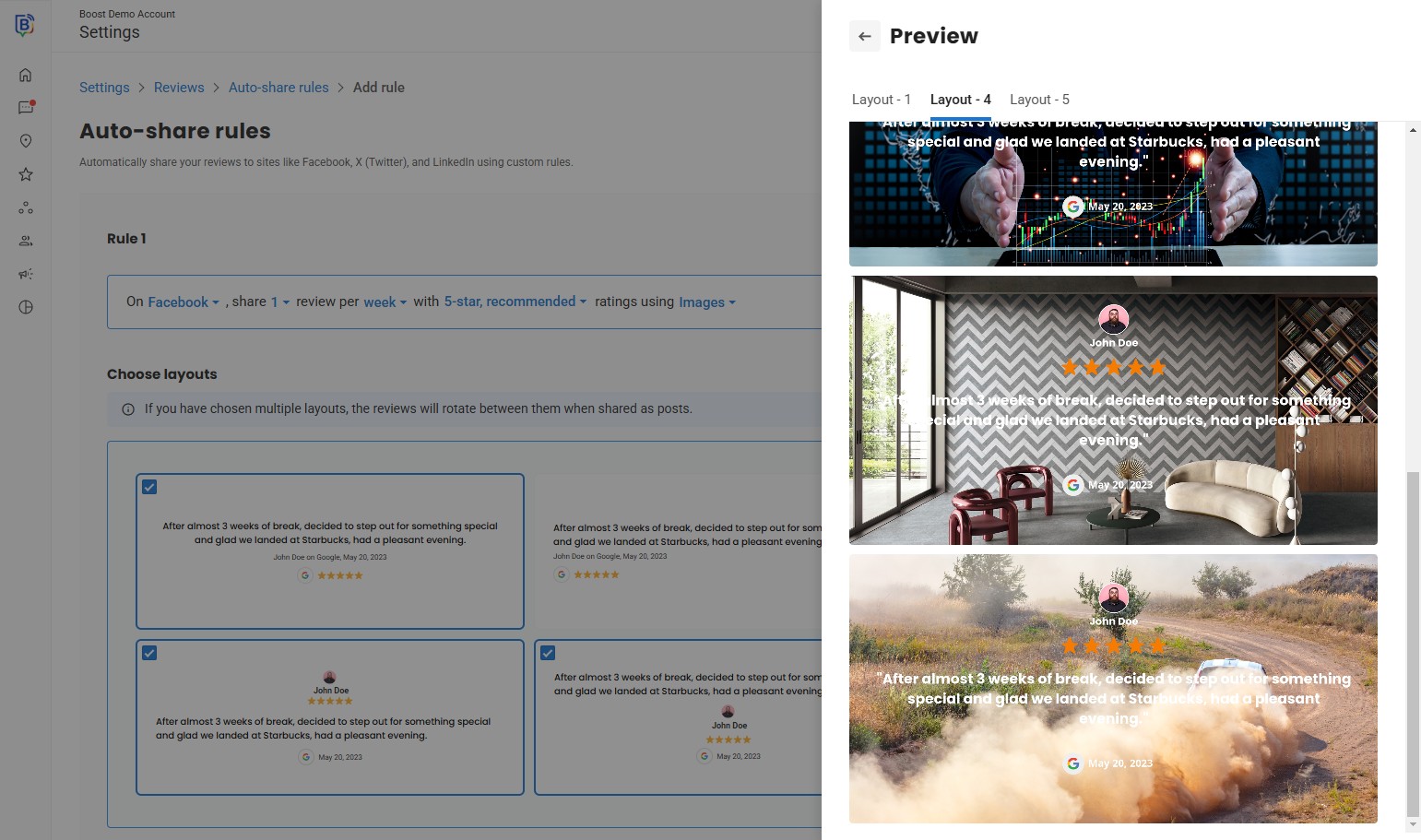
22. Scroll to see all images.
23.
If you need further assistance, feel free to consult with your account manager or contact support onboarding@boostmybiz.com.au