


Business Online Management Quick Start Guide – Social | Help Article:
Creating A Link In Bio For Facebook
17 steps | 2 minutes
01. Navigate to social AI and click here “Libraries”.
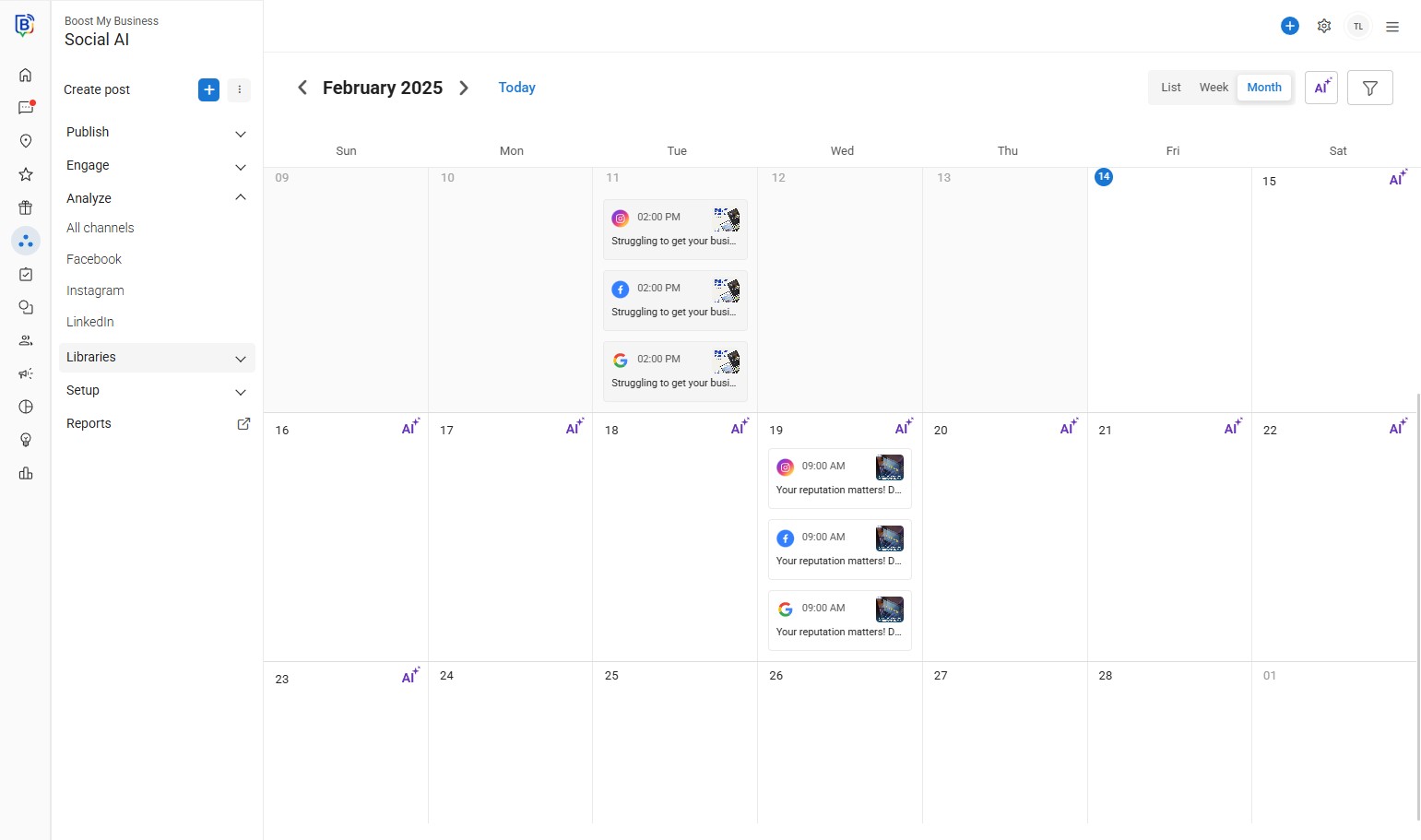
02. Click “Social AI”.
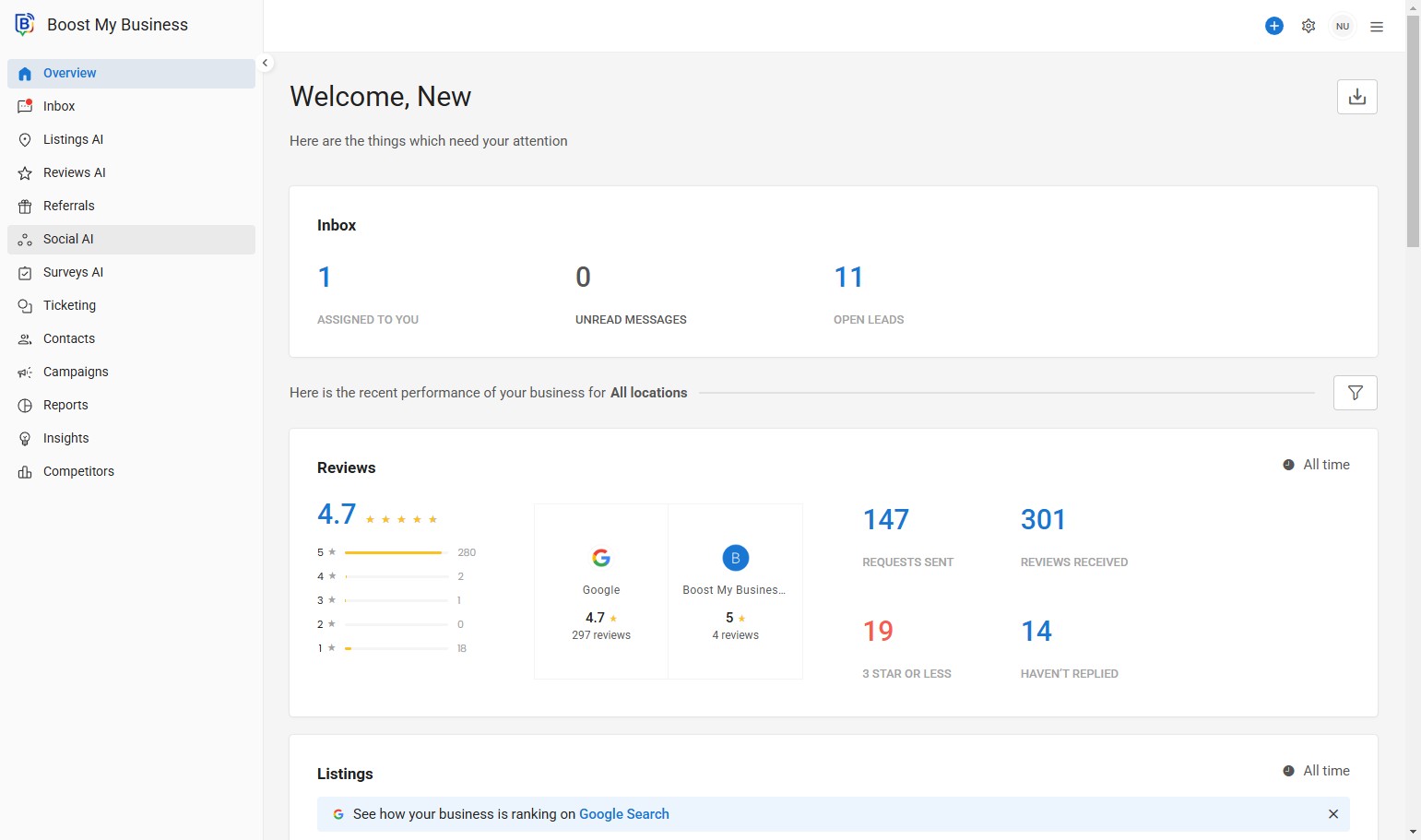
03. Click here.
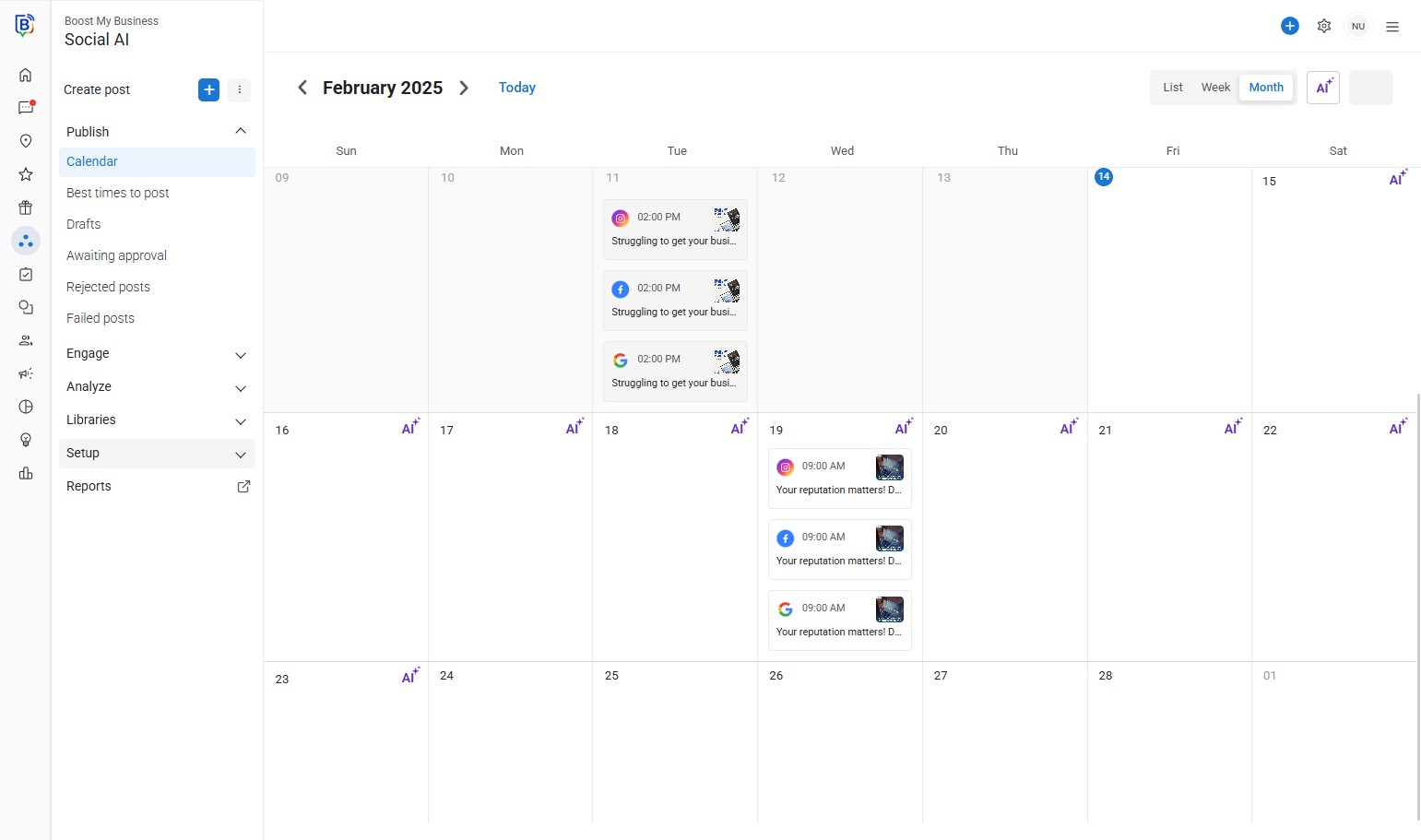
04. Click “Link in bio”.
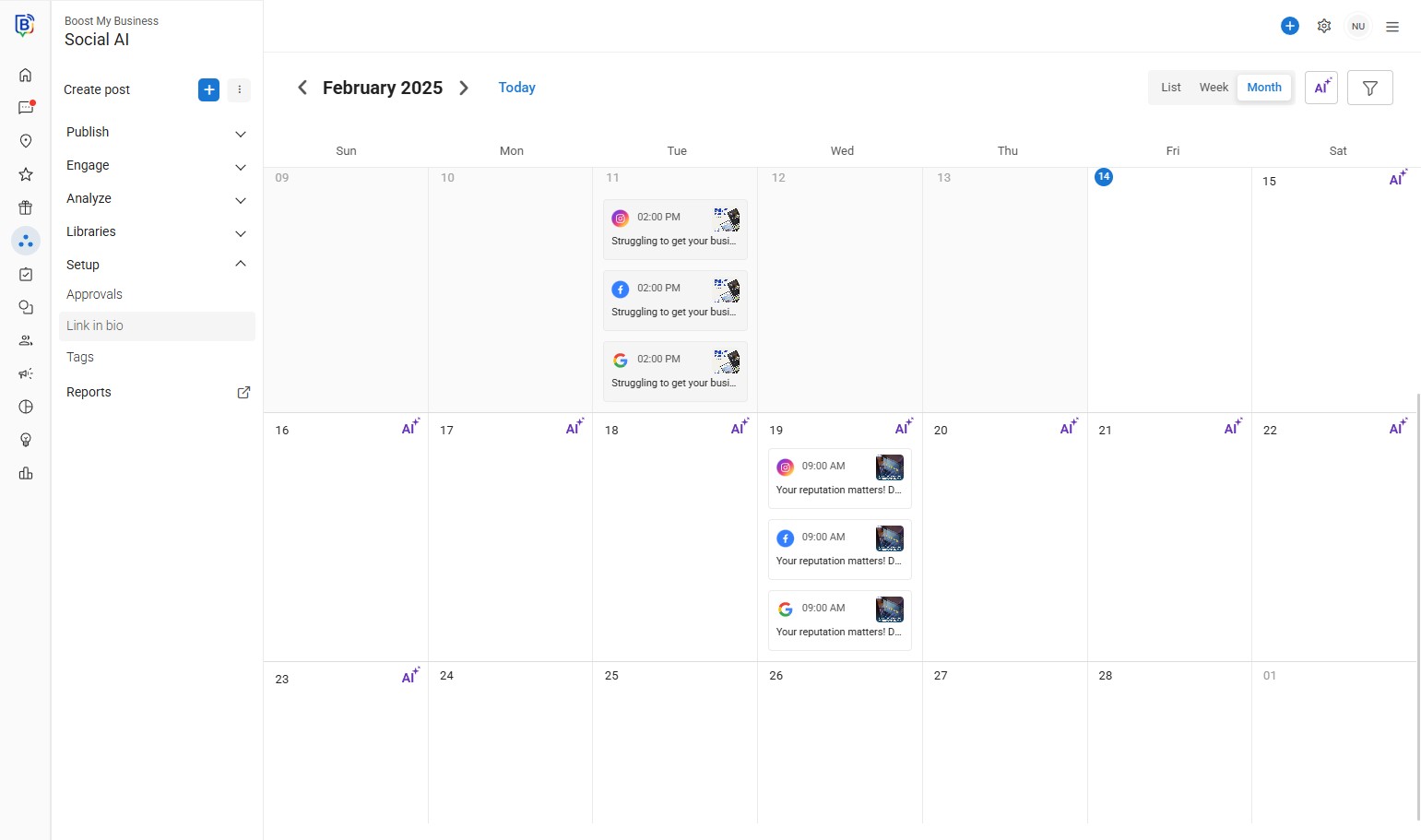
05. Select you the business location (multi location only).
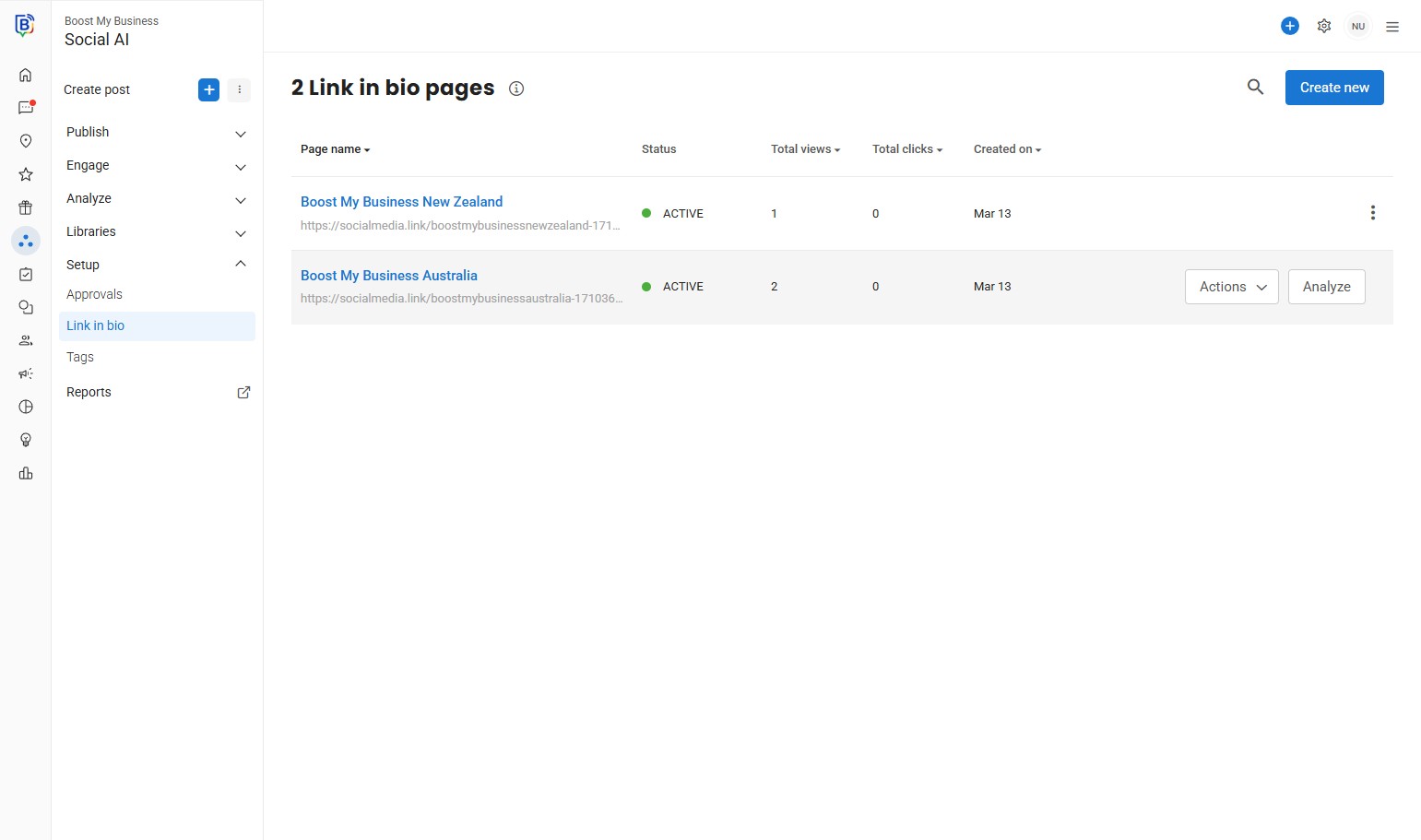
06. “Add” your links.
07. “Enter button text” field, e.g. “Website”.
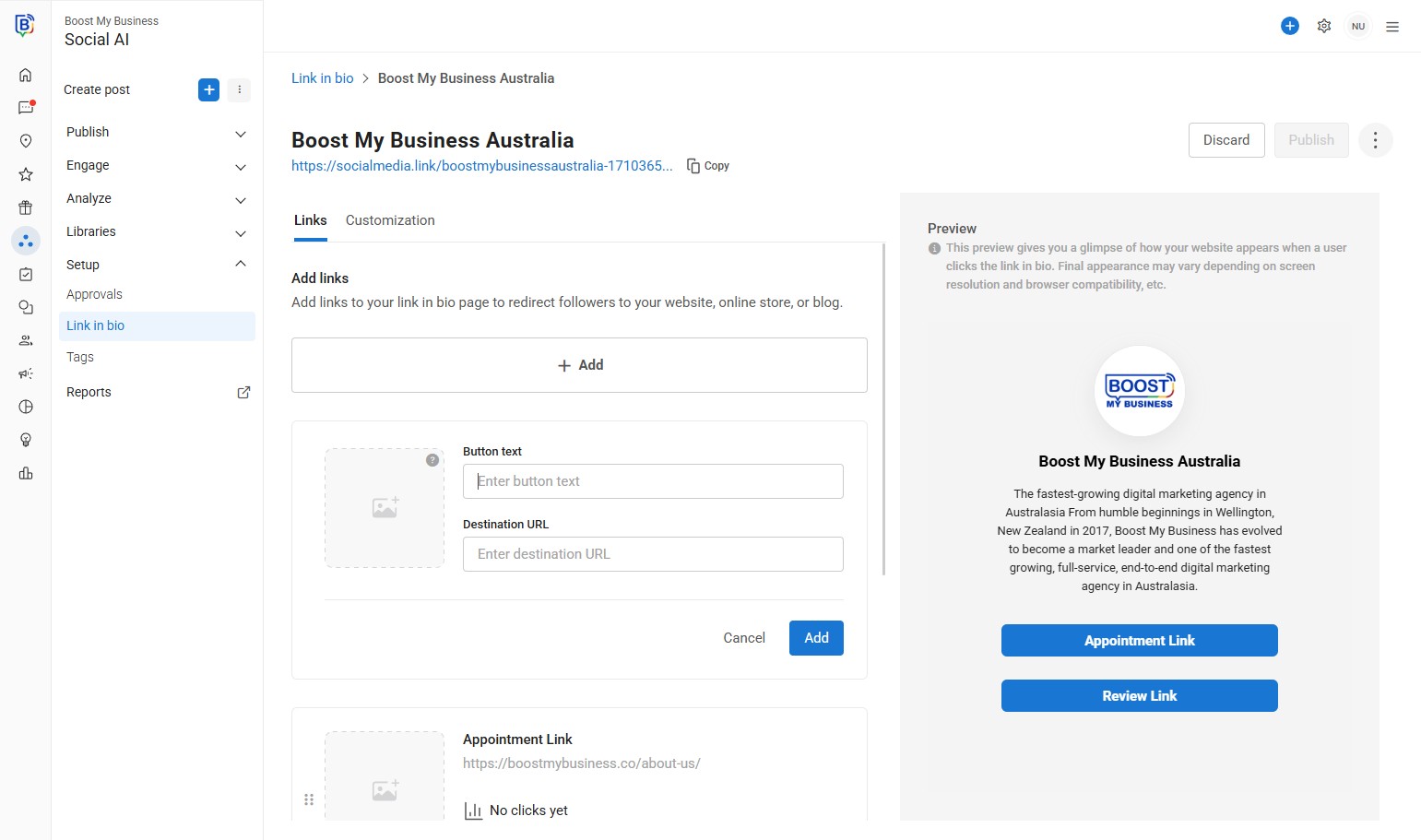
08. “Enter destination URL” field.
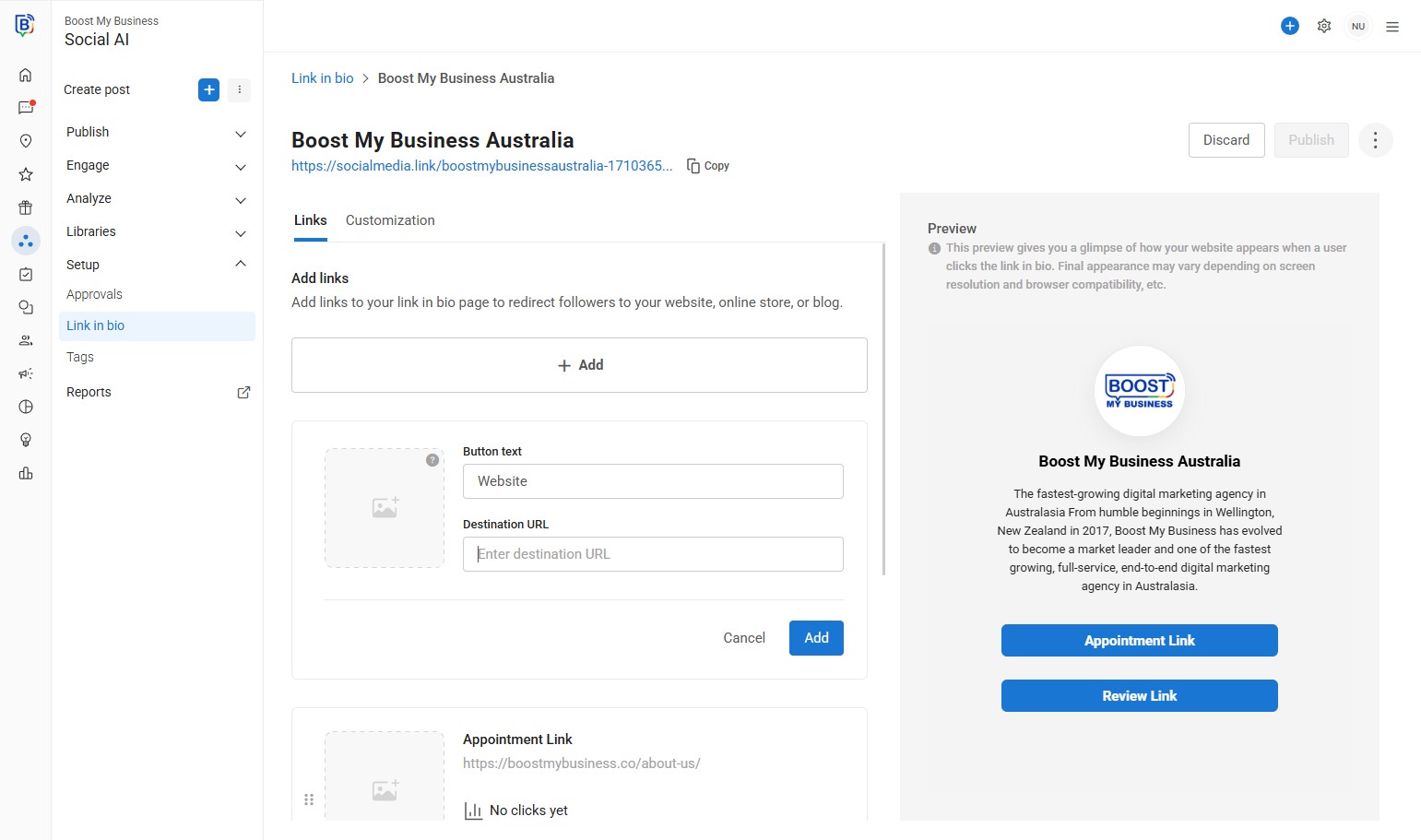
09. You can add an image.
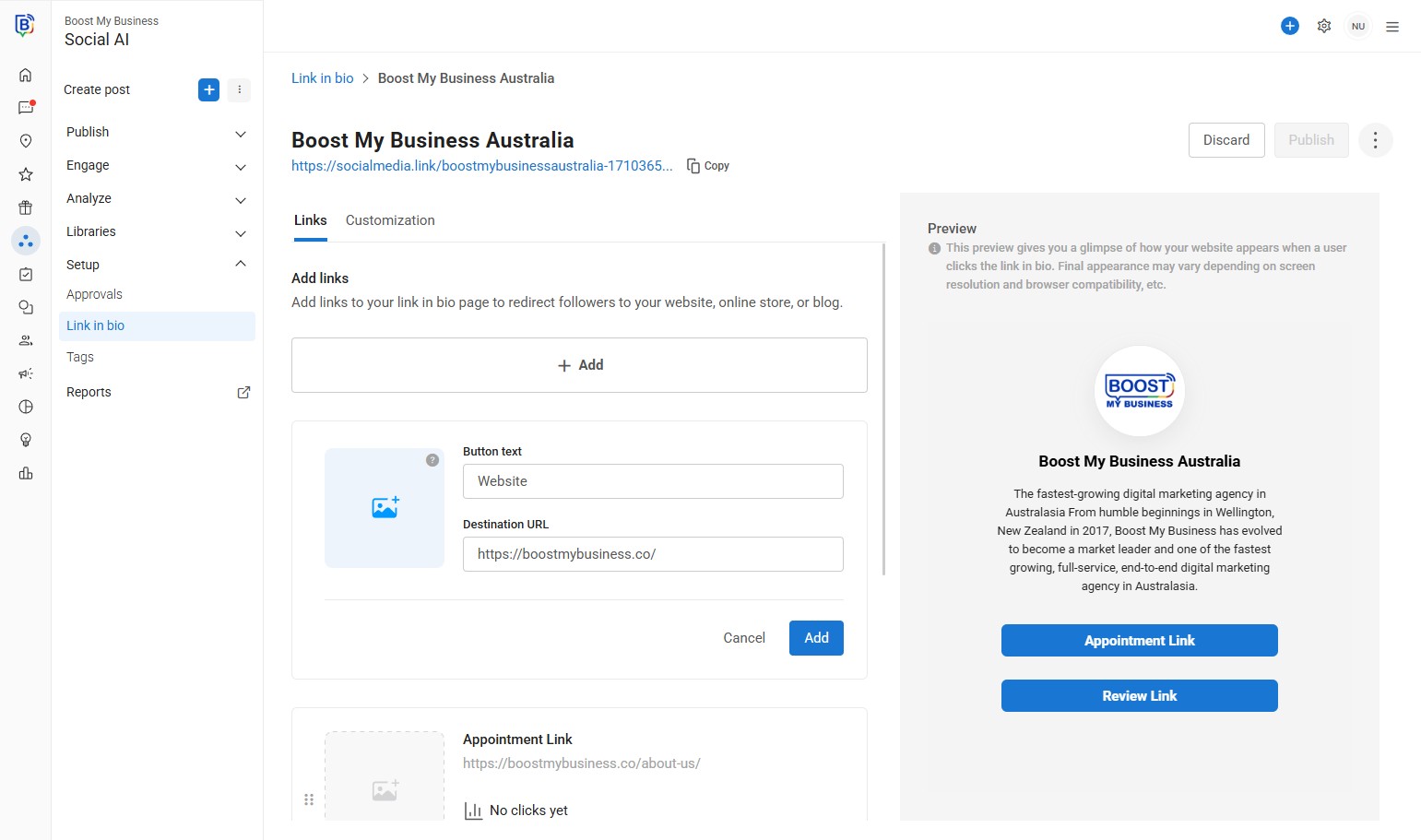
10. Once done click “Add”.
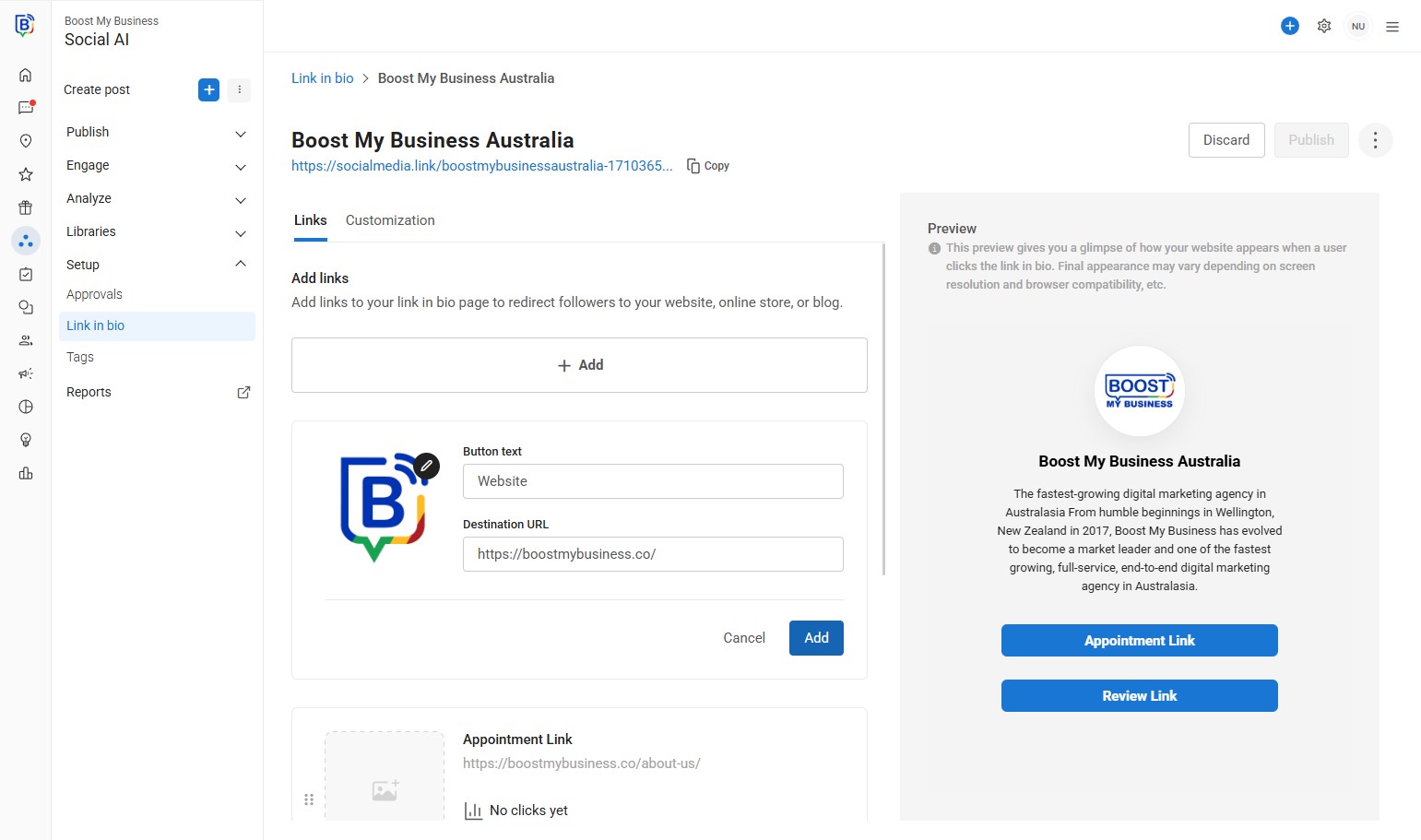
11. Click “Add” if you would like to add more links, e.g. “Facebook”.
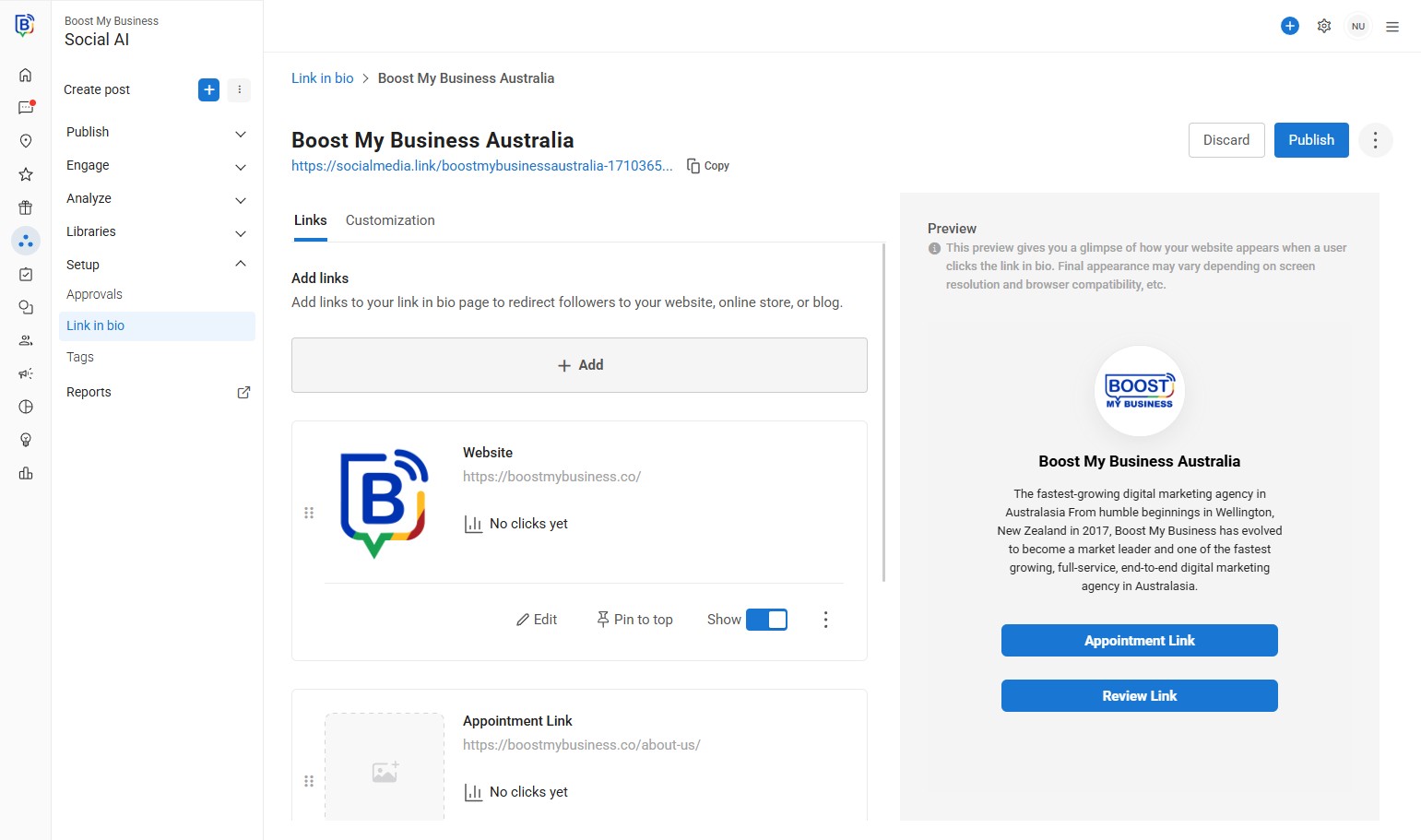
12. Click the “Enter button text” field.
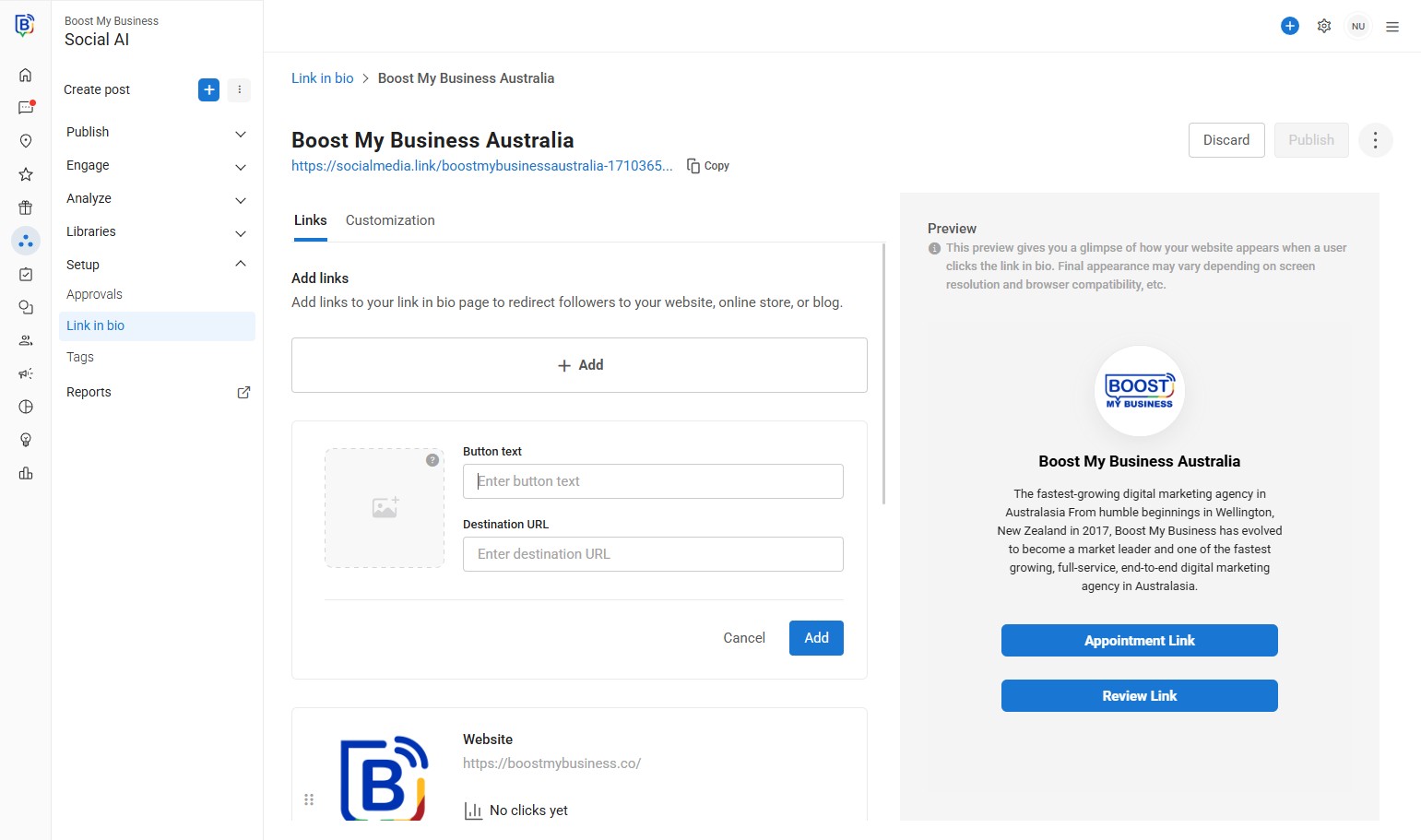
13. Click the “Enter destination URL” field.
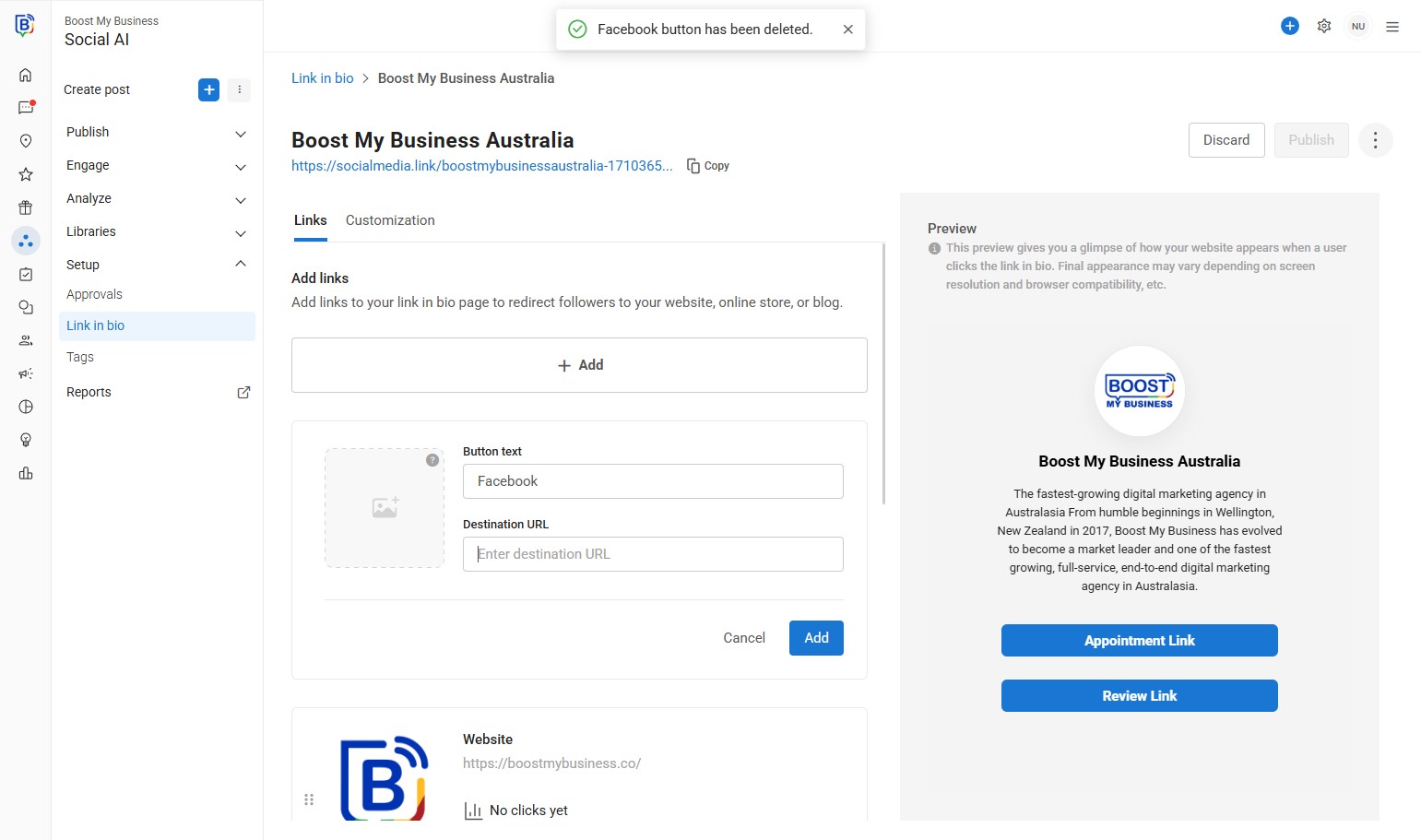
14. Click “Add”.
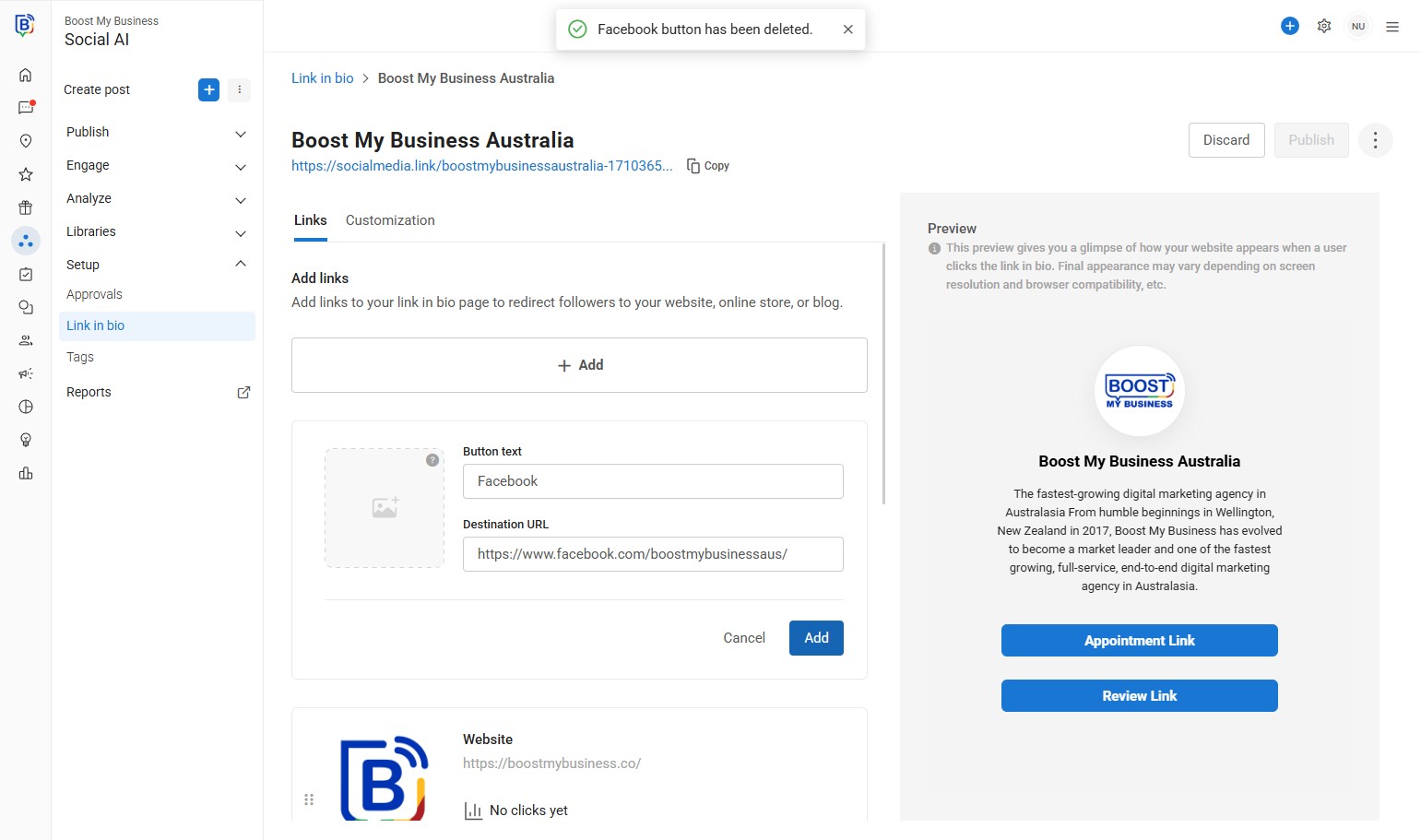
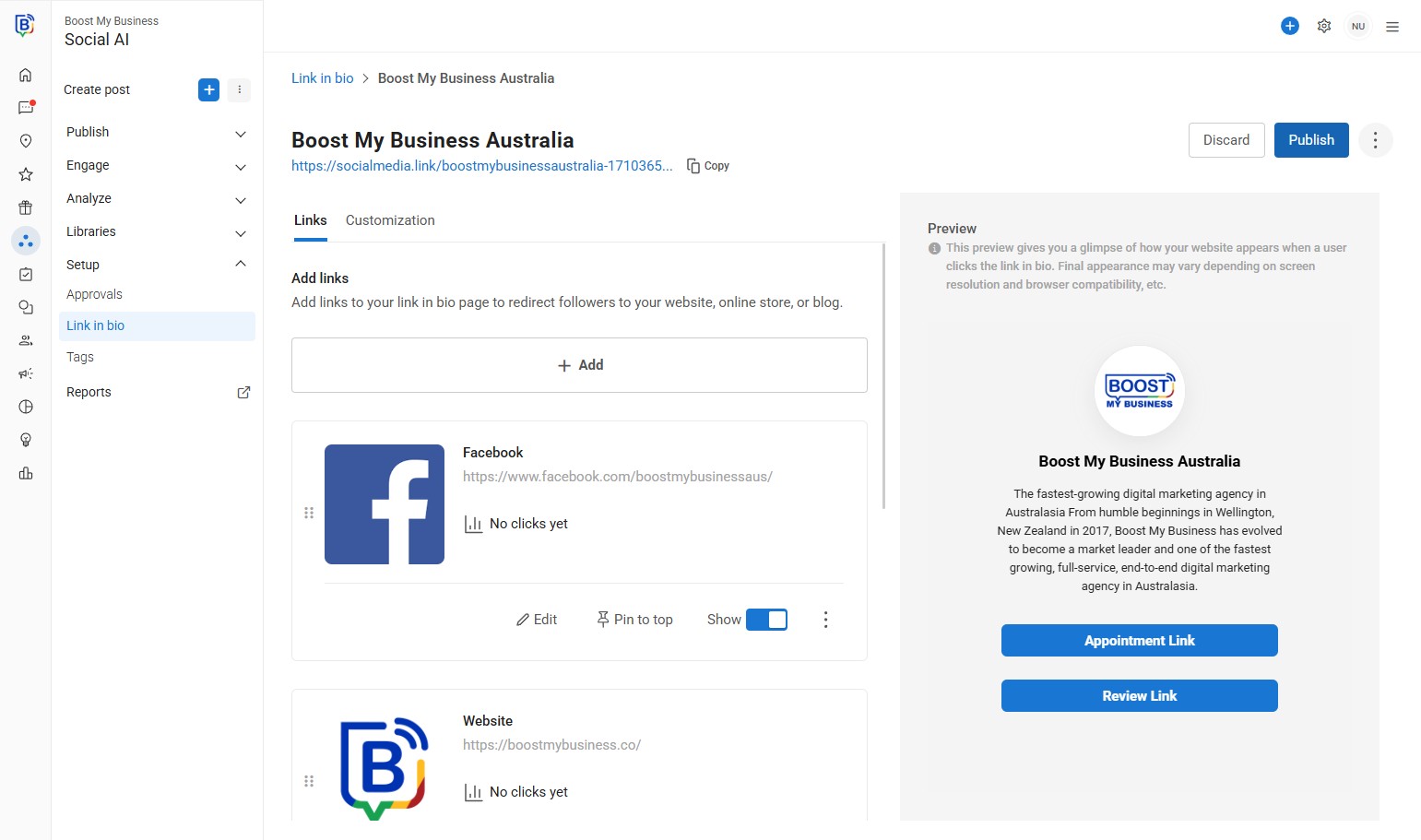
15. Once finished with all links click “Publish”.
16. Select you business.
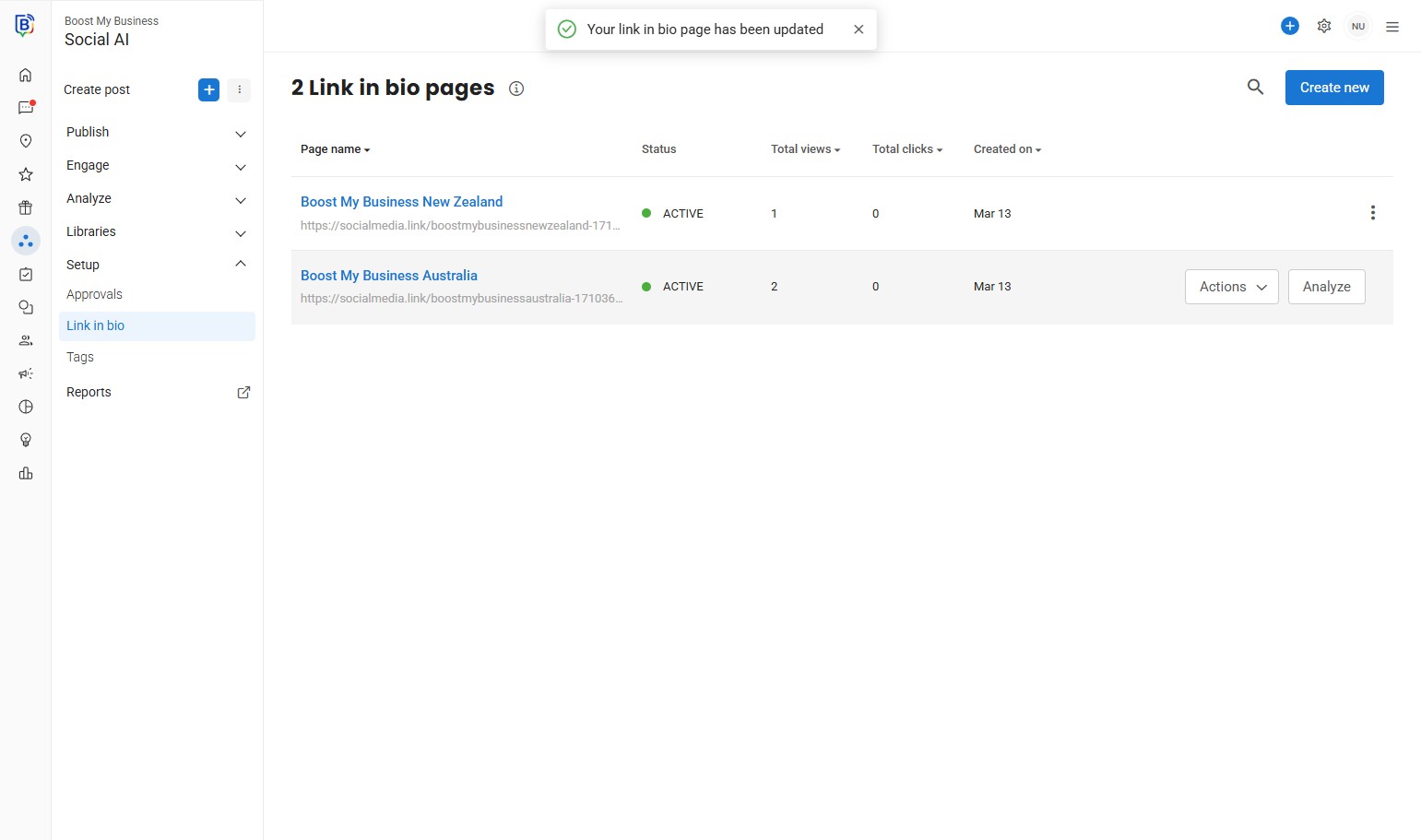
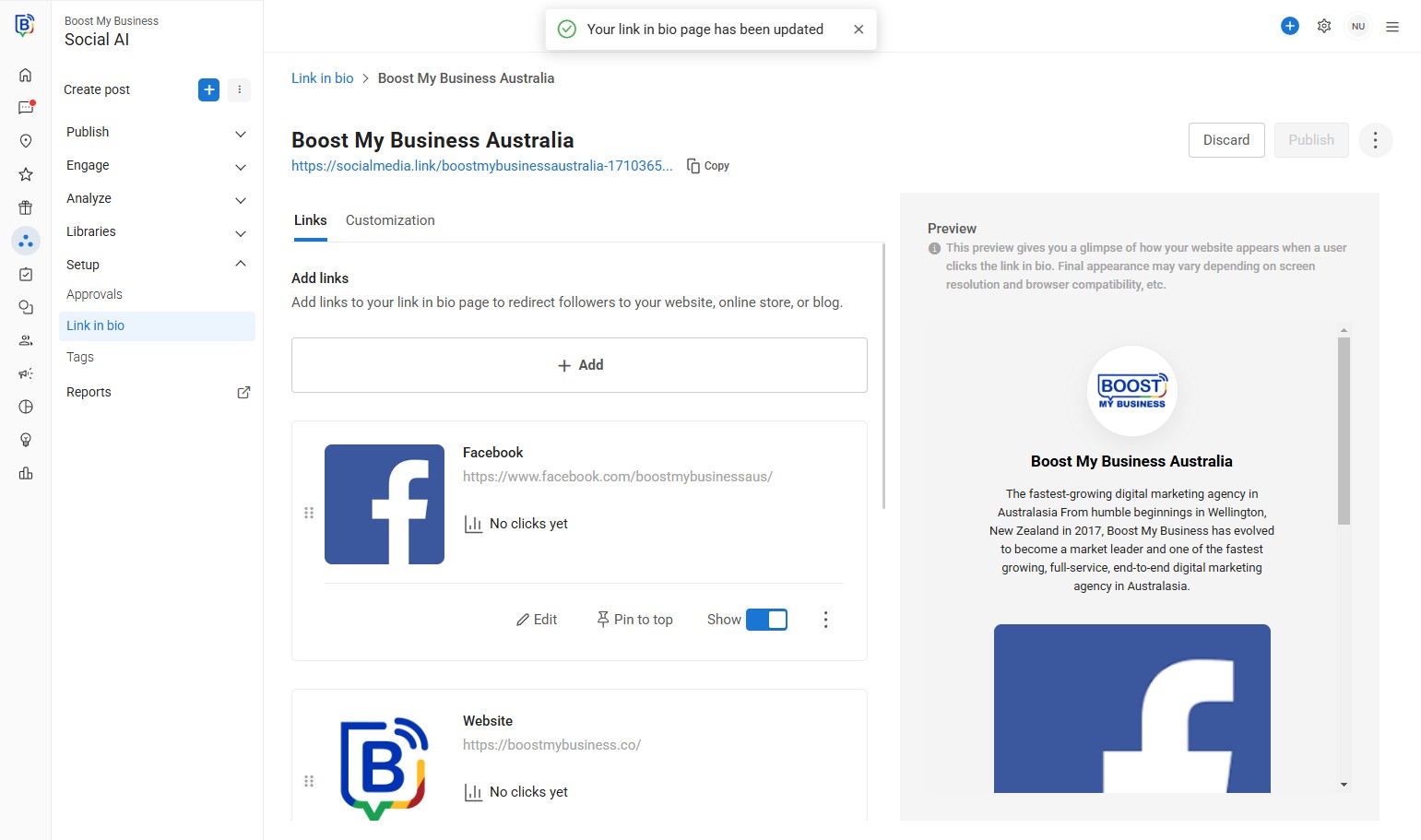
17. You can copy link to share.
If you need further assistance, feel free to consult with your account manager or contact support onboarding@boostmybiz.com.au