


Business Online Management Quick Start Guide – Reviews | Help Article:
How to Promote Your Business on a Website
15 steps | 2 minutes
01. Navigate to your Boost My Business Dashboard
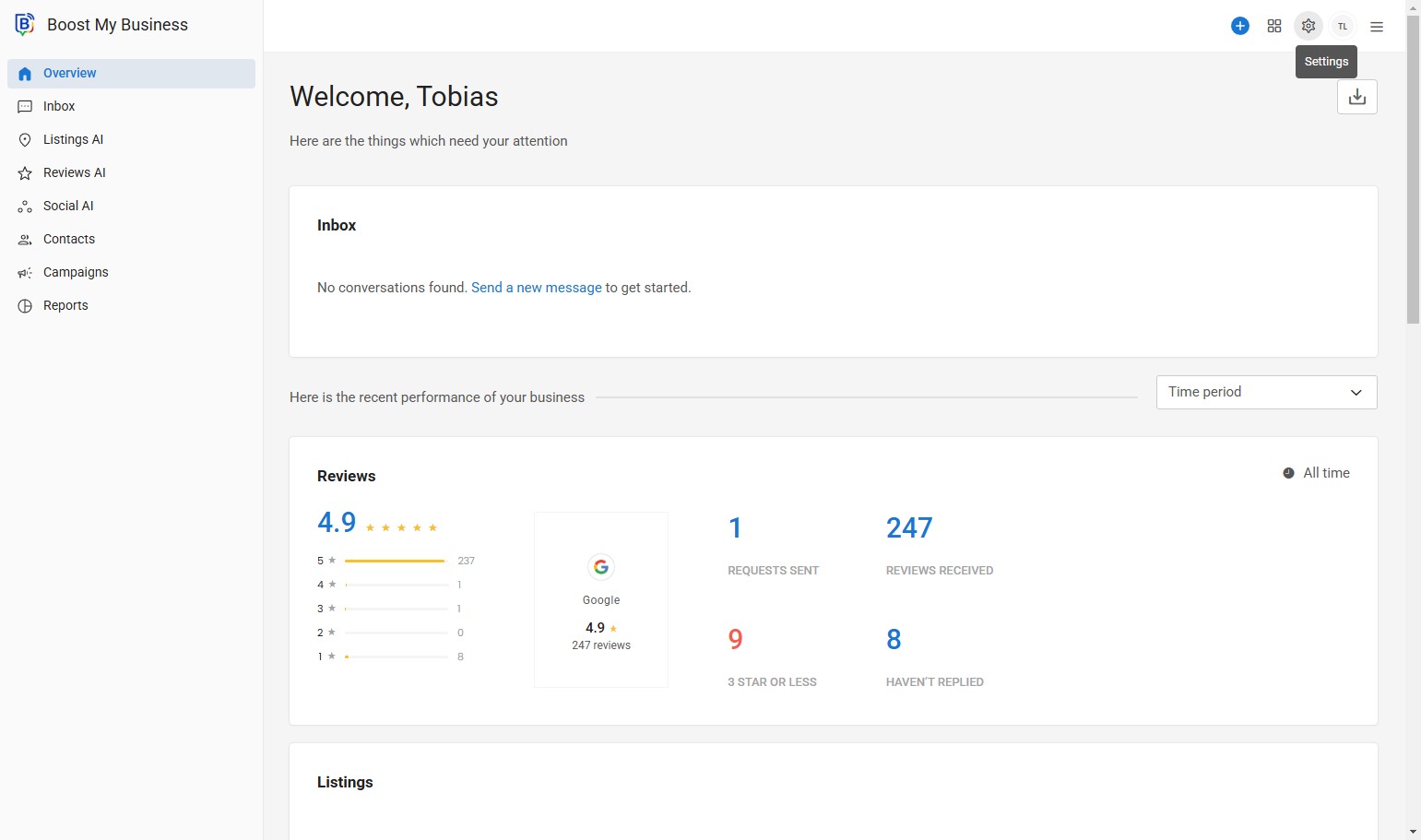
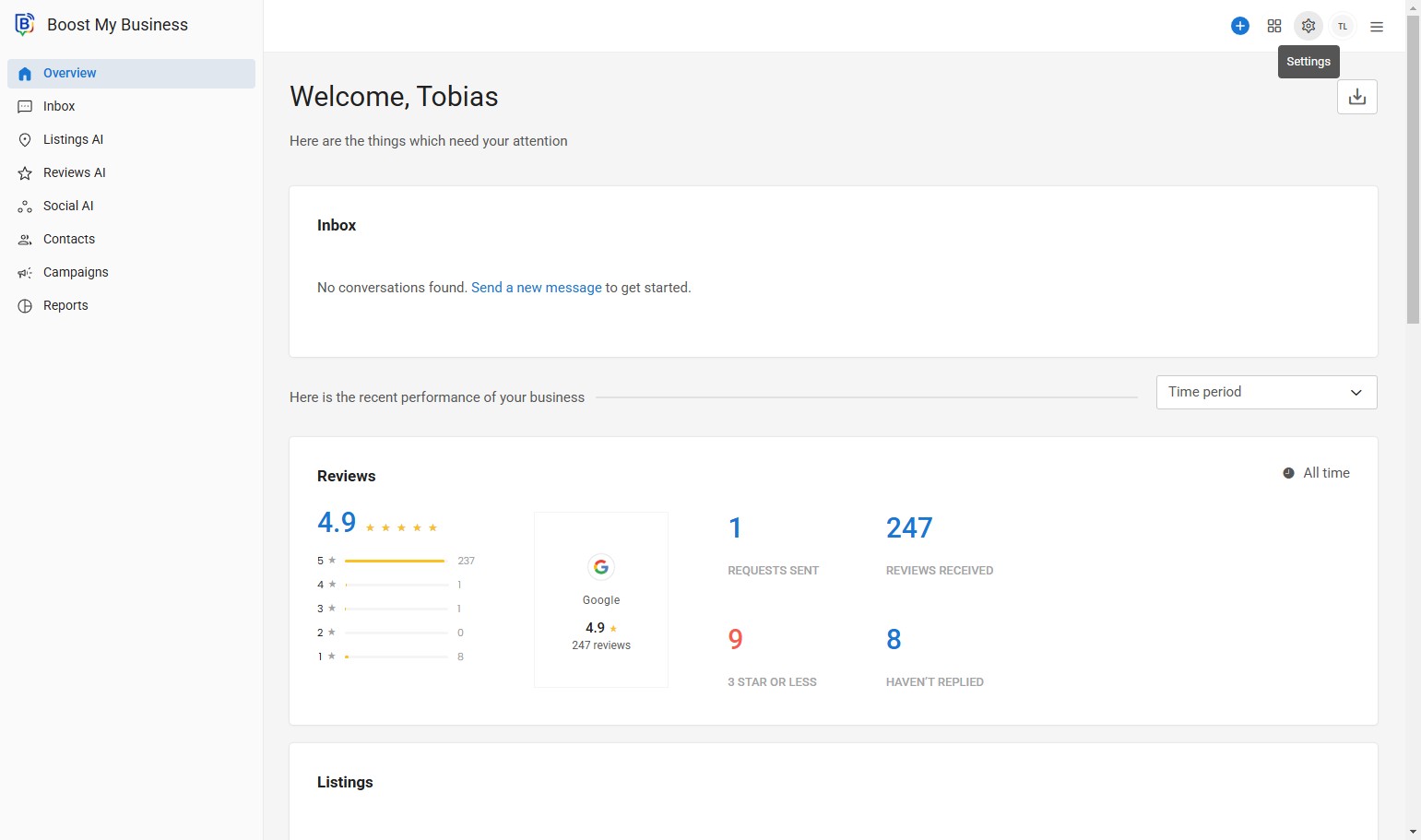
02. Click “Settings”.
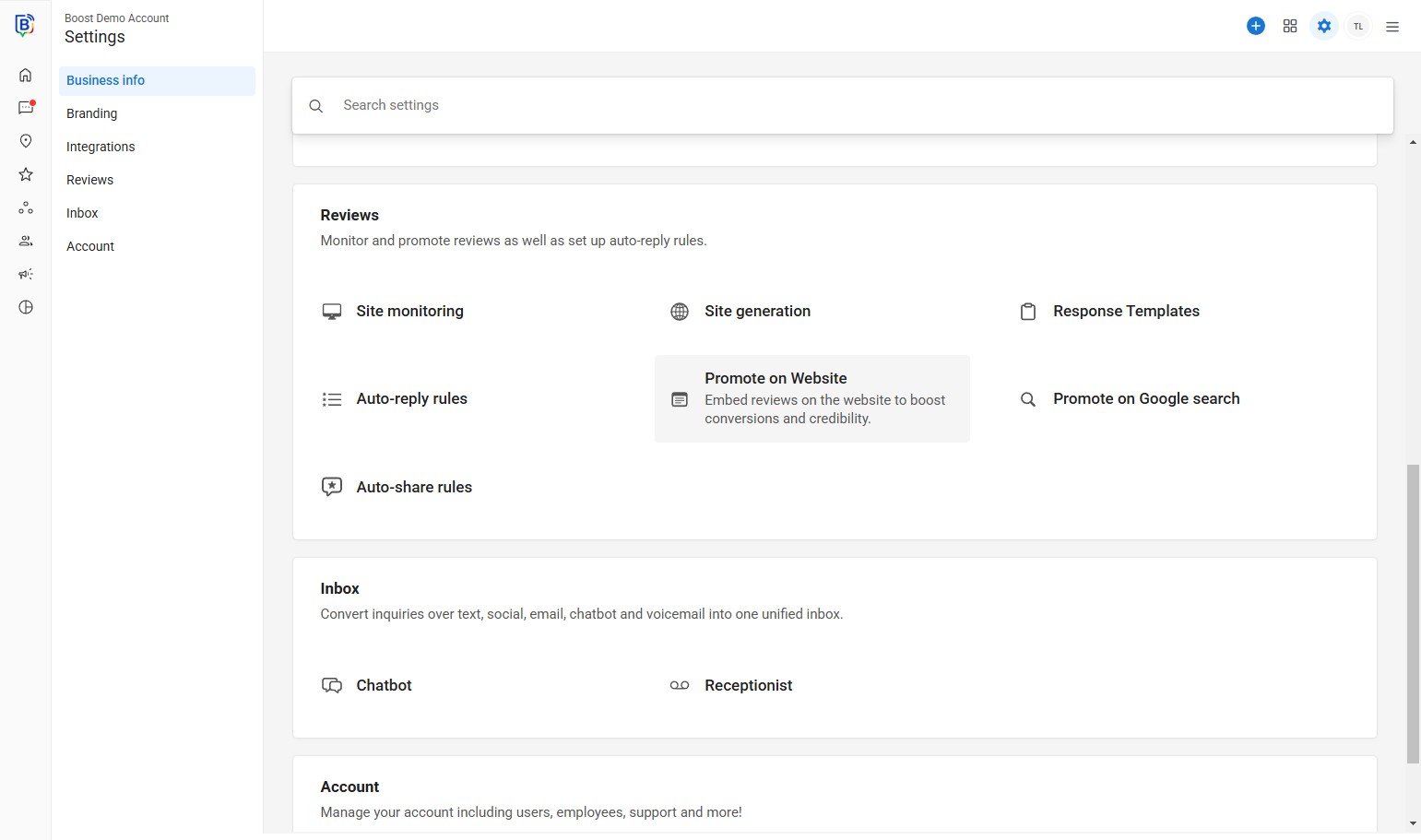
03. Click “Promote on Website”.
04. Change the widget type.
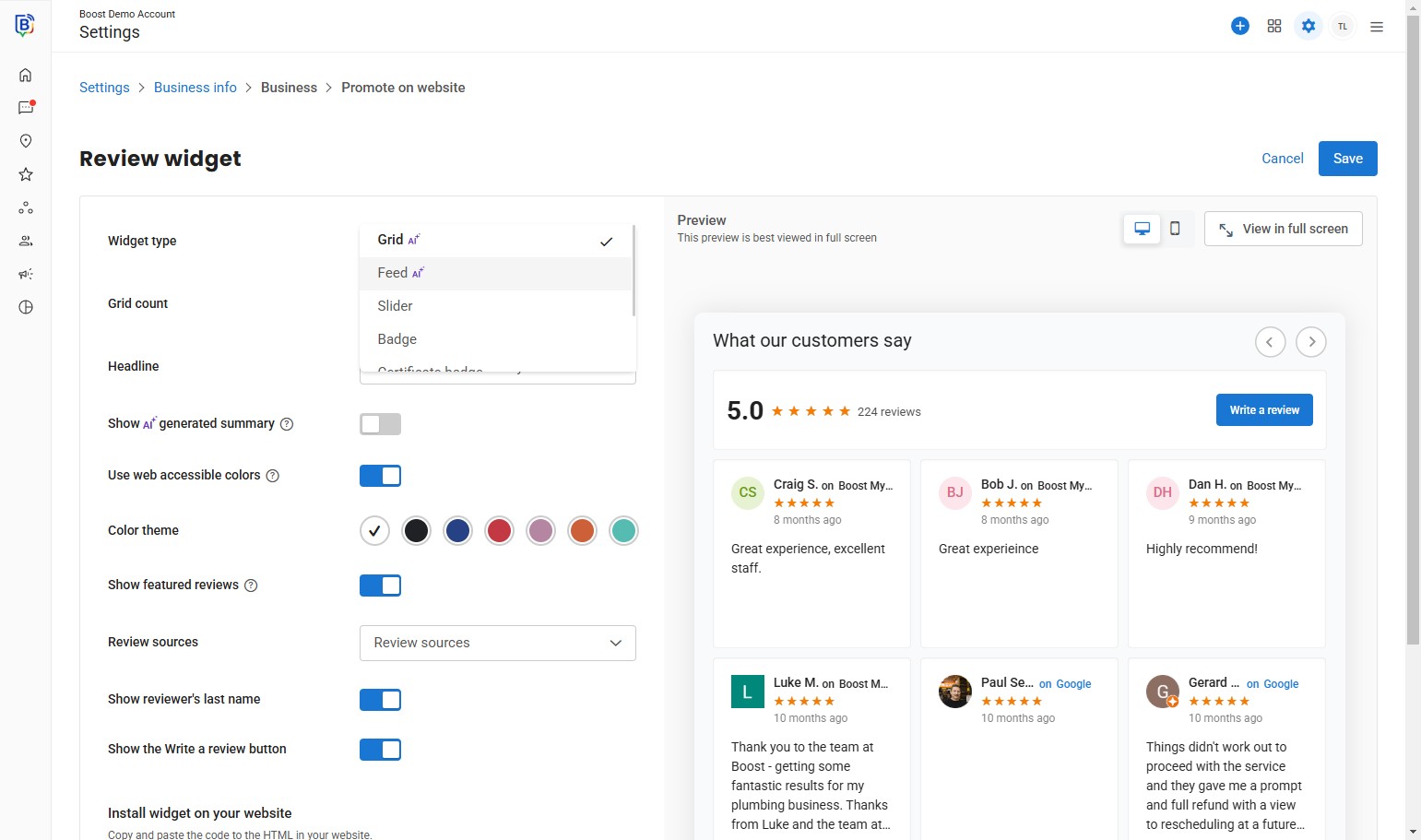
05. Click here.
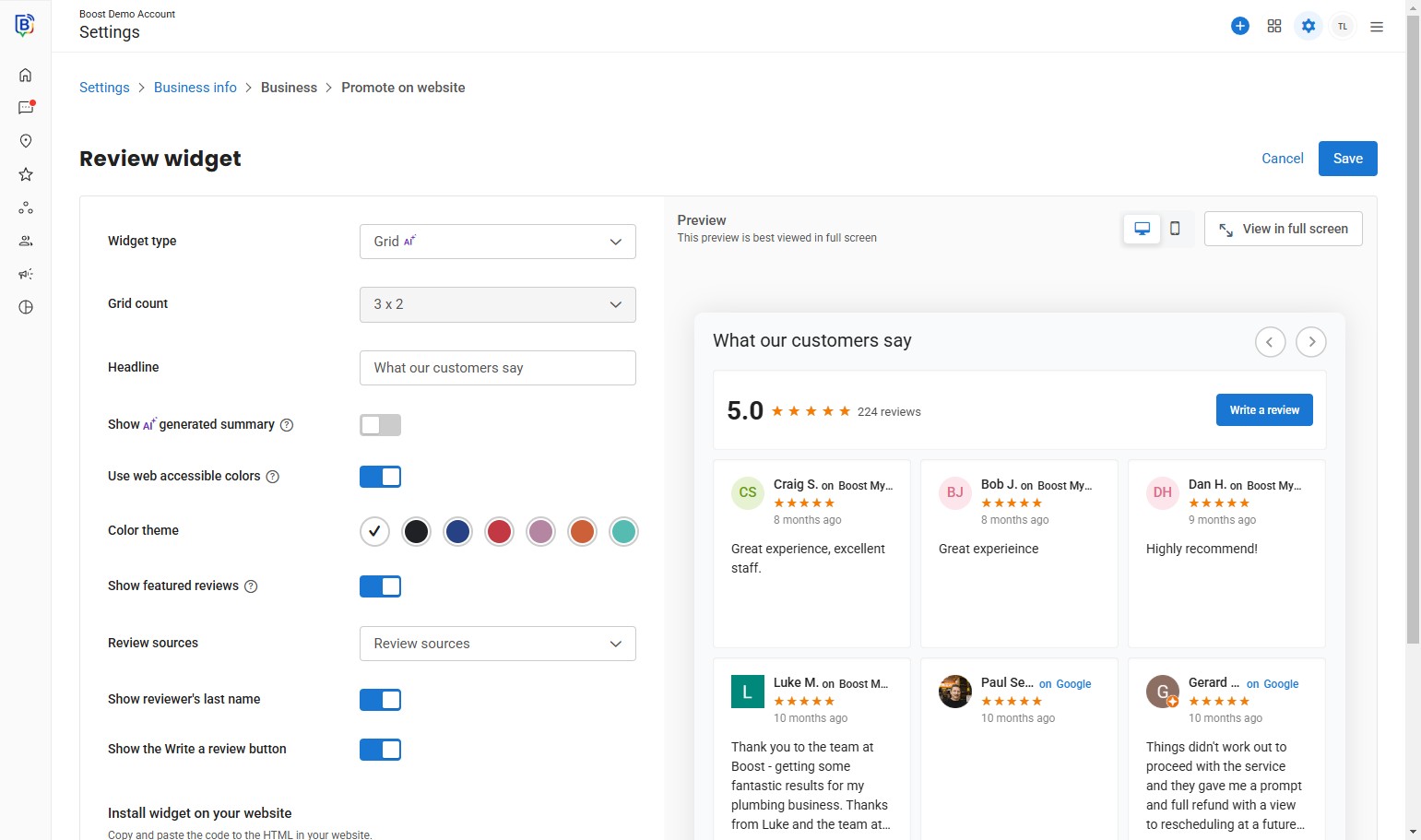
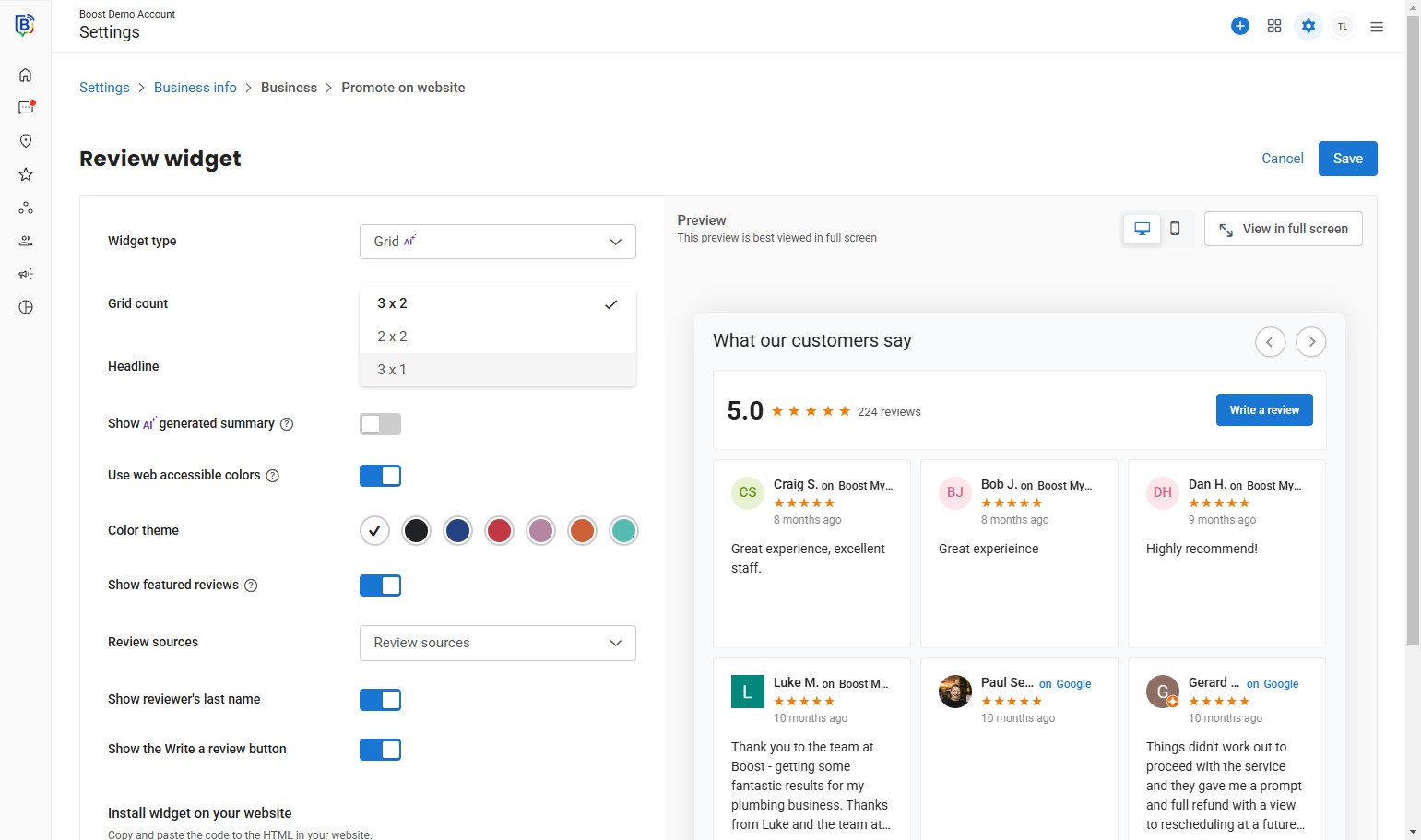
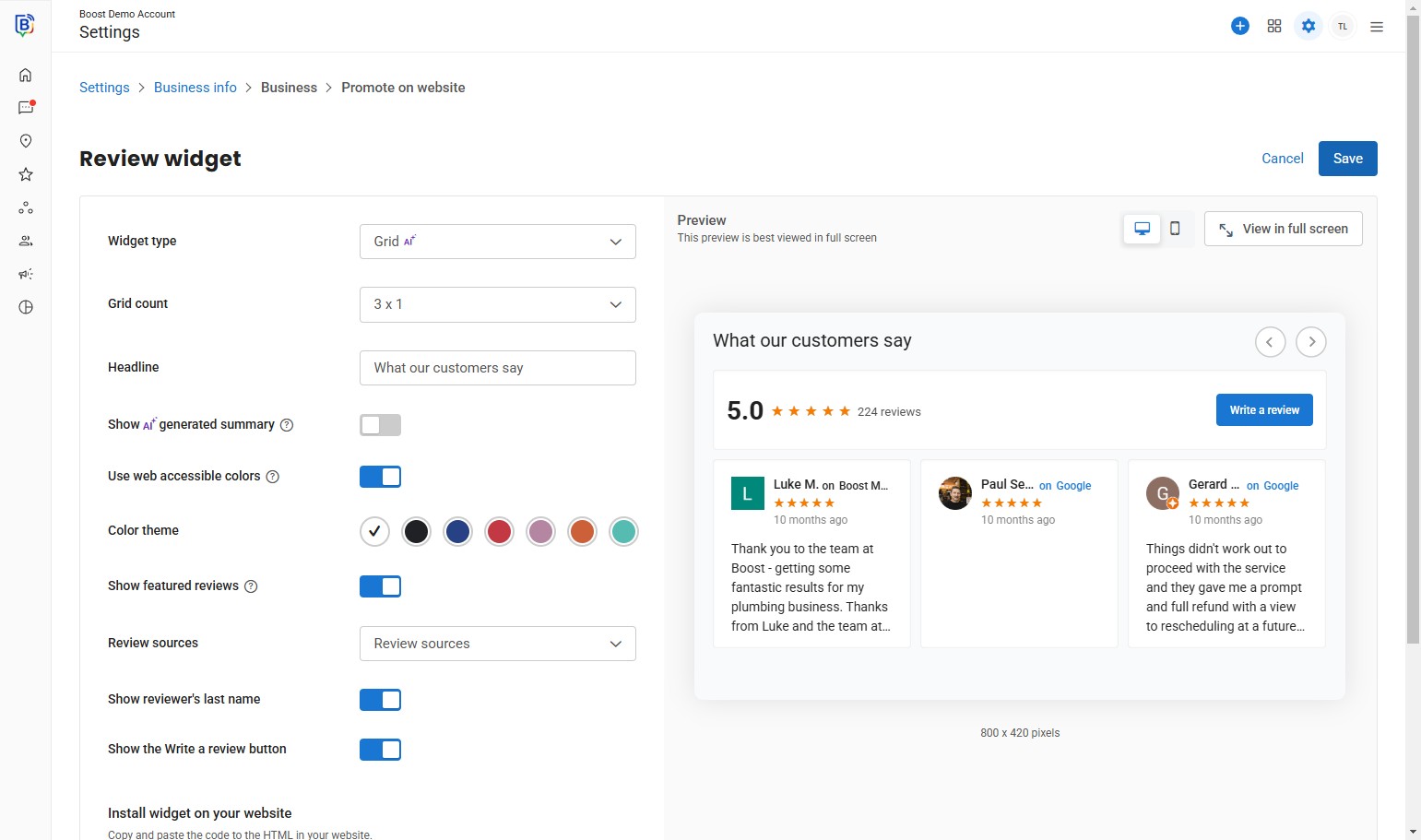
6. You can change the Grid count “3 x 1”.
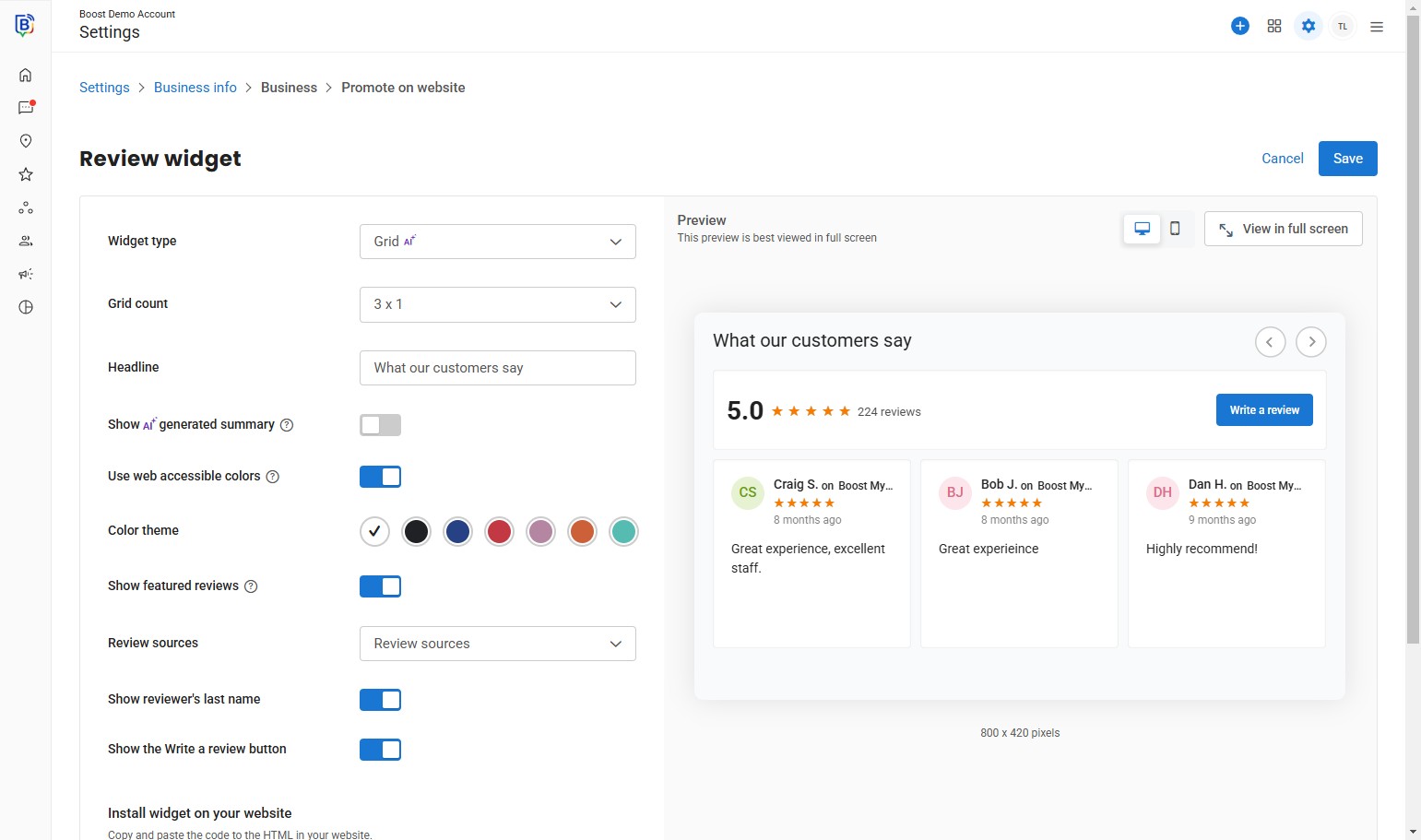
7. You can activate a AI summary (at least 10 reviews).
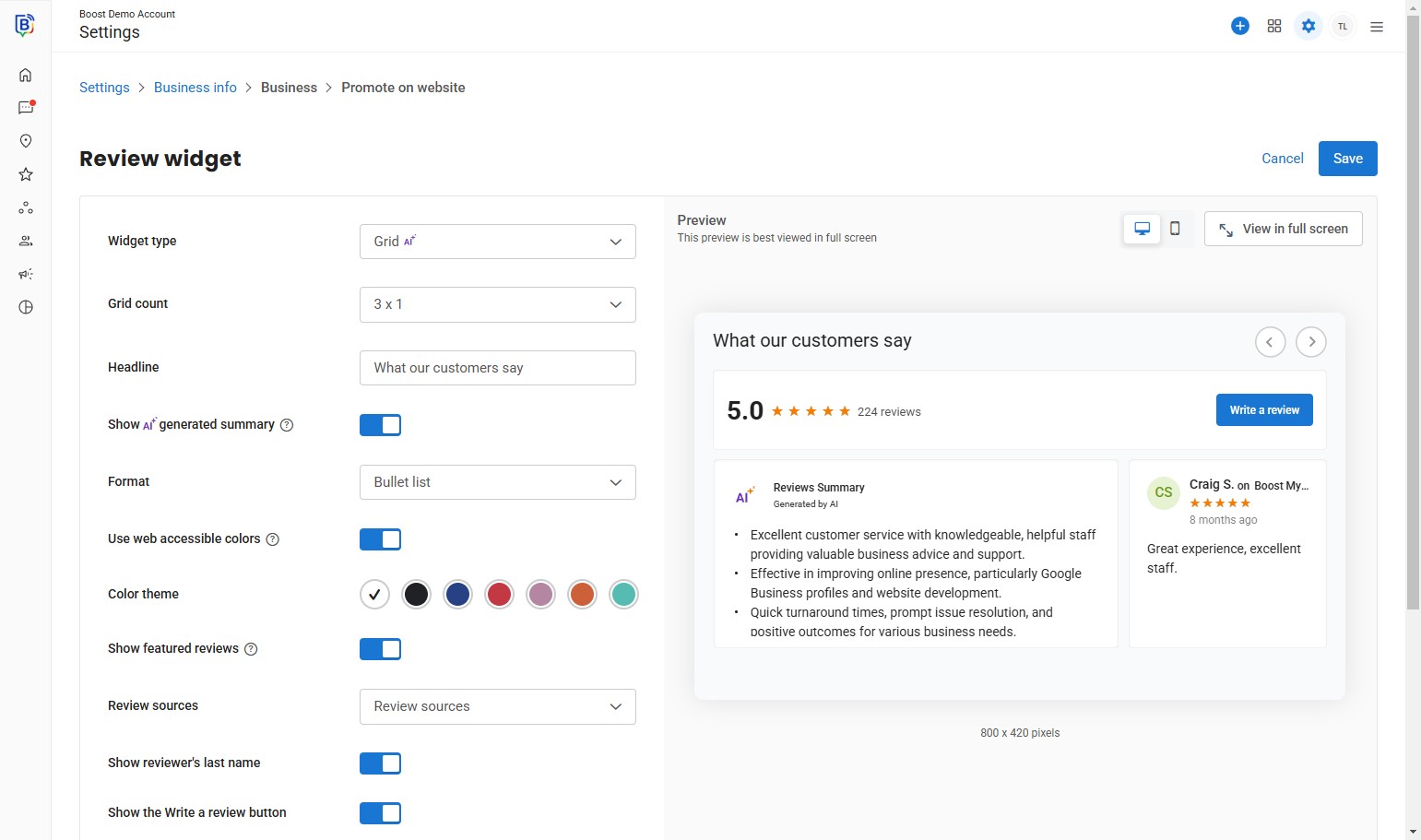
8. AI Summary example.
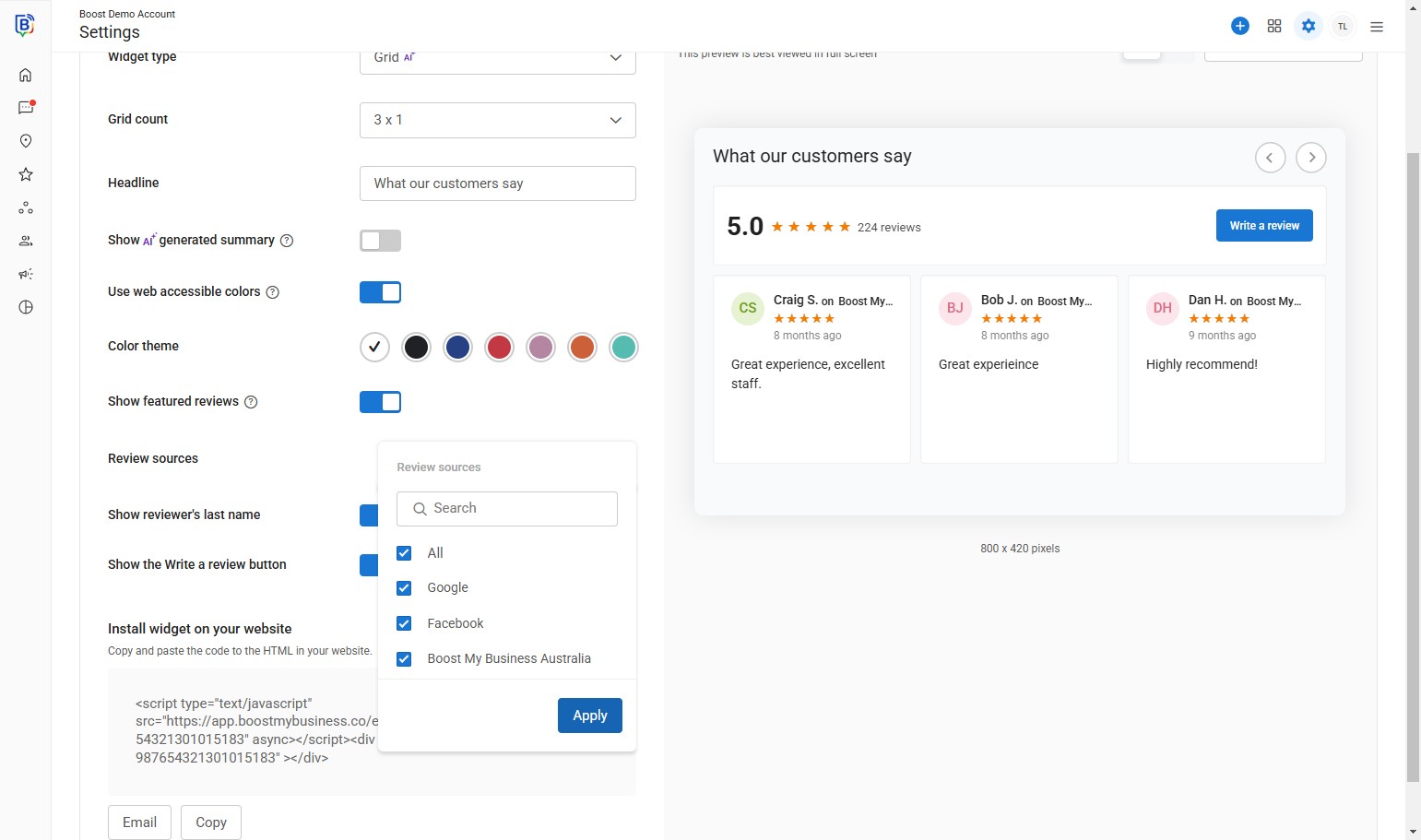
9. Select the review source.
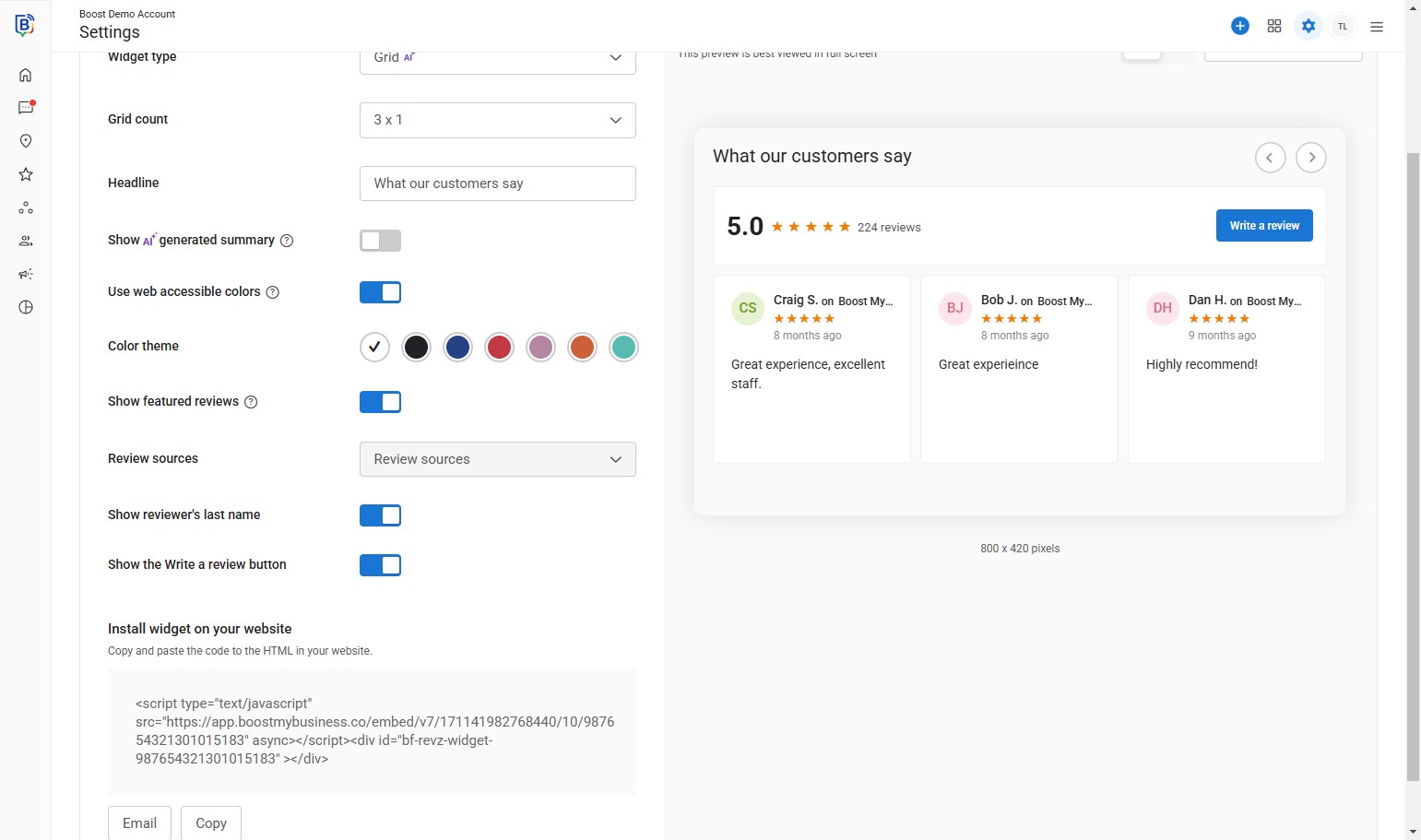
10. Click “Apply”.
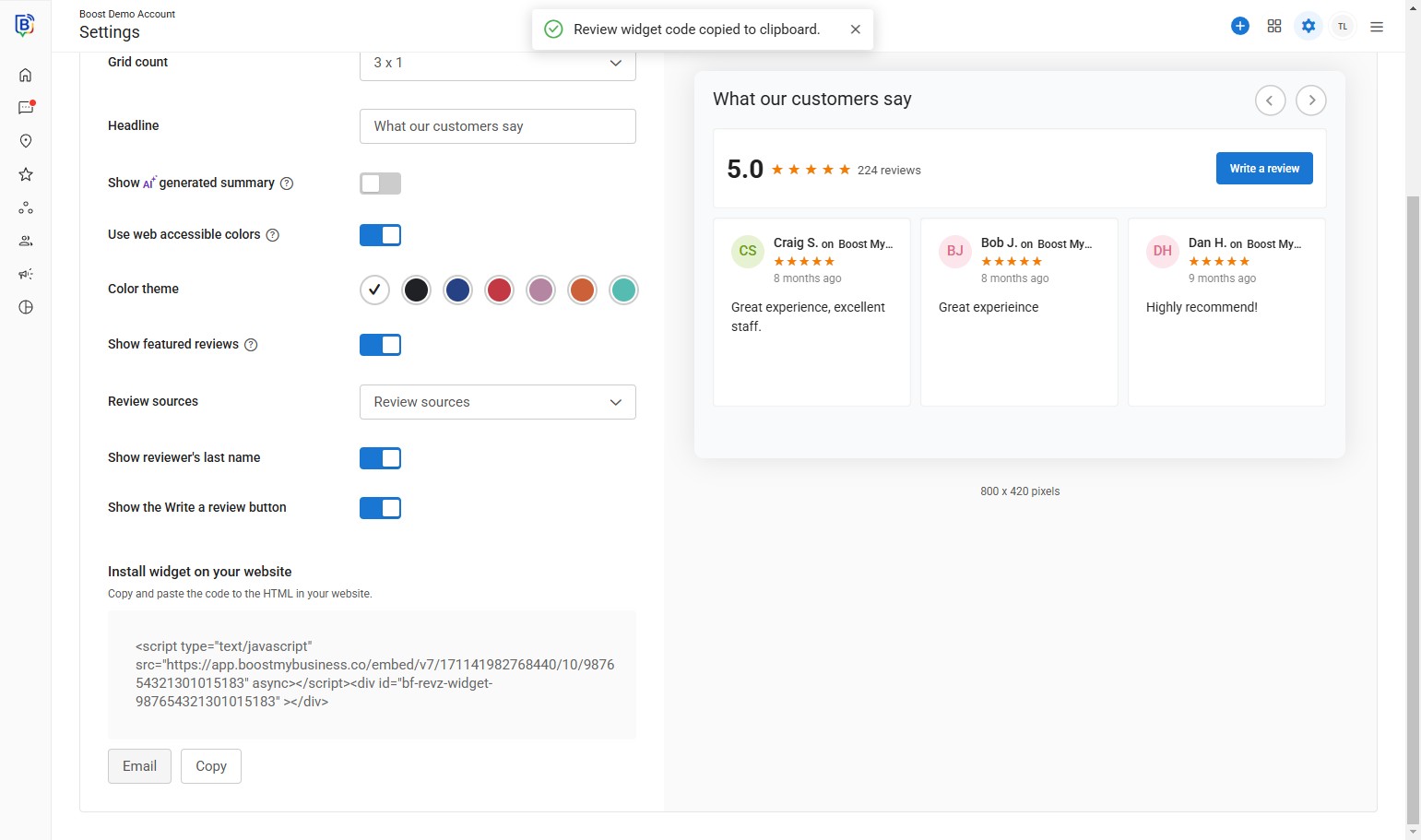
11. You can either “Copy” widget link or… (see slide 12)
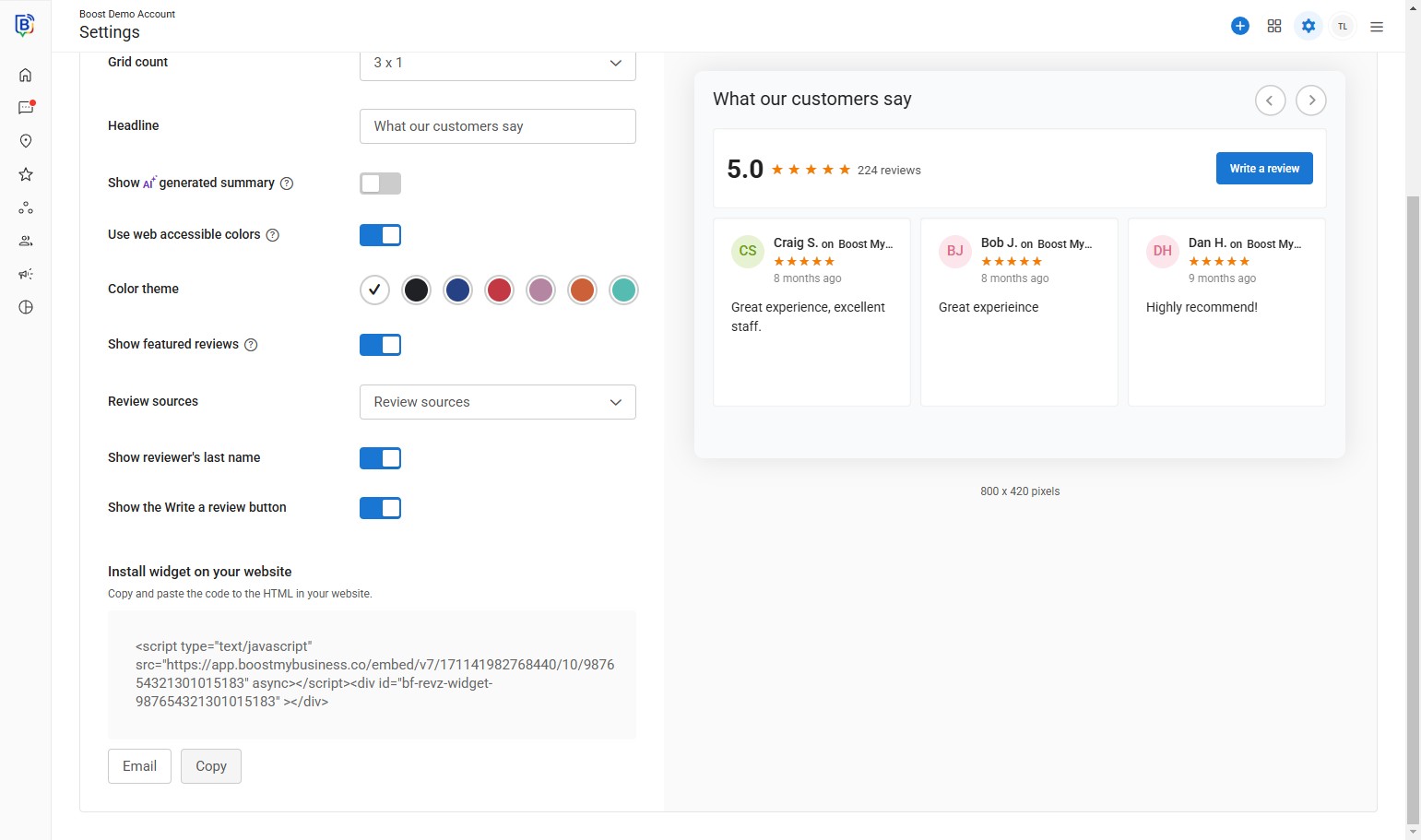
12. Send direct via “Email” to your web developer.
13. “Enter email addresses separated by a comma” field.
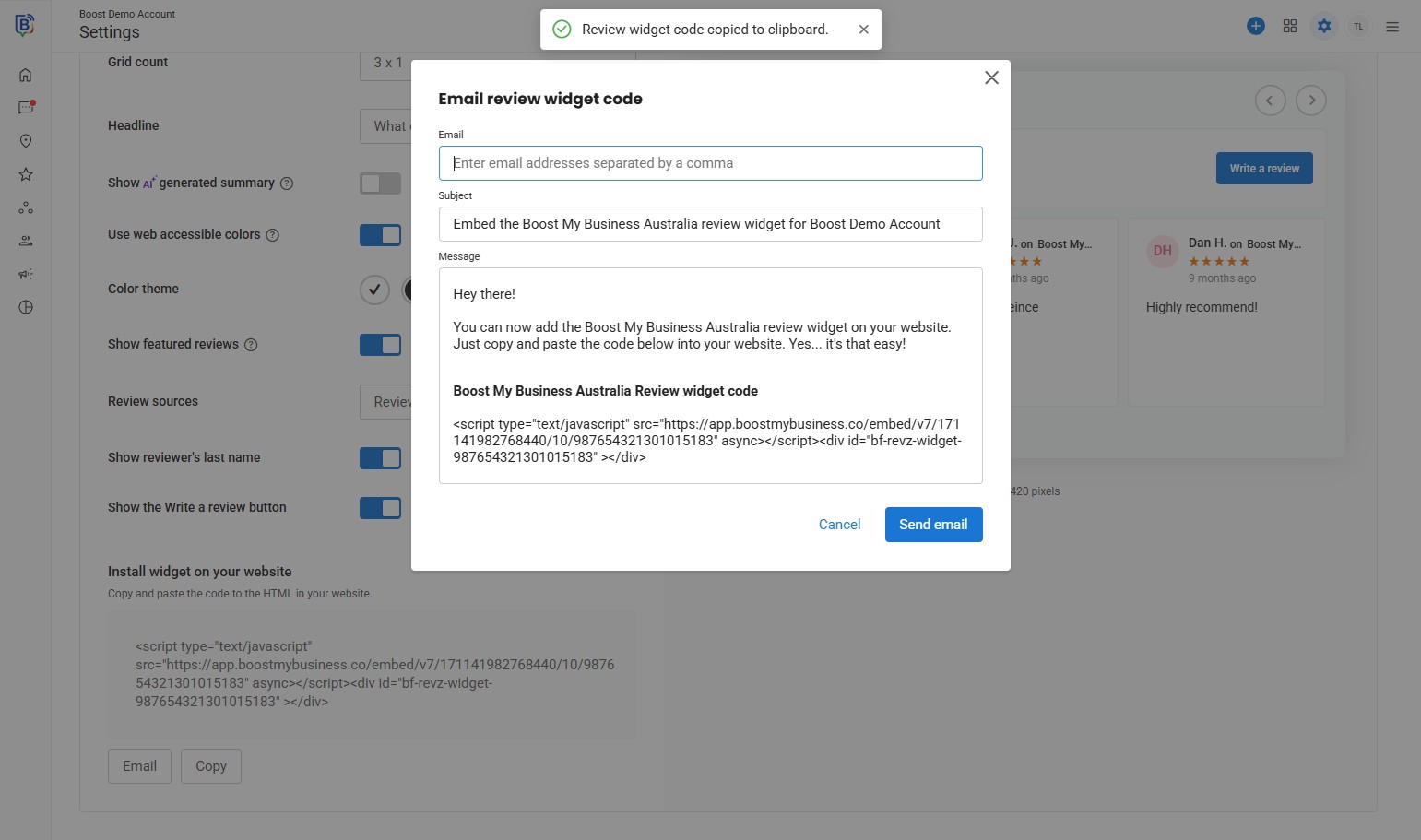
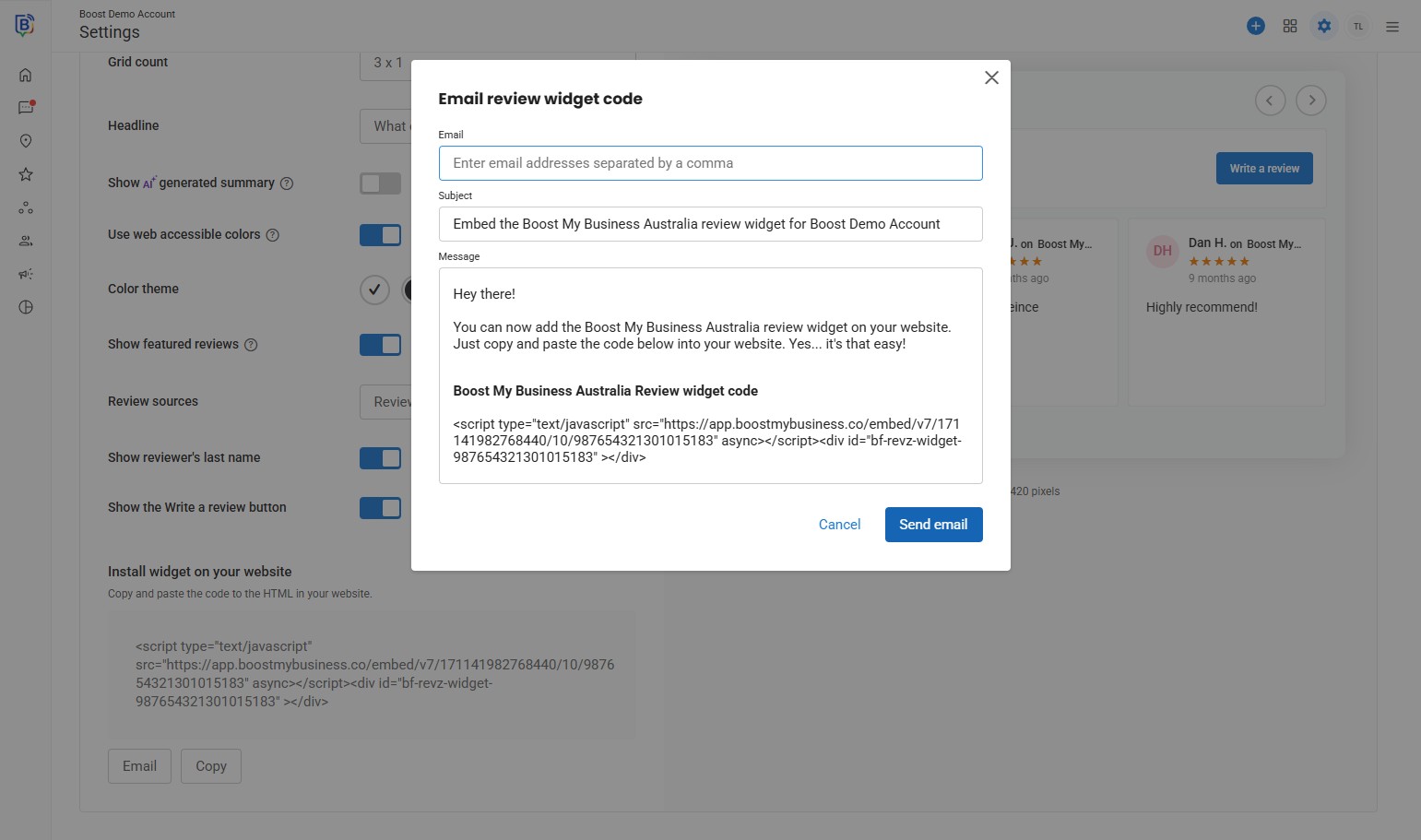
14. Click “Send email”.
15. Click “Save”.
If you need further assistance, feel free to consult with your account manager or contact support onboarding@boostmybiz.com.au