


Business Online Management Quick Start Guide – Getting Started | Help Article:
How To Save Your Business Information Online
4 steps | 48 seconds
01. Click here.
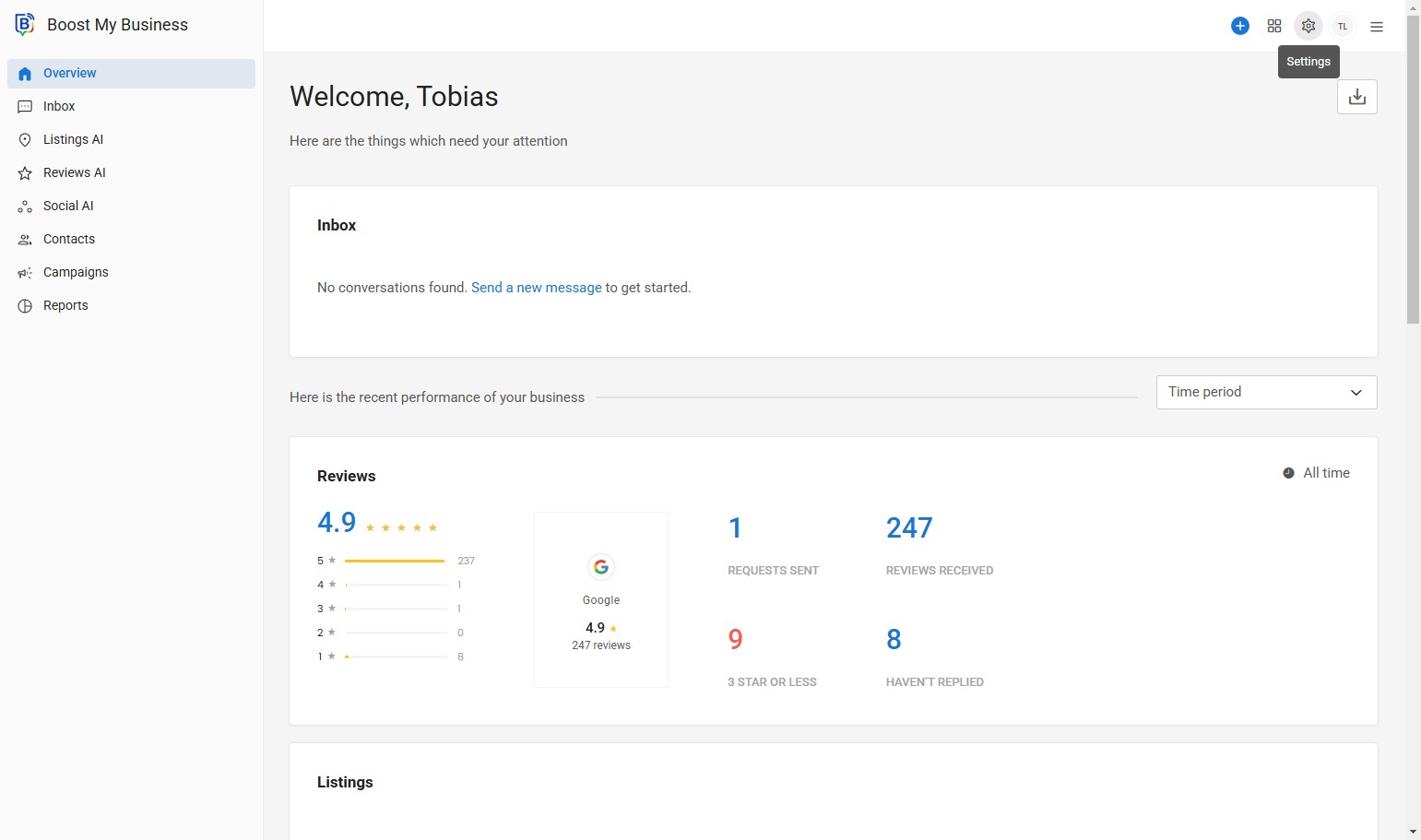
02. Click here.
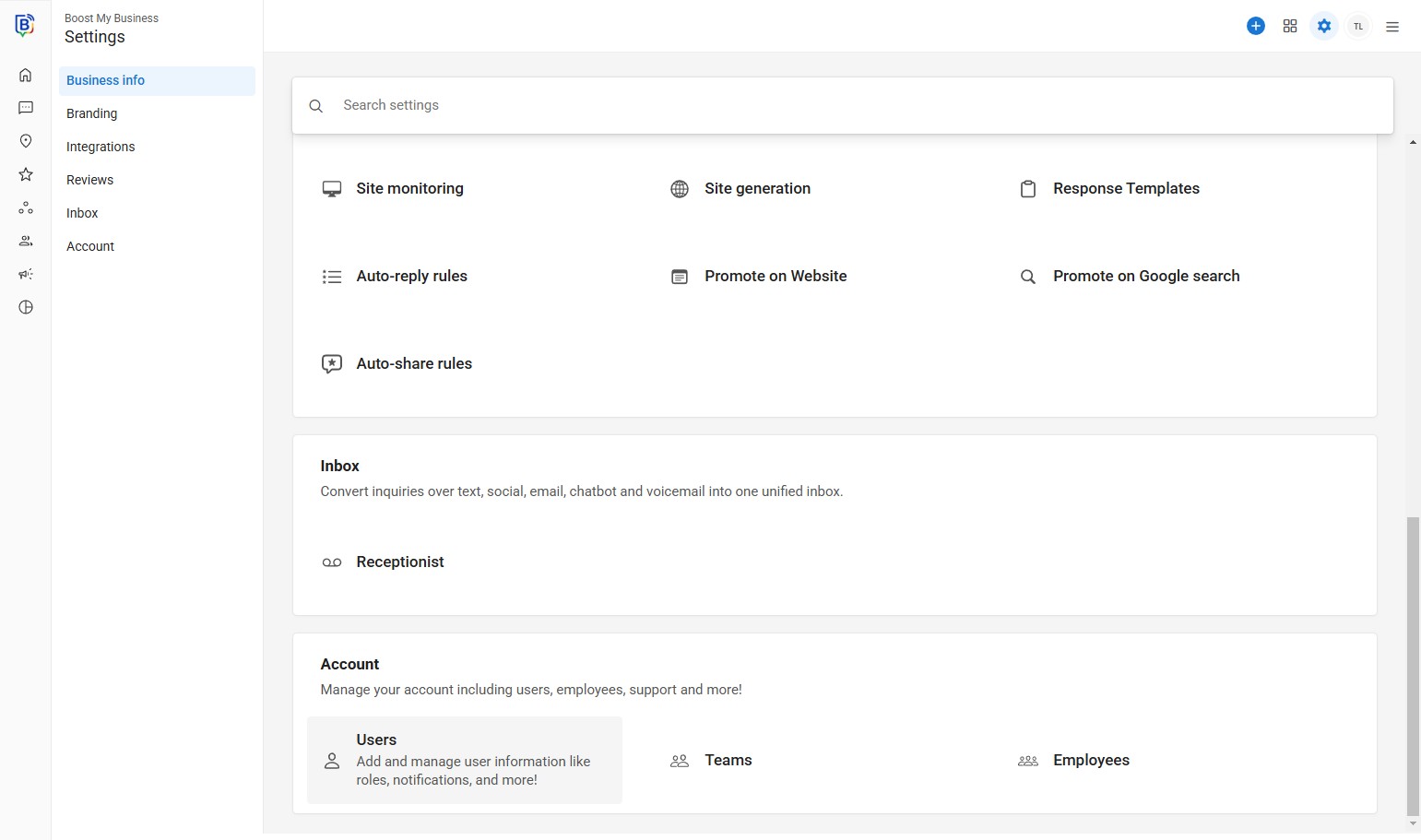
03. Click here.
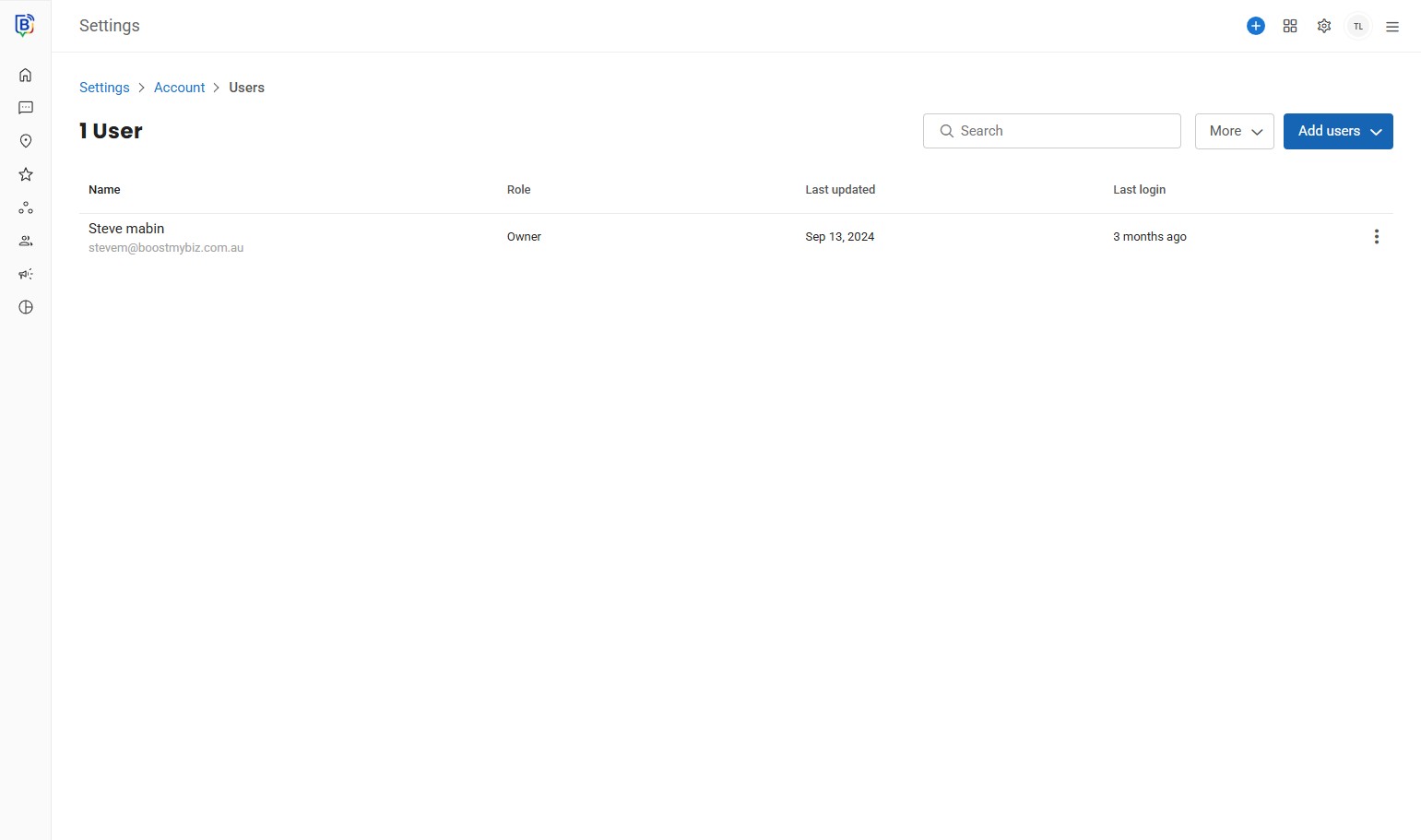
04. Click “Add a single user”
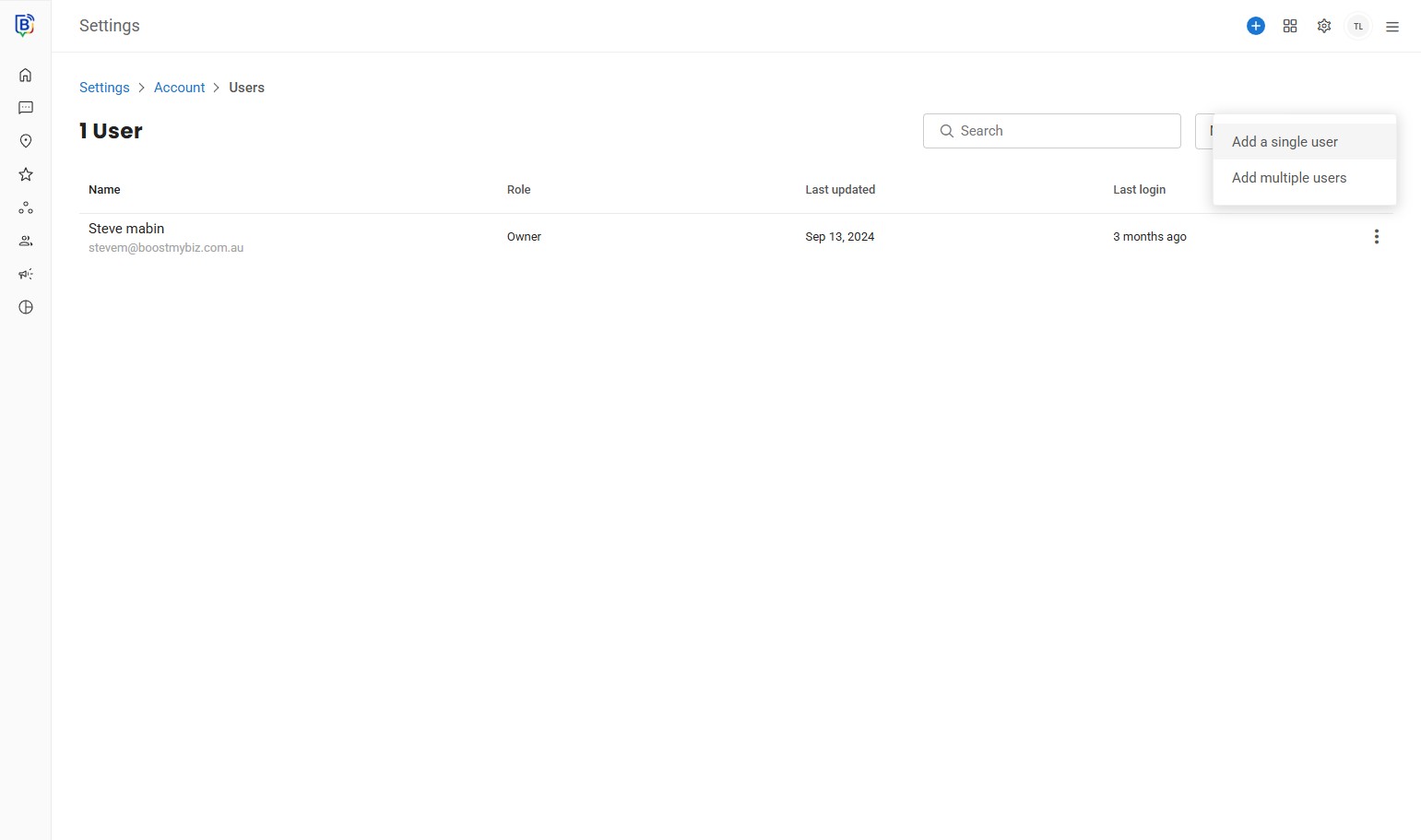
05. Click the “First Name *” field.
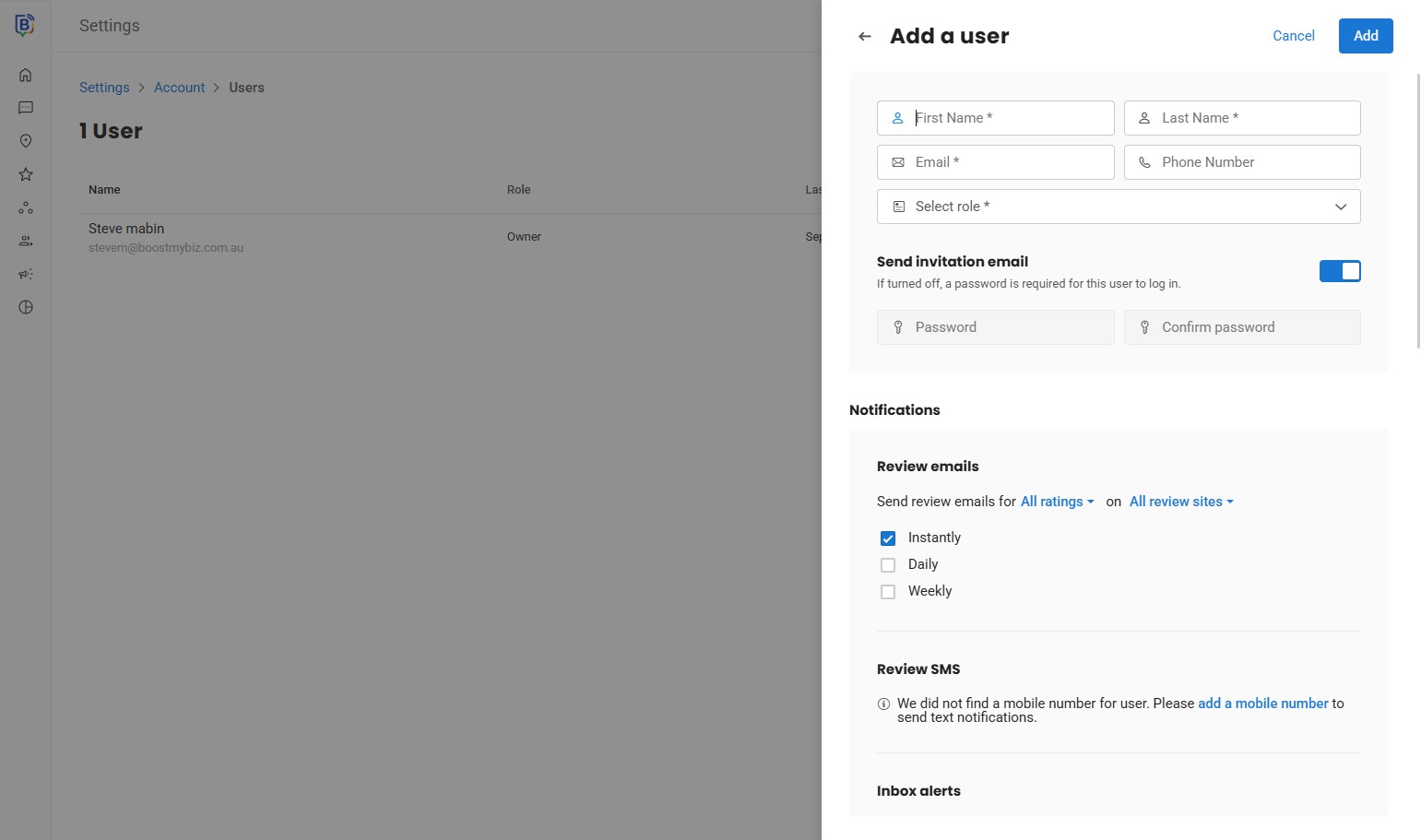
06. Type user’s first name.
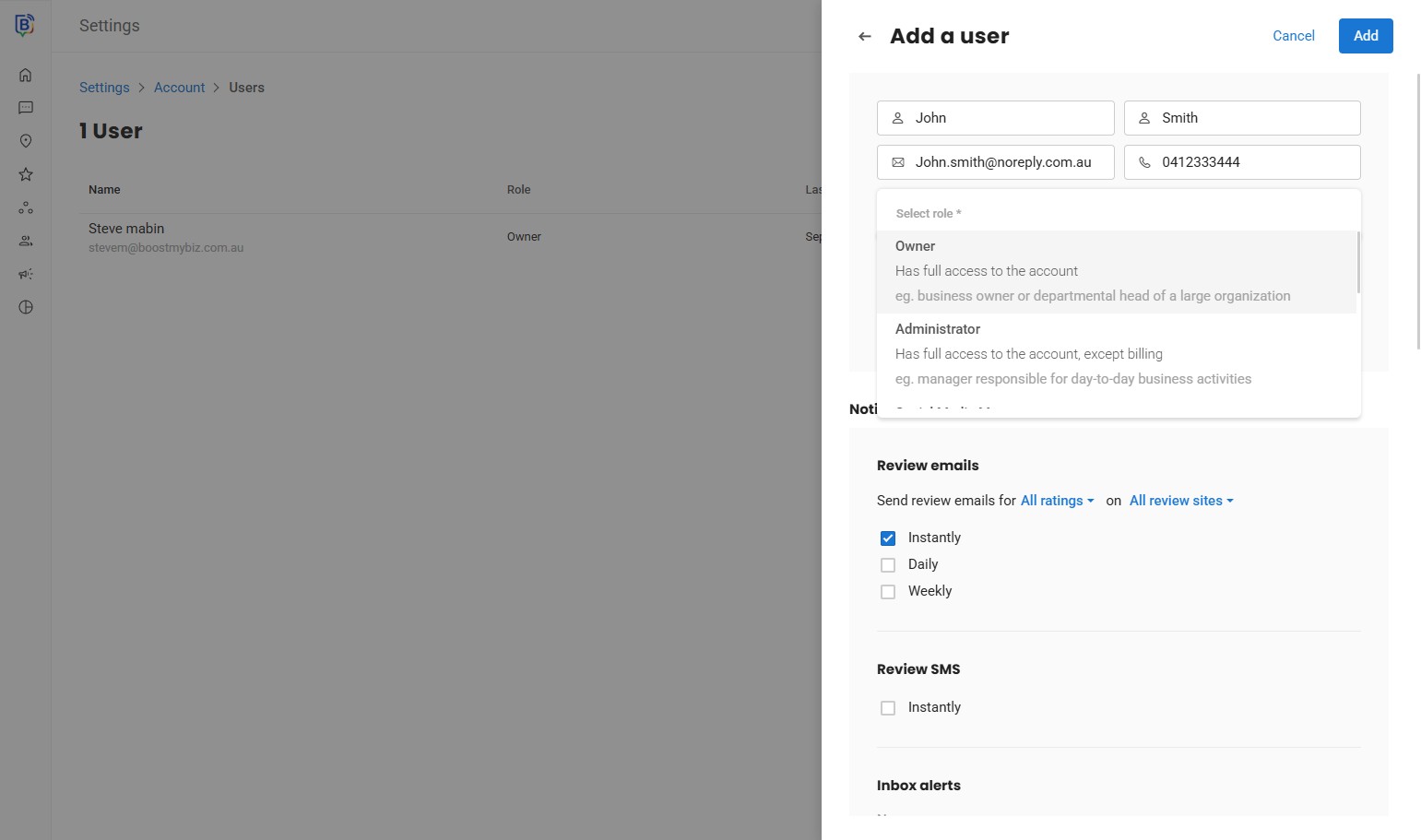
07. Type user’s last name.
08. Type user’s email.
09. Type user’s phone number.
10. Click “Has full access to the account”
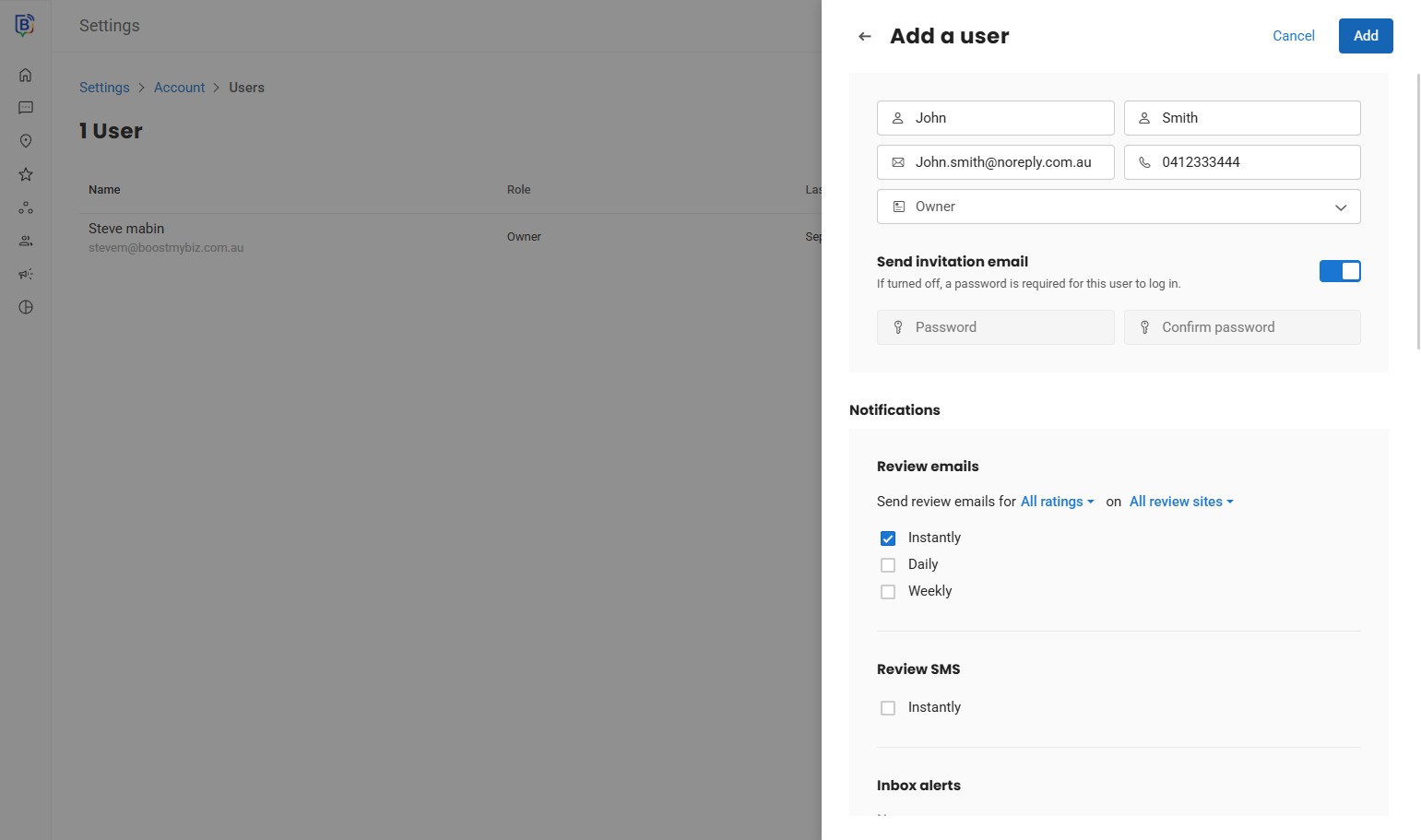
11. Click “Add”
If you need further assistance, feel free to consult with your account manager or contact support onboarding@boostmybiz.com.au